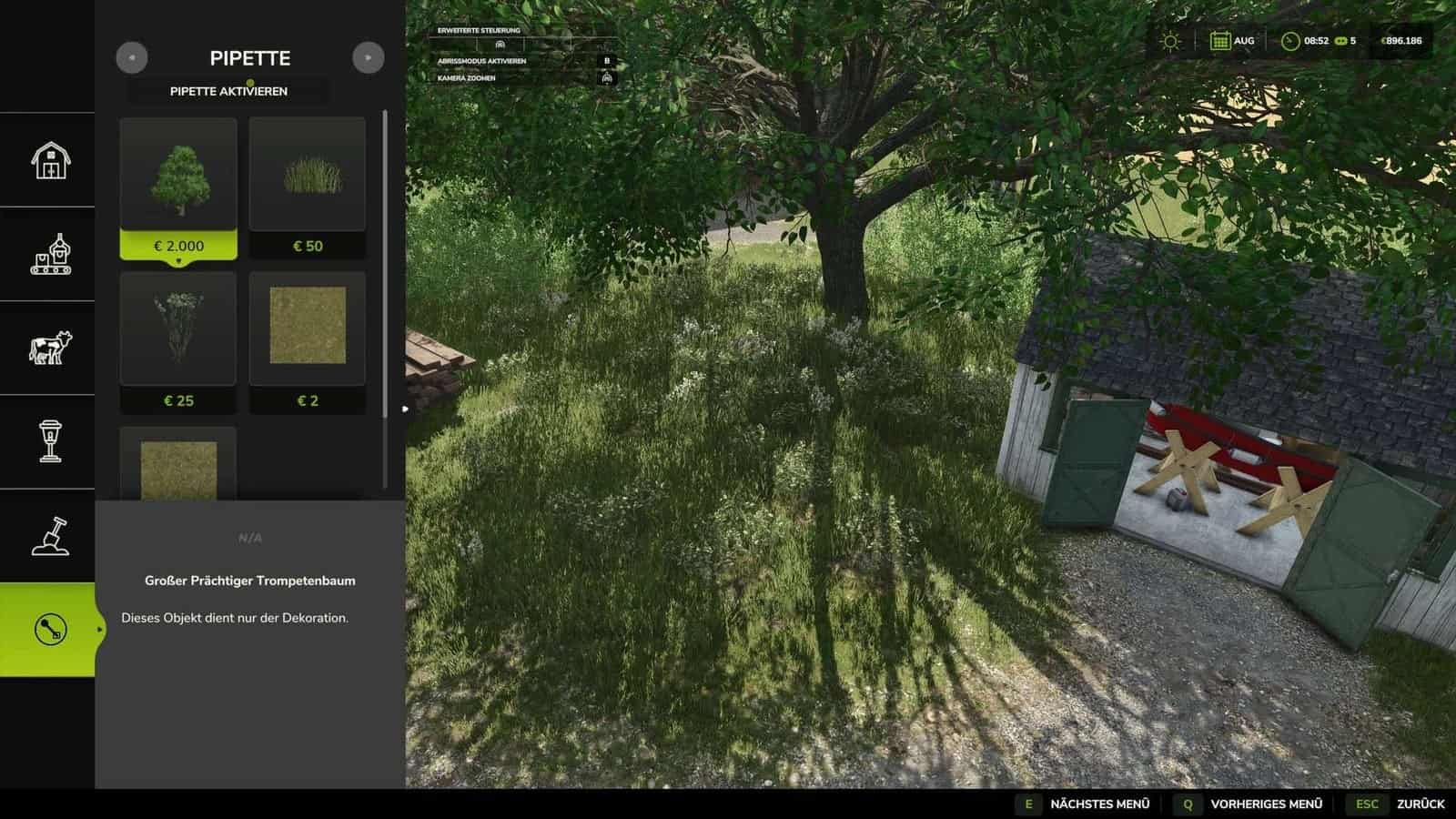
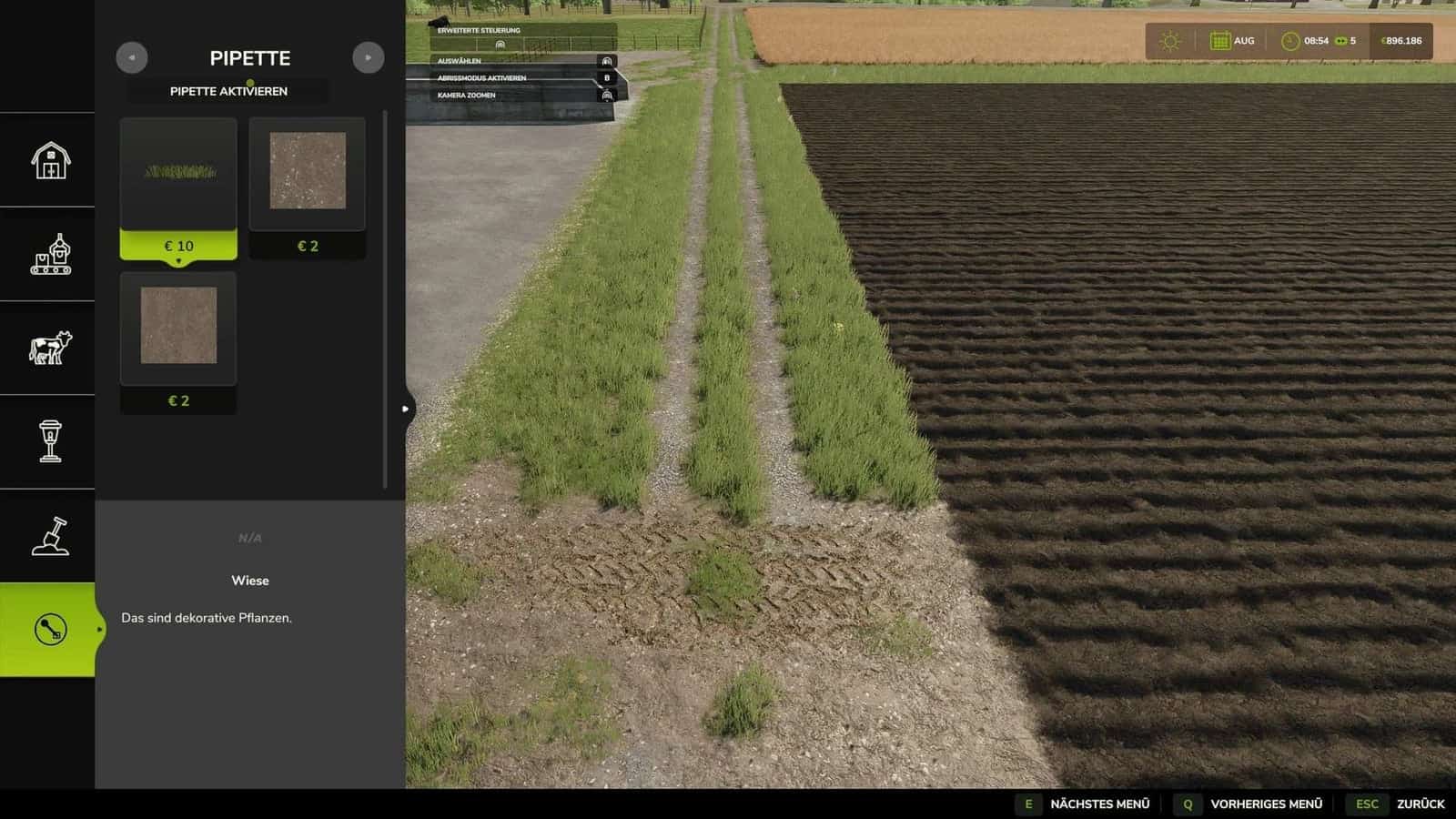
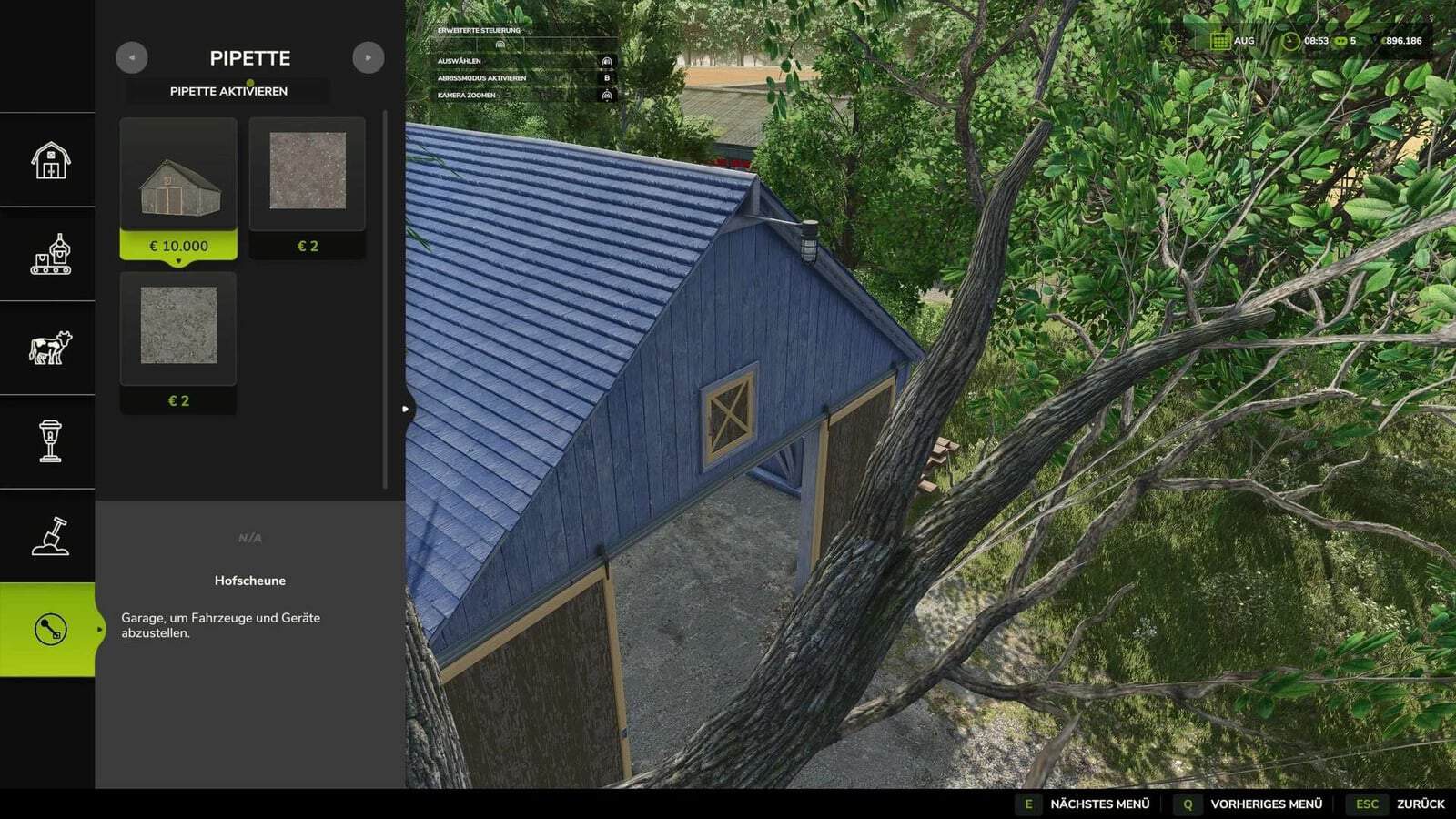
FS25 Texture Pipette v2.2.0.1
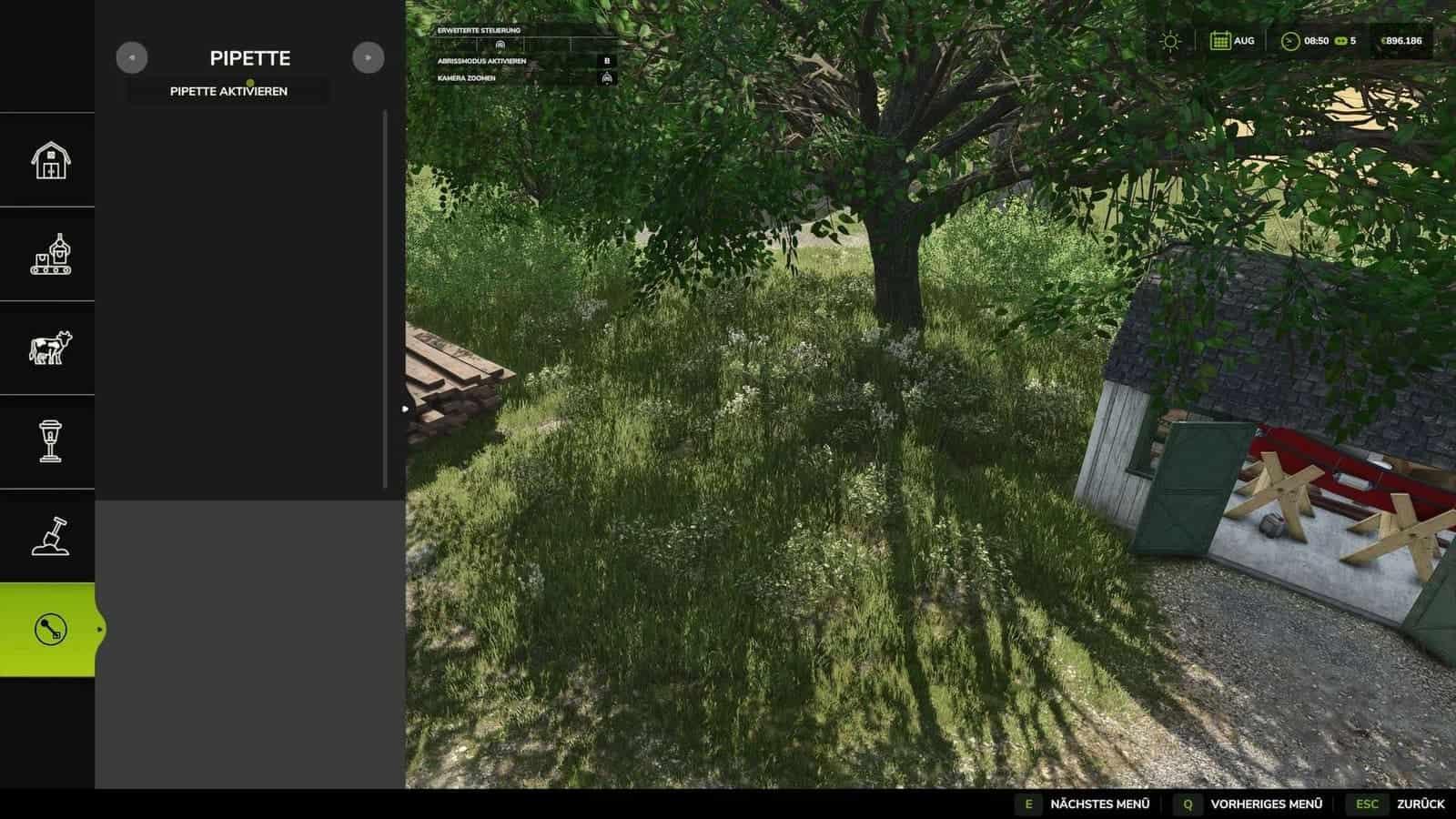
Texture Pipette puts a pipette function into the construction menu. It lets you sample ground textures, foliage, placeable trees, and supported placeable objects straight from the map, then find those elements in the menu.
Features
- It can sample ground textures that are already in use, visible foliage including grasses, flowers, and bushes, placeable trees, and supported objects.
- If several elements overlap in one area, the tool can show multiple matching results.
- The available ground textures and foliage are determined by the specific map being played.
- When possible, foliage unique to the map is added to the construction menu as a paintable entry.
- Debug mode is disabled by default, is optional, and is intended only for troubleshooting.
Usage
- 1. From the construction menu, open the “Pipette” tab.
- 2. Press the “Activate Pipette” button.
- 3. Click a ground texture, piece of foliage, tree, or supported object.
- 4. Choose the item you want from the results shown in the construction menu.
- 5. Continue by painting or building as usual.
Once painting is finished, press the ESC key to leave the tool and avoid painting anything else by accident. You can activate the pipette again whenever necessary.
Changelog
- 2.2.0.1: In the construction menu, Shift + mouse wheel changes the brush size, tree growth stage, and bush size. Selection ends when the minimum or maximum setting is reached.