

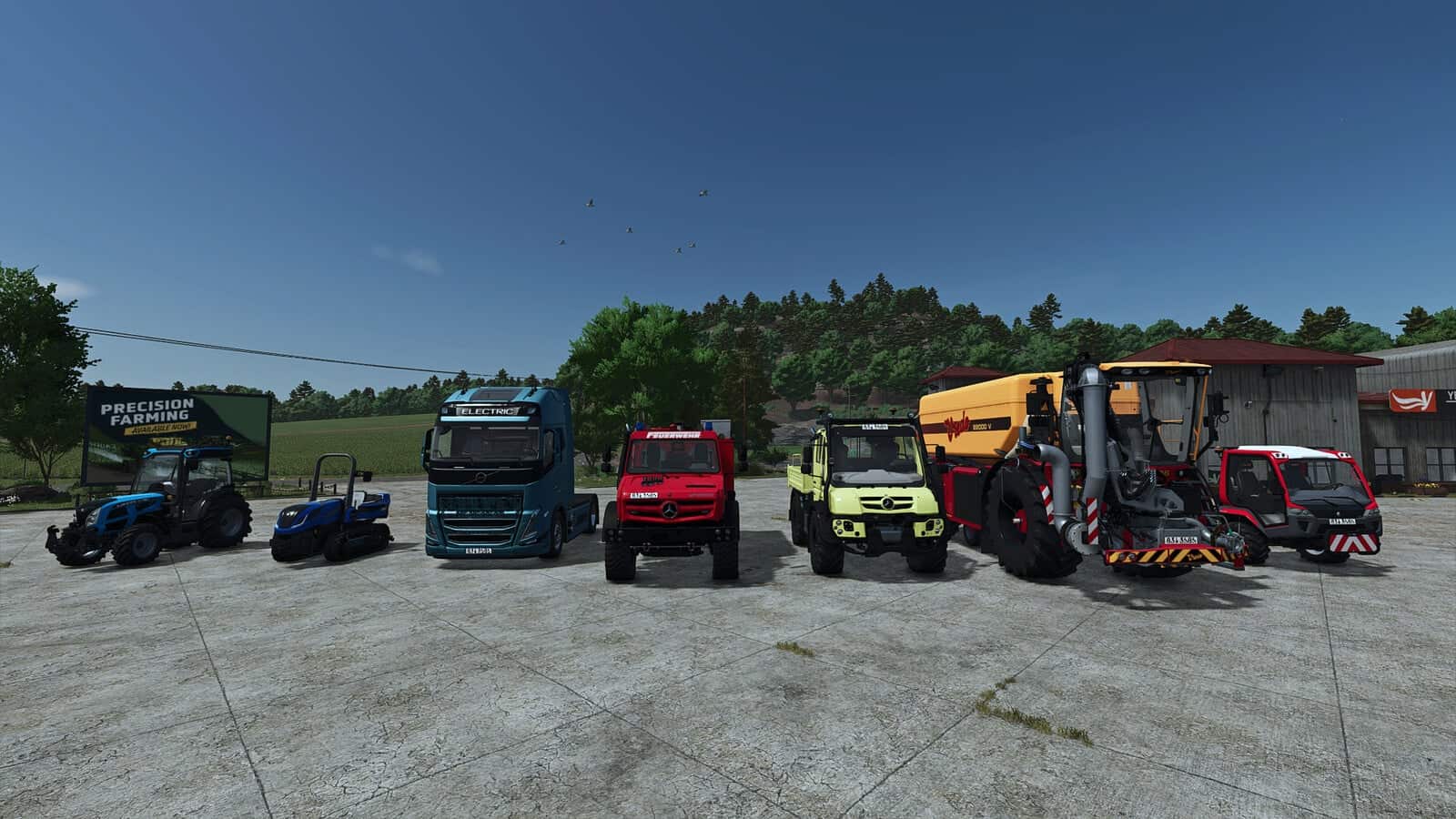
FS25 Vehicle Tab Sorting V1.4.0.0
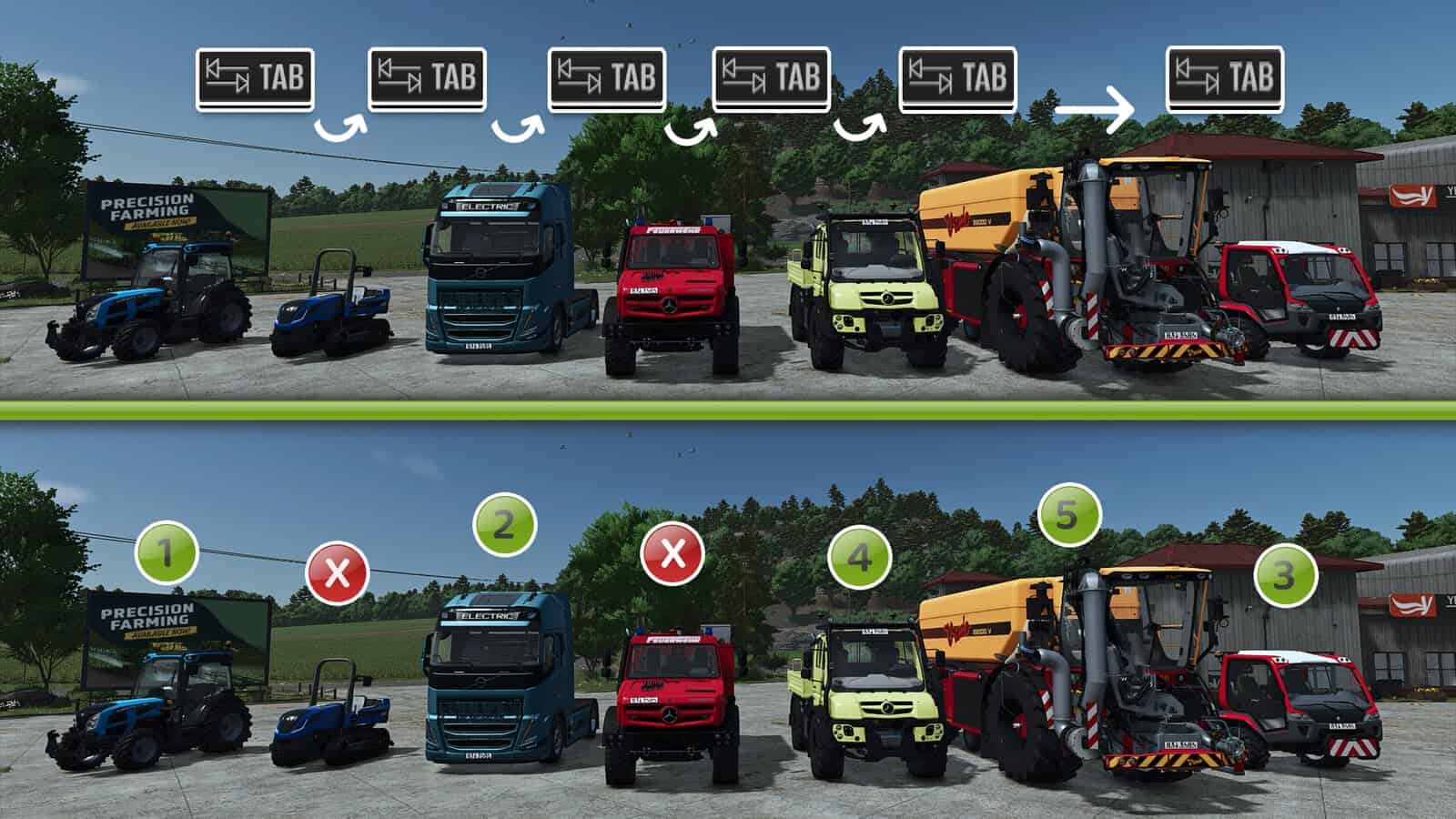
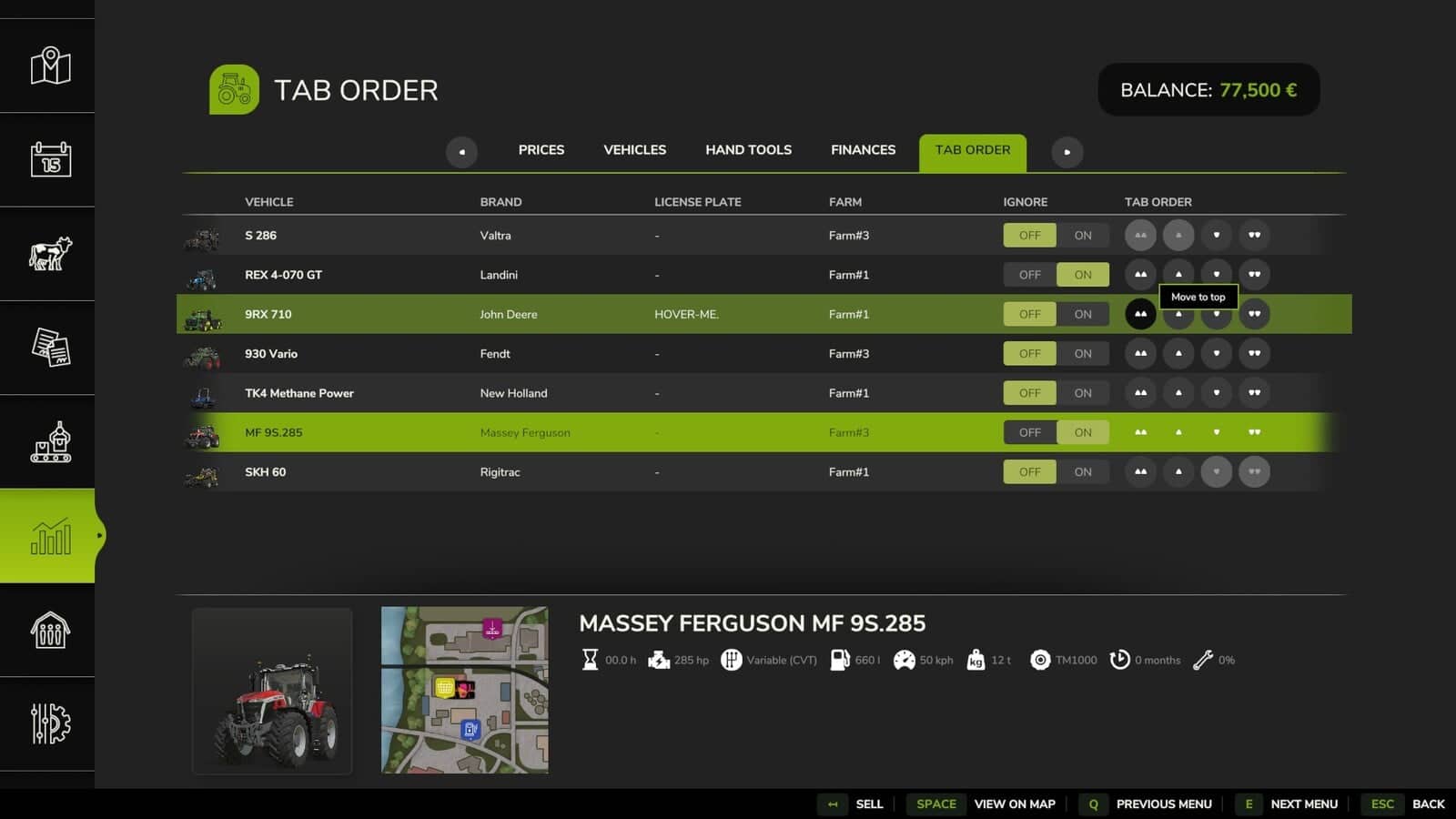
Customize the Tab sequence for your vehicles and decide which ones are included or ignored. The mod automatically works with every enterable vehicle from the base game, official DLC, or mods, so no manual configuration is required.
Vehicle sorting is stored separately for every single-player savegame. In multiplayer, the settings are separate from single-player settings and are saved for each server and player.
Features
- Arrange vehicles to match your workflow.
- Remove vehicles from the Tab loop completely, then add them again whenever you want.
- Every enterable vehicle from the base game, official DLC, or mods is supported automatically.
- Manual configuration is not required.
- Vehicle orders are saved individually for each single-player savegame.
- Multiplayer is fully supported independently of single-player settings.
- Every player on a multiplayer server can choose an individual Tab order and decide which vehicles to ignore.
- Settings are stored separately for each server and player.
v1.4.0.0
- Resolved an issue affecting reset vehicles in multiplayer.
- Introduced a new hotkey, set by default to Ctrl+P and changeable in the controls settings, for adding or removing the current vehicle from the Tab ignore list.
- Text above the speedometer now shows whether the current vehicle is being ignored by Tab.
v1.3.0.0
- Resolved a menu incompatibility with the
FS25_statsExtendedmod, Extended Statistics. - Corrected the display overlap between the “Prices” tab and the sorted vehicles.
- Vehicle images in the table now have corrected scaling and adjusted size.
- Resolved table overflow while scrolling through long vehicle lists.
- The selected vehicle stays selected when the sort order is changed.
v1.2.0.0
- Attachments are no longer listed, and the list now contains only vehicles that can be entered and driven.
- The sorting options now include buttons for Move to Top and Move to Bottom.
- Vehicles for farms where you have hired worker status or contract access can now be displayed and configured.
- The associated farm is now shown in the list.
- A background color highlights the selection in the sorting overview, making the vehicle being edited easier to identify.
- Fixed saving in multiplayer on dedicated servers. For existing sort orders to be saved on the client side, the server name only needs to remain the same.
v1.0.0.1
- Fixed the Tab key failing to work when outside vehicles.





