
FS25 Used Vehicle Compability V1.0.0.1
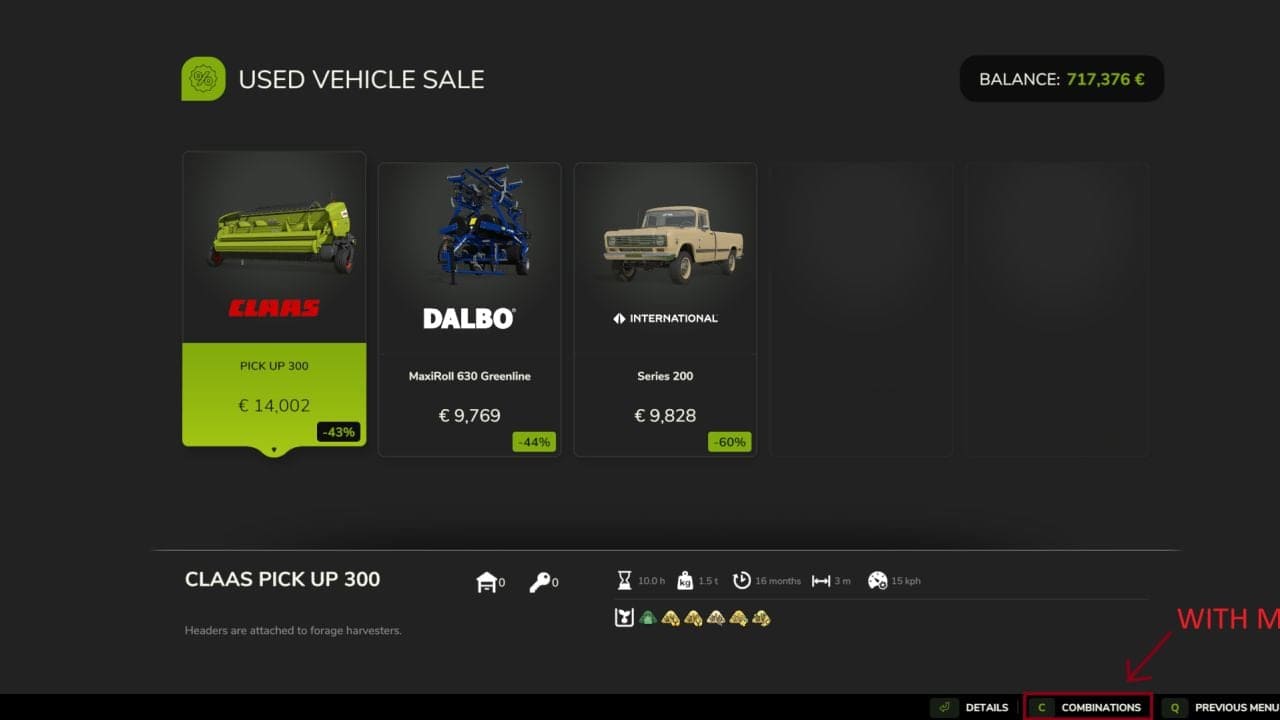
This mod adds the vanilla combinations feature to the Used Vehicle Sale. You can check the compatible equipment for used vehicles and implements before you purchase them.
Features
- Vanilla Combinations: Open the familiar Combinations screen directly from the Used Vehicle Sale.
- XML-Based Compatibility: The mod uses the existing compatibility definitions provided by each vehicle or implement.
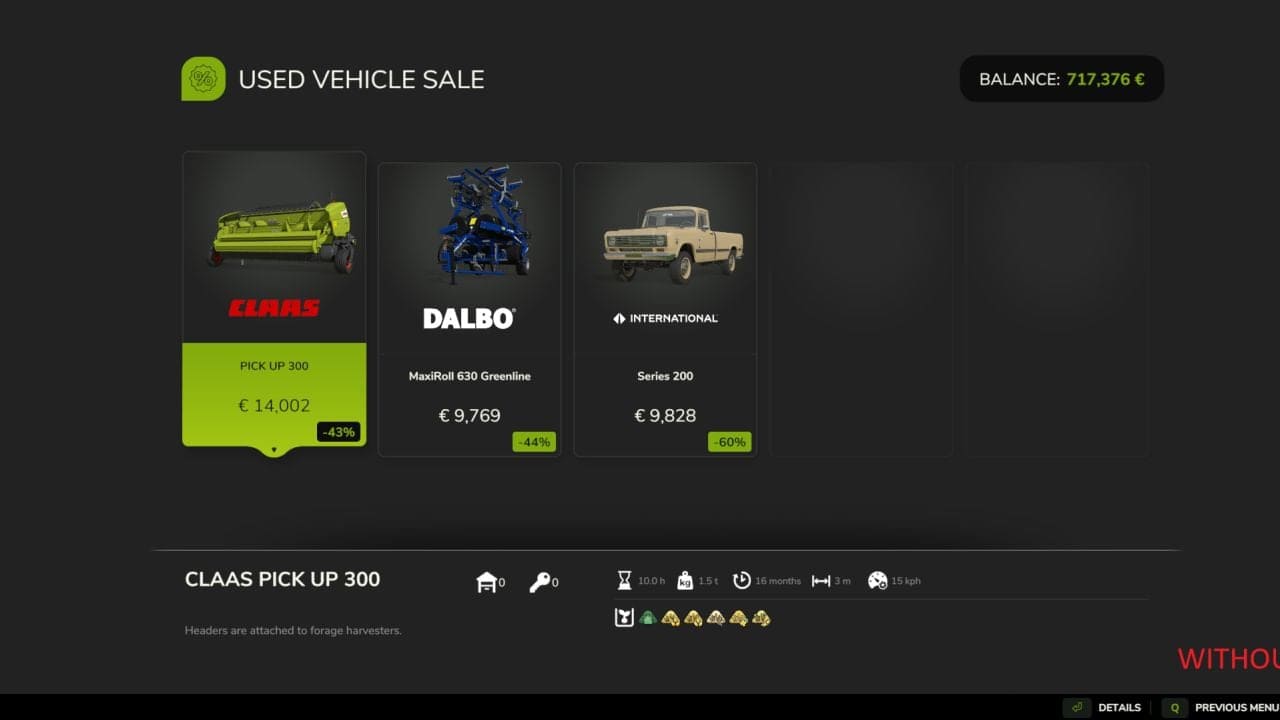
- Context-Aware Button: The Combinations option is shown only if the selected item has defined compatibility information.
- Vanilla Functionality: The game’s existing system for finding and displaying compatibility is reused.
How It Works
Choose a used vehicle or implement whose XML file contains combination information. Its Combinations button then appears in the shop’s action bar.
Use the corresponding button to see the compatible equipment, as in the regular shop.
If an item has no combination definitions, the option is not shown. This mod neither creates compatibility data nor adds combinations that are unsupported.
It works with base-game and modded vehicles and implements when they provide compatible XML combination definitions.
Changelog
- V1.0.0.1
Fixed the Combinations button incorrectly appearing in other shop tabs after visiting the Used Vehicle Sale section.