FS25 Toggle Trigger Icons & HUD v1.0

FS15 Mods | FS17 Mods | FS19 Mods | FS22 Mods | FS25 Mods |
FS 25 Other

FS25 Toggle Trigger Icons & HUD v1.0

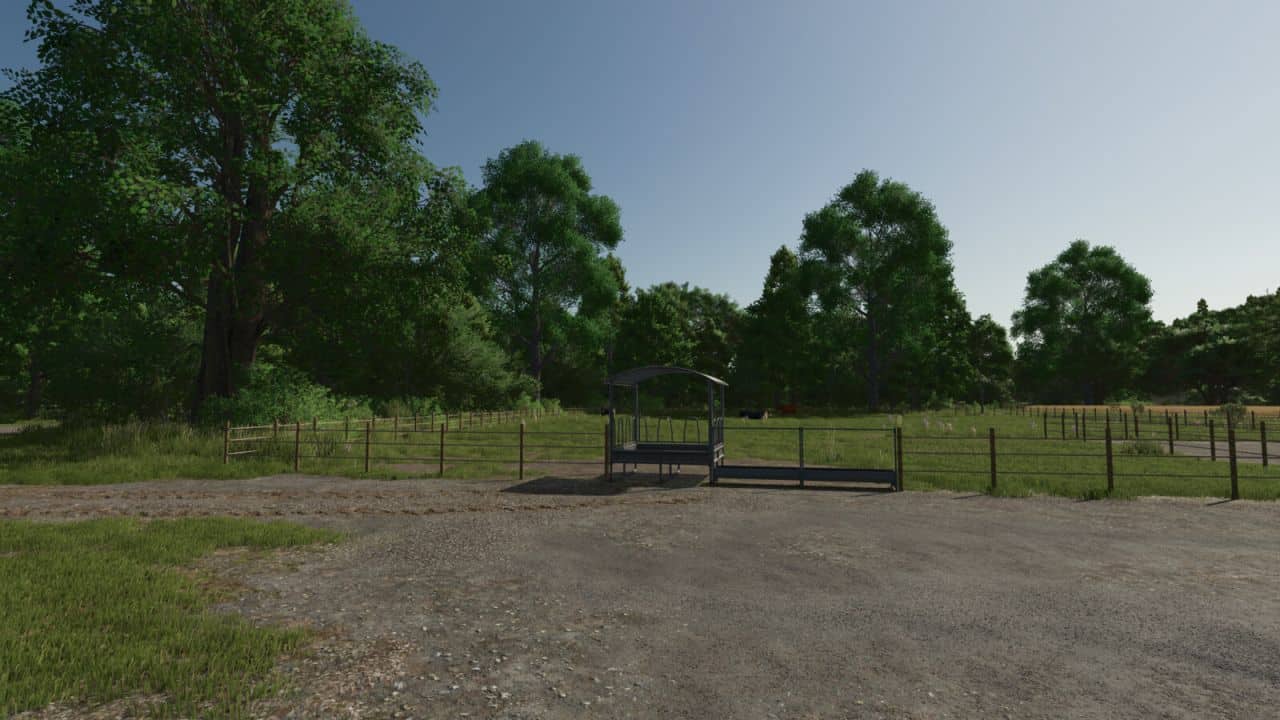
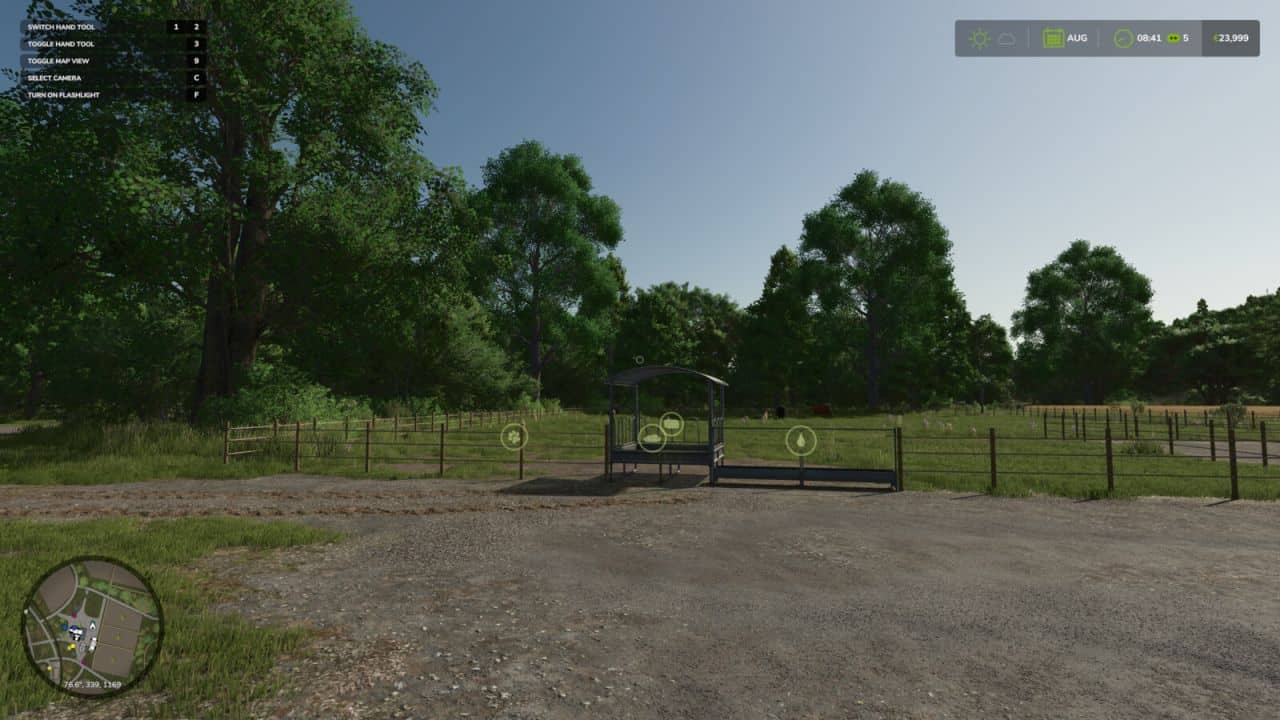
Two handy hotkeys for clean screenshots and more immersion:
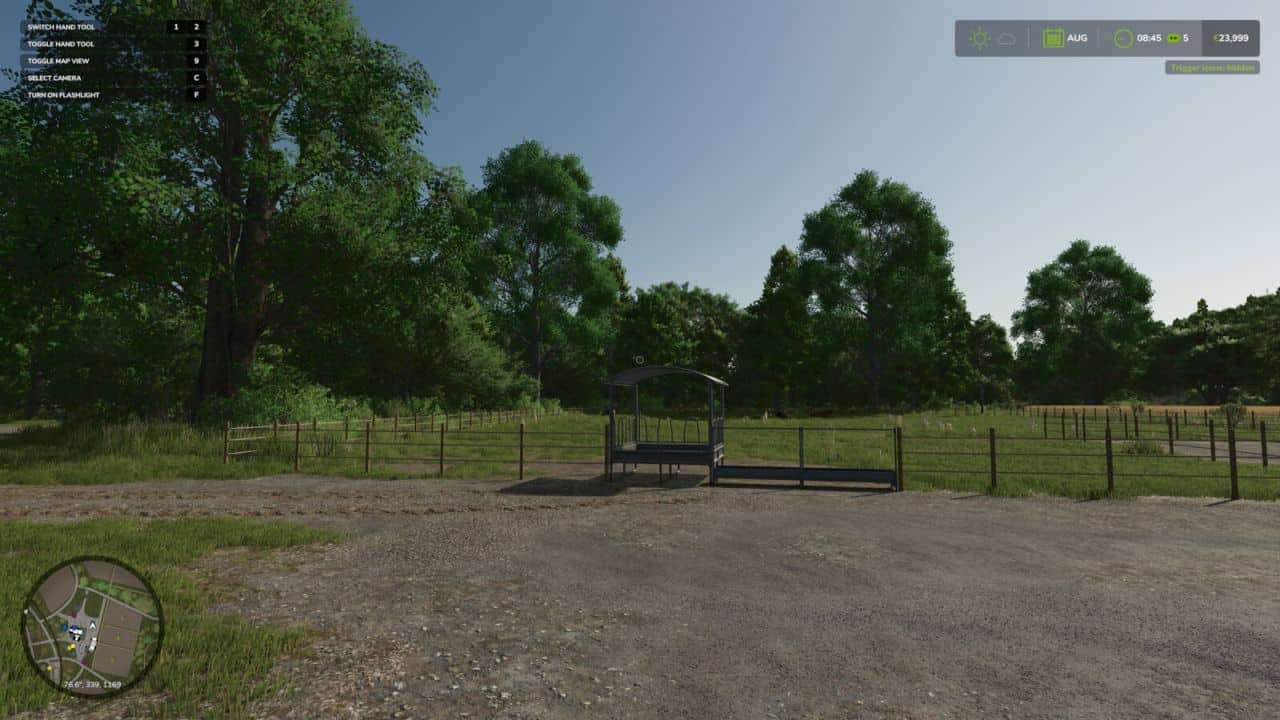
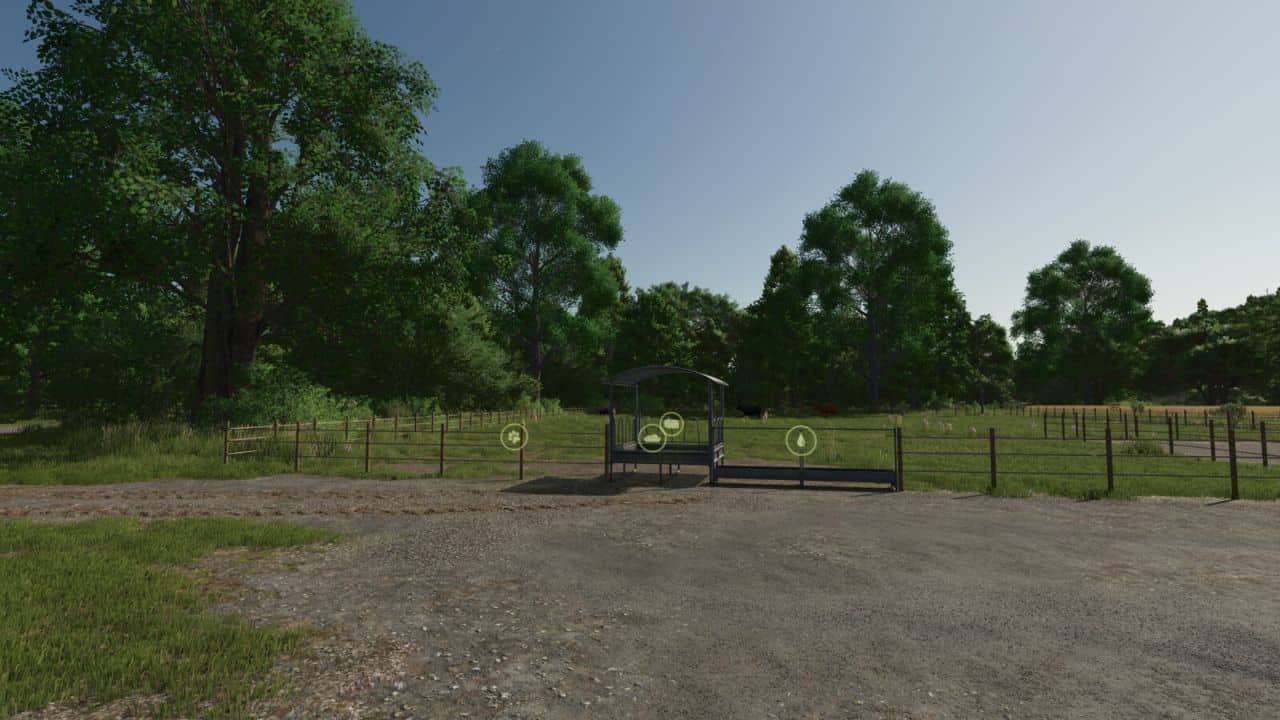
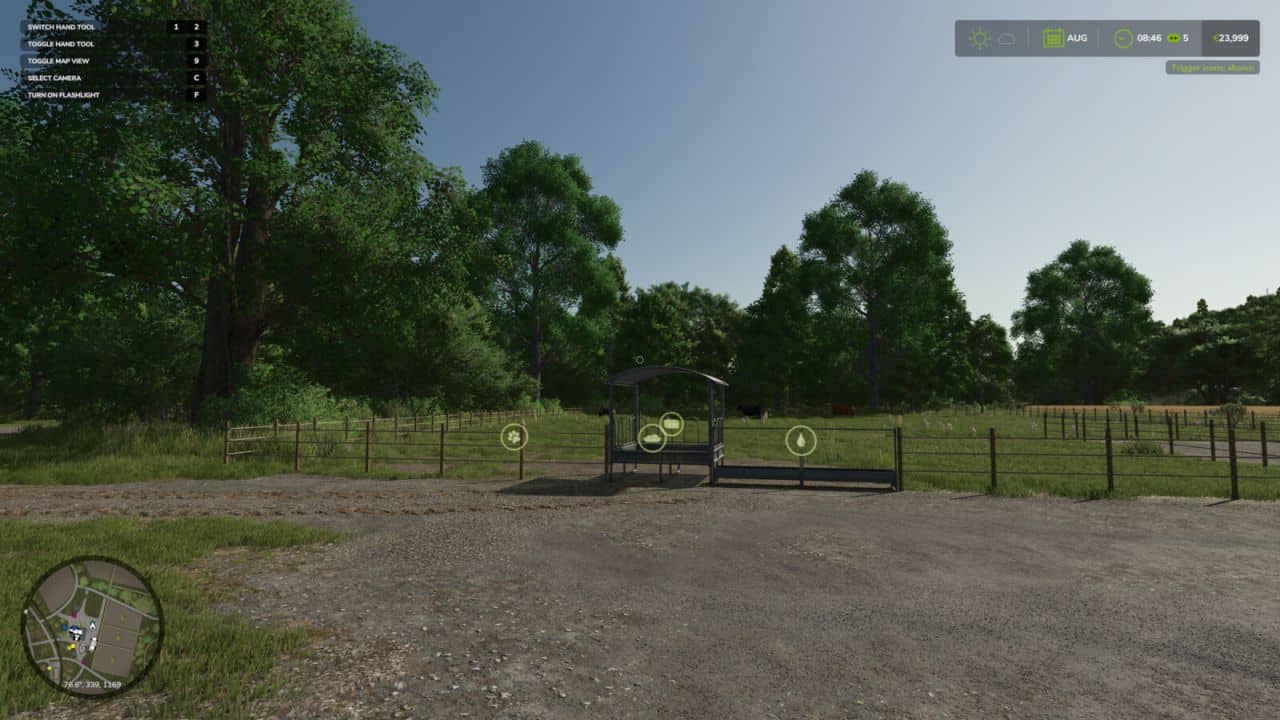
– Right CTRL + #: Toggles the trigger icons (e.g. at selling points, factories, shops). Uses the same setting as the in-game options menu, so the state always stays in sync and is saved normally.
– Right CTRL + +: Toggles the entire HUD (displays, minimap, help text, etc.).

Both keys are freely rebindable under Controls in the settings menu.


Author: KöllaKind
This content was uploaded by website visitors. If you notice any mistake, please let us know.


Finding a game interesting after investing 300 hours into it can become a bit challenging. But with mods as long as there is a new update is assured, you are guaranteed a few more hours of new exciting gameplay. FS 25 Other Mods are one of the greatest upgrades and can make your game unique. Downloading and adding FS25 Toggle Trigger Icons & HUD v1.0 Mod to your game is not difficult at all - you simply need to save a file and run it.


You may also like...

Leave a Reply

Your email address will not be published. Required fields are marked *