FS25 Swather Tedder Plus V1.1.3.0
Swather / Tedder Plus brings wear, overload damage and purchasable spare parts to windrowers and tedders in LS25. It automatically identifies the number of rotors and arms and adjusts spare parts consumption accordingly.
Features
- During windrowing and tedding, tines, tine guards or catcher bars, along with claw couplings, gradually wear out.
- Working under heavy loads results in additional damage.
- For supported equipment, the necessary parts are determined according to the rotors and support arms. If identification is unsuccessful, default values based on the working width are applied.
- The number of rotors and arms is detected automatically. When detection cannot be completed, default values are used.
- In the pause menu, open General Settings → Swather / Turner Plus and choose the operating mode.
- Turning the mod functions off pauses them. The equipment then uses the regular LS25 functions.
- Easy deactivates blockages for both players and helpers and removes blockages that already exist. Load, load limit, wear and spare parts maintenance continue to function.
- This enables every mod function. When a blockage occurs, the field helper stops the task and gives the reason. Once the blockage has been cleared, restart the helper.
- The selected operating mode is stored in the savegame. In multiplayer, the host or server administrator determines it.
Spare Parts and Partial Maintenance
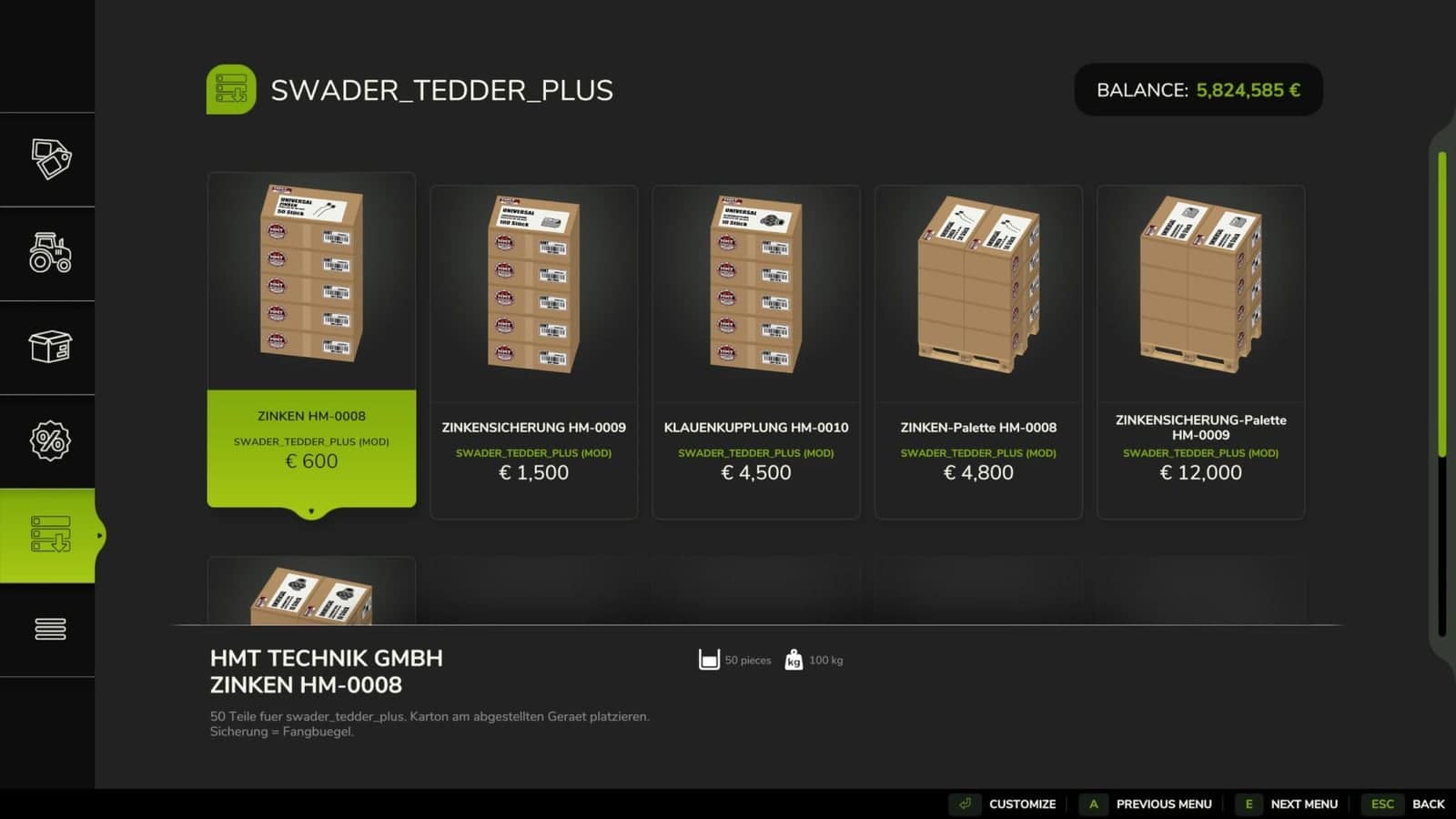
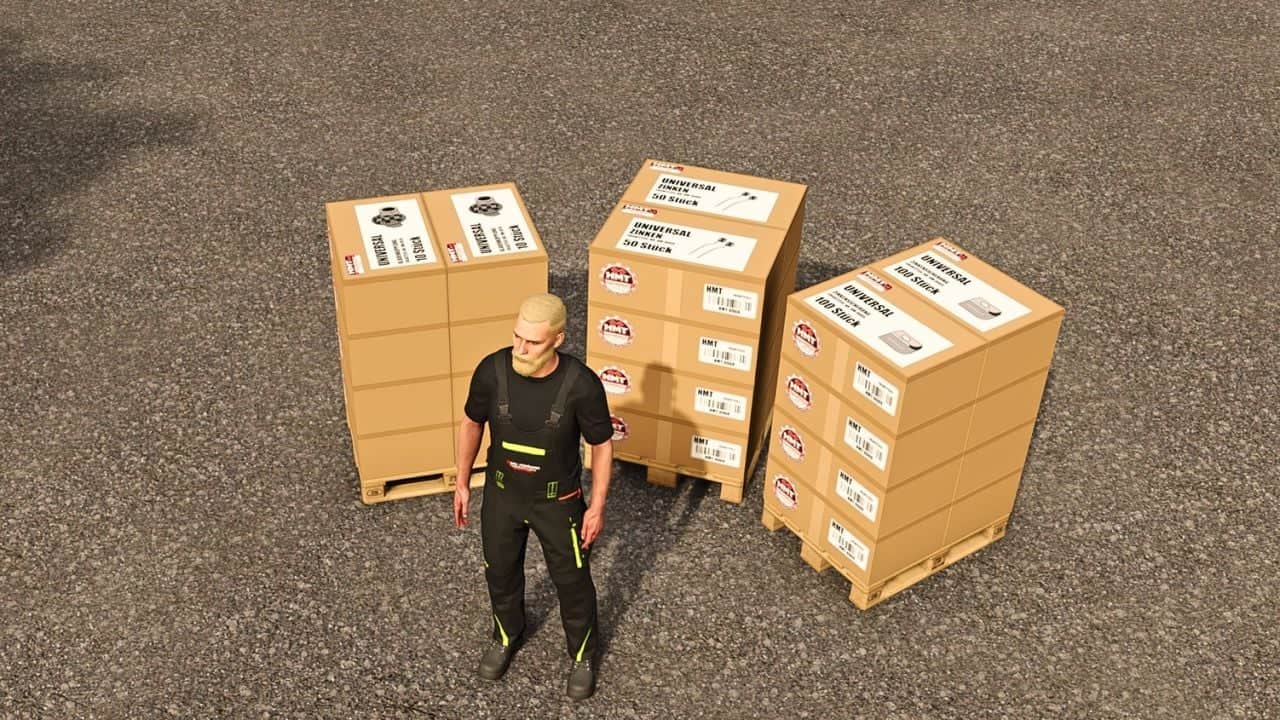
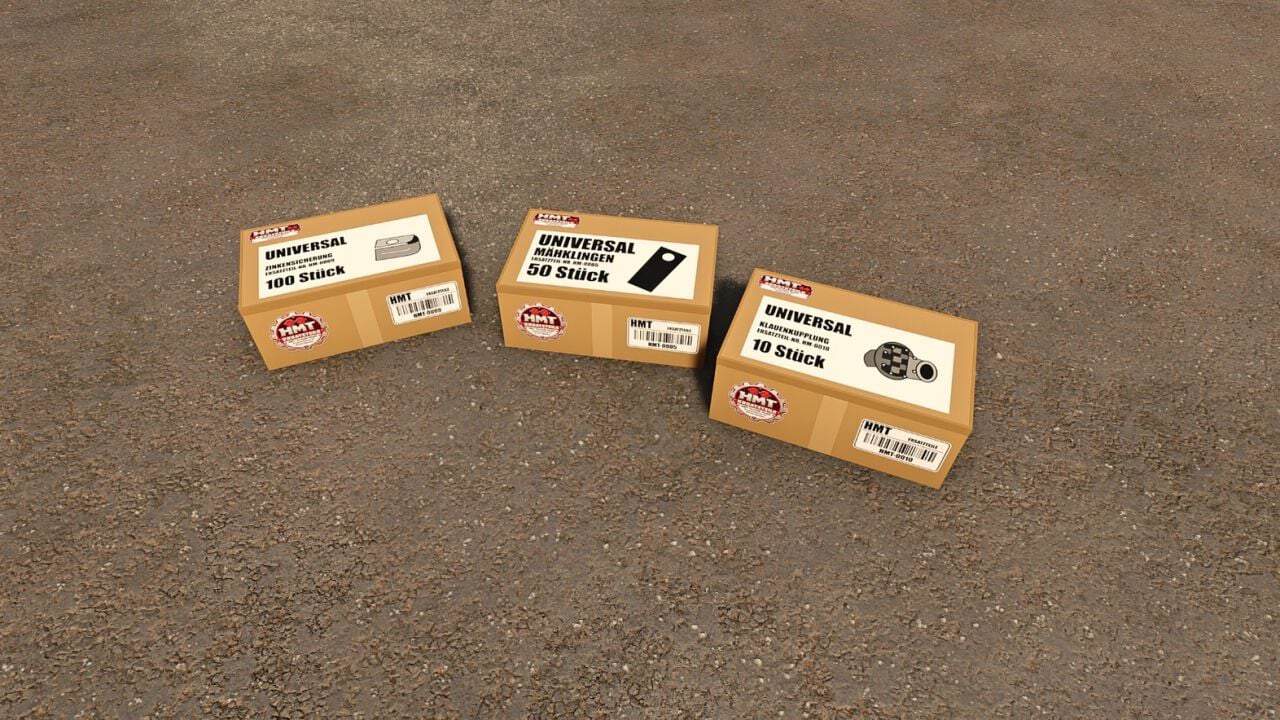
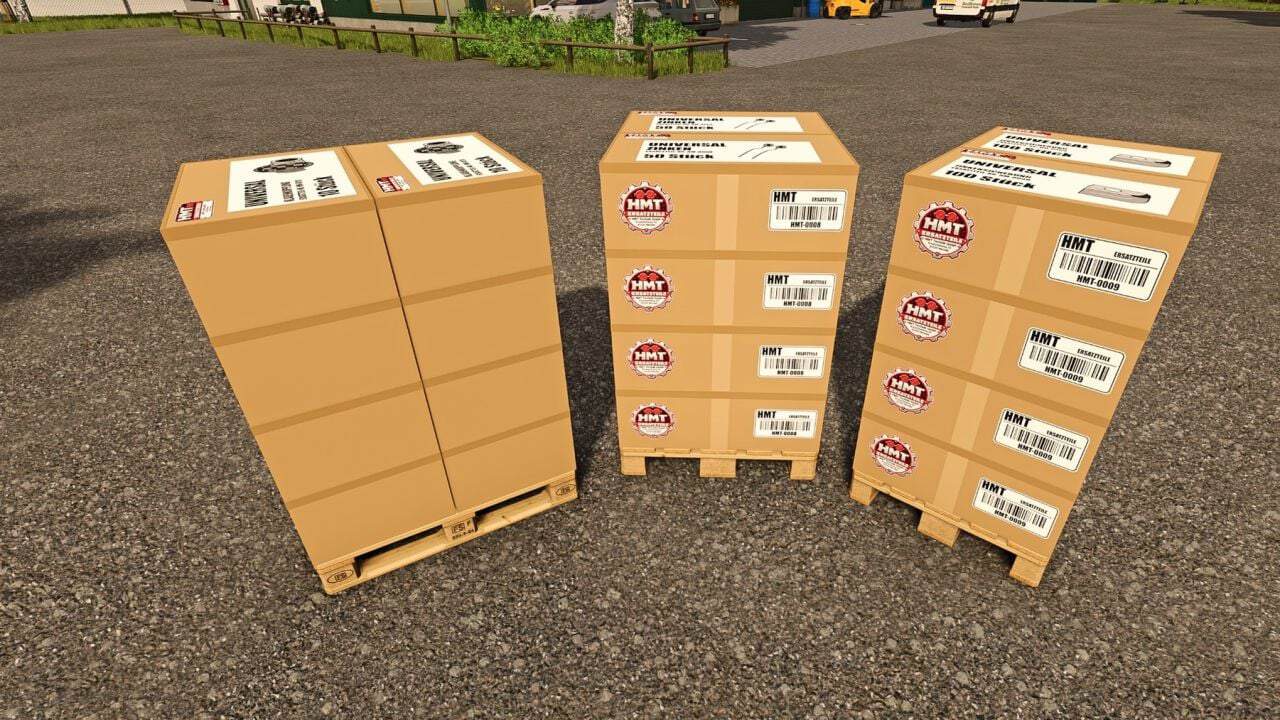
- Suitable spare parts are available under HMT Ersatzteile. A single crate holds 50 tines, 100 tine holders or ten claw couplings. Several crates may be purchased together, while pallets are provided for larger quantities.
- Stop and switch off the equipment. For maintenance, raise passive rakes or tedders. By default, crates or pallets from your farm must be placed within five metres.
- Partial maintenance begins when a suitable spare part is available. If ten parts are needed but only five are available, five are installed. The final message indicates how many parts are still required.
- Emptying a pallet requires eight seconds and uses no spare parts. Part replacement requires 20 seconds, and the parts are consumed once the process is successfully completed. Boxes and pallets that have been partly used keep their remaining contents.
HUD and Controls
- The HUD shows the workload and the condition of the components. Its font size can be set to large or small for your personal HUD.
- Use Left Ctrl + left Alt + 3 to turn the HUD on or off.
- Left Ctrl + left Alt + 4 activates or deactivates move mode. Hold the left mouse button to drag the HUD. Camera and zoom inputs are locked while move mode is active.
- Left Ctrl + left Alt + 5 changes the HUD size between 50, 25, 20 and 75% of the speedometer width.
- Ctrl + Alt + Caps Lock begins or ends maintenance, unless a custom maintenance key has been saved.
- HUD actions and maintenance functions can be assigned freely under Options → Controls. A saved keyboard or controller binding for maintenance takes the place of the default Caps Lock key.