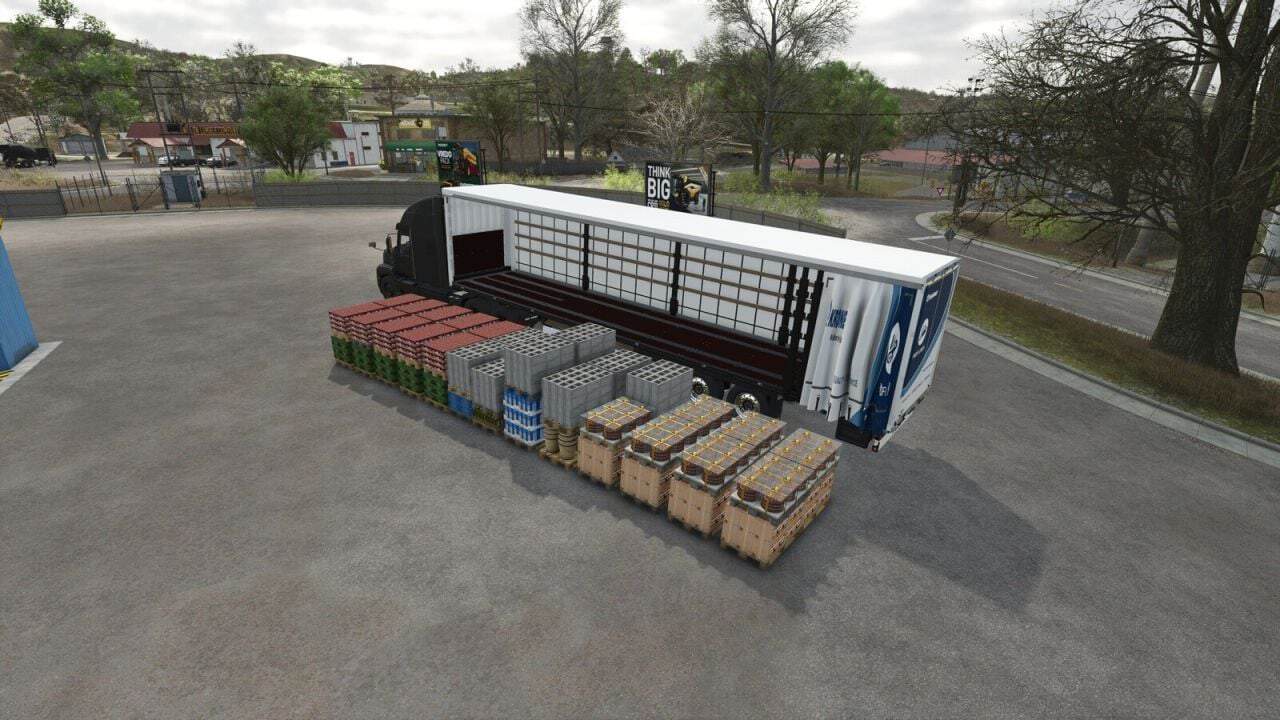
FS25 Smart Pallet Autoload V1.0.0.0
Smart Pallet Autoload is a script mod for Farming Simulator 25 on PC. Multiplayer is supported.
Version 1.0.0.0 now also supports bales.
Features
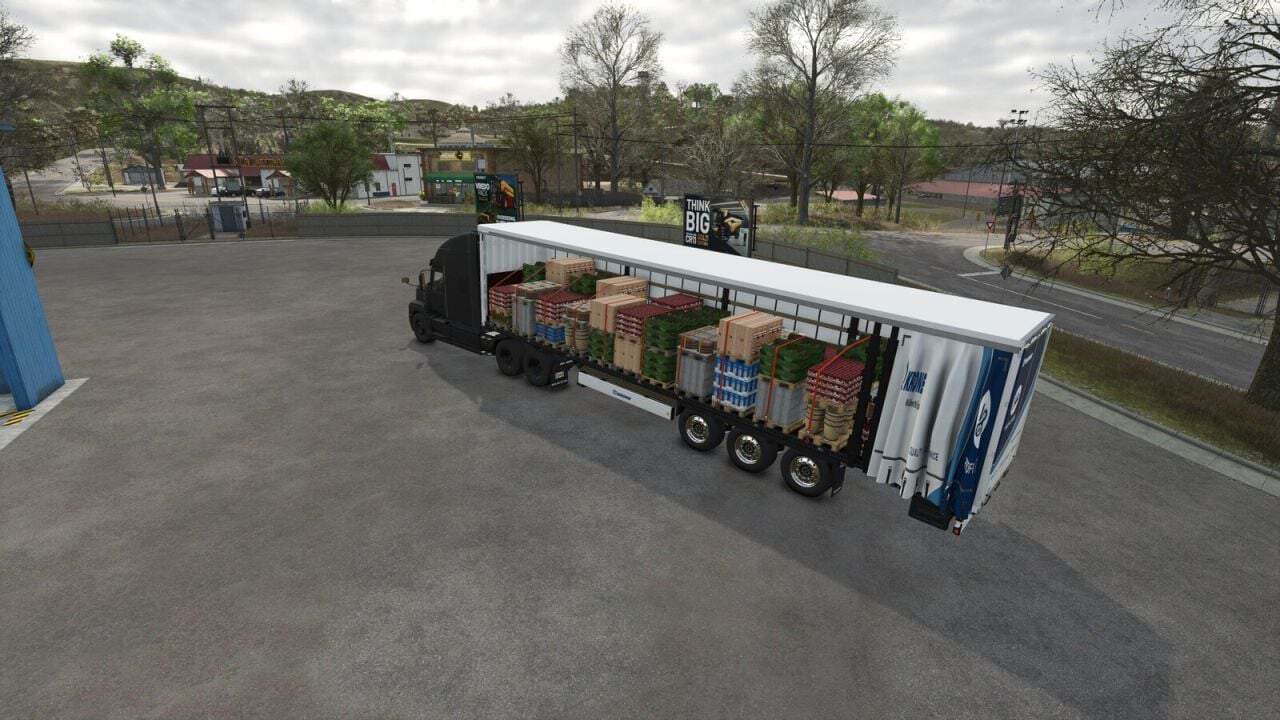
- The mod compares several loading layouts, including lengthwise, crosswise and tail row patterns. It selects the pattern that carries the most while keeping a tidy appearance. The rows are centred and aligned with the trailer’s tension belts.
- For the second layer, the height is measured directly in the game. This lets taller and shorter pallets sit precisely on the layer below.
- Pallets made by different productions can be loaded together when they have the same footprint.
- Large pallets can also be loaded, including barrels, vegetable crates, stone, saplings, planks, wood beams and prefab walls.
- Supported round bales are 1.25, 1.50 and 1.80 m, while square bales are 1.80, 2.20 and 2.40 m. Small square bales are supported as well. Round bales are placed across the deck in a pyramid, and the upper layer sits in the grooves like a real bale load. Each bale type fills the deck from edge to edge without passing through the walls, remains secure during driving and transfers its weight to the trailer.
- Any of your own vehicles, whether from the base game or a mod, can receive autoload through
modSettings/FS25_smartPalletAutoload/userPresets.xml, with no zip editing required. Use the console commandspaPrintPresetto write a ready entry for the current vehicle and its trailers to the log. The mod also contains the commented exampleVEHICLE_XML_EXAMPLE.xml. - When loading is complete, tension belts are fastened automatically wherever cargo is present.
- Cargo remains secured during driving. Selling points and productions can take pallets directly from the trailer.
- Unloading is possible to the left, right, rear or at the current position, with a ground preview. The unloading point can be shifted sideways, forward/back and up/down, including at docks and platforms.
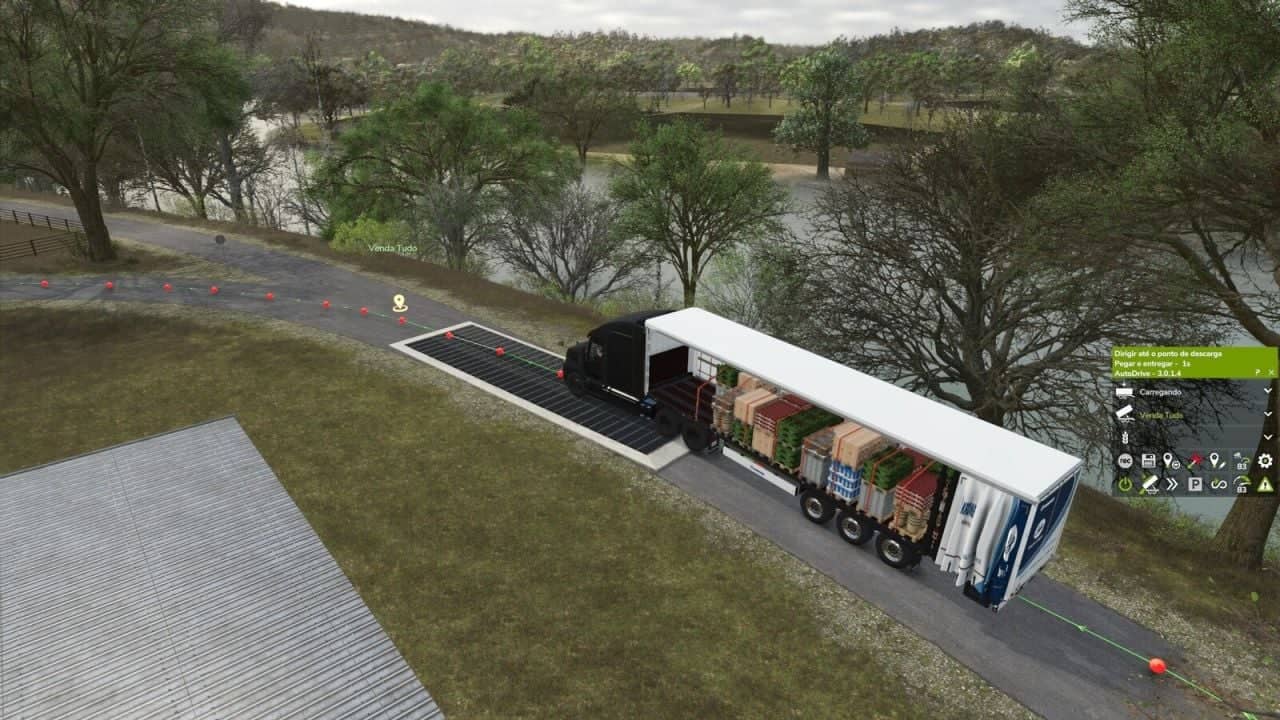
- With AutoDrive, the trailer loads at the pick-up point, signals when it is full and unloads at the destination.
Supported vehicles
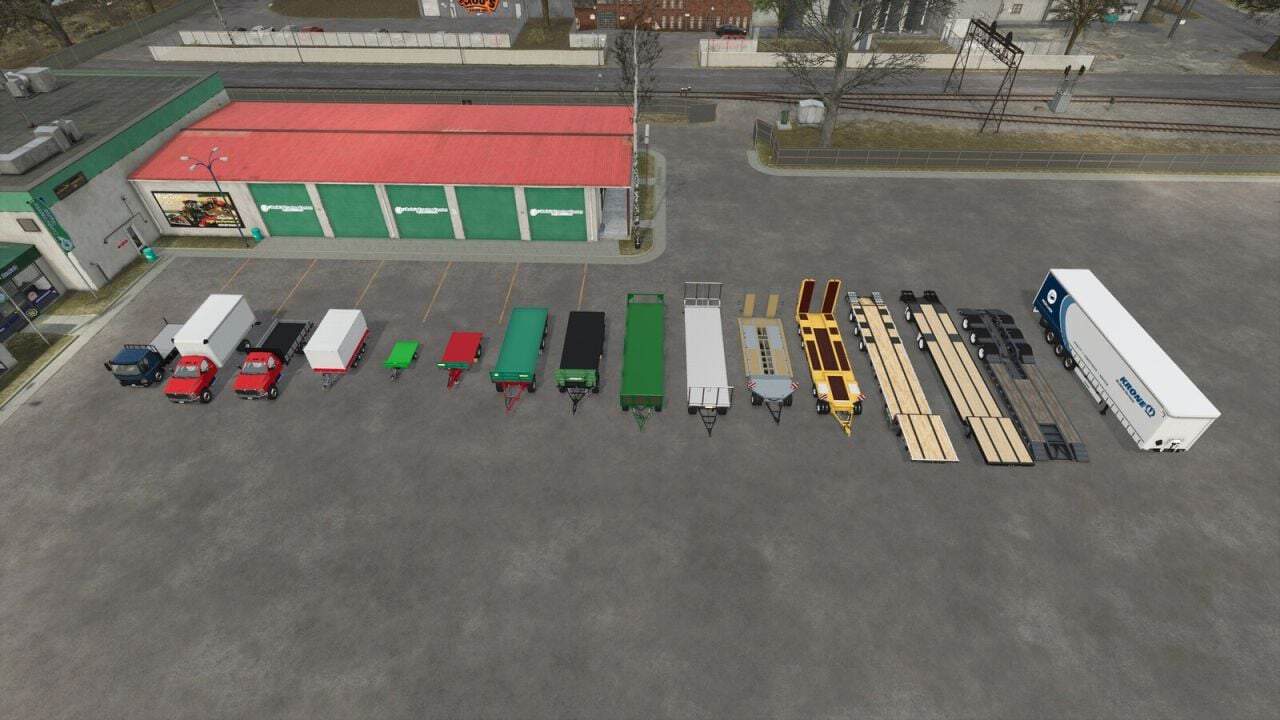
- KRONE Trailer Profi Liner, 52 Euro pallets
- Farmtech DPW 1800, Kröger PWO 24, Fliegl DTS 5.9 and Schwarzmüller Low Loader 4A
- Brandt H550 Beavertail, Demco Steel Drop Deck and LODE KING Renown Drop Deck
- International CV Series, flatbed and box van
- Bale trailer bodies: Brantner DD 24073/2 XXL, Farmtech DDK 2400, Farmtech EDK 650, Salek ANS-1900, Stema Trius and Lizard Dragon
- Any other trailer with tension belts across a flat deck, base game, DLC or mods, gets an automatic setup.
- Any other vehicle can be added with
userPresets.xml.
Hotkeys
- Left Alt + B: enable / disable the autoload on this vehicle
- B: start / stop loading
- Left Alt + O: change cargo type
- O: unload preview / change unload side
- Right Ctrl + W/A/S/D: move the unload point
- Right Ctrl + E/Q: raise / lower the unload point
- Right Ctrl + R: reset the unload point
- I: unload
- U: show load areas
Loaded bales are fixed to the deck. If you want to remove one bale with a bale grab or front loader, unload first with I.
For a bug report, leave a comment describing the issue and include your log.txt file from Documents/My Games/FarmingSimulator2025/log.txt.
Changelog
- V1.0.0.0
- Bales: round, square and small square bales on all supported trailers
- Own vehicles via
userPresets.xmland console commandspaPrintPreset - Guide is now
VEHICLE_XML_EXAMPLE.xml