
FS25 Save All Settings V1.0.0.1
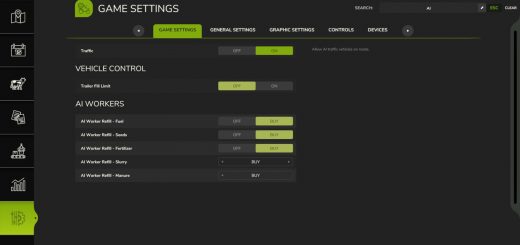
Save All Settings saves important gameplay, graphics and profile settings automatically, then restores them when a new savegame is loaded. Graphics, controls, camera, growth and many other options therefore do not have to be configured again.
Features
The saved settings include the following, among others:
Savegame settings
- Traffic
- Automatic engine start
- Autosave interval
- Plant growth
- Days per month
- Fuel consumption
- Dirt
- Timescale
- Stones and weeds
- Lime and snow
- Plowing required
- Helper purchases
- Other savegame options
General game settings
- Camera
- Measurement units
- Help features
- Steering
- General settings
Graphics settings
- Quality levels
- DLSS, FSR and XeSS
- Shadow quality
- View distances
- Other graphics options
Profile & key bindings
- Complete key bindings
- Profile file
- Personal control settings
Automatic transfer
When a new savegame is loaded, the stored settings are applied automatically.
The choices made deliberately in the “New Game” menu are not changed:
- Difficulty level
- Starting capital
- Loan
- Farm selection
Multiplayer & Dedicated Server
- Savegame settings are managed by the host or server.
- Each player keeps their own graphics and game settings.
- Key bindings remain individual.
- Dedicated servers are taken into account during autosave.
Console commands
sasStatus: Display statussasSaveNow: Save settings immediatelysasApplySavegame: Apply saved savegame settingssasRestoreProfile: Restore game and graphics settingssasRestoreBindings: Restore key bindings
A restart is required for sasRestoreBindings.
Configuration
You can find the settings here:
modSettings/FS25_SaveAllSettings/config.xml
The following options can be adjusted there, among others:
- Automatic transfer to new savegames
- Transfer of specific settings from “New Game”
- Information messages
- Exclude individual settings from being saved or restored