FS25 Realistic Diesel Start V1.4.1.1
Realistic Diesel Start changes ignition into a multi-stage diesel start-up sequence for every motorized vehicle.
It adds glow plug pre-heating, engine temperature behavior, compressed-air systems for trucks and interactive controls on the dashboard.
Features
- Press the engine key briefly to switch the ignition on. The dashboard powers up and a real ignition key sound plays.
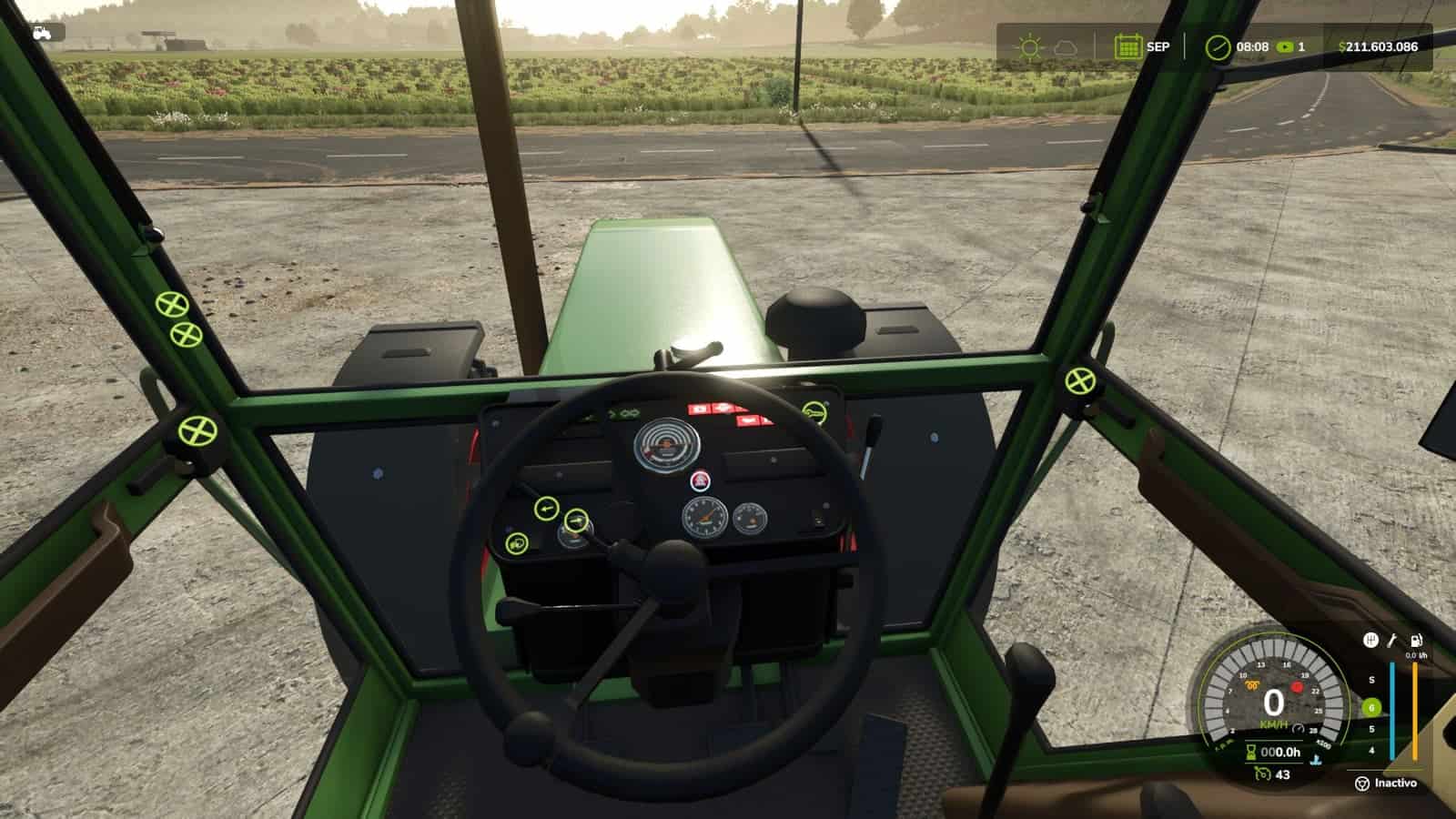
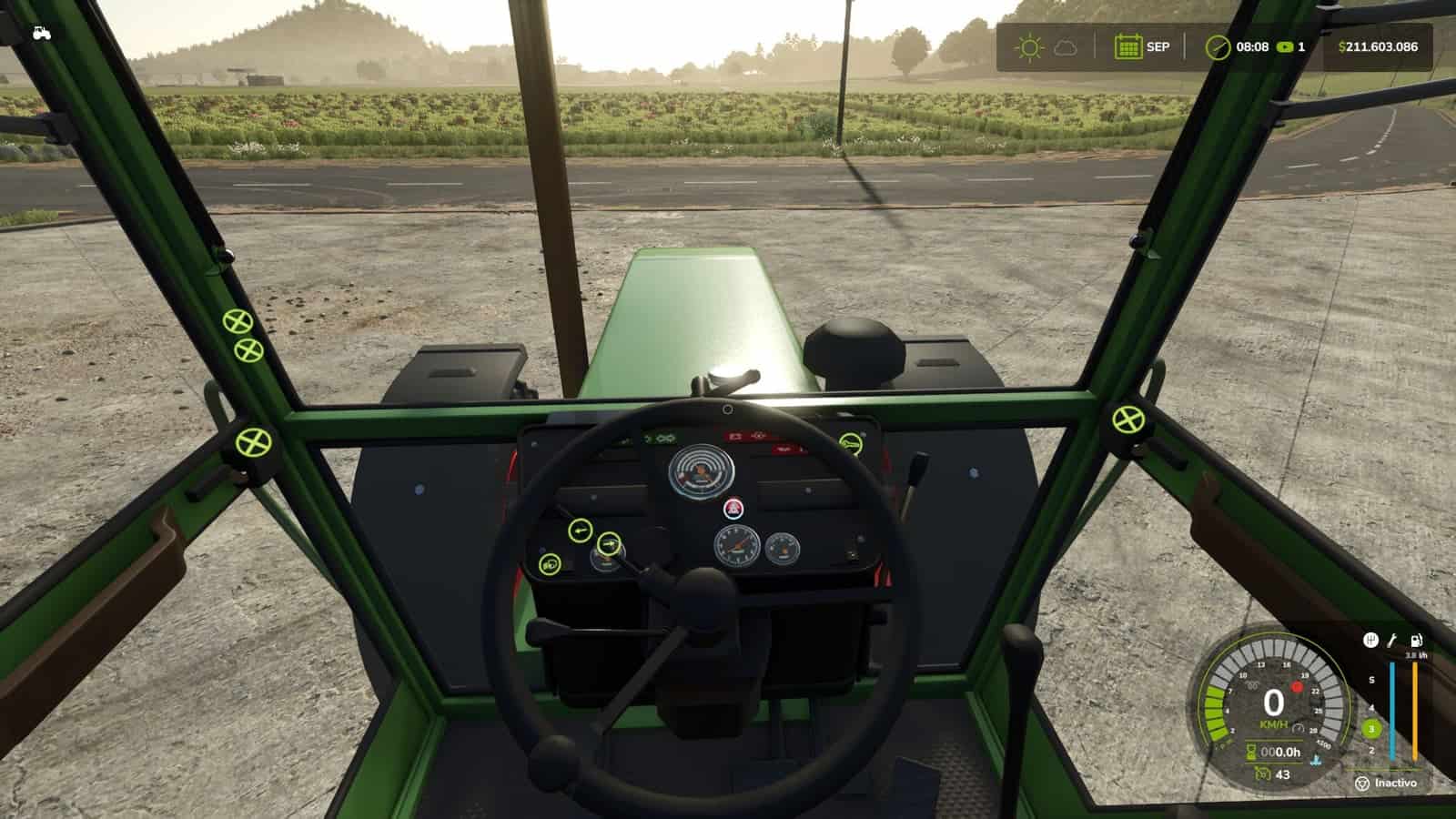
- A small lamp beside the speedometer shows the glow plug pre-heating. Weather and engine temperature affect it. In deep winter, the process takes some time, while a warm engine is almost ready immediately.
- To crank the engine, hold the mod clutch,
Alt+L, together with the engine key. Cranking before the glow plugs are ready can stop the engine from starting and cause slight damage. The starter continues turning as long as the key is held, and continued attempts can make the engine catch. - Following a cold start, the engine idles for several seconds before it reacts to the throttle. The thermometer remains blue while the engine is cold and fades away at working temperature.
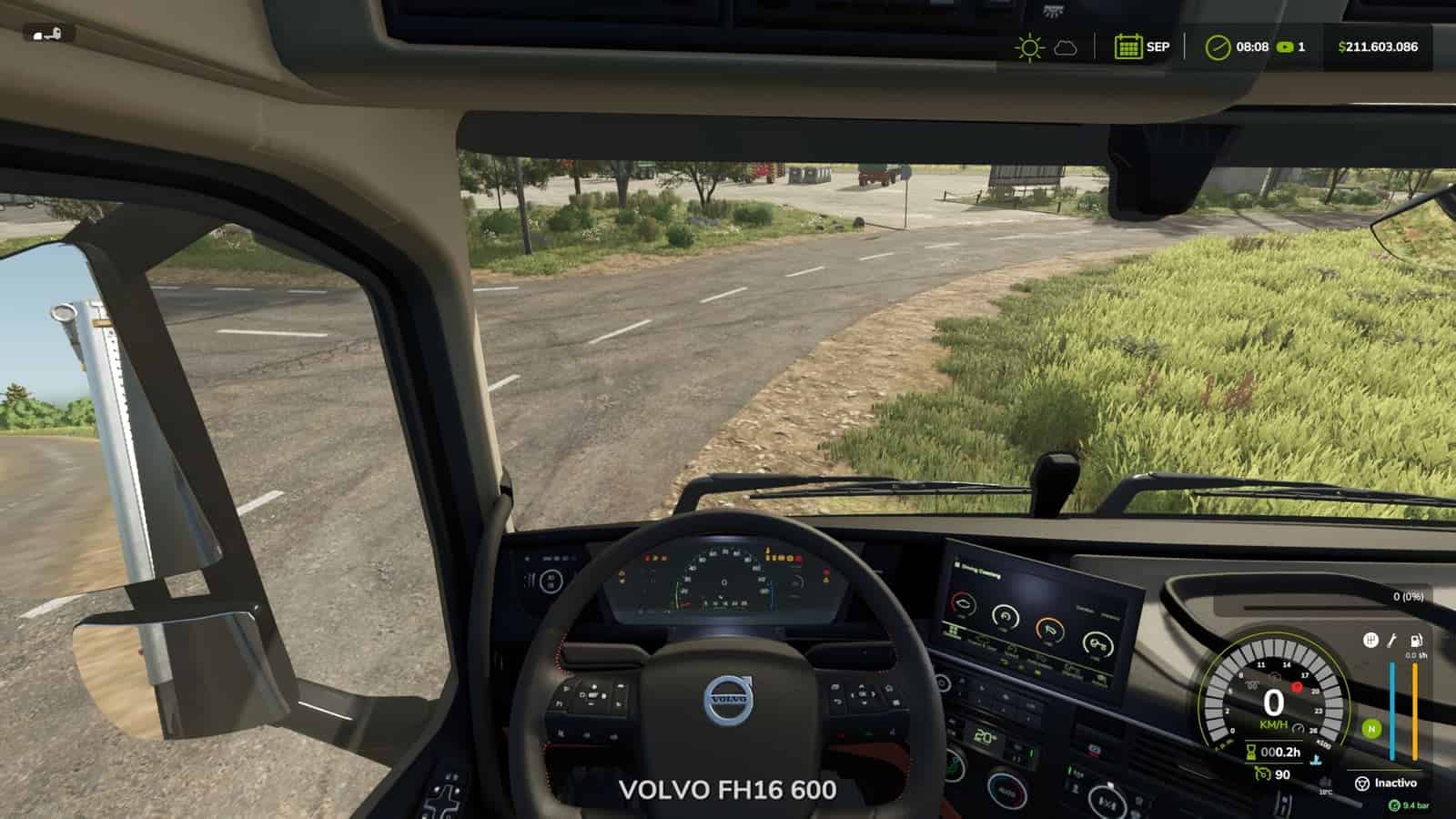
- Trucks display an air-pressure gauge in the HUD. Their compressor builds pressure while the engine is running.
- Air pressure drops while the truck is parked. If you leave it standing, you must build up air before driving away.
- If the air supply is empty, the spring brakes engage and lock the truck. The brakes are not lost, but the truck cannot move.
- Low-pressure buzzer.
- With Realistic Brakes, the truck supplies air to a trailer fitted with air brakes.
- The dashboard key uses the same procedure: one click turns on the ignition, and holding the click starts the engine.
- ESC > Game Settings contains the options clutch to start and lights without ignition.
- Console commands include
rdsConfigfor damage, the air system and timings, plusrdsHudPos,rdsHudSinADSandrdsHudResetfor moving the HUD.
Compatible with:
- Advanced Damage System
- Realistic Brakes
- Diesel Fuel System, where bad fuel makes starting harder, with the same starter sound
- Interactive Control
- Keyboard and gamepad
- Multiplayer and Dedicated Server
- AI workers are not affected.
- Not compatible with other ignition or cold start mods, including Real Ignition, Cold Start System and RVB’s glow plug module. Disable them.
Changelog
- V1.4.1.1
Multiplayer settings now belong to the savegame. This includes Clutch to start, Lights without ignition and therdsConfigoptions for damage, air system, glow plug and compressor times. The host, or an admin on a dedicated server, selects them, they are saved with the game and apply to every player, including players who join later.
Previously, every PC used its own settings. Therefore, when the host disabled “Clutch to start”, the other players could still be asked to use the clutch.
Existing savegames begin with the settings already used by the host. Joystick hold time and glow plug light color remain individual settings on each PC.
Savegames from 1.4.1.0 and 1.4.0.0 are compatible. Multiplayer and Dedicated Server supported. - V1.4.1.0
This is an update over the published 1.4.1.0.
If the engine fails to start, the starter now continues cranking while the key is held instead of using the former cough. Each 2.5 s of cranking begins another attempt. Warmer glow plugs improve the chance that continued cranking makes the engine catch. Releasing the key stops it.
A real ignition key sound is played when the ignition is switched on or off. Pressing the mod clutch also produces a soft pedal sound.
With Interactive Control, the dashboard key now uses the mod sequence. A short click turns on the ignition, holding the click starts the engine, and clicking while the engine is running stops it. Previously, one click started the engine and skipped the glow plugs.
Fixed: A cold start that failed no longer starts the engine briefly before killing it. The starter turns, but the engine does not catch.
Fixed: The glow plug light was dimmer than the one from Advanced Damage System because it was drawn below the speedometer background. It now has the same brightness.
Fixed: Icons no longer appear over menus and dialogs, including the report from Real Fuel Consumption.
HUD: Warning lights now match the size of those in Advanced Damage System. The air gauge background uses the same black as the game’s HUD.
The idle icon has been removed. The thermometer is blue when the engine is cold and fades out when working temperature is reached.
Default positions are set for Advanced Damage System 0.10, with alternative positions used when it is not installed.
Savegames from 1.4.0.0 are compatible. Multiplayer and Dedicated Server supported. - V1.4.0.0
The mod clutch key has been changed from L to Alt+L.
Starting the engine now requires holding the mod’s clutch, as with most modern vehicles. This is a dedicated mod key rather than the game’s clutch, so vehicle driving is not changed.
L is the game’s default key for straps and bale types. Since the game keeps only one control when two controls use the same key, either the clutch or the straps could stop working.
The key is now assigned to Alt+L. Players who used L will have it changed automatically once and will receive an on-screen notification. A setting that was already assigned to another key is kept.
Truck brake lights: Low air pressure, the emergency brake or the spring brakes could leave the brake lights on while the truck was parked. With Real Vehicle Breakdowns, this could drain the battery.
When air pressure was sufficient, braking would not switch on the brake lights.
The game now operates the brake lights through the brake pedal, as on a real truck. The emergency brake still functions normally.
Trailer air supply with Realistic Brakes 1.3.0.0: Connecting a trailer equipped with air brakes fills its air tank from the truck. This lowers the truck’s air pressure, and the compressor builds it back up.
HUD icons: At a HUD scale other than 1, icons could move away from the speedometer or appear behind the gear column, both with and without Advanced Damage System. They now stay correctly beside the gauge at every HUD scale.
Vehicles excluded from Advanced Damage System now show the mod’s temperature gauge.
Advanced Damage System: Some tractors failed to start and displayed “check the starting system”. When a difficult-starting fault occurs, holding the ignition key now keeps the starter motor cranking until the engine starts.
The start key no longer starts the engine immediately while skipping the glow plugs, and releasing it no longer turns the engine off.
Tested with Advanced Damage System 0.9.2.8. Savegames from 1.3.x are compatible, so starting a new game is not required. Multiplayer and Dedicated Server supported.