FS25 Mouse Click Actions V1.0.1.0
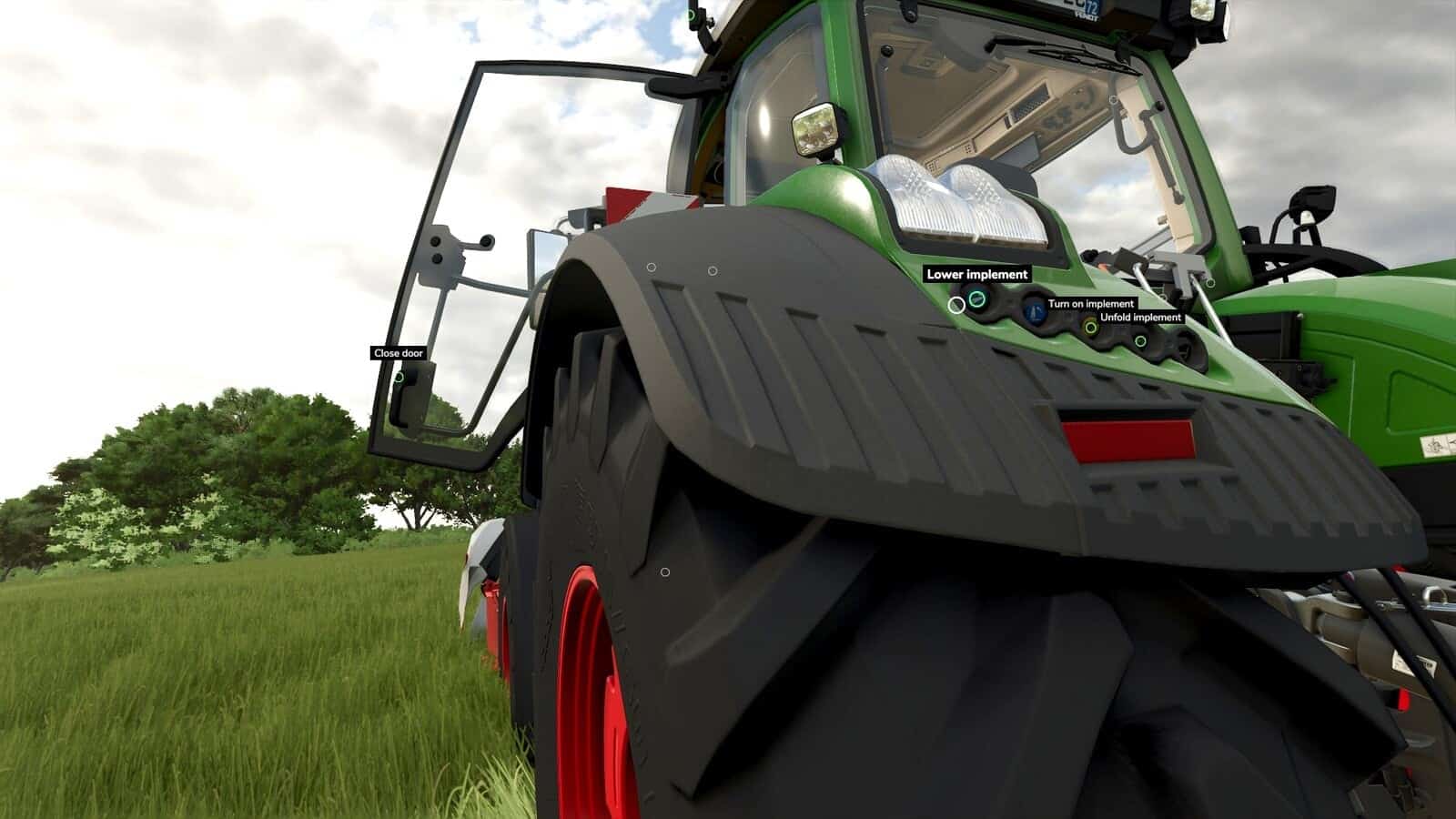
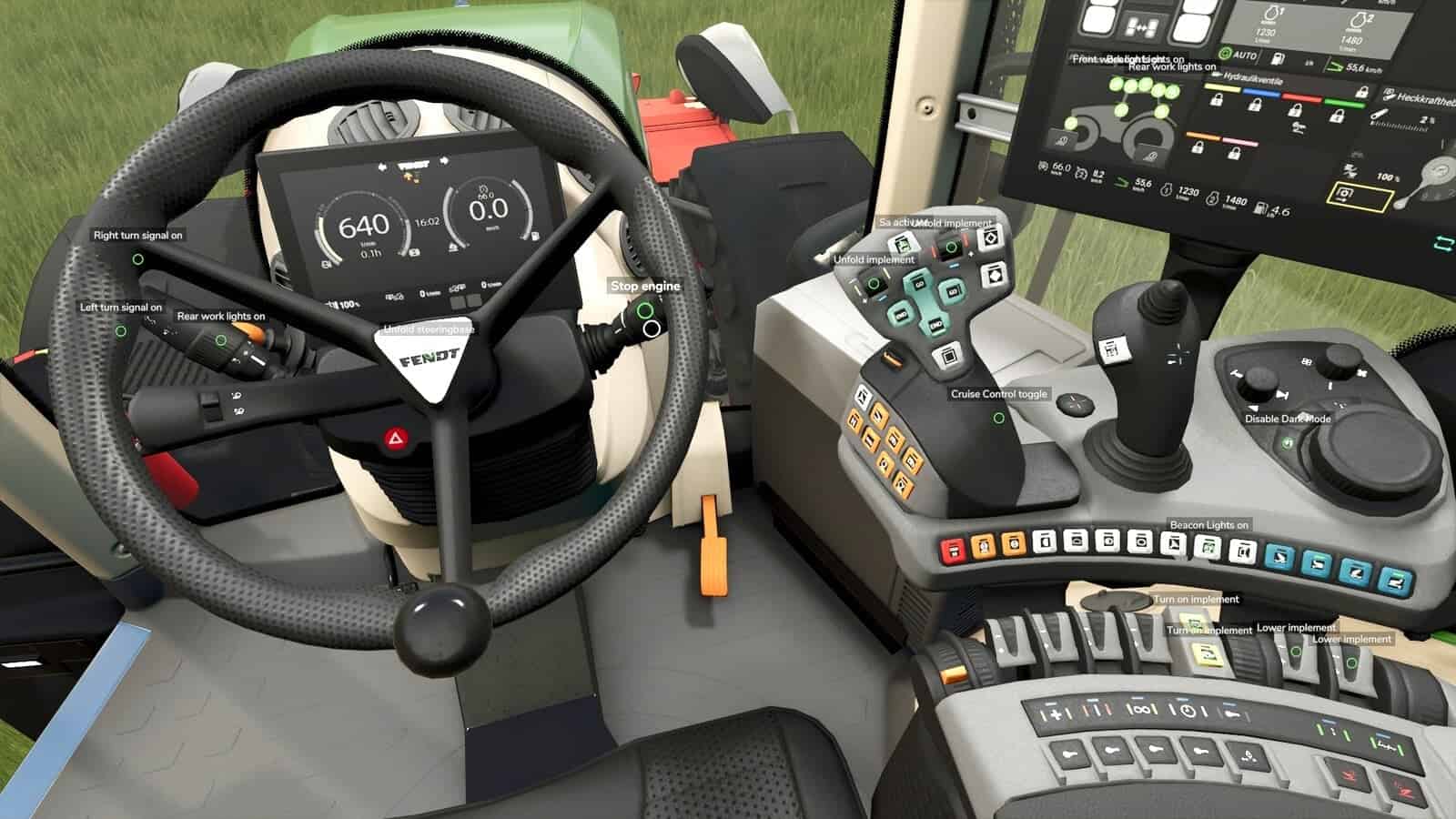
Mouse Click Actions lets you use the mouse to click vehicle controls such as doors, windows, lights, beacons, the ignition, lifting and lowering, folding, and switching implements on. The mod reads the interaction points included in vehicles for Interactive Control.
Features
- When Interactive Control is not installed, hold R to freeze the view and release the mouse cursor. Let go of R to return to normal looking and head tracking.
- A quick press of R continues to perform the game’s R action.
- Selecting an interaction point activates it, both inside the cab and on foot beside the vehicle.
- Holding R also lets the mouse wheel zoom in.
- If head tracking is used, including TrackIR, Tobii or opentrack, the cursor aims while the view remains still.
- Points outside your reach appear gray, while points belonging to an unattached implement remain hidden.
- Doors, windows, hoods and other parts opened by clicking retain their positions after saving and reloading, and later joining players see those positions.
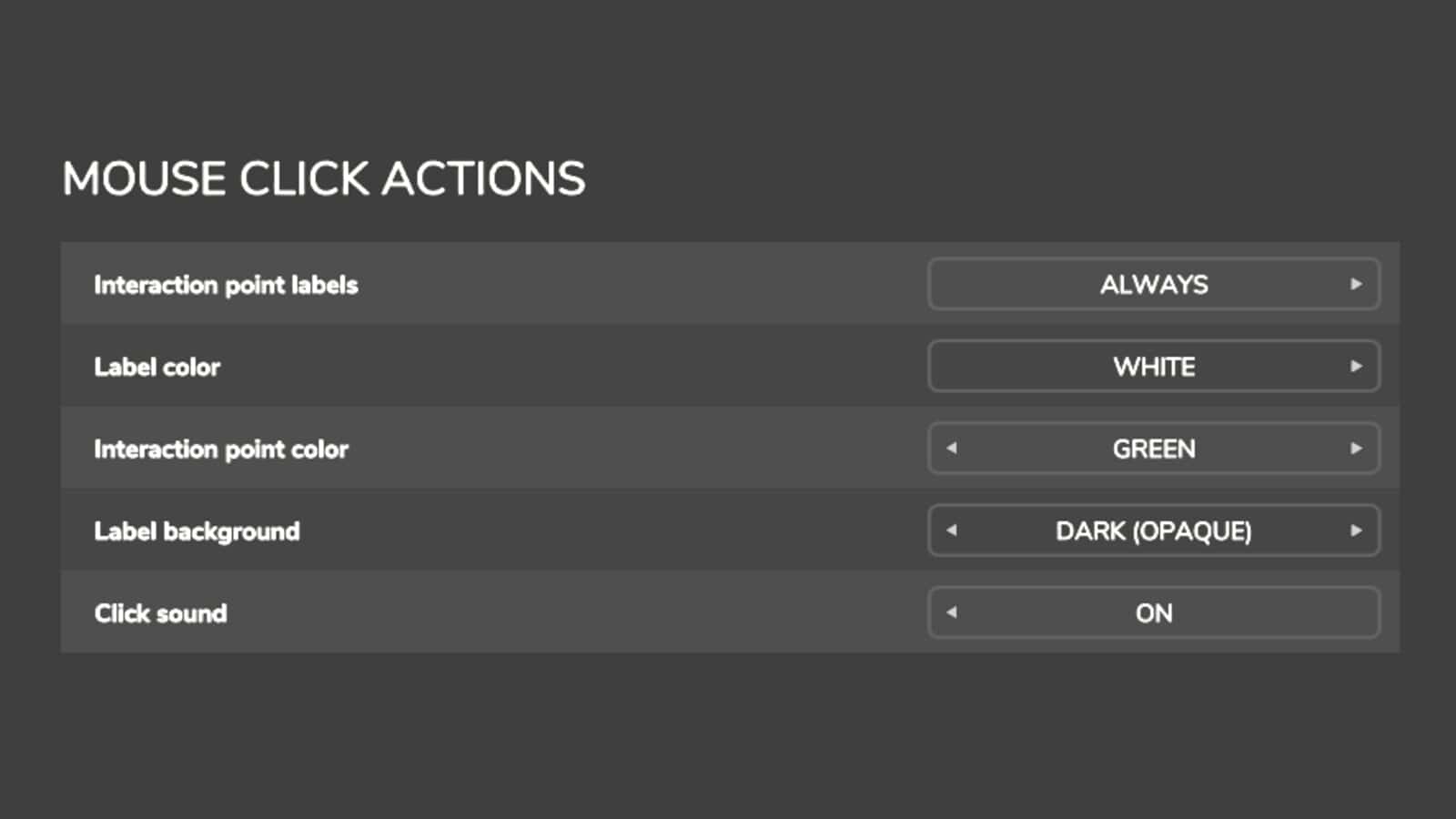
- Options are available for labels, label and point colors, a label background and a click sound.
- You can set the message size, color, background and position, as well as the warning style.
- When Interactive Control is present, Mouse Click Actions adds text labels to its interaction points, while Interactive Control continues to handle every interaction.
- The labels appear whenever Interactive Control displays its points.
- Settings that are relevant only without Interactive Control appear grayed out.
- Use Right Ctrl + F12 to open the Kijbev help panel containing the keys for every active Kijbev mod.
- The mod works with vehicles whose files contain Interactive Control interaction points, as many mod vehicles do.
Changelog
v1.0.1.0
- After saving and reloading, doors, windows, hoods and other click-opened parts keep their positions, and players joining later see them as they are.
- Right Ctrl + F12 now opens the Kijbev help panel.
- The note shown when a click requires the engine to be running has settings for message size, color, background and position, plus the warning style.
- With Interactive Control, labels appear only at the points that Interactive Control displays.