

FS25 Mini Map Layer V1.0.7.0
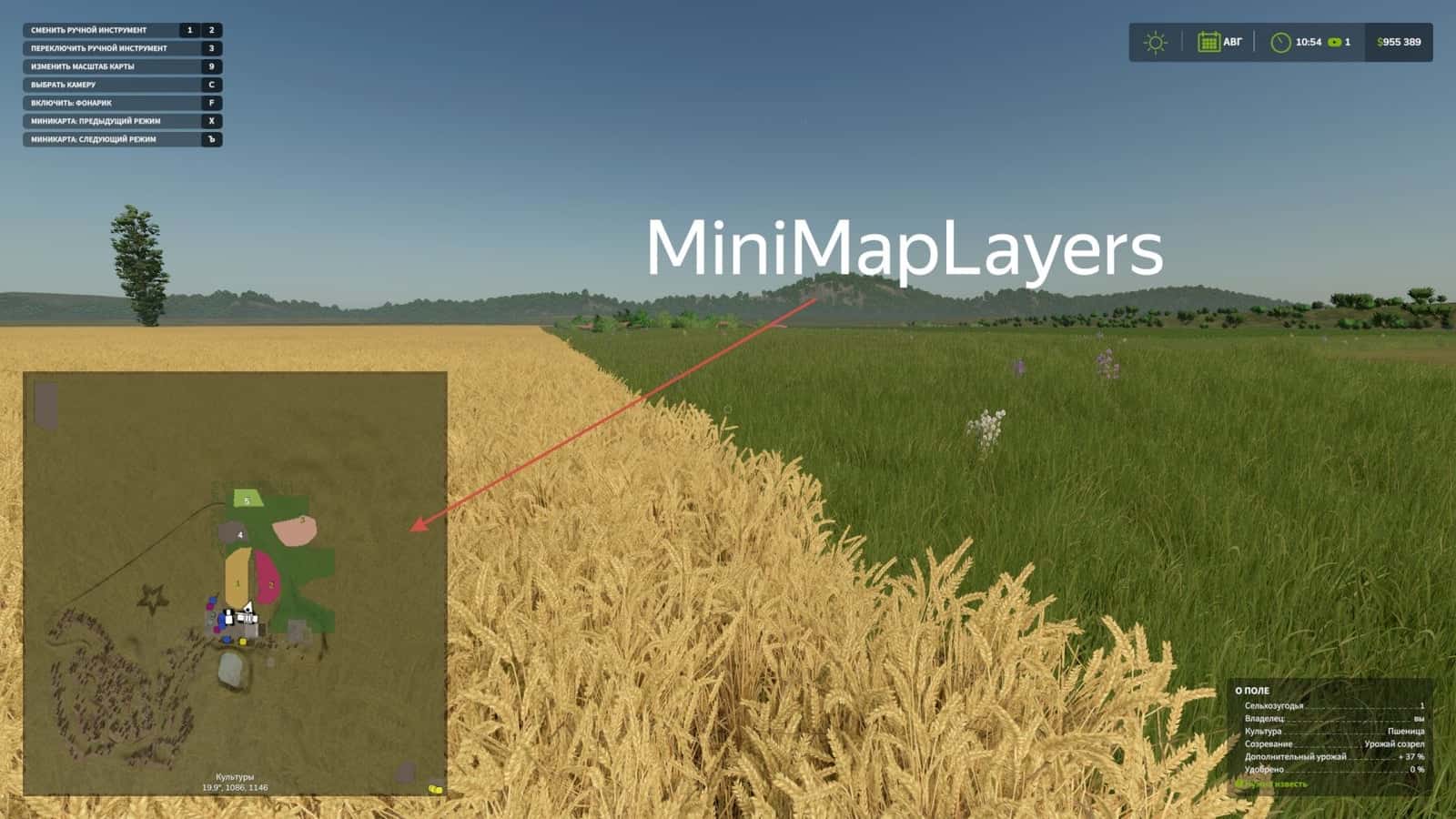
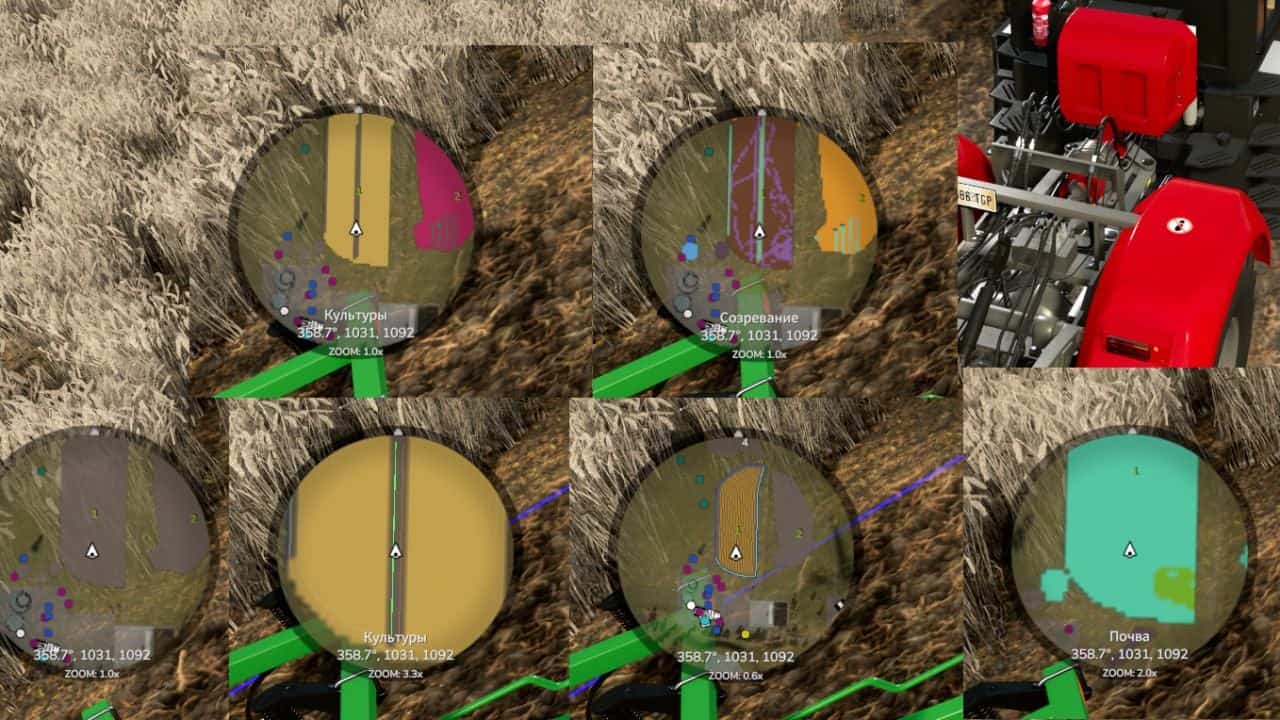
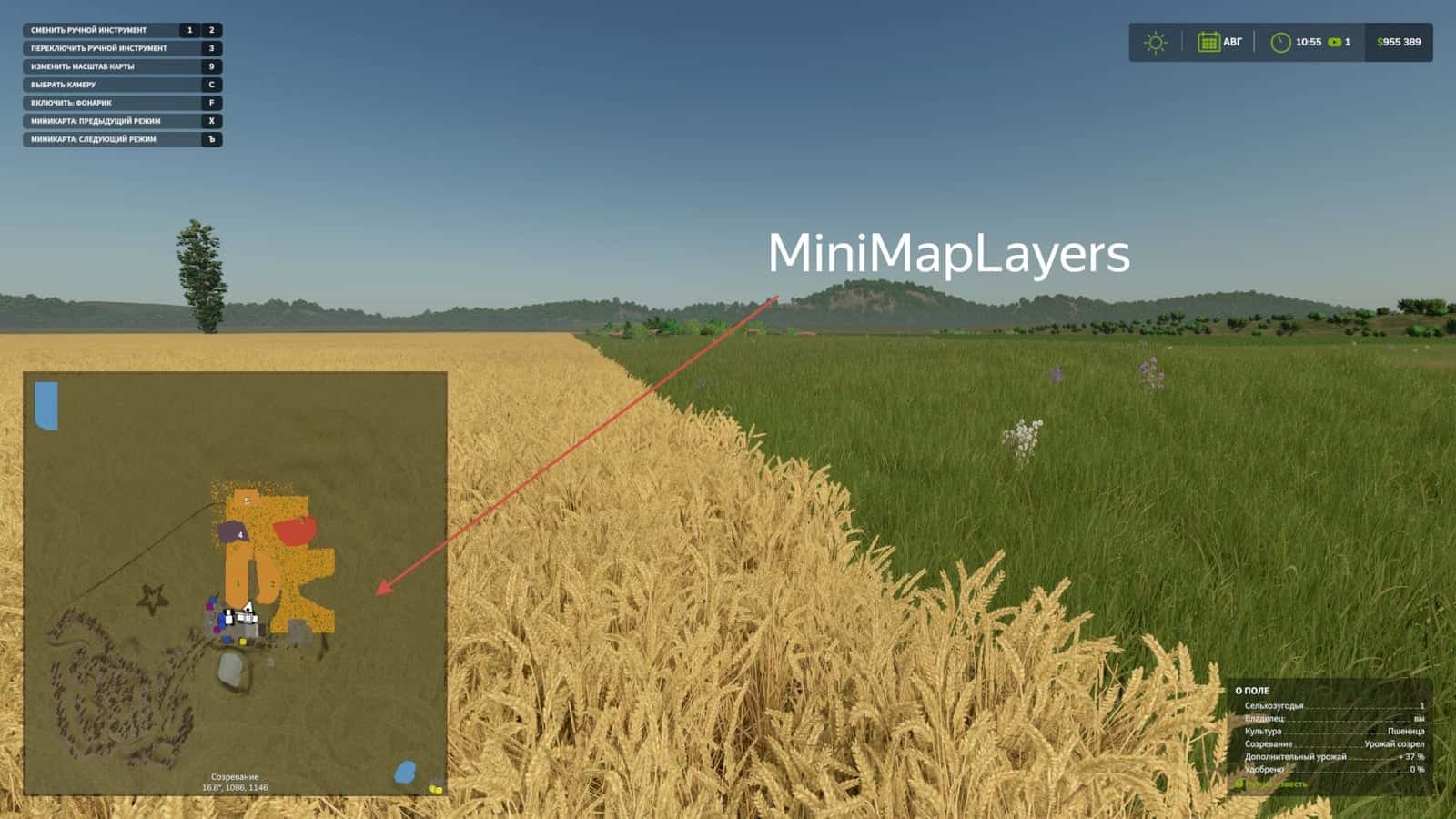
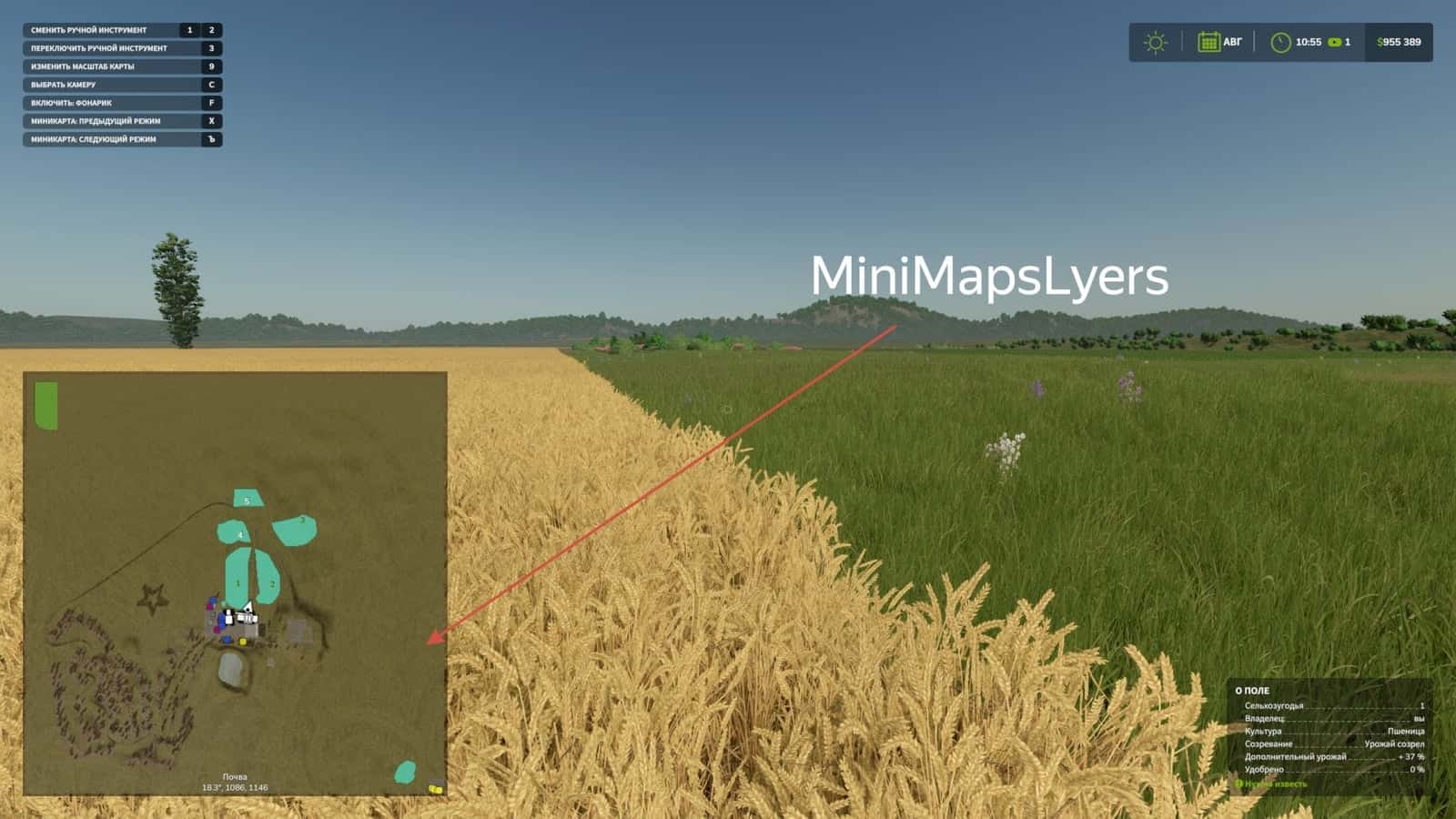
Mini Map Layers places advanced display layers on the Farming Simulator 25 HUD minimap. While working in a field, you can view crops, growth stages and soil conditions without opening the PDA map.
Use hotkeys assigned in the control settings to change the minimap mode.
Features
- Shows crops, growth stages and soil conditions directly on the minimap.
- Default keys:
]switches to the next layer,[selects the previous layer,alt+]zooms in,alt+[zooms out, andalt+"enables GPS lines.
Changelog
- V1.0.7.0
- Support was added for the Fungicide layer from the Beans and Alpacas Pack DLC.
- V1.0.6.0
- Italian and Spanish translations were added from player TonyTonnarello.
- V1.0.5.0
- A settings item for the mod was added. The inclusion of separate soil layers for display can be configured.
- Compatibility with precision farming was added. Precision agriculture layers can now appear on the minimap, and this can be turned off or on in the mod settings.
- Auto mode was added as a test. It can be enabled in the settings and attempts to detect your equipment before placing the appropriate layer on the minimap. When Auto mode is included, manual switching does not work.





