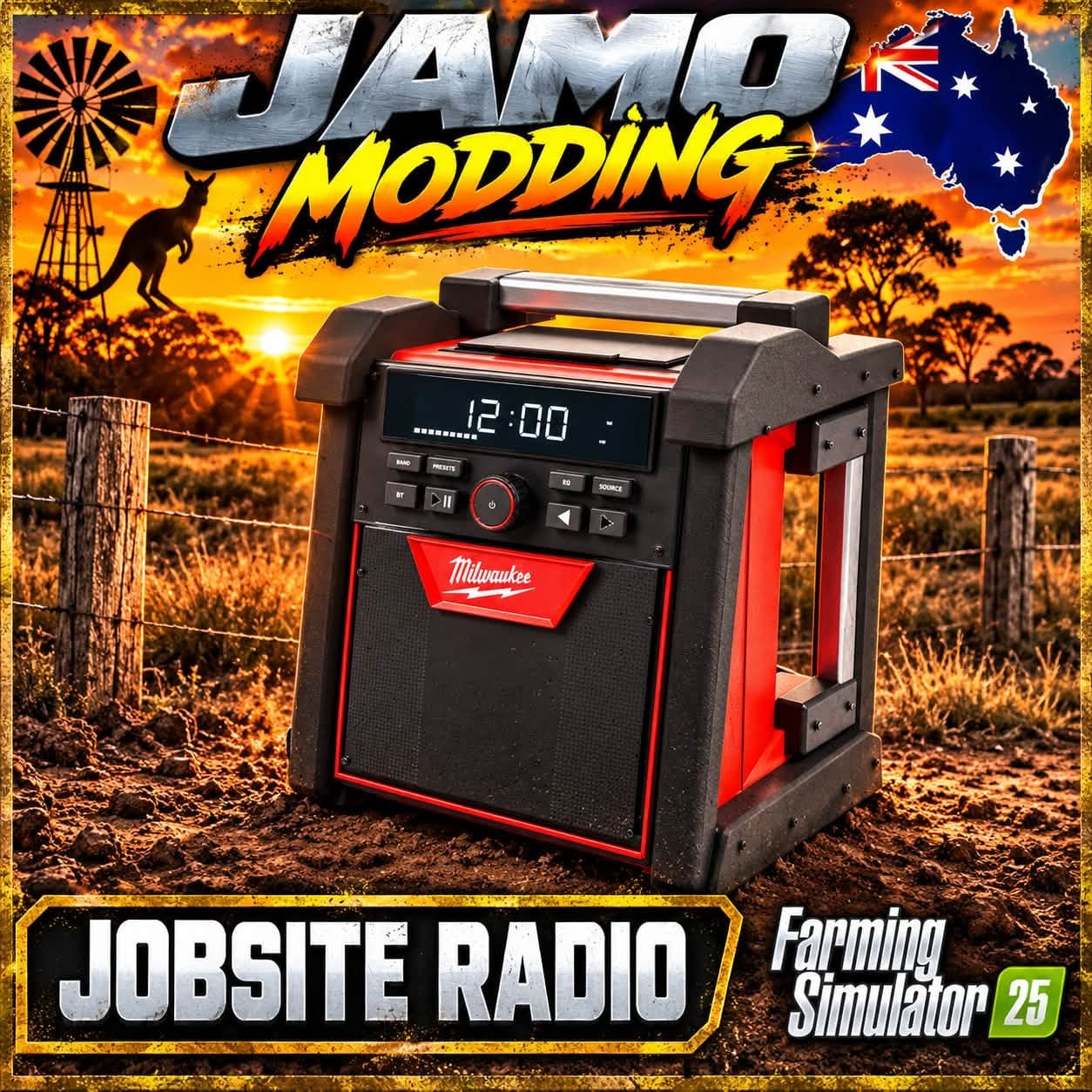
FS25 M18 Jobsite Radio V1.4
This version keeps the rebuilt realistic model, its pickup behaviour and the textured finish. Each radio saves its own power state, volume level and selected song.
Installation
First close FS25, then back up FS25_JamoJobsiteRadio.zip and replace it in your mods folder. The file must remain zipped. Activate the radio together with FS25_interactiveControl.
In multiplayer, every player needs identical versions and playlist files.
Interactive Control
- On foot, position yourself close to the radio.
- Use your configured IC binding to activate Interactive Control, aim at the five buttons on the front and click them.
- Power on or off is controlled by the top-centre button.
- The middle-left and middle-right buttons reduce or raise volume in 10% steps.
- At the lower left and right are the previous-track and next-track buttons.
- Hovering over a control reveals its action. Volume controls display the current percentage, while track controls display the current song.
- There is no radio menu and no R activation prompt. Controls require
FS25_interactiveControlto be enabled. - The song continues from its position when you adjust the volume.
- When the radio is on, selecting another track starts it immediately. If the radio is off, it remains off.
- The chosen track repeats until a different track is selected.
- Carry or place the radio with the usual empty-hand pickup controls.
Playlist and Adding Music
- The original JAMO demo instrumental is the sole track included.
- Place personal mono OGG/WAV files in
sounds/myMusic/, then add them toconfig/playlist.xml. - Examples and ZIP instructions are provided in
ADD_YOUR_MUSIC.txt. - Your playlist is browsed with the IC next and previous buttons.
Features
- Volume ranges from 0-100%, with 70% as the default.
- Nearby volume is full within 2 m and fades toward silence by 40 m.
- The emitter moves together with the radio.
- Native 3D audio performs the distance fade once.
- The game’s Vehicle sound slider continues to control overall loudness.
- The demo audio has been normalized.
- The display, antenna and charger are still cosmetic features.
- XML, playlist references, audio decoding and archive checks are complete.
- In-game testing remains necessary for IC targeting, song switching, save/reload and multiplayer behaviour.
- Matching JAMO sunset artwork is used for the shop image at 512 px and the mod selection icon at 256 px, with DDS mipmaps on both.
- Each of the five X markers now has size 0.040, the Interactive Control default.
- This size is over twice the previous one, so the click areas are correspondingly larger.
- Point at a marker and use the configured IC click binding.
- To operate the IC buttons, stand no more than 1.5 metres horizontally from the radio.
- Radios on a truck bed have a vertical allowance of 2 metres.
- The large X markers and the 2 to 40 metre audio distance fade remain.
Specifications
- Weight: 6 kg