FS25 Grassland Care Plus BETA
Grassland Care Plus brings wear and tear, overload damage, and maintenance to grassland equipment in Farming Simulator 25. This beta combines Pickup Plus, Mower Plus, and Swather / Tedder Plus with HMT spare parts and multiplayer synchronization.
Features
- Daily work includes wear and tear and maintenance, whether you are mowing, turning, windrowing, or collecting.
- Overloading results in additional damage.
- Blockages may stop the work process.
- Presses and loading wagons receive wear on knives, pickup tines, and roller hold-downs.
- On mowers, the blades, drums, and skids wear out.
- Swathers and tedders experience wear and tear on tines, tine safety devices or catch brackets, and claw couplings.
Menu and Easy Mode
Open the pause menu and select General Settings → Grassland Care+ to configure the pickup, mower deck, and rake/tedder independently:
- From: The device uses the regular LS25 functions. Grassland HUD, load limiting, wear and maintenance are paused.
- Easy: Players and helpers cannot create blockages. Any existing blockage is removed when changing modes. Utilization, wear and tear, and spare parts maintenance continue to work.
- To: Every grassland function is enabled. When a tool clogs while a helper is operating it, the job ends and a message appears. Once the blockage is cleared, the helper can be started again.
The game stores the module settings. During multiplayer, the host or server administrator applies the settings to all players.
Spare Parts and Partial Maintenance
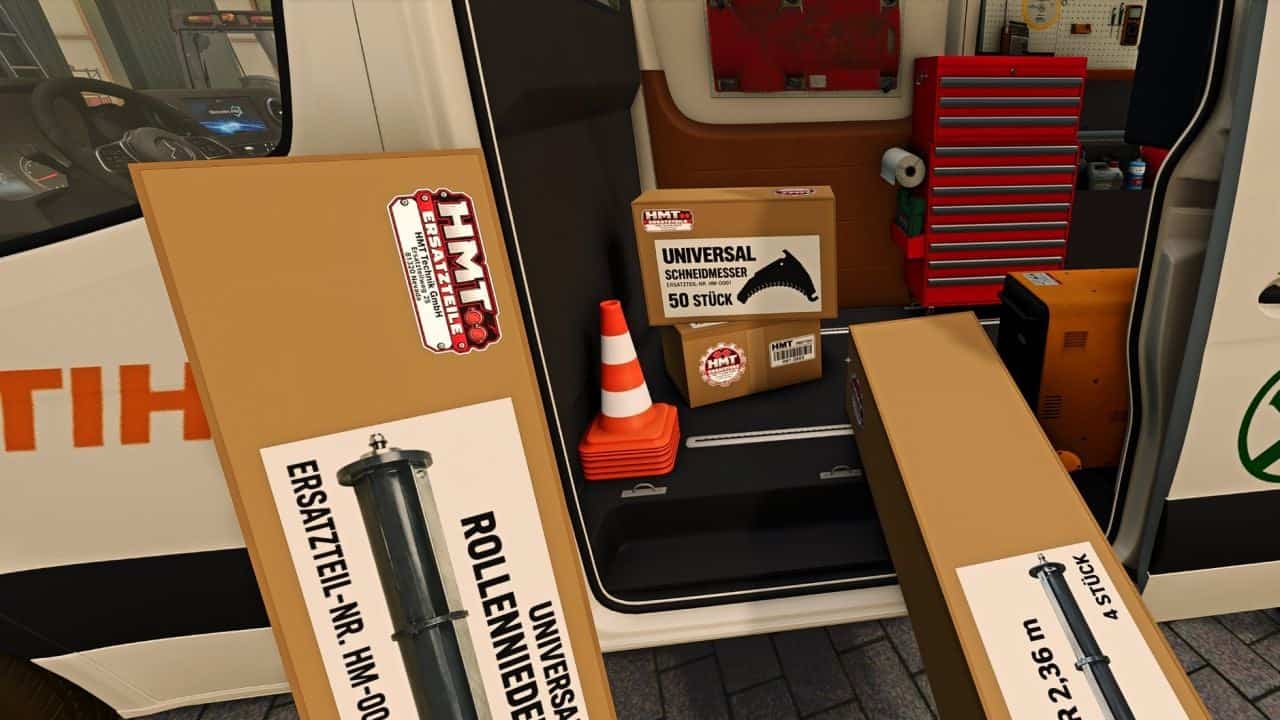
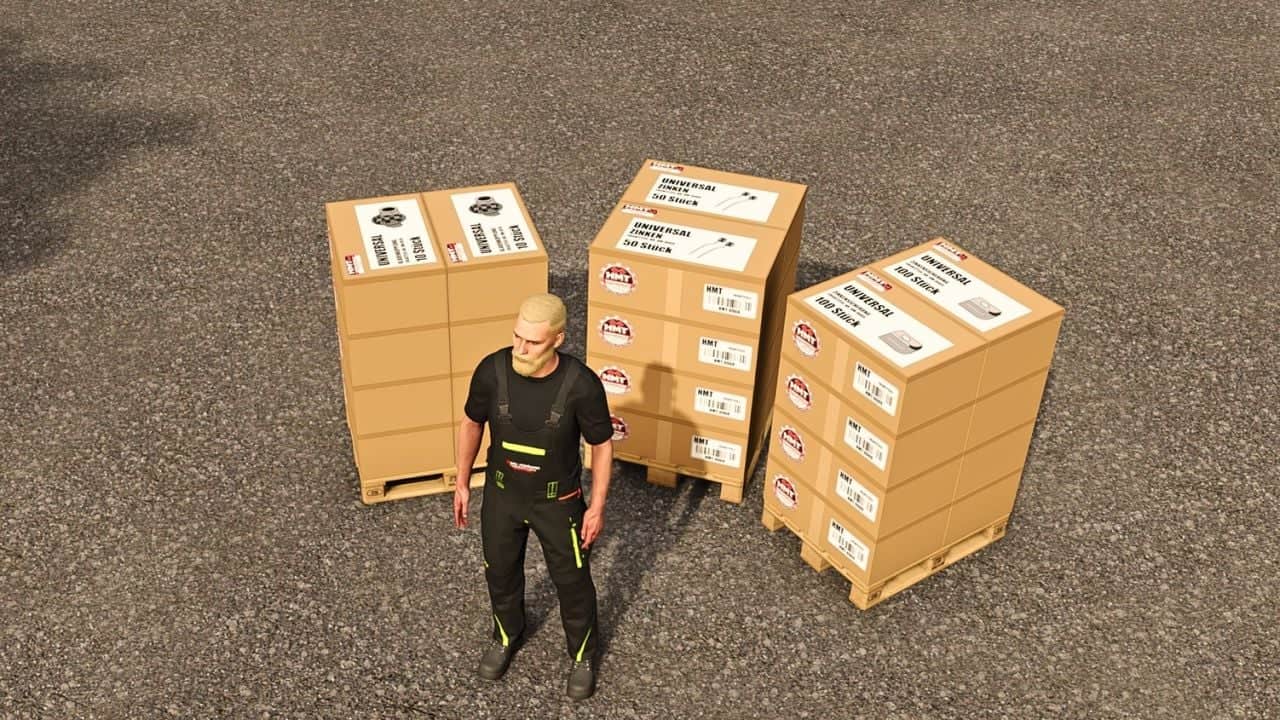
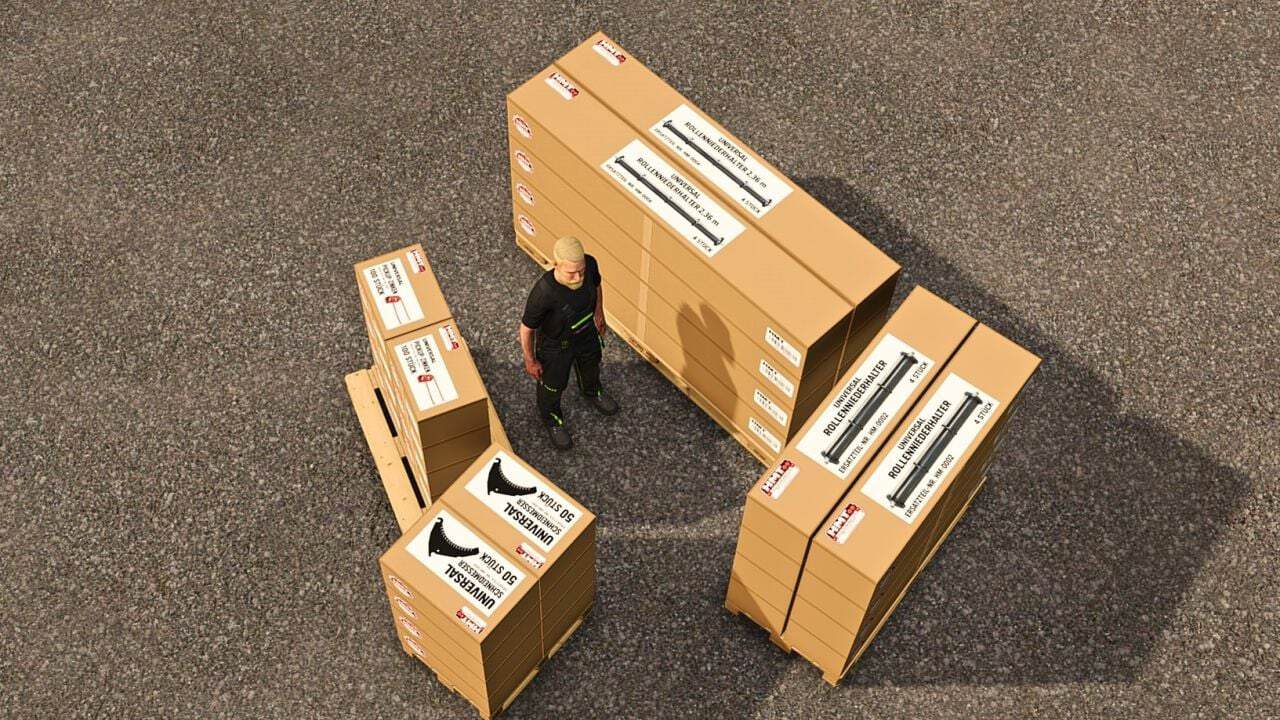
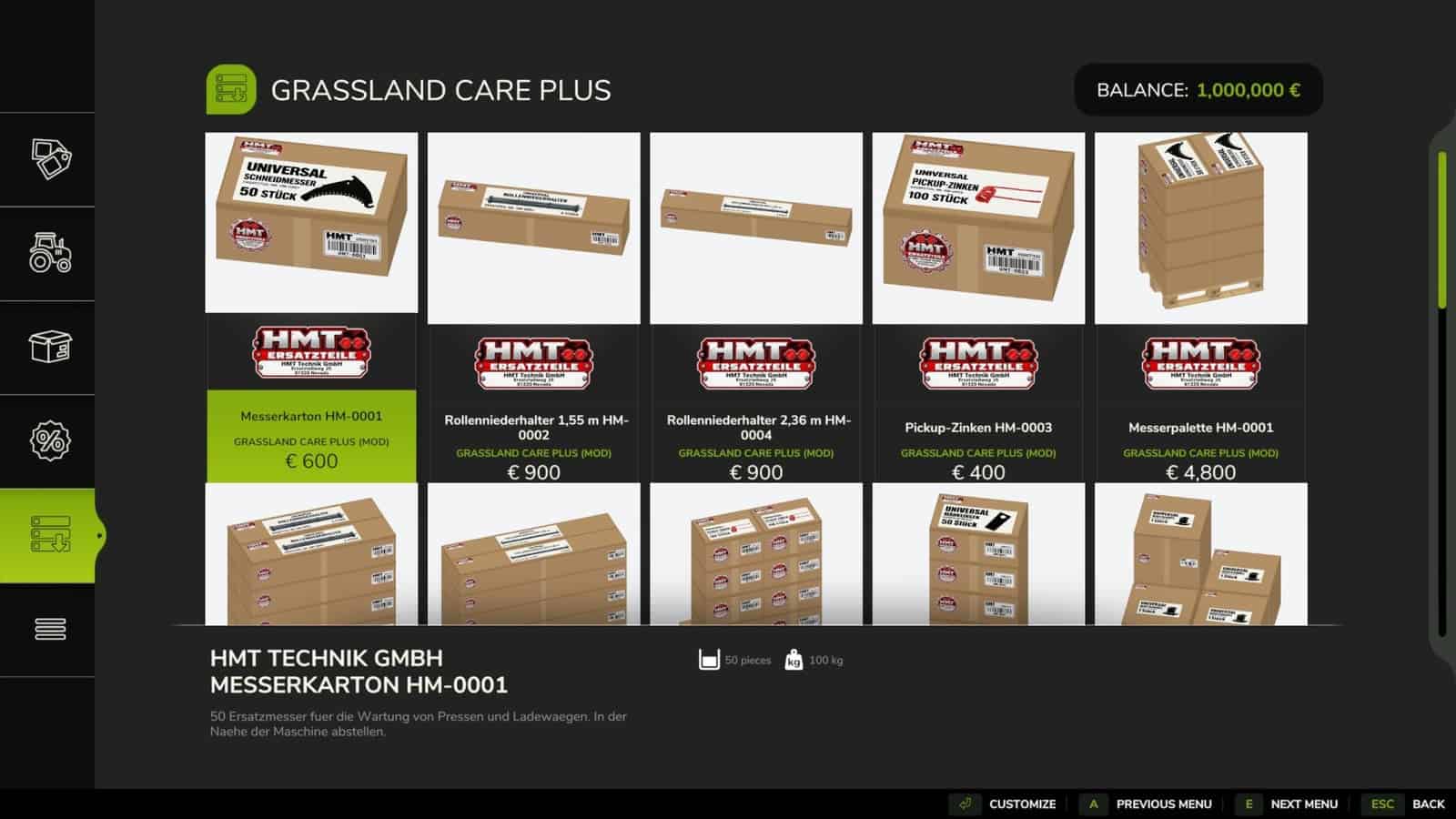
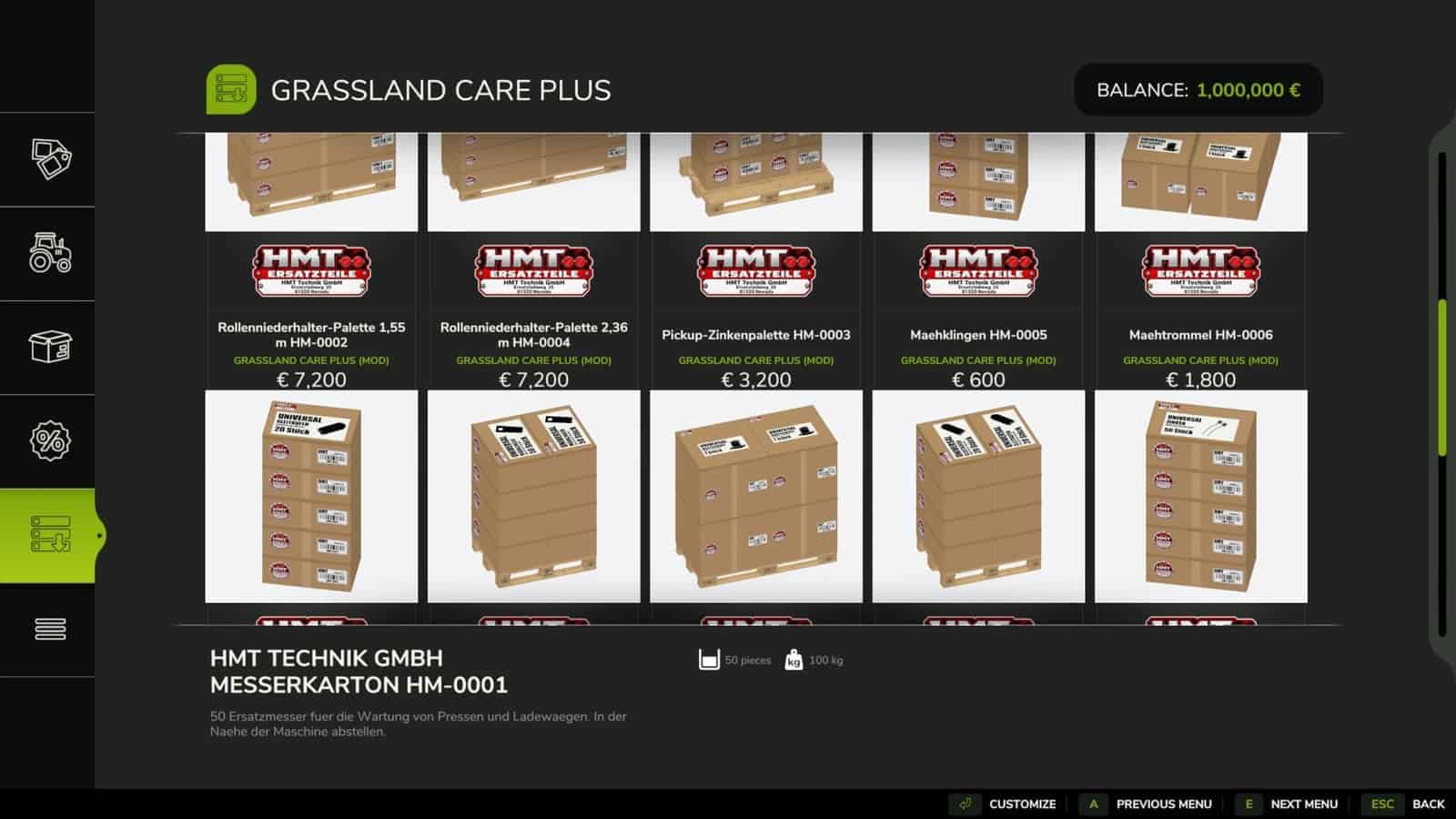
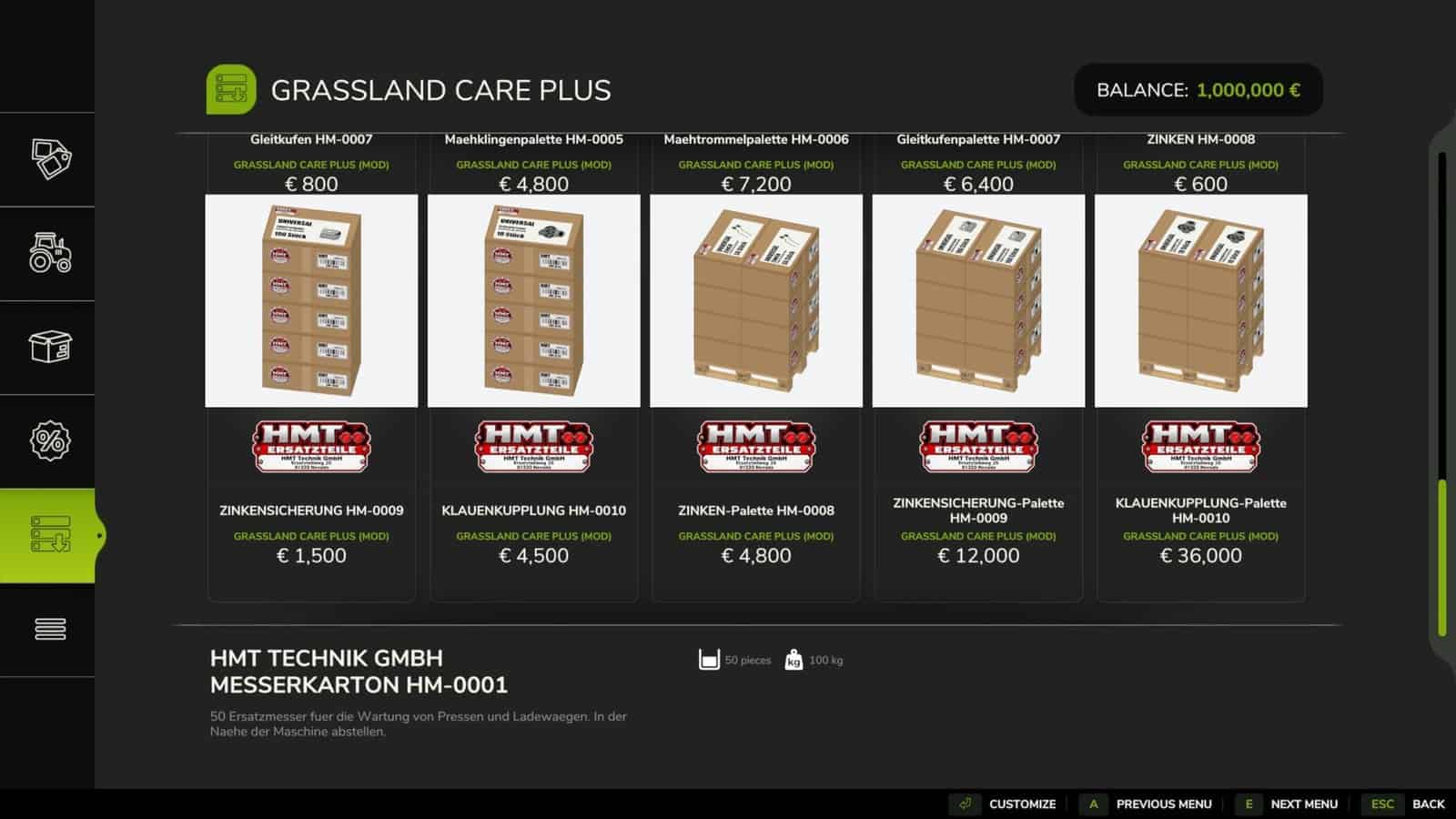
Suitable spare parts are available in the HMT spare parts category in the shop. The selection includes individual boxes with quantity selection and ten pallets containing single-type spare parts. The shop shows the contents and the number of boxes for every item.
For a parts change, stop the machine and switch it off. The required replacement parts must be available within five meters. Partial maintenance starts when at least one suitable replacement part is present. If a job requires ten parts but only five are available, those five are installed. The last message states how many parts are still required for a full replacement. Clearing a blockage does not require replacement parts.
HUD and Control
The HUD shows resource utilization and component status. On supported devices, the component requirement is adjusted according to the detected component count. If compatible component detection is unavailable, default values are used. Each player can choose a large or small HUD font in the Grassland menu.
- Use Left Ctrl + left Alt + 3 to switch the HUD on or off.
- Left Ctrl + left Alt + 4 activates or deactivates pan mode. Hold the left mouse button and drag the visible HUD. Press the shortcut again to leave the mode. Camera and zoom inputs are disabled while it is active.
- Left Ctrl + left Alt + 5 changes the HUD size between 50, 25, 20, and 75% of the speedometer width.
- Ctrl + Alt + Caps Lock begins or cancels maintenance when no custom maintenance assignment has been saved.
All four actions may be assigned freely at Options → Controls → Grassland Care+. When a keyboard or controller maintenance assignment is saved, it replaces the default Caps Lock assignment.
Multiplayer Beta
To support collaborative development, the runtime scripts have been cut from 21 to ten. The aim is to create a better-coordinated multiplayer foundation.