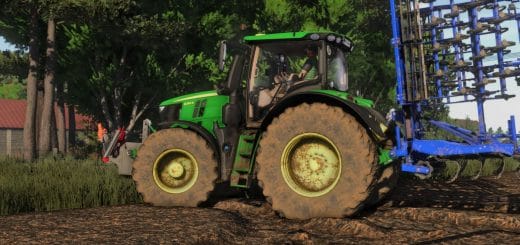
FS25 Farm Mechanic V1.0
Farm Mechanic makes vehicle maintenance a real part of your Farming Simulator 25 experience. Machines require regular servicing and can develop mechanical problems if maintenance is ignored.
Features
- Mechanical failures: Engine, brakes, hydraulics and wheels have their own maintenance and failure systems.
- Maintenance warnings: A yellow wrench warns you when maintenance is required. You then have 3 actual working hours to service the machine before the problem can become more serious.
- Tire punctures: Vehicles, trailers and implements can develop punctures. Driving with a flat tire progressively reduces your speed and can eventually damage the rim.
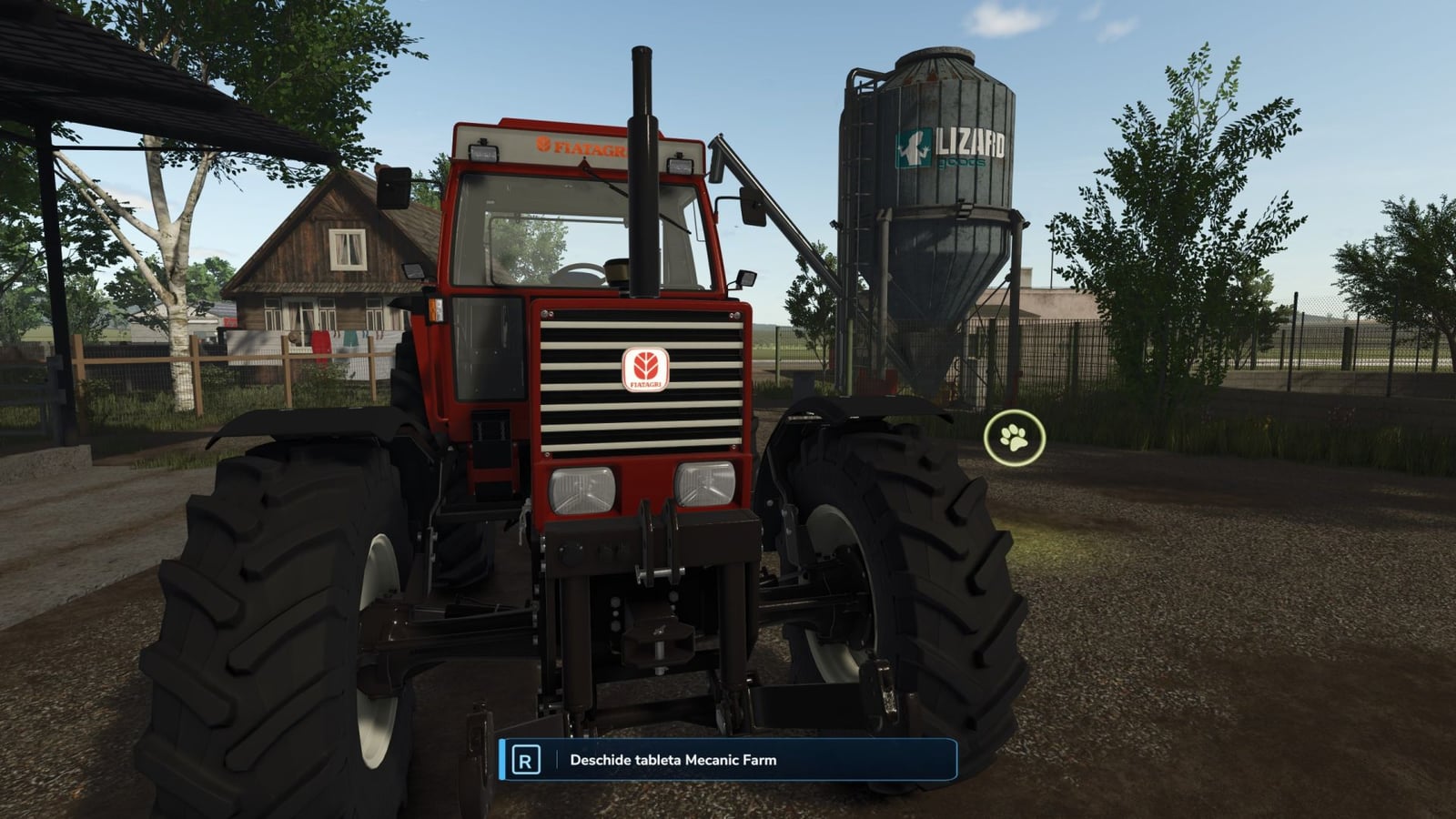
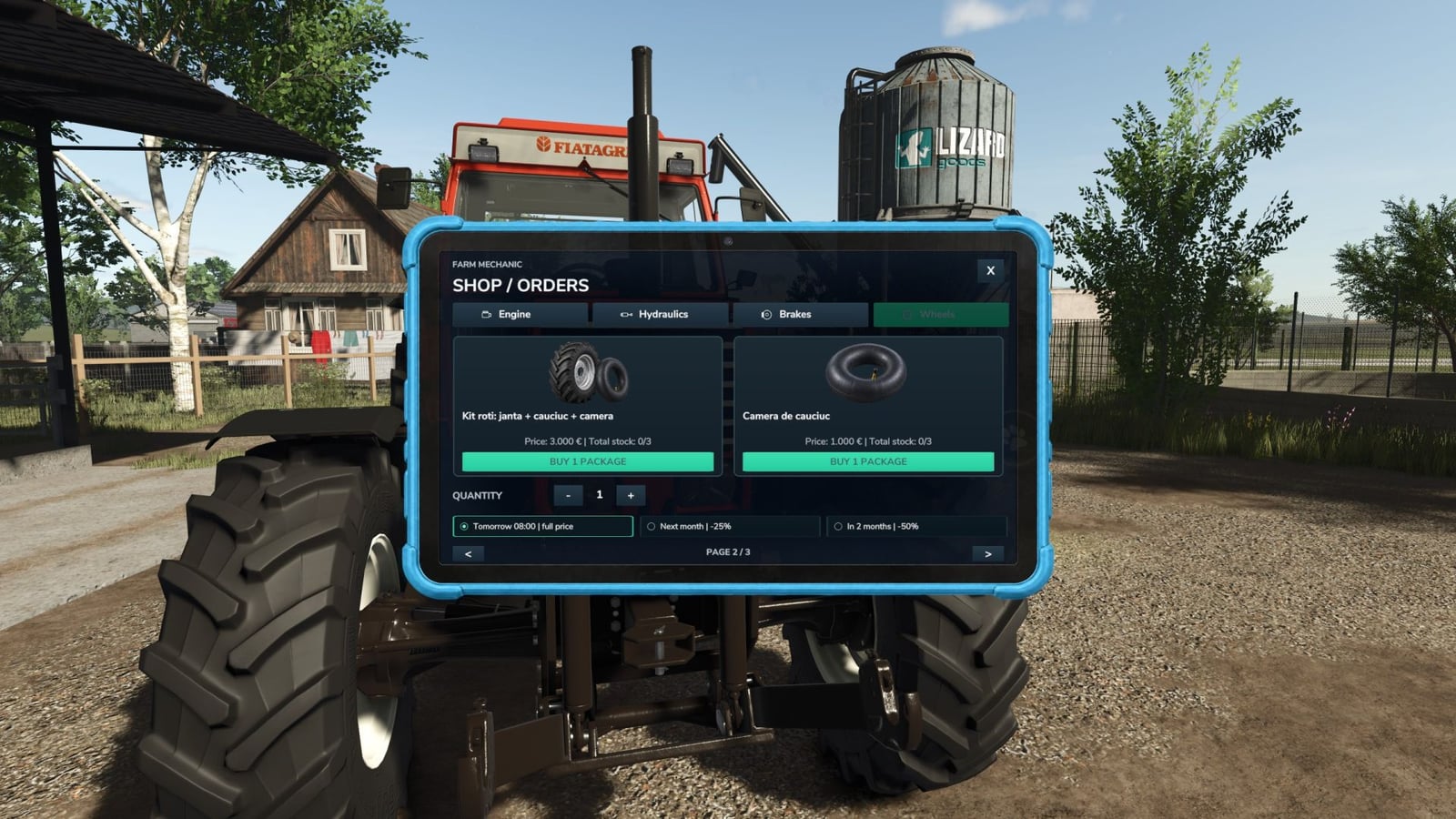
- Interactive Mechanic Tablet: Walk to the front of a machine and press
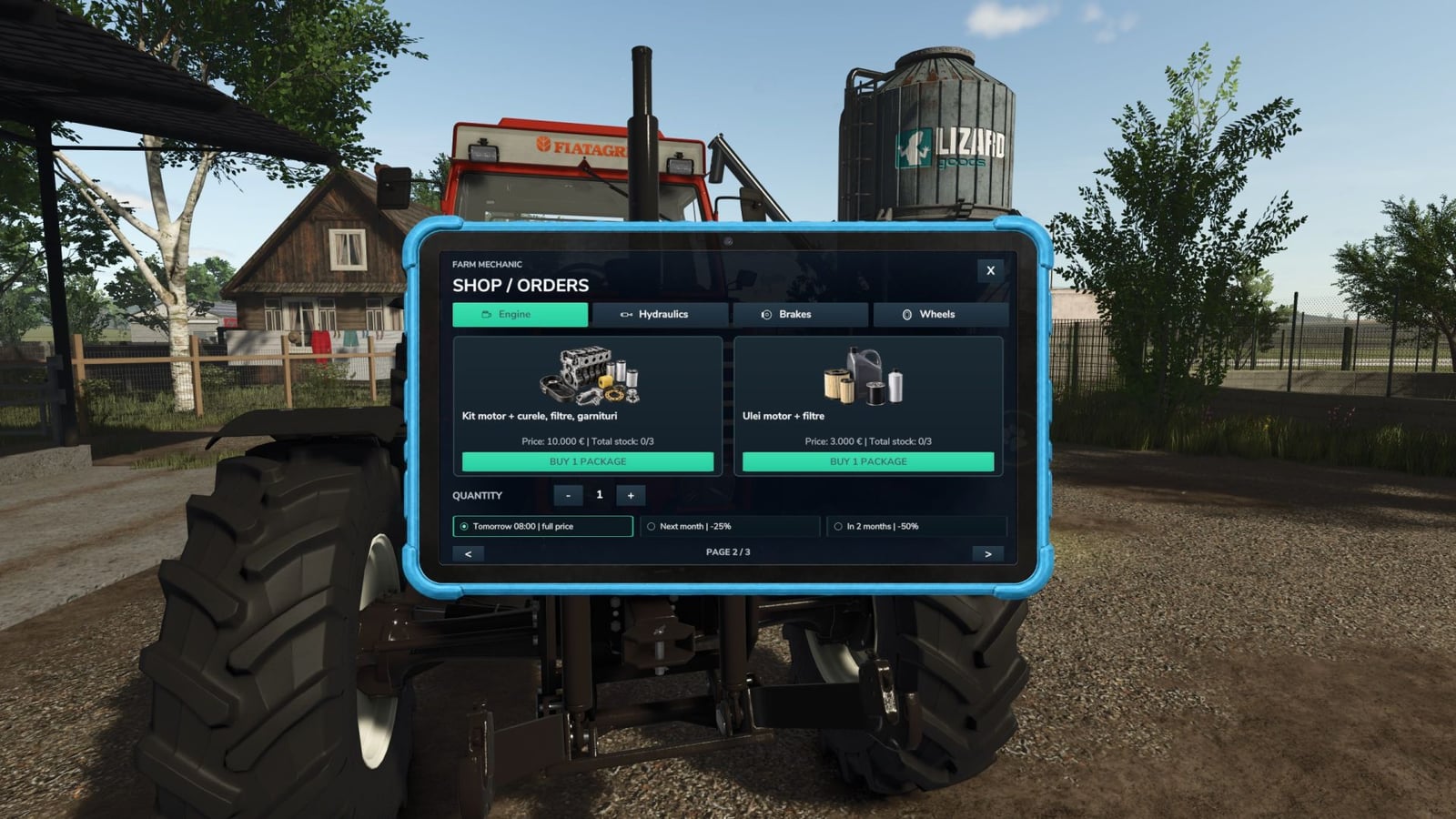
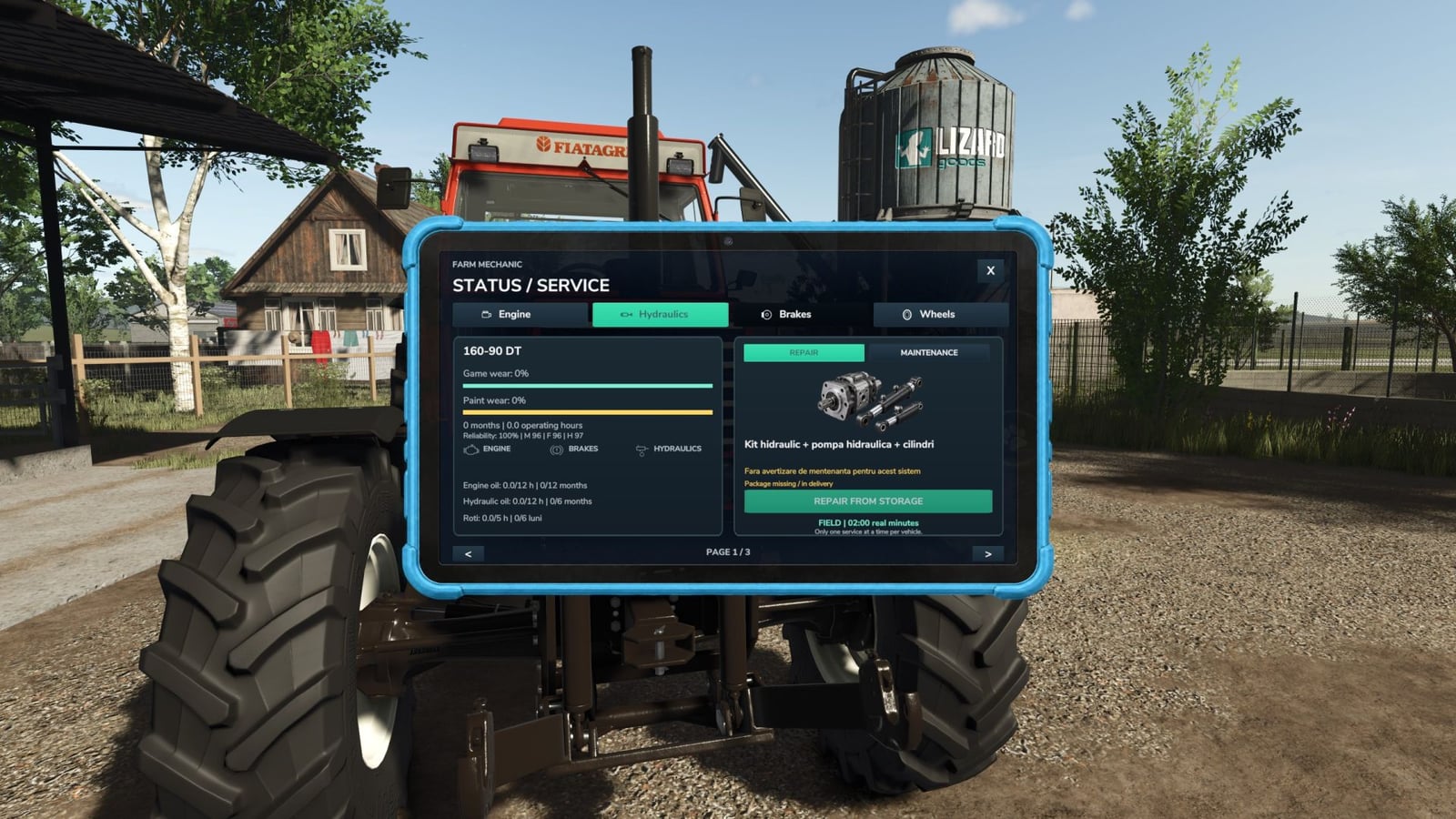
Rto open the mechanic tablet. Check its condition, maintenance status, required parts and available repairs. - Parts Shop: Purchase engine parts, oils, hydraulic components, brake parts, wheel kits and inner tubes directly through the tablet.
- Orders & Storage: Choose between faster delivery or delayed orders with discounts. Parts are stored in your virtual workshop inventory and can lose quality when stored for too long.
- Real Repair Times: Repairs take actual time. Field repairs are slower, while working near a compatible farm workshop reduces repair time.
- Oil Changes: Engine and hydraulic oil have separate service intervals based on vehicle age and actual working hours.
- Vehicle Reliability: Older and heavily used machines become less reliable. Farm Mechanic can also integrate with the AgroDeal reliability system when available.
- Persistent System: Maintenance, failures, punctures, stored parts, orders and repairs are saved with your game.
- Multi-Language Support: The Farm Mechanic interface automatically uses the supported language corresponding to your Farming Simulator 25 language setting.
Controls
R– Open Farm Mechanic while standing near the front of the machine- Mouse – Navigate and interact with the tablet
ESC/X– Close the tablet