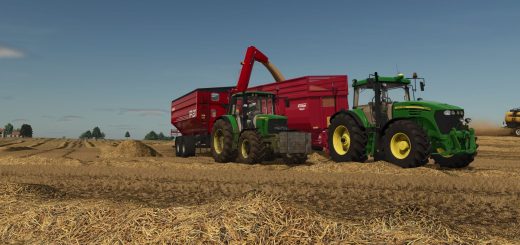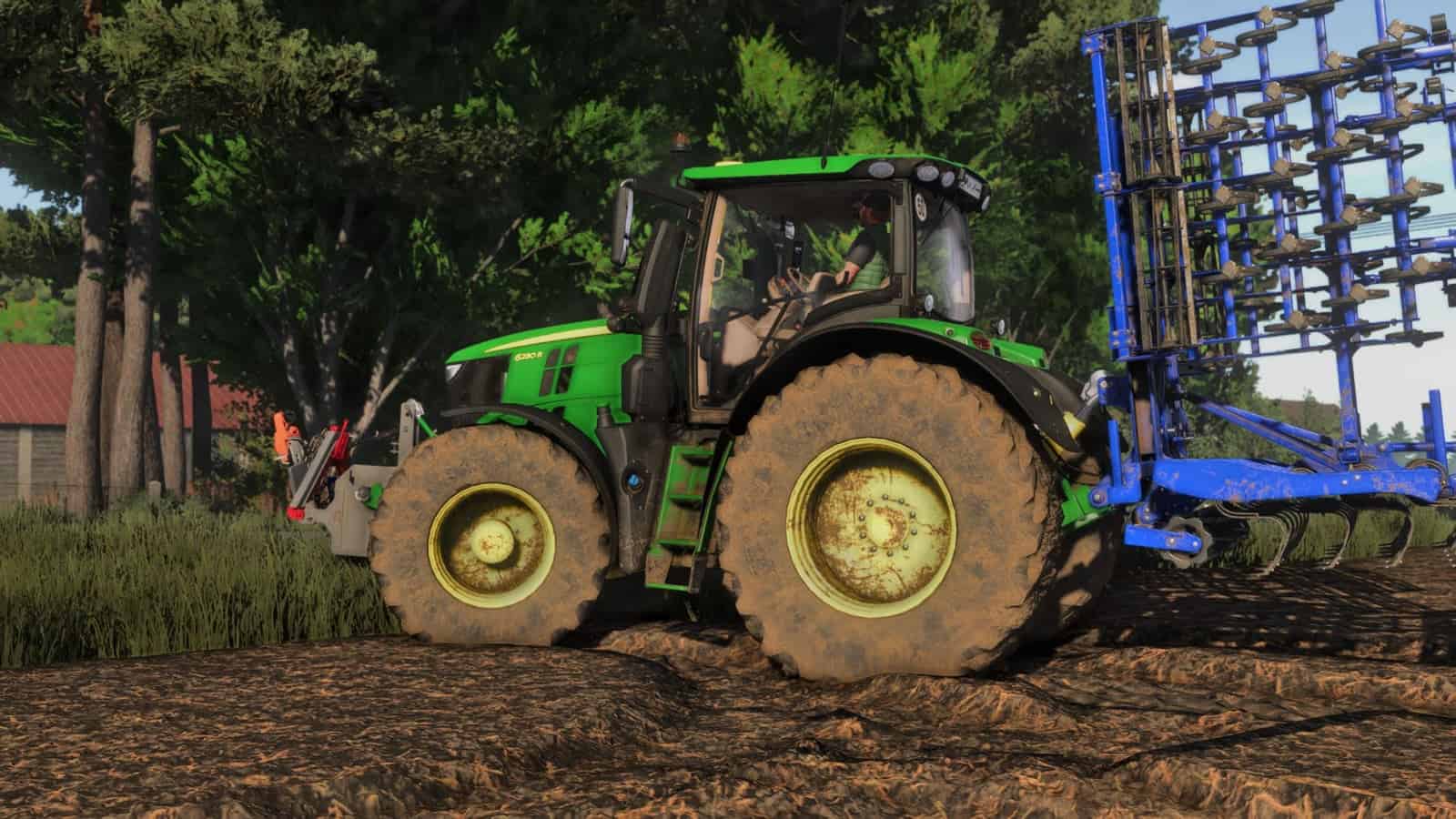
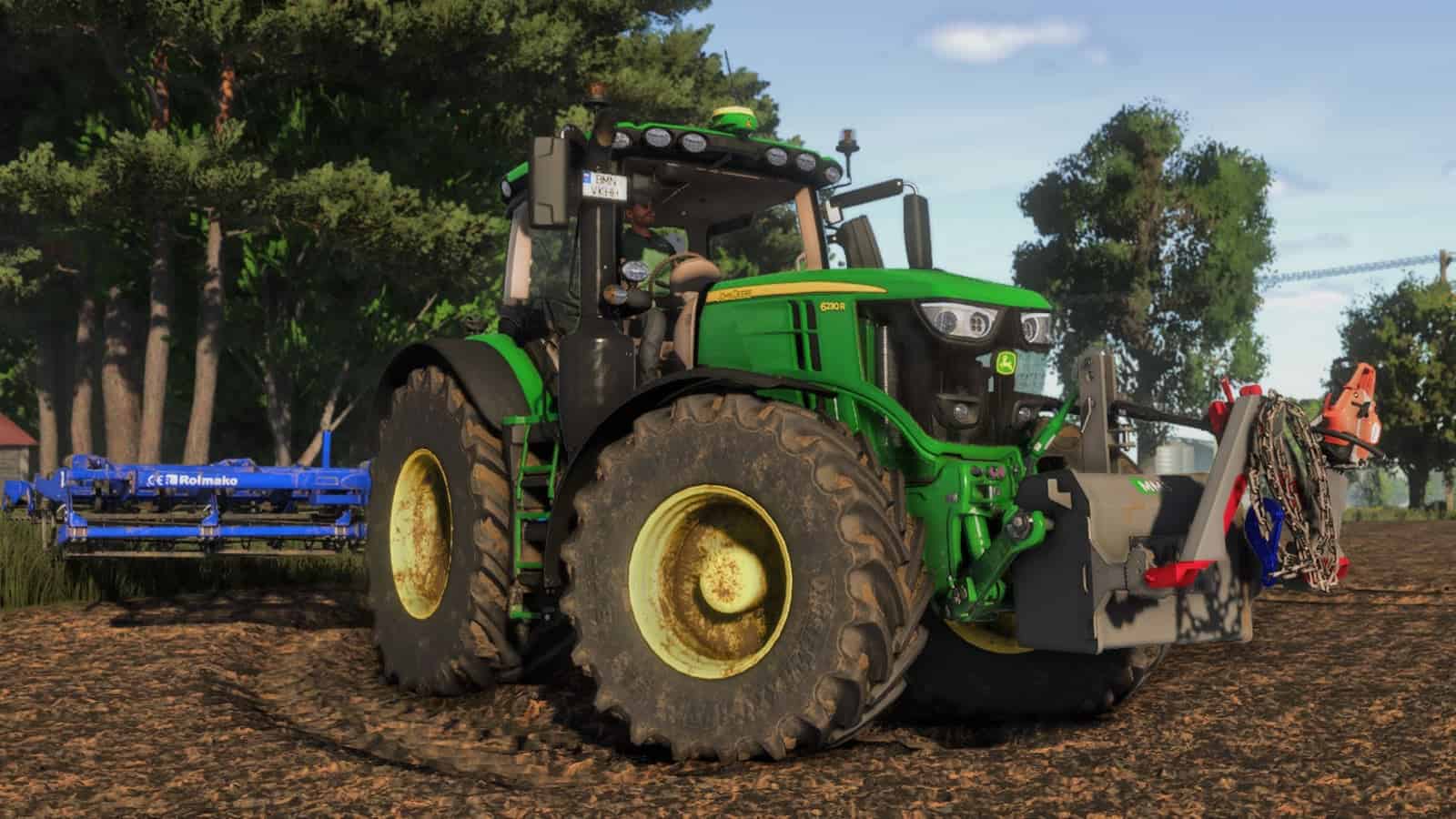
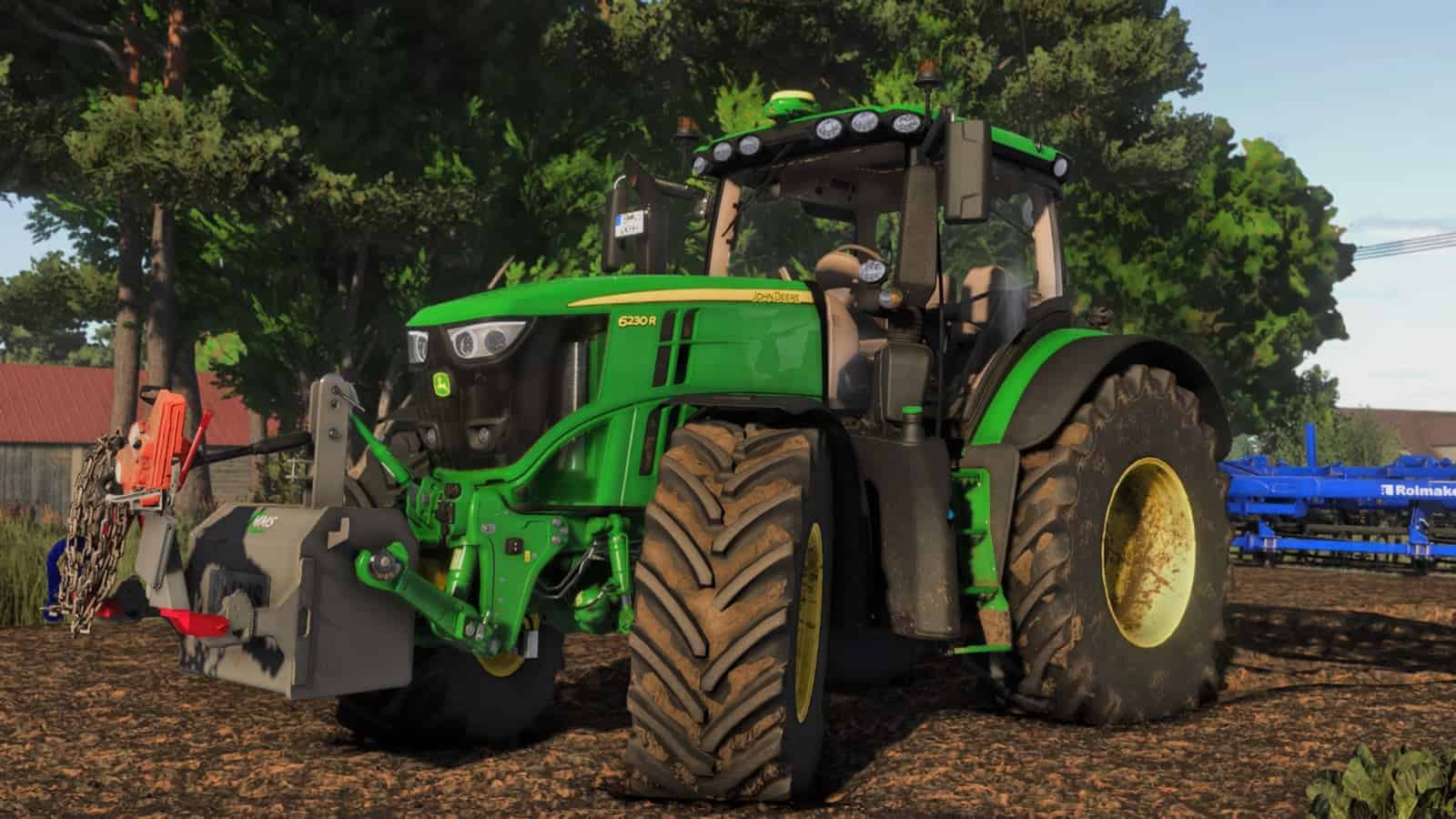
FS25 Shader V1.3.0.0
Shaders by me. I play on very high graphic settings.
Installation
Install Reshade.
- Pick Giants Engine 9.0.0.0 and DirectX10,11,12.
- Pick the install preset that is in the
x64folder and install effects. Or you can install all effects, which is simpler.
Go to Program Files (x86)SteamsteamappscommonFarming Simulator 25 and put the x64 folder with the file Shader2 by Miki.ini there.
Launch the game, press the Home button, and select Shader3 By Miki.ini.
When you have it selected, go to the Addons tab and pick your resolution.
You need an NVIDIA graphic card to use NVIDIA game filters.
Run FS25 and press ALT+F3 to run game filters. You have photos for the settings in the zip.
Changelog
- V1.3.0.0
Fixed lighting and MXAO. - V1.2.0.0
INI file fixed. - V1.0.0.1
Fixed INI file.