FS25 Exhaust Plus V2.0.2.0
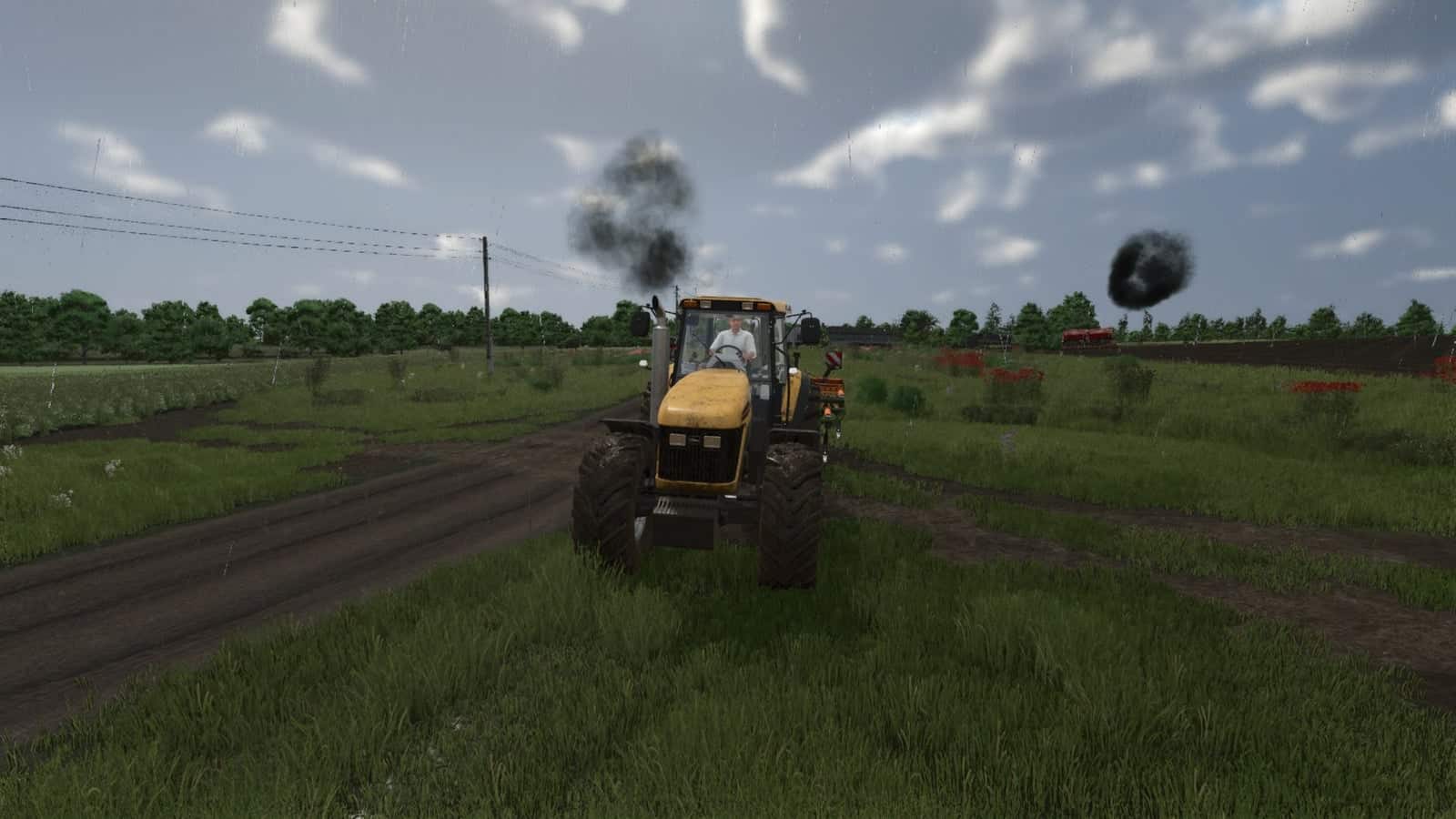
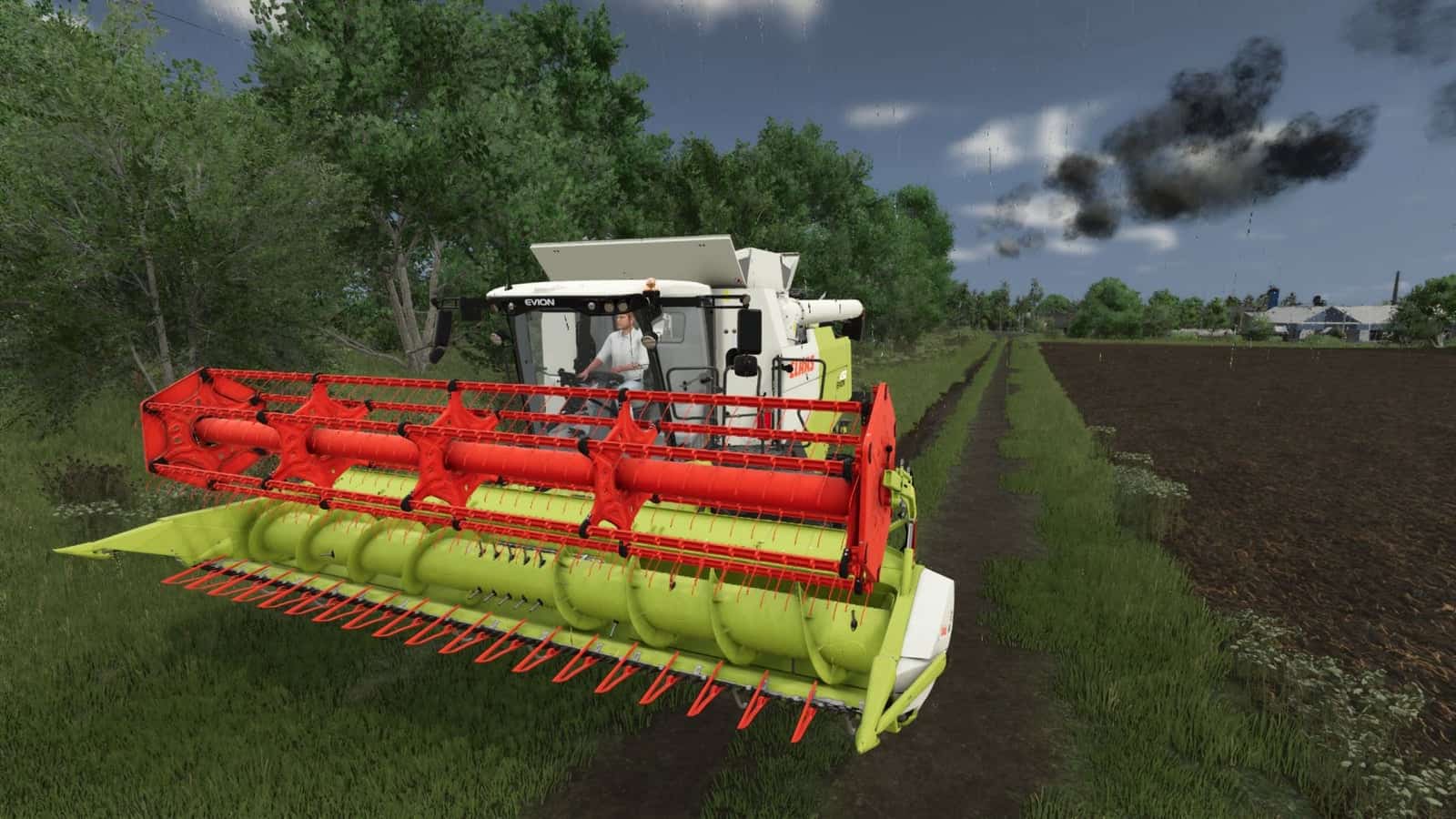
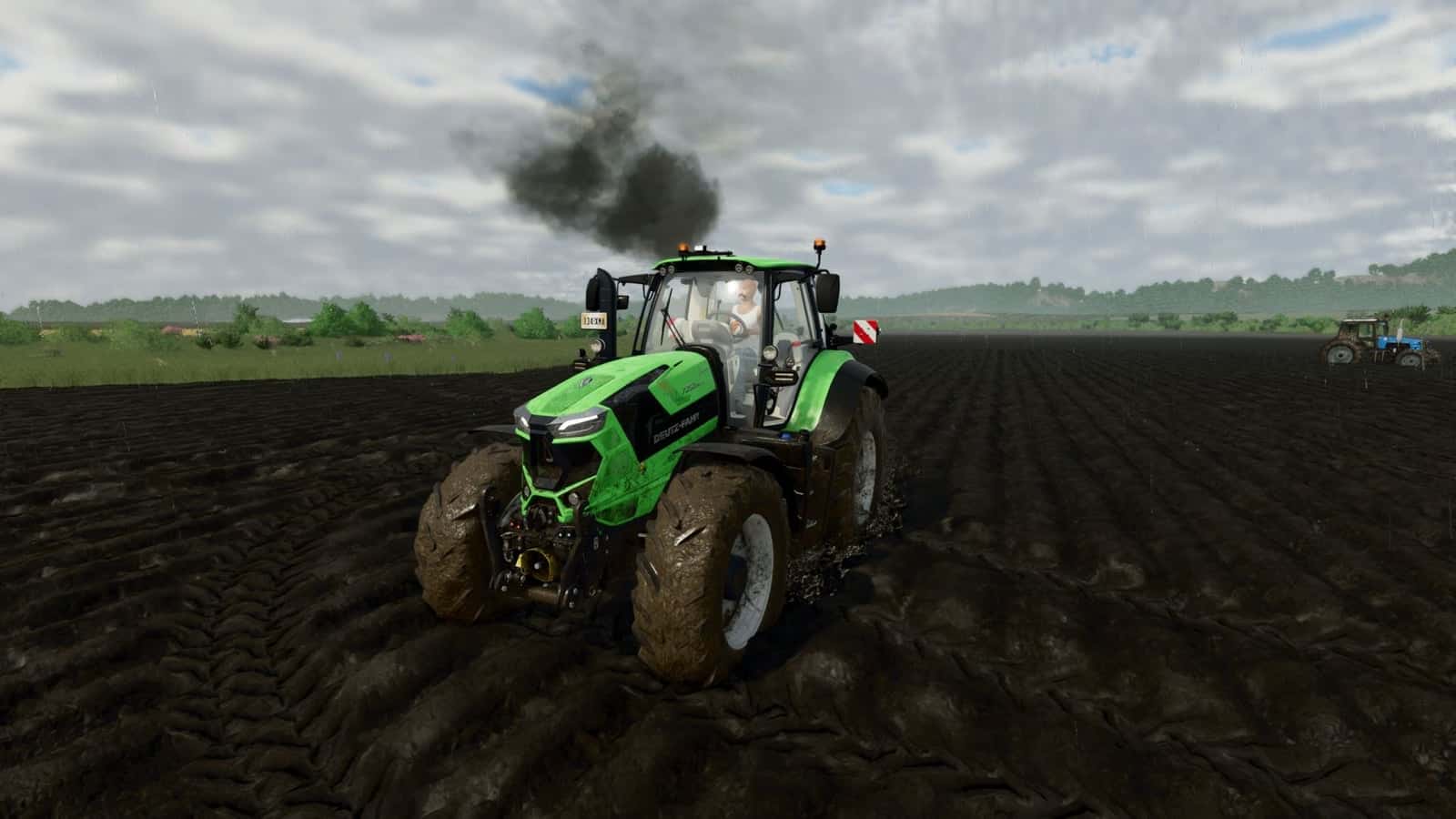
Exhaust Plus changes the standard exhaust smoke in Farming Simulator 25 to a multi-level particle system that responds dynamically to engine load and RPM.
Use Right Alt + Q to open the panel. This key combination can be changed in the control settings.
Features
- The vanilla smoke is replaced by a multi-level particle system.
- Engine load and RPM dynamically control the exhaust response.
Changelog
V2.0.2.0
- A new preset, Natural Exhaust, has been added.
V2.0.1.0
- Bug fixes.
- Textures were recompressed to the correct format.
- ESC now closes the HUD properly.
V2.0.0.0
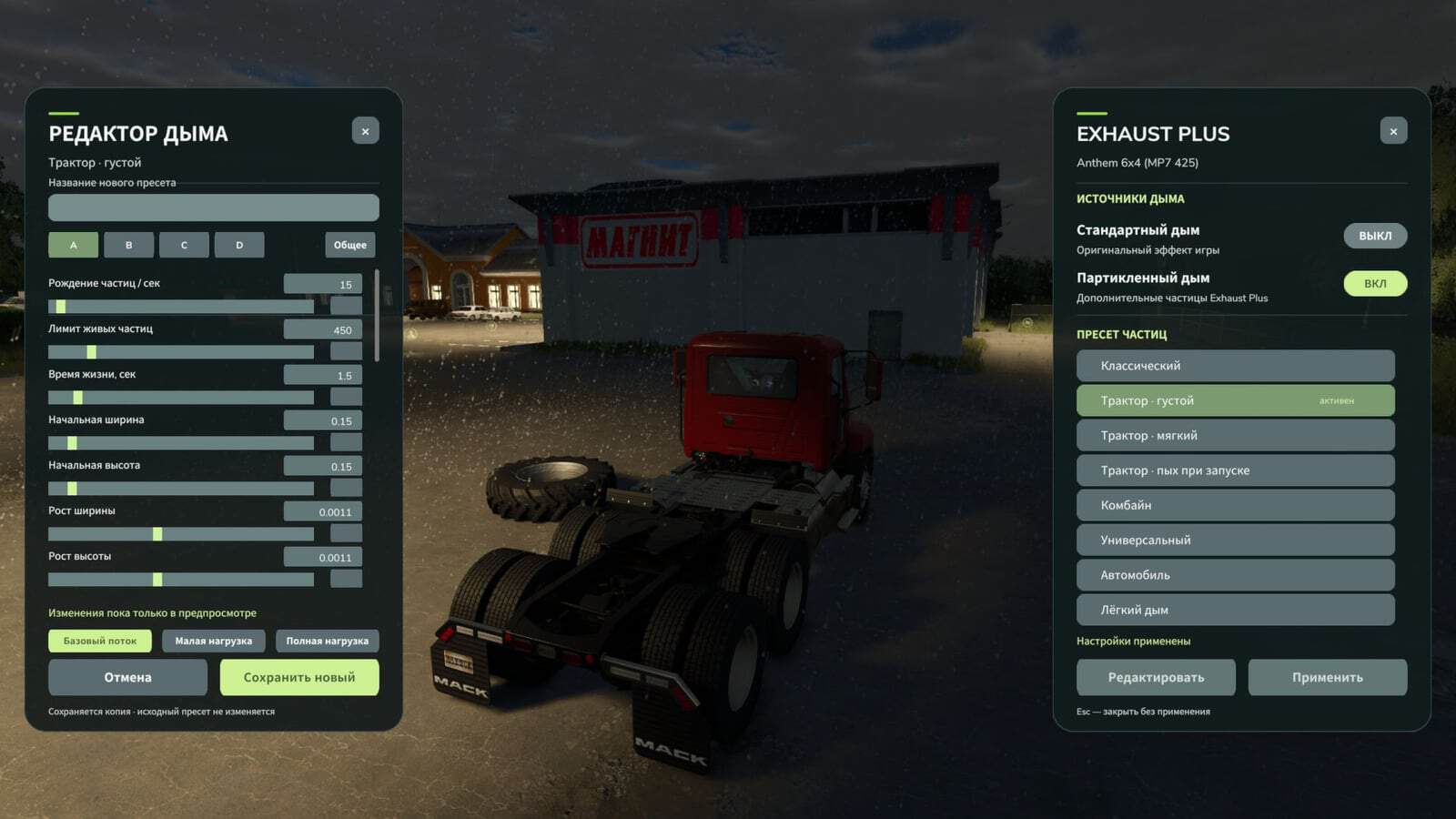
- A new exhaust settings panel was added. Open it with Right Alt + Q.
- Standard smoke and particle smoke can now be activated separately. Use one effect, both effects, or disable smoke completely.
- A preset editor with sliders and numeric input was added. Its settings include particle density, size, lifetime, speed, color and opacity, plus the smoke’s response to engine operation.
- Smoke layers and the initial puff can now be edited separately.
- Three preview modes are available: basic flow, low load and full load.
- Custom presets can be saved with a custom name and deleted. The predefined presets remain unchanged.
- Created presets are saved between game sessions and appear in the general list.
- Network synchronization was reworked so each machine sends its selected preset and smoke settings to the other players.
- Smoke intensity calculation was moved to the server, including for AI-controlled vehicles.