FS25 Camera Tool v1.0
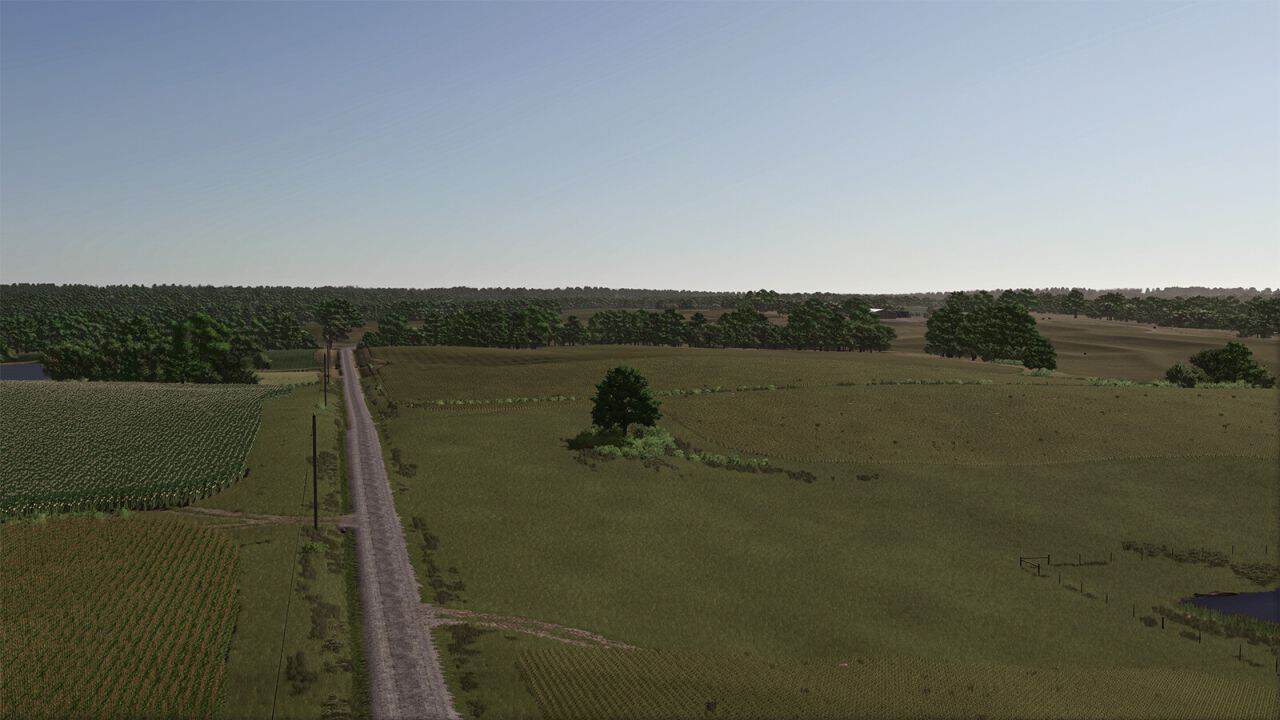
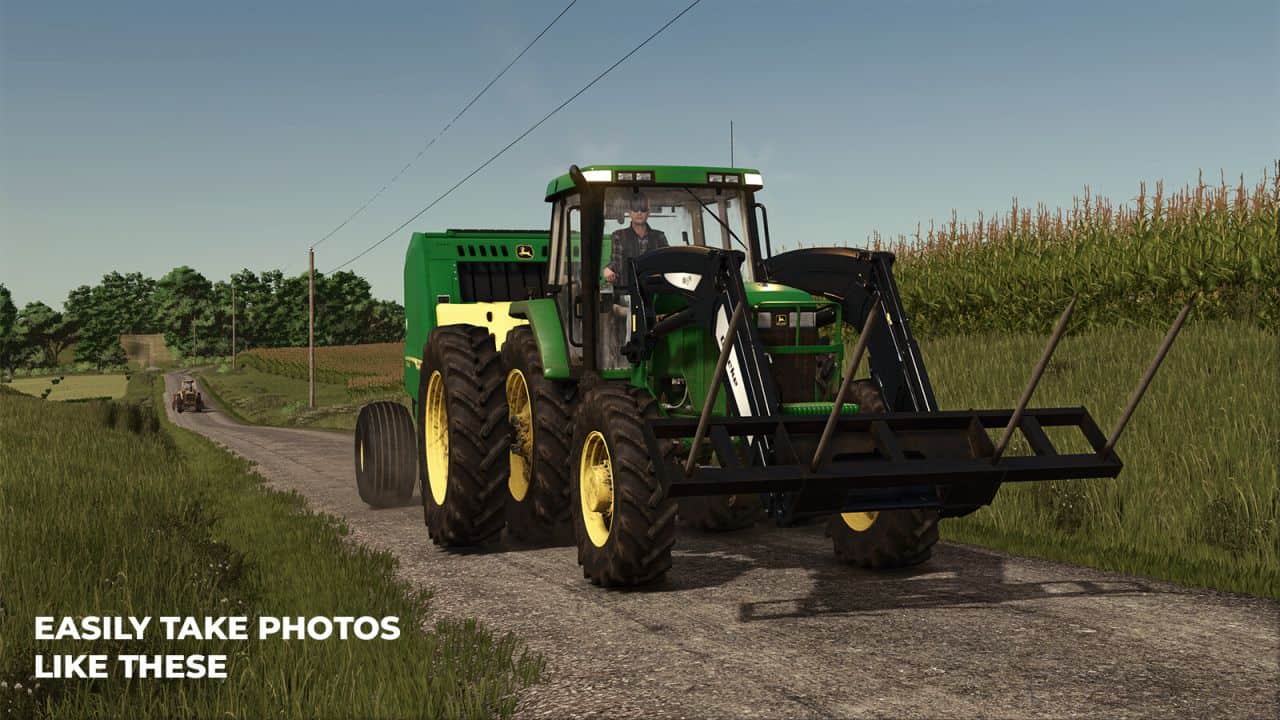
To take a good photo, you need to take your time. Camera Tool lets you pause time, while you set up and frame the perfect shot.
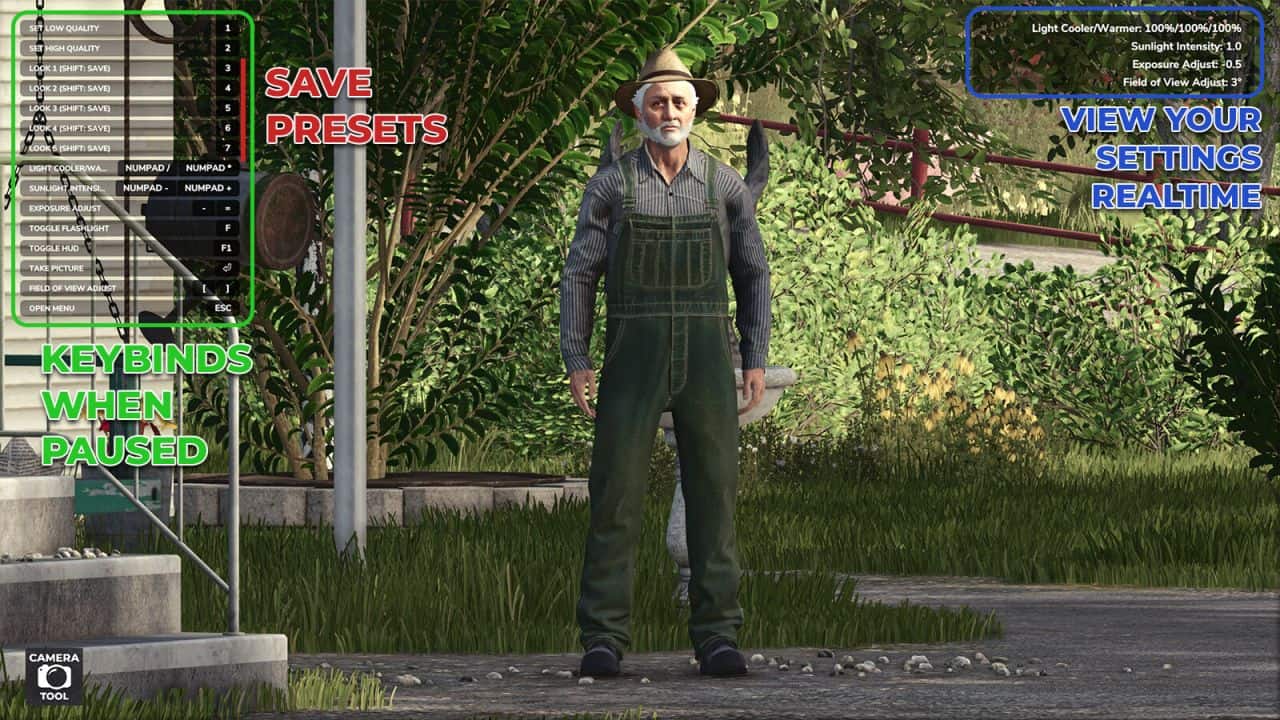
– Take screenshots from the Pause screen
– Free-fly camera with mouse and keyboard control
– Activate High Quality mode
– Change the camera exposure
– Adjust the Field of View
– Adjust the colour temperature and intensity of the sunlight
– Rotate the sun with the middle mouse button
– Toggle a handheld fill light
– Toggle the HUD for clean shots
– Save your favourite look to one of 5 presets, then recall it anytime
– On-screen readout of your current sun temperature, sun intensity, exposure, and field of view
Features for modders:
– Press alt+R to reload the active vehicle. alt+shift+R to reload all vehicles within 10m. alt+shift+ctrl+R to reload all vehicles within 100m
– Press alt+P to reload all placeables on the map
Camera Tool is built on the idea and groundwork of Mantrid’s FS22 mod ProShot.