FS25 Ingame Path And Area Painter V1.0.0.0
Build field paths and freely shaped areas right in construction mode. Set control points, fine-tune the available settings and check the result in the preview before placing it.
Features
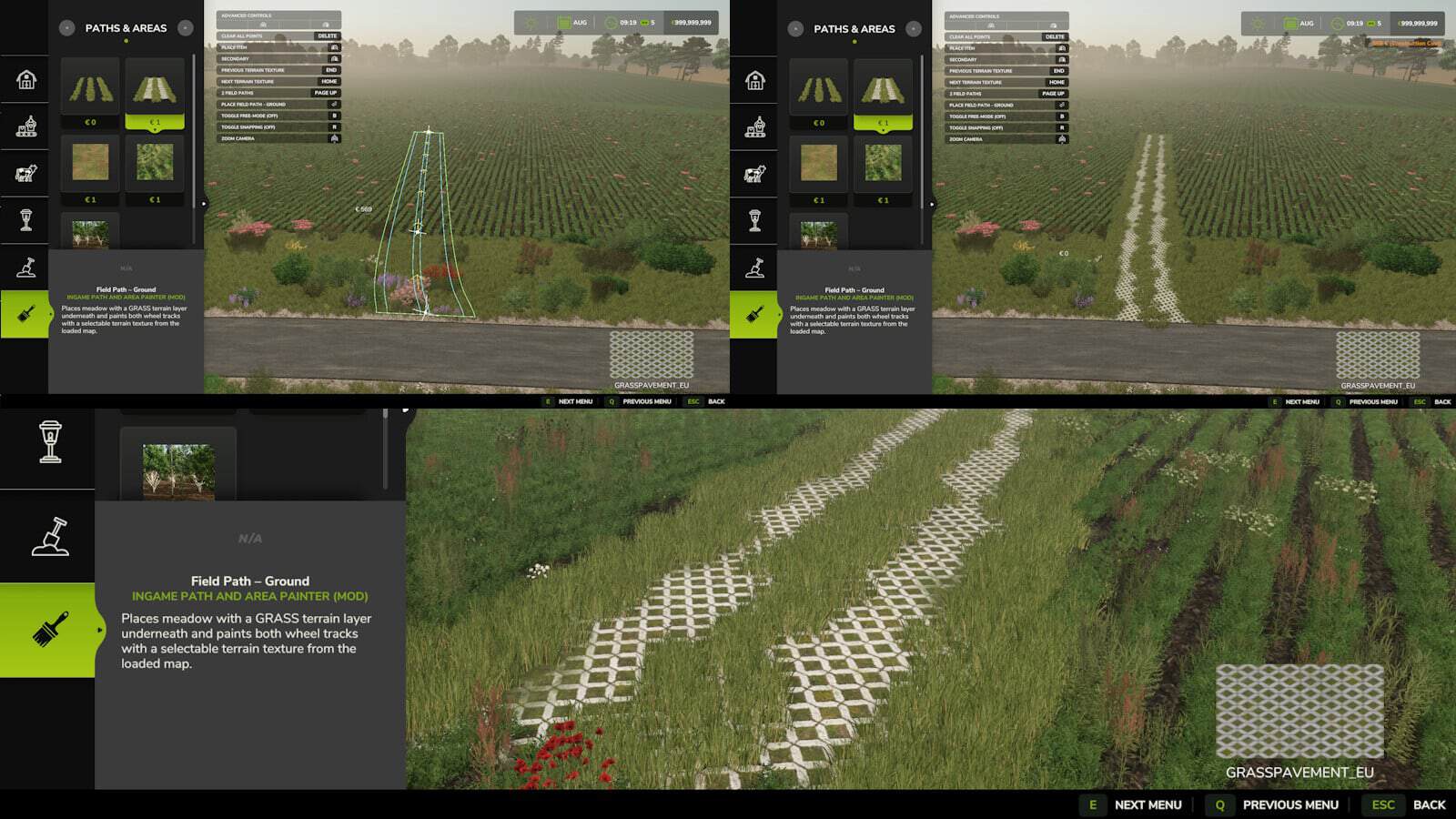
- Field paths – important:
- Exactly 2 points always produce a straight field path.
- Curved paths become possible only when placing the 3rd point or any point after it.
- Use either 1 or 2 parallel field paths, then set the spacing and choose the side for the second path.
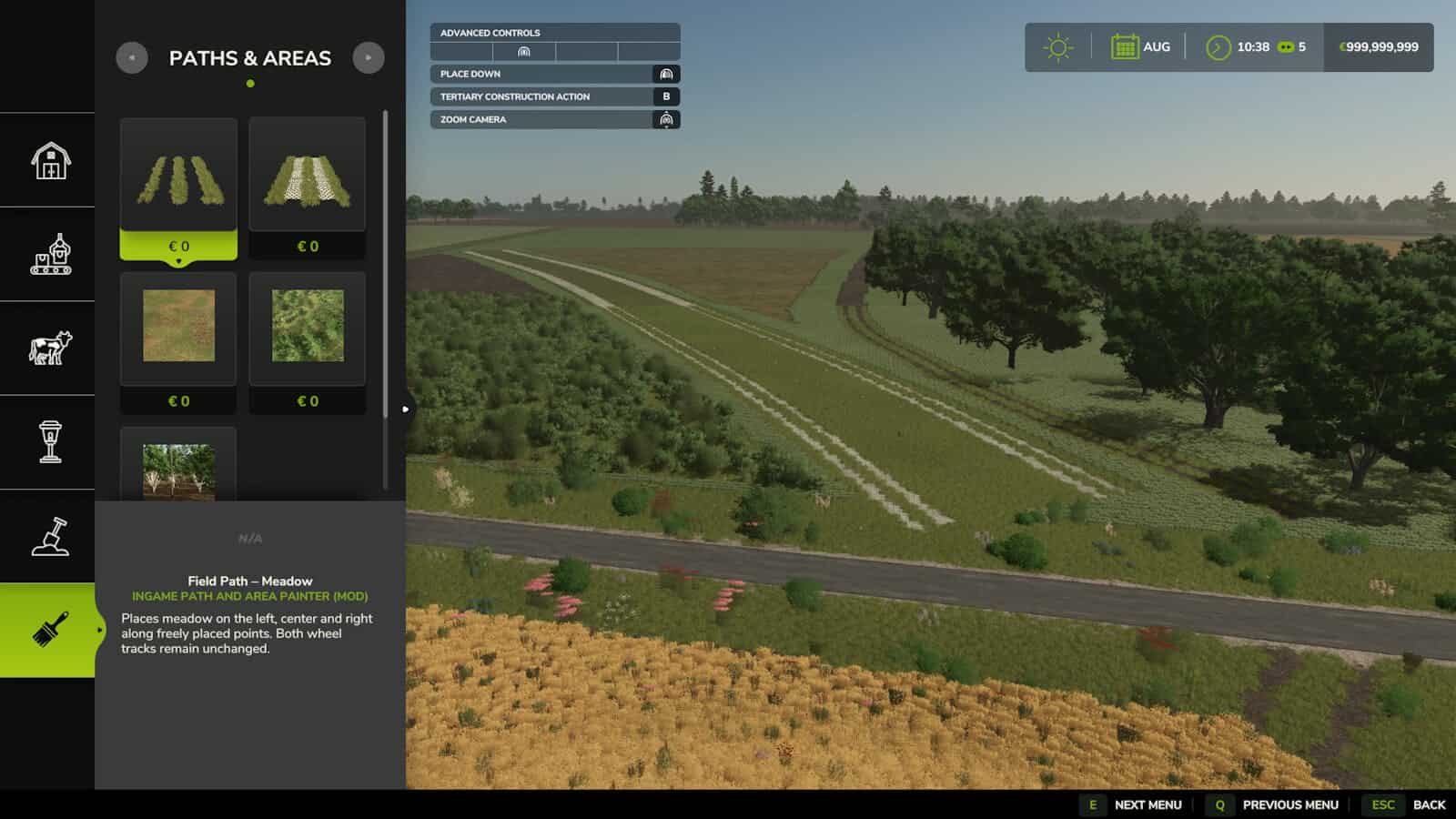
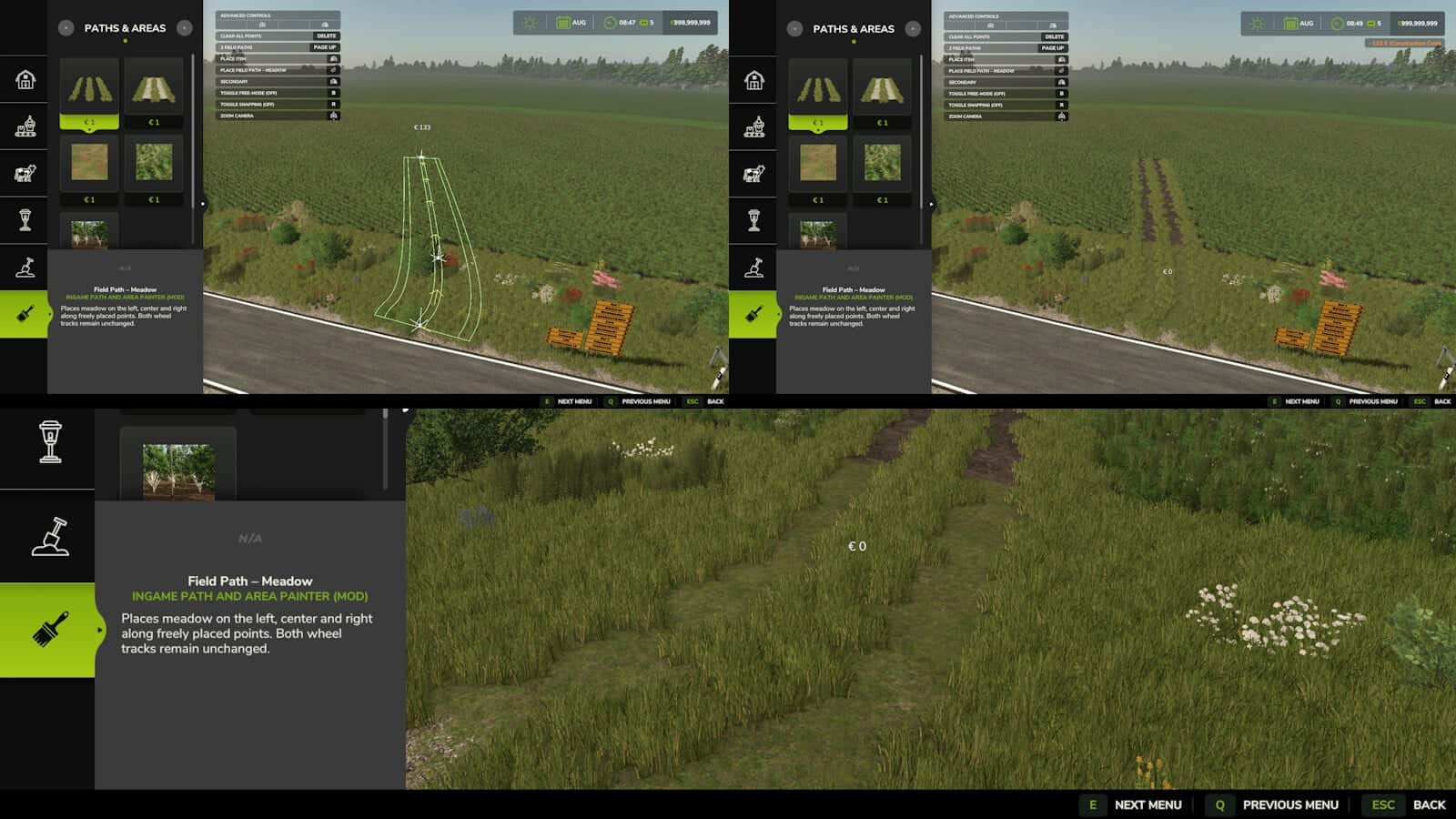
- Field Path – Meadow:
Meadow is painted along both wheel tracks and in the space between them. The two wheel tracks themselves stay unchanged. - Field Path – Ground:
Below meadow areas, the GRASS terrain layer is painted automatically, with meadow foliage added above it.
Select a terrain texture from the current map for the wheel tracks. The available terrain textures are detected automatically. - Area – Ground:
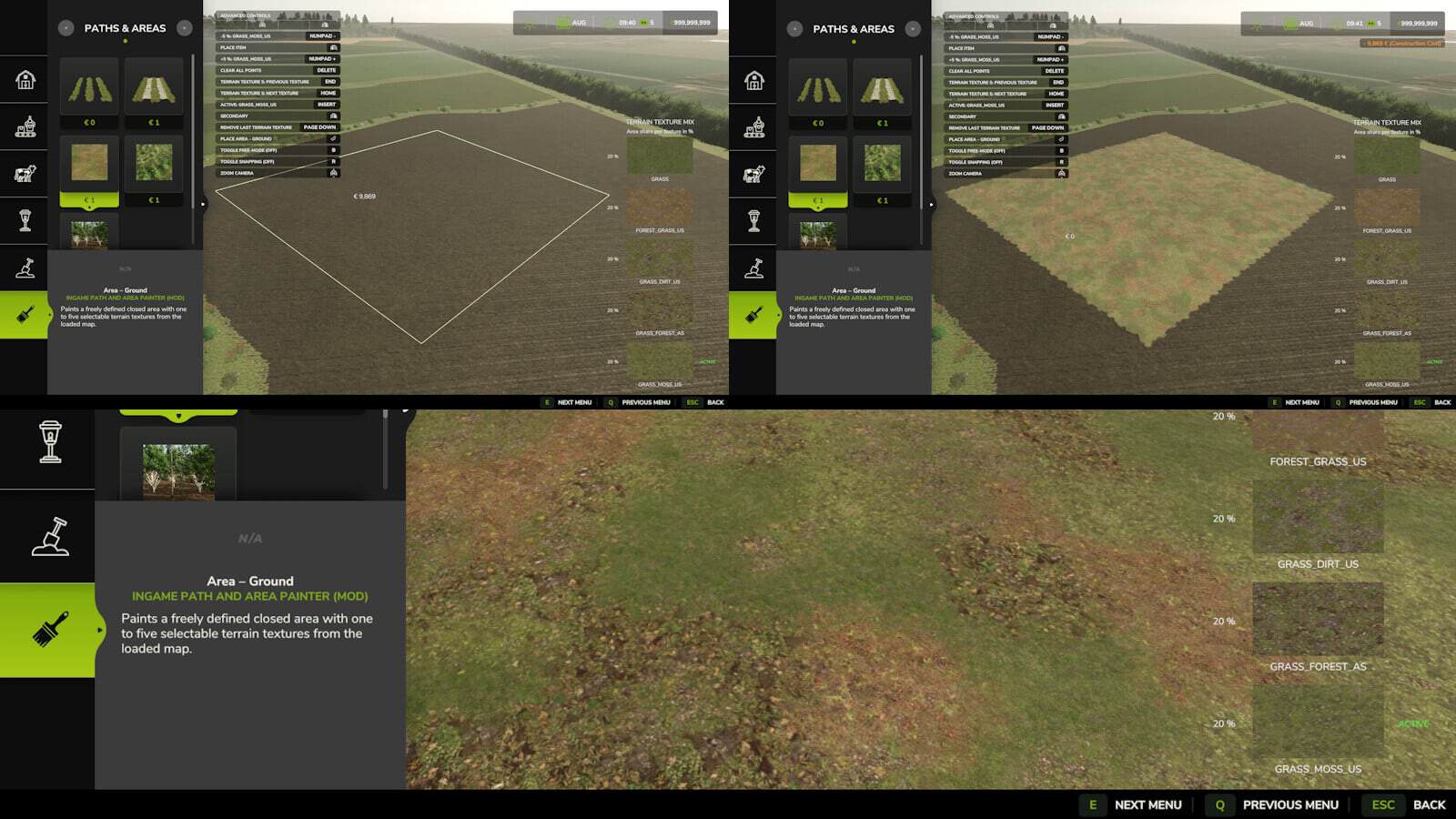
Create a closed area and apply from 1 to 5 terrain textures.
A single texture fills the complete area, while several textures are mixed naturally according to adjustable proportions. - Area – Vegetation:
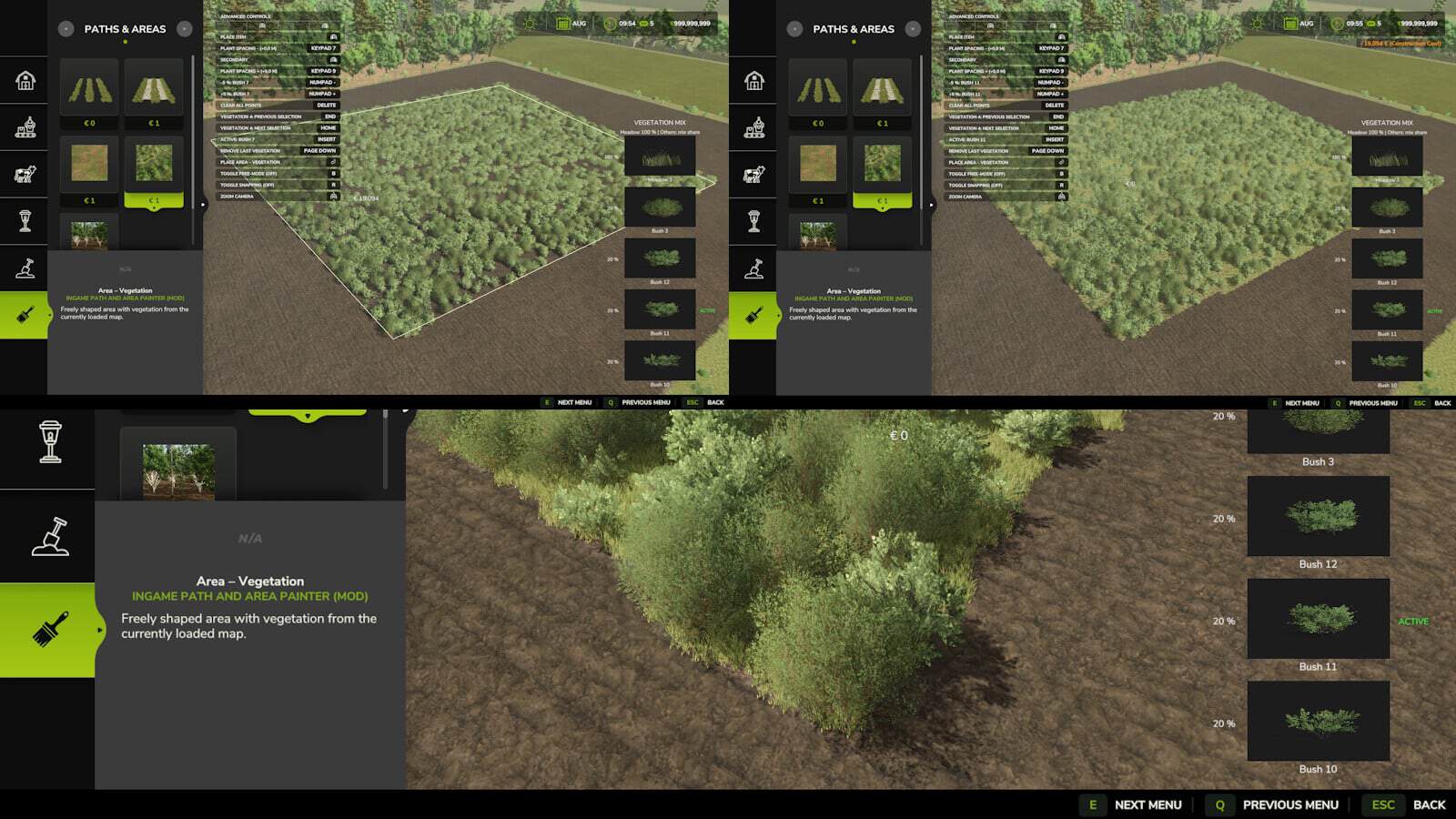
Create a closed area and choose 1 to 5 vegetation types from the current map.
The selected meadow fills the entire area. Bushes are spread naturally with sparse coverage.
Extra plant spacing can be changed in 0.5 m steps. Each area allows up to 5,000 bushes; meadow is not included in this limit. - Area – Trees:
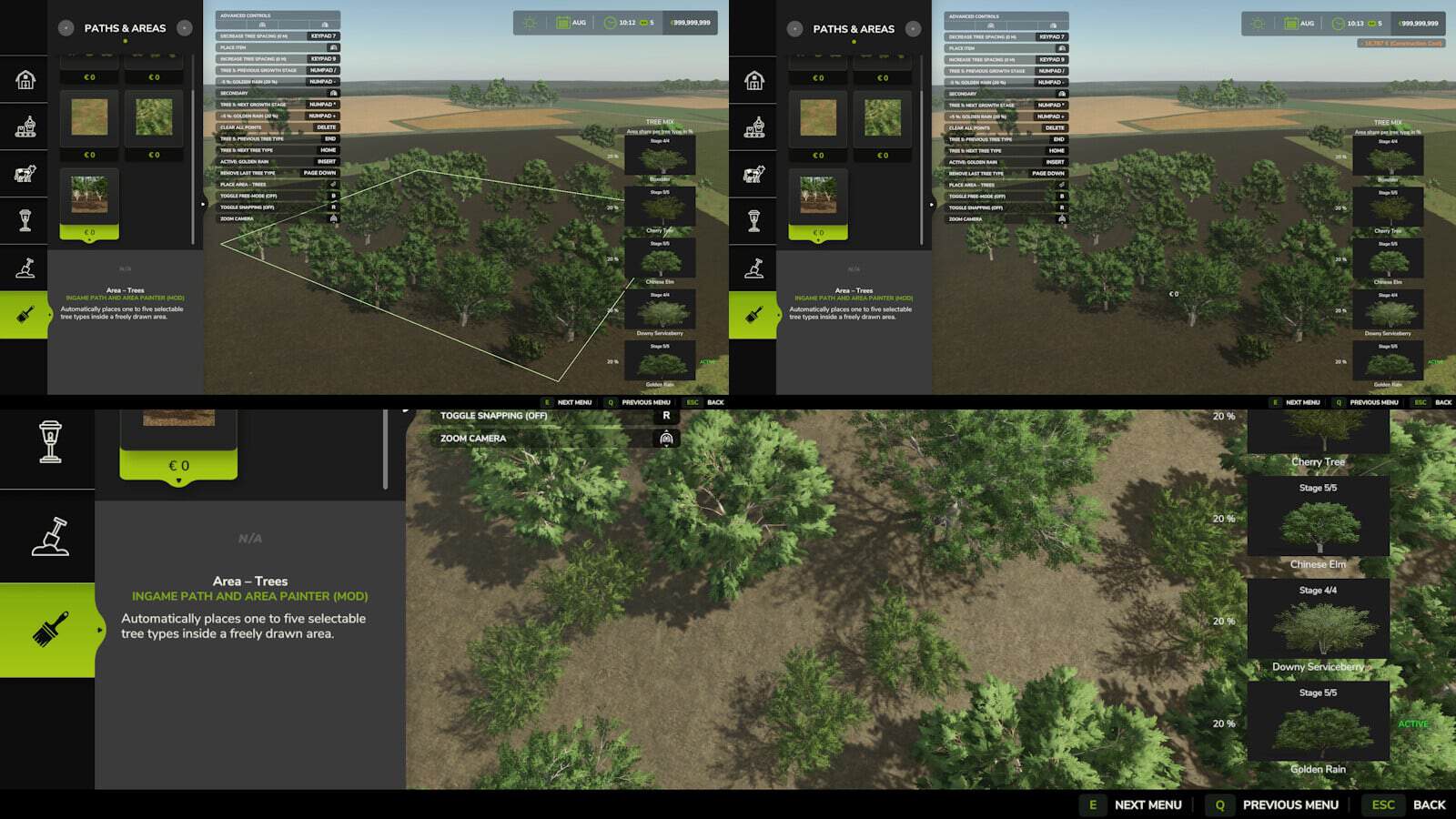
Create a closed area and pick 1 to 5 tree species from the current map.
Set the proportions of the selected tree species and adjust them. Tree spacing changes in 1 m steps, and the growth stage can be selected too.
After placement, only stage 1 saplings keep growing. Trees at higher growth stages stay unchanged. - Controls:
- Left mouse button: Put down a control point.
- Right mouse button: Delete the most recently placed control point.
- Enter: Place the field path or the closed area.
- Delete: Clear every control point.
- Page Up / Page Down: Set 1 or 2 field paths, or add or remove an area slot (max. 5).
- Numpad + / -: Adjust the distance between 2 field paths by 1 m, or change the share of the active area slot by 5%.
- Numpad 7 / 9: Lower or raise plant spacing by 0.5 m, or tree spacing by 1 m.
- Insert: Shift the second field path left or right, or select another active area slot.
- Home / End: Move to the next or previous terrain texture, vegetation type or tree species.
- Numpad * and /: Move to the next or previous tree growth stage.
- Notes:
- Closed areas and looped paths: Once at least 3 points exist, click close to the first point; the endpoint snaps within 2 m.
- Control points are restricted to land that you own.