


FS25 Pickup Plus v1.4.1.4
Pickup Plus introduces regular wear and tear, damage caused by overloading, and blockages for balers and forage wagons.
Features
- During material intake, the knives, pickup tines, and roller windguards gradually wear.
- Working at excessive speed or processing a large amount of material raises the likelihood of a blockage.
- When the intake load reaches 70%, the vehicle combination starts to lose speed.
- If a blockage occurs, the machine stops taking in material until it has been cleared.
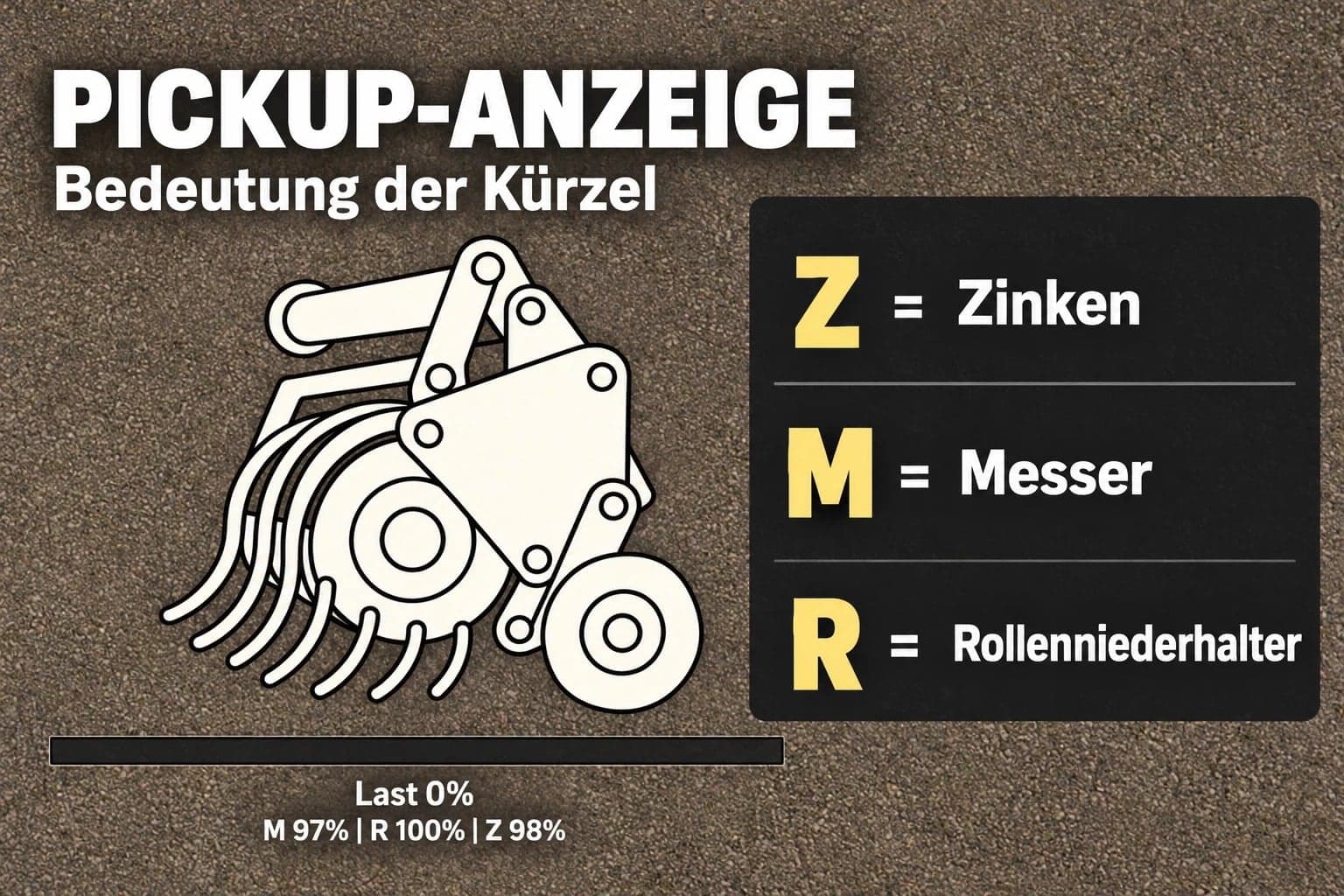
- The HUD shows the load level and the condition of the components. Its position can be changed, it can be hidden, and its size can be selected from four different options.
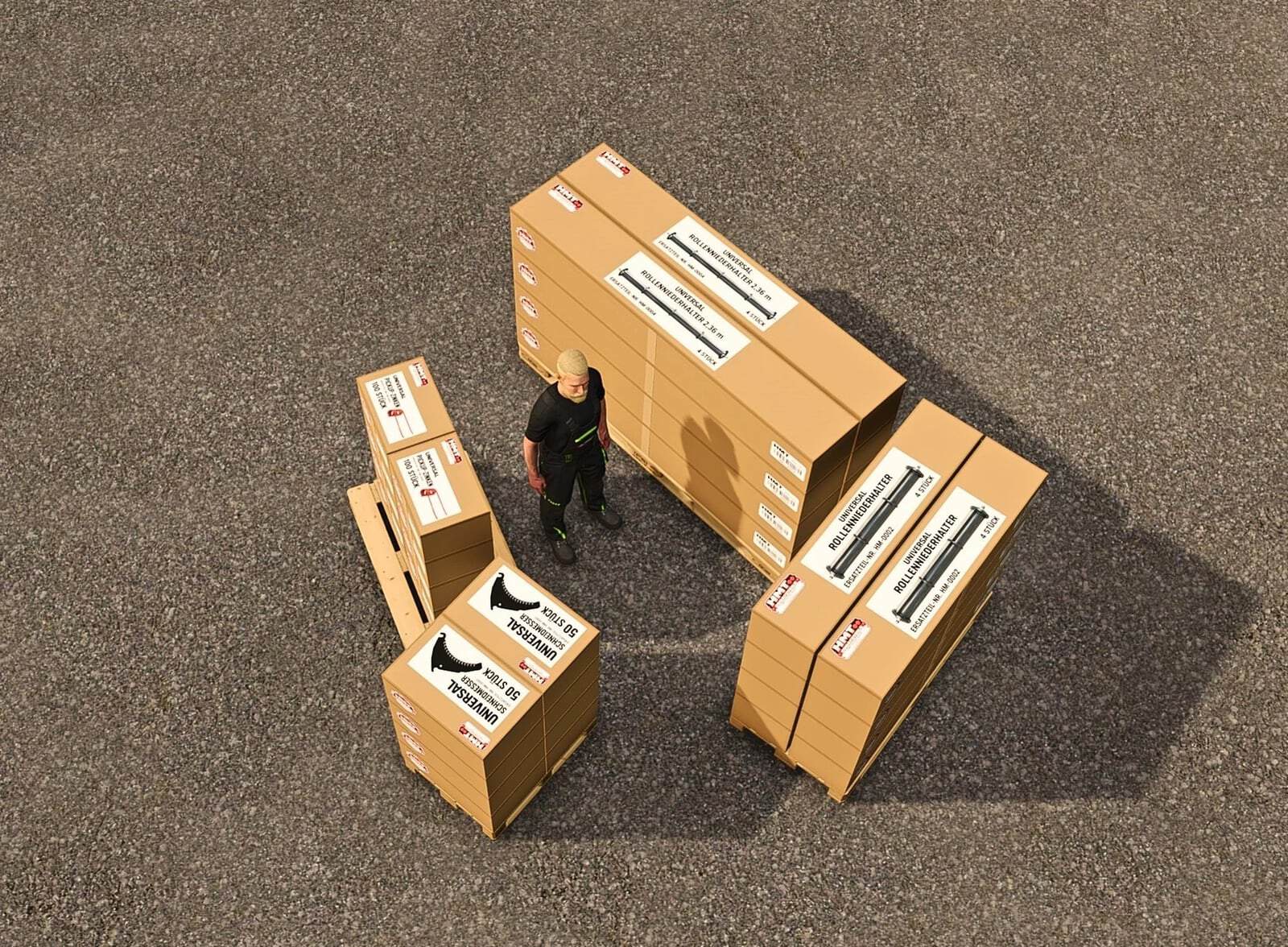
- Boxes are available with 50 knives, 100 tines, or 4 roller hold-downs.
- Roller hold-downs come in two visual variants.
- Between 1 and 5 boxes can be purchased.
- Maintenance and blockage clearing are performed with Ctrl + Alt + Caps Lock.
- Designed for single-player mode. Multiplayer is not supported.
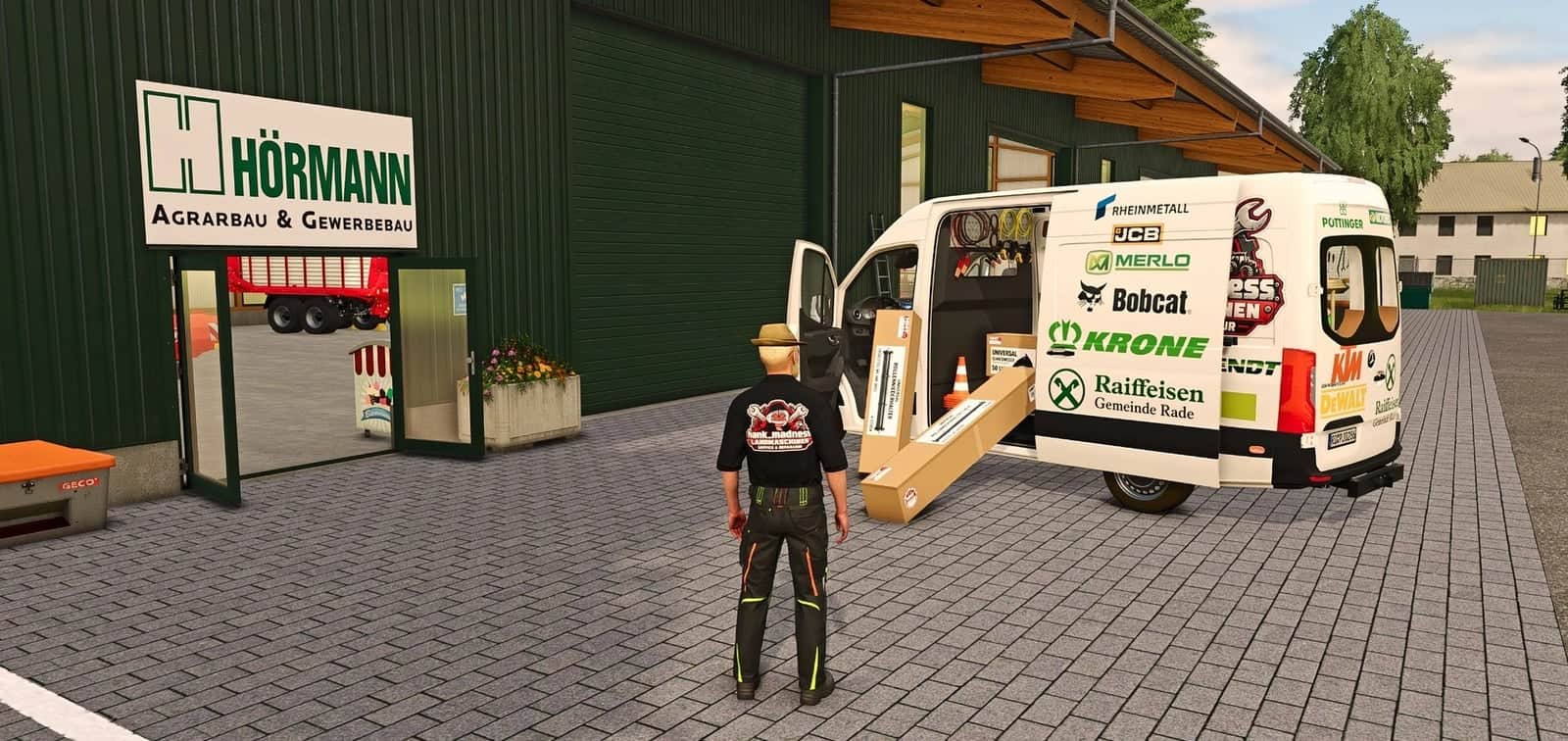
The matching spare part boxes are available in the dedicated “HMT Spare Parts” shop category. To carry out maintenance, place them close to your parked machine while it is switched off. Knives and tines are used up according to the current amount of wear. Parts that are still left remain available, whereas empty boxes disappear.
Changelog
Changes since version 1.4.1.2:
- Native baler capacity is now processed correctly: numerical values supplied as text are converted before the calculation. This fixes the reported calculation error and brings back the updating of load levels and the HUD.
- Manual camera and zoom controls are disabled while the HUD is being repositioned.
- Mouse cursor handling has been improved when several “Plus” HUDs are active.
- The process for leaving repositioning mode and releasing the mouse cursor has been improved when the HUD is hidden, menus are opened, or vehicles or maps are changed.
- Key bindings, wear intervals, the load and blockage model, and spare part quantities remain unchanged.
Controls
Controls as of version 1.4.1.4
Use the system while driving a vehicle combination with a detected baler or forage wagon. The most suitable detected implement is given priority. If there is no such choice, the first suitable machine found is selected. The controls cannot be used on foot. Close all open menus before operating the system.
Default key bindings, HUD: Press Left Ctrl + Left Alt + 3 to show or hide the HUD. Press Left Ctrl + Left Alt + 4 to activate or deactivate “move mode”; while holding the left mouse button, drag the visible HUD to reposition it. Camera and zoom controls are disabled in this mode. Hiding the HUD, opening a menu, changing vehicles, or changing the map view automatically ends “move mode.”
Default key bindings, HUD size: Use Left Ctrl + Left Alt + 5 to cycle through the HUD sizes (50% → 25% → 20% → 75% of the speedometer width).
Default key bindings, Maintenance, always active: Ctrl + Alt + Caps Lock starts maintenance or cancels an active maintenance task without using parts. Either the left or right Ctrl and Alt keys can be used in this combination. Maintenance remains possible while the HUD is hidden.
For maintenance, stop completely and turn off the implement. The tractor engine can stay running. When parts are replaced, the necessary boxes or pallets must contain enough stock, belong to the same farm, and be within five meters of the machine. Several boxes or pallets may be combined to supply the required parts. Clearing a blockage takes eight seconds and requires no replacement parts. Another option is to replace the component group with the highest wear, provided replacement parts are available for servicing it; this takes 20 seconds. The other groups can be serviced afterward. Knives and tines wear according to their usage, while a worn roller hold-down needs one replacement part.
Parts are consumed only after maintenance has finished successfully. Pressing the button again, moving the vehicle, or switching it on cancels maintenance. When parts are being replaced, the required replacement parts are also lost in that case. Merely changing the selection or switching vehicles does not automatically stop an active maintenance task.
Customizable Key Bindings: The three HUD actions can be assigned freely under Options → Controls. Maintenance also has an additional customizable action, but no default key binding is assigned to it. Existing user-defined key bindings stay unchanged. The fixed Ctrl + Alt + Caps Lock combination continues to work independently of these settings.
Support: Use the FBM support thread for information, questions, or bug reports.
Note regarding CVT: The reported issue is still open and has not yet been reproducible. Should it happen again, provide the complete log.txt file together with a brief description of the situation.





