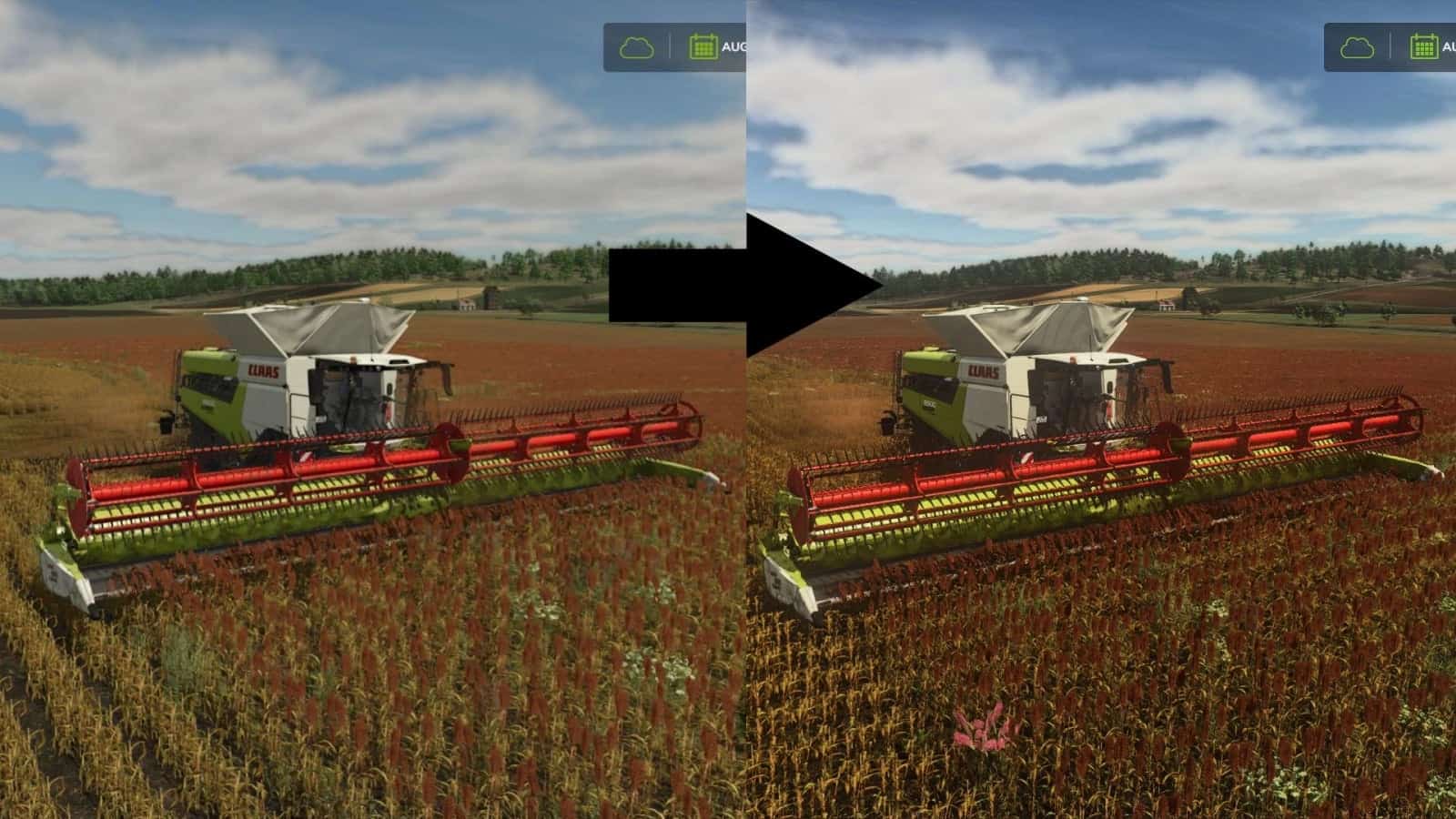
FS25 Realistic RayTracing Reshade Preset V1.24.6.2
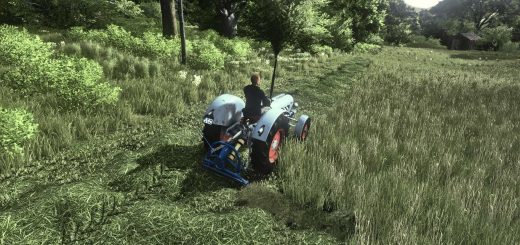
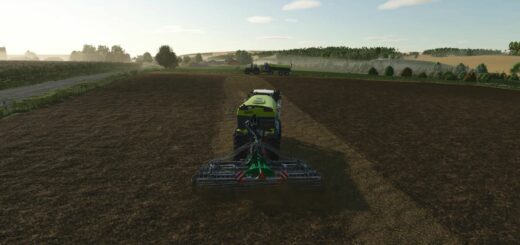
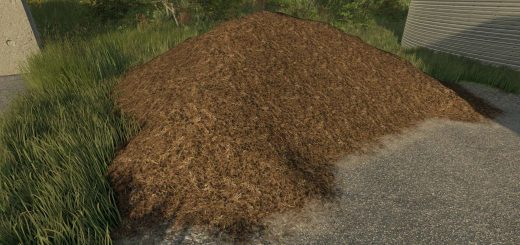
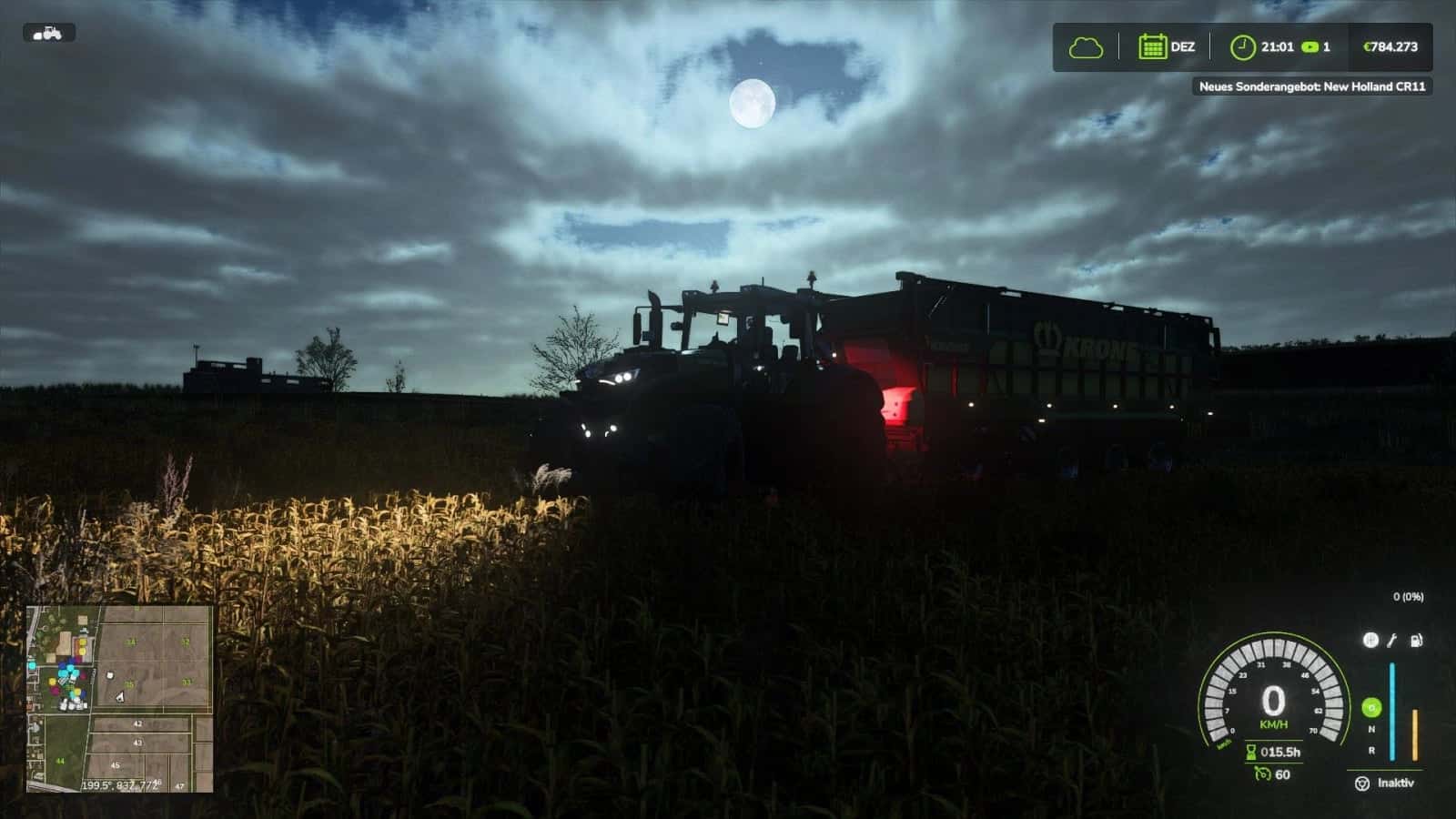
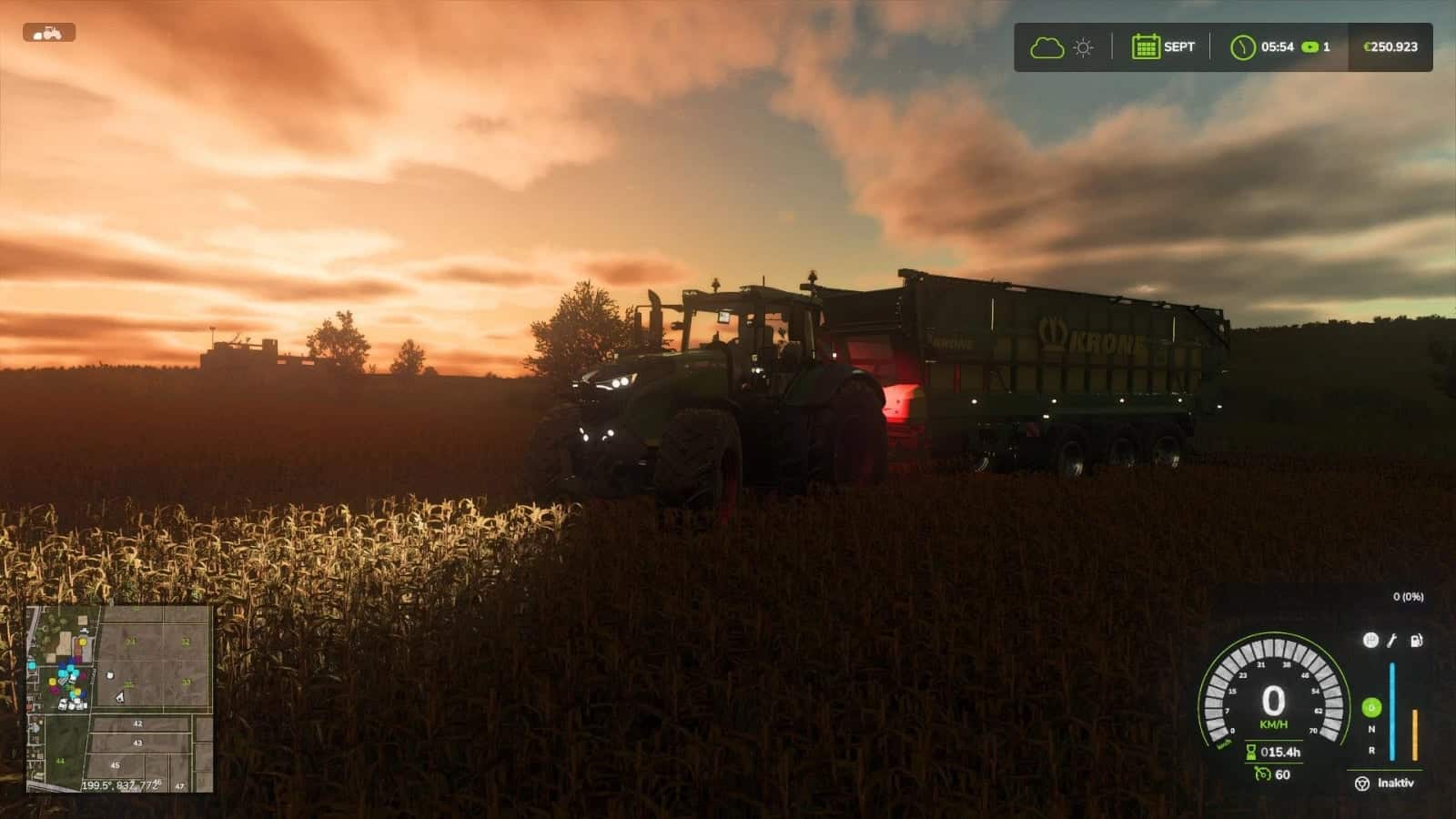
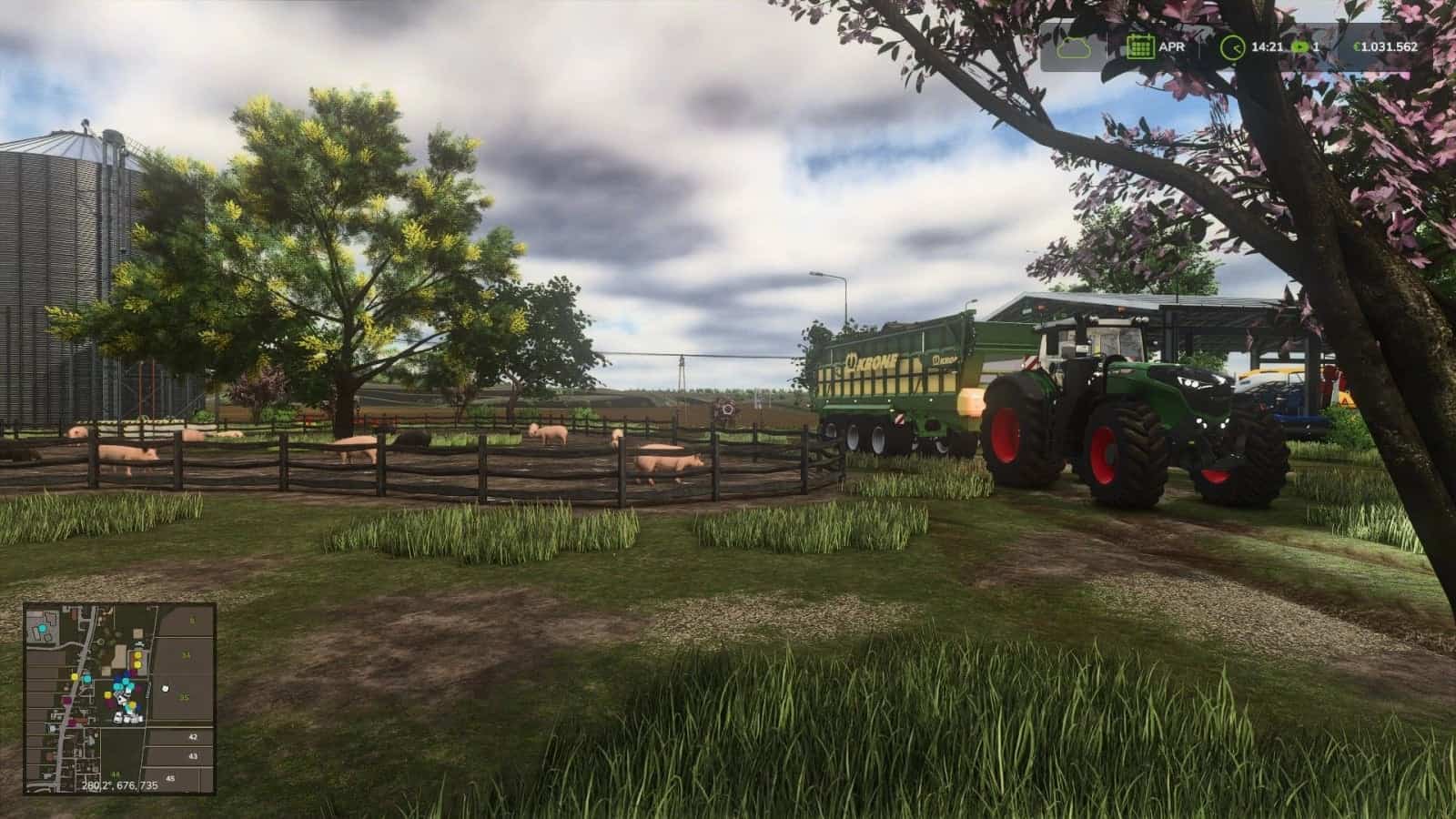
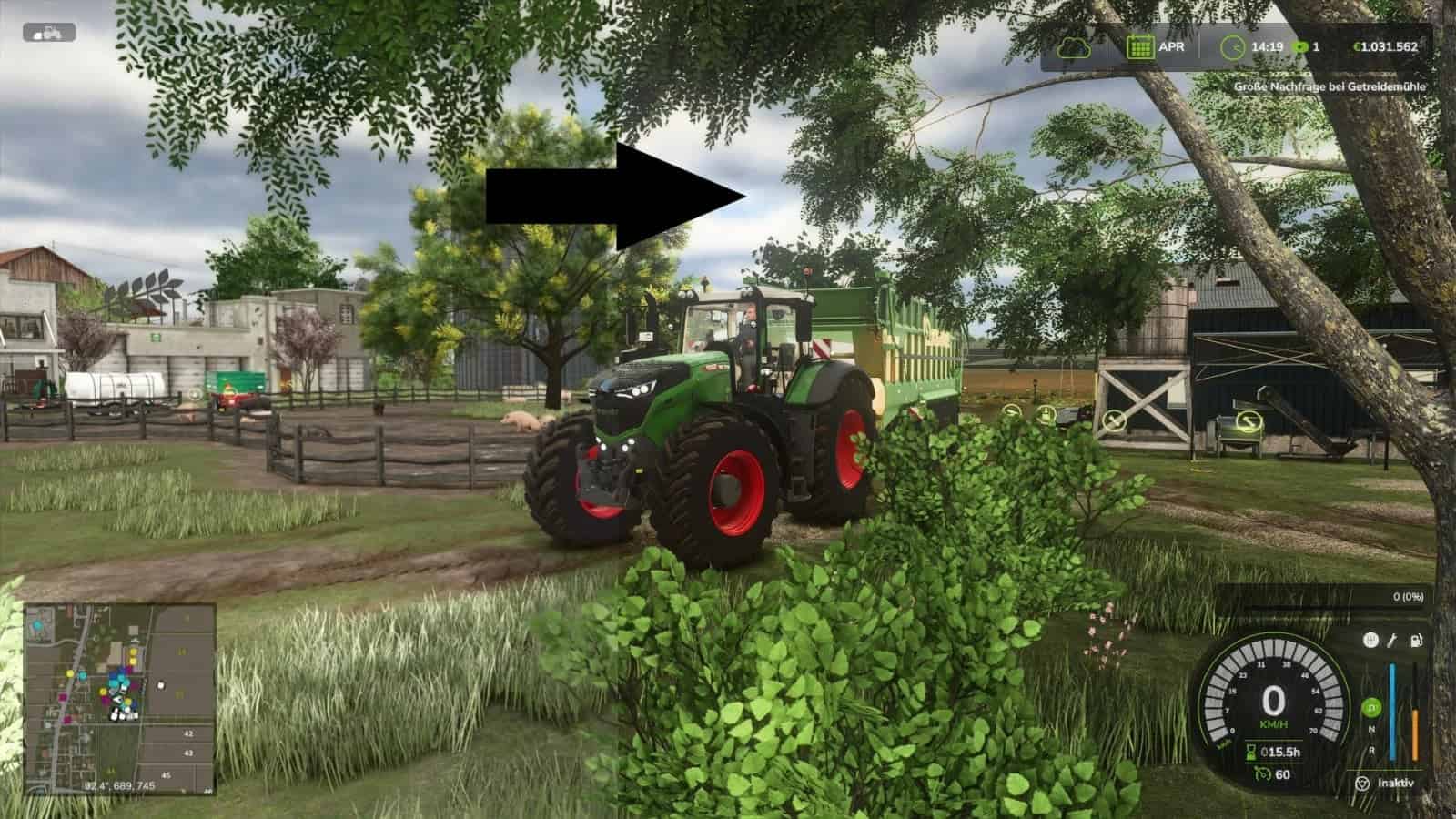
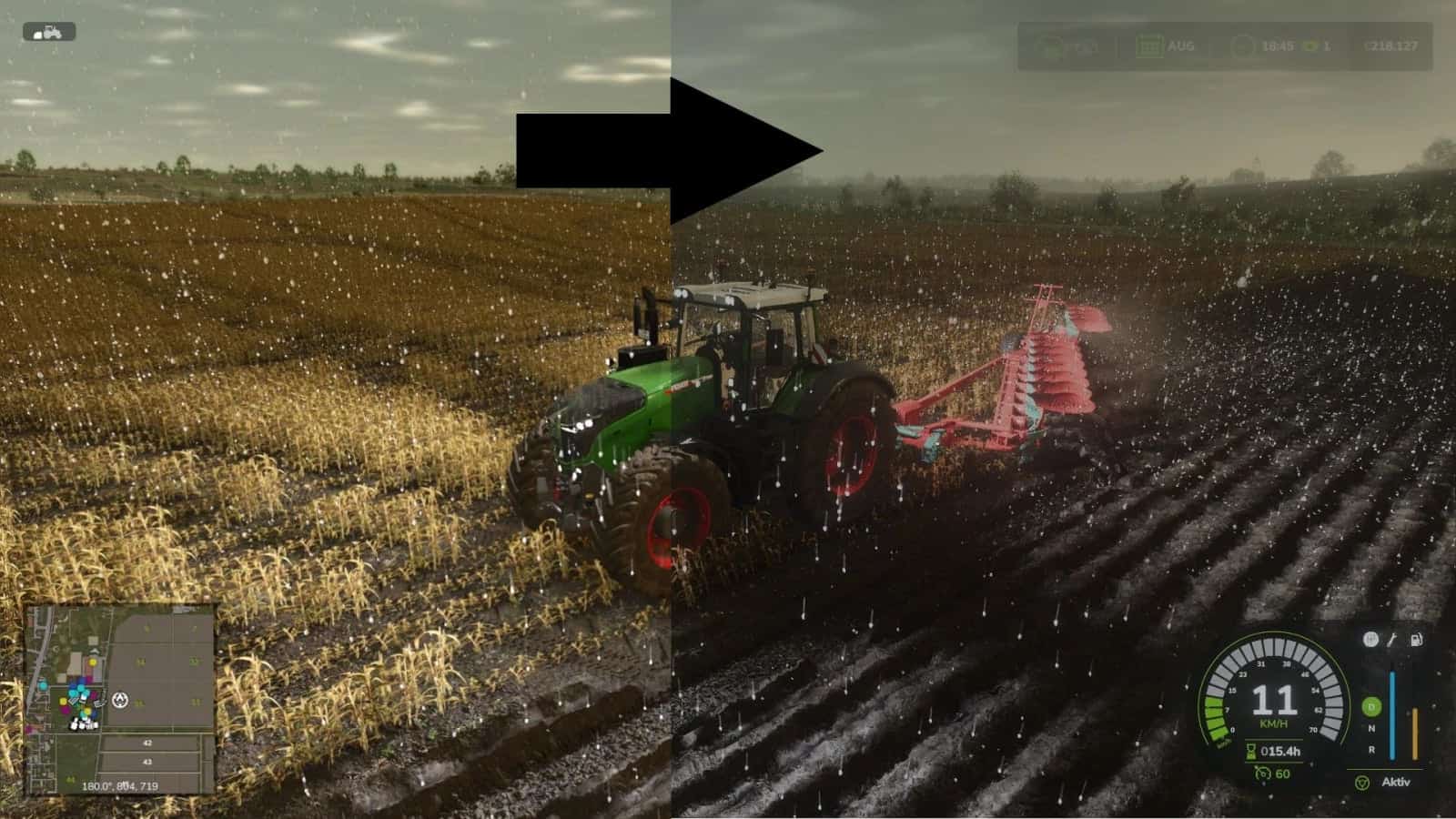
This is a reshade preset that makes the game look much more realistic. It was created by combining the best aspects of other presets I found and optimized to perfection.
How to Install:
Use Reshade 6.3.3
Changelog
Version 1.24.6.2
- Compatible with GameVersion 1.24.x
V1.23.6.2
- Compatible with GameVersion 1.23.x
- Compatible with ReShade 6.8.0
Version 1.21.6.2
- Compatible with GameVersion 1.21.x
VERSION: 1.20.6.2
- Compatible with GameVersion 1.20.x
Version 1.19.6.2
- Compatible with GameVersion 1.19.x
VERSION: 1.18.6.2
- Compatible with GameVersion 1.18.x
VERSION: 1.17.6.2
- Compatible with GameVersion 1.17.x
- Compatible with ReSahde 6.7.3
Version: 1.16.6.2
- Compatible with ReShade 6.7.2
- Fixed Effect Error
Version 1.16.6.1
- Now compatible with the newest Game-Version 1.16
- Now compatible with the newest ReShade-Version 6.7.1
- Improved Performance
V1.15.6.0
- New Shader Version 6.0!
- Completely new Shader and new Look
- Better Colors and Lighting for more Realism
Version 1.15.5.4
- Made some important Changes to the Lighting and Sharpness for a clearer Picture
- Added a V6.0 Beta Version for You to try
1.15.5.3
- Made some Adjustments to the Colorgrading for a more realistic Look
1.15.5.2
- Added Tutorial for the Installation of NiceGuyLighting
1.15.5.1
- Made the Rainy-Shader look way more natural and realistic!
1.15.5.0
- Complete Shader Overhaul!
- More realistic Look
- 2x better Performance
- Installation-Guide for NiceGuyLighting
1.15.4.3
- Changed Colorgrading for more realistic Coloring
1.15.4.2
- Compatible with Game-Version 1.15.X
- Compatible with ReShade 6.2.2
1.14.4.2
- Some small Changes for more natural Lighting
Version 1.14.4.1
- Added Support for NiceGuyLighting
- If you have NiceGuyLighting, the Preset will use it to look even better!
Version 1.14.4.0
- Compatible with Patch 1.14
Version: 1.13.4.0
- Complete Shader Overhaul
- More realistic
Version 1.13.3.5
- Compatible with Patch 1.13
- Edited Shaders for more realistic Visuals
Version 1.11.3.0
- ColorGrading Improvements
- Small Changes
- New Look!
- More realistic Colors
- Better Lighting
Version 1.11.2.0
- Small Changes
Version 8.0.0.0
- New Look!
- More realistic Colors
- Better Lighting
V7.4.0.0
- Small Fixes
V7.3.0.0
- Updated Storepage
V7.2.0.0
- Updated Shaders for Game Version 1.9 and ReShade 6.5
- Added and Modifyed Effects
V7.1.0.0
- Added new Pictures
- Updated Storepage
V7.0.0.0
- Updated Shaders for even more Realism
- Better Colors
- New Effects
- Added New Photo Shaders
- Bokeh / DoF Effect
- Better Light
V6.1.0.0
- Added new Pictures
- Updated Storepage
V6.0.0.0
- Added more Features
- More realistic Colors for more Realism
V5.0.0.0
- Updated Shaders for even more Realism
- Added Godrays / Sunrays and More
V4.0.0.0
- Updated Shaders for even more Realism
V3.3.0.0
- Updated Storepage
- Updated Mod-Files
V3.2.0.0
- Updated Storepage
V3.1.0.0
- Updated Storepage
V3.0.0.0
- Updated Storepage
- Minor Bugfixes
V2.2
- Updated Storepage
- NEW: Added better installation Tutorial
V2.1.0.0
- Updated Storepage
V2.0.0.0
- Fixed Lagg and Flickering
- Tweaked Shader for more Realism
- NEW: Added Rainy Shader Preset