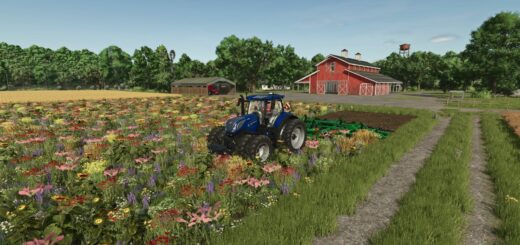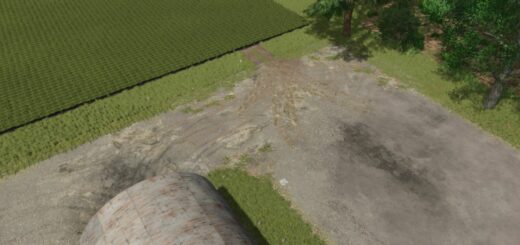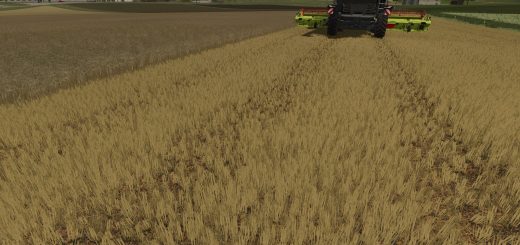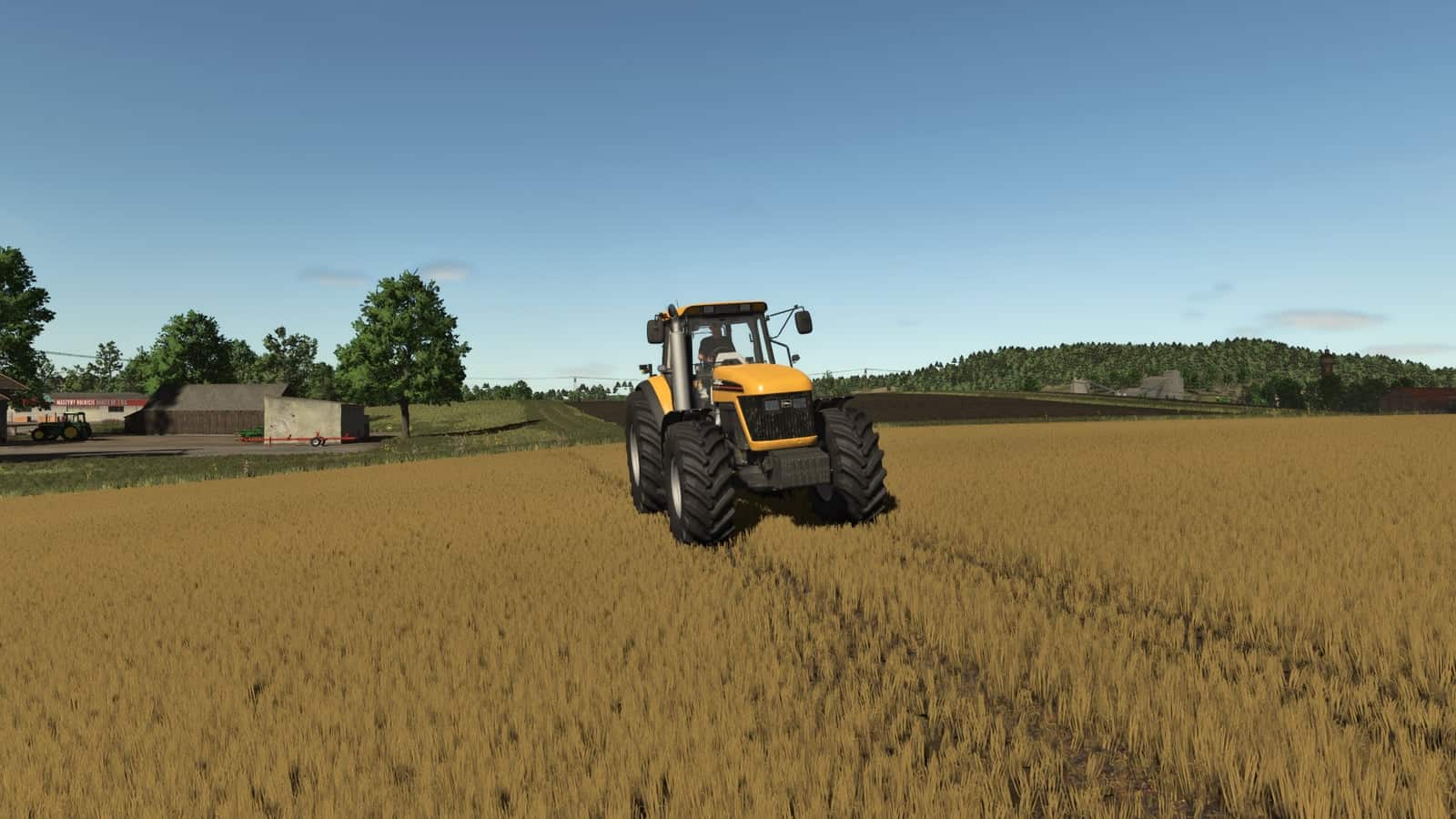
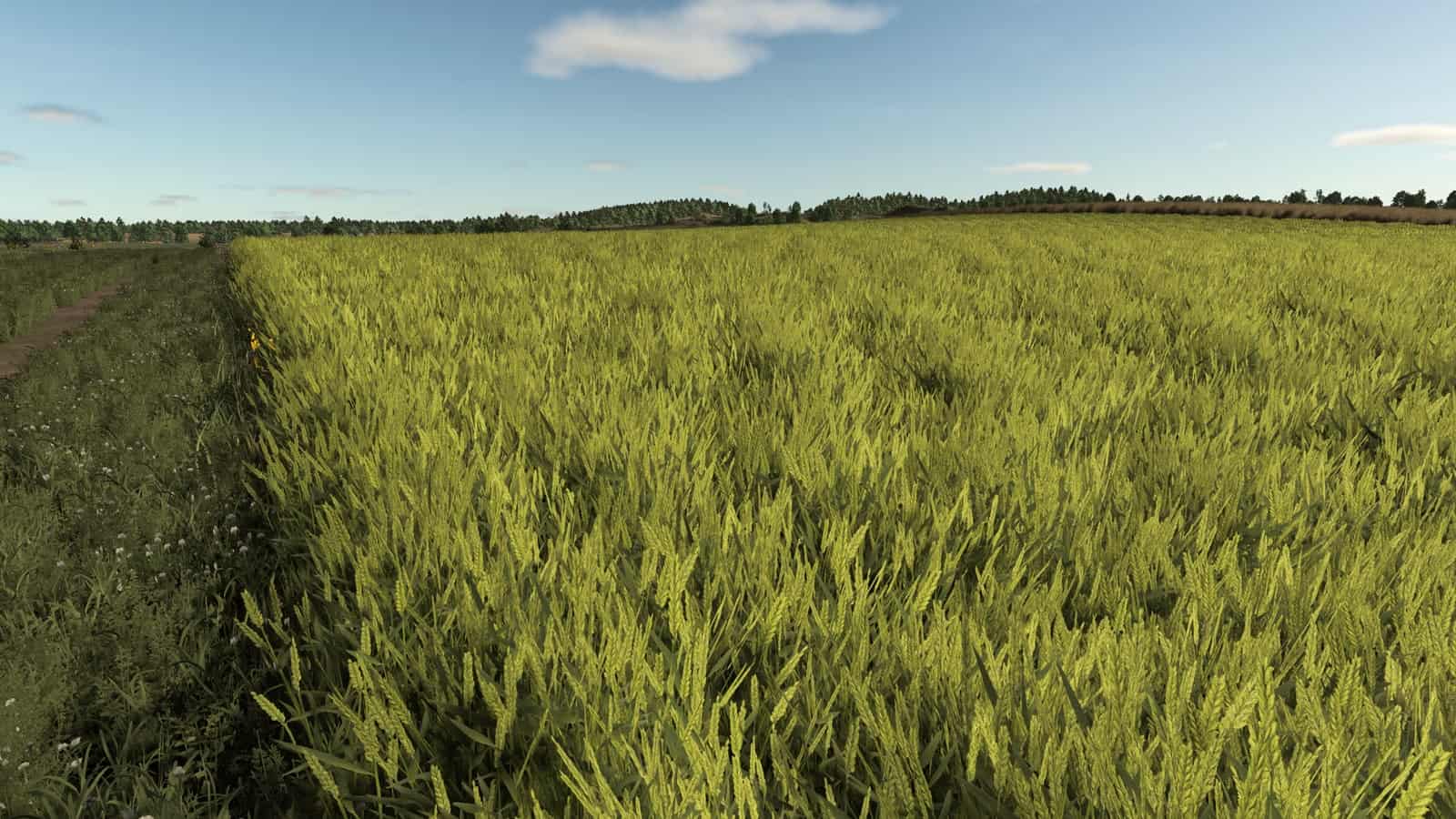
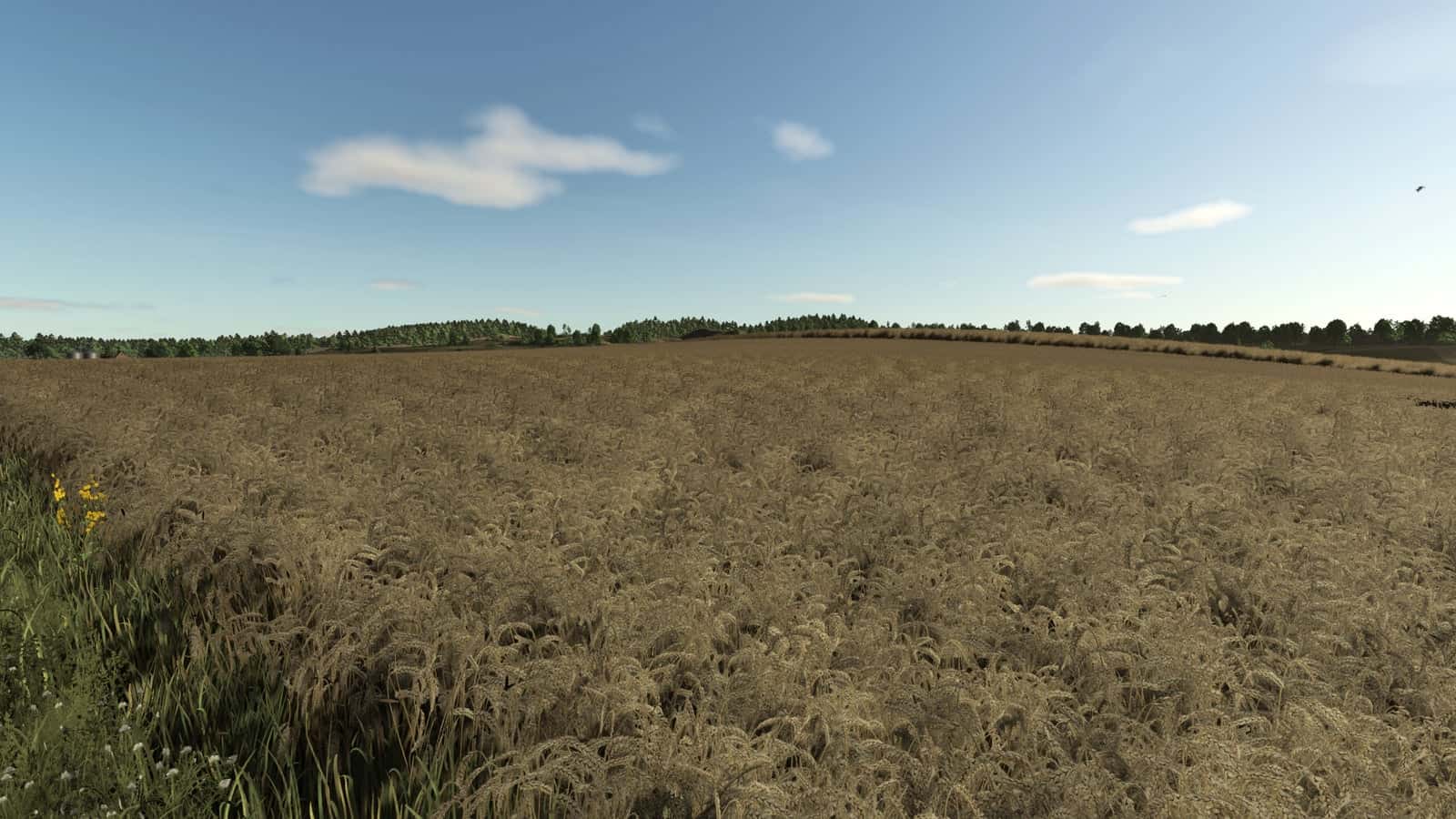
FS25 Improved Dirt Textures V1.0
Improved Dirt Textures is a visual replacement mod for Farming Simulator 25. It installs three custom non-metallic dirt texture images while active: dirt_diffuse.dds, dirt_normal.dds, and dirt_specular.dds.
Features
- Replaces the non-metallic dirt diffuse, normal, and specular texture images while active.
- Backs up the original base-game dirt texture files before replacing them.
- Restores the original dirt textures after the mission or game closes.
- The mod is useful for realism saves with wet yards, soft field edges, muddy tracks, forestry routes, or heavier vehicle movement.
- The active gameplay logic is written in Lua through
modDesc.xml.
Installation
- Keep
FS25_ImprovedDirtTextures.zippacked as a ZIP. - Place the ZIP file in
Documents/My Games/FarmingSimulator2025/mods. - Start Farming Simulator 25 and enable Improved Dirt Textures in the savegame mod list.
- Load a backup save first and avoid keeping old copies of the same file in the active mods folder.
- For terrain, animal, or vehicle behavior scripts, test on a backup save first.
The three texture files work in the base-game folder data/shared/detailLibrary/nonMetallic when installed manually.
Compatibility Notes
Improved Dirt Textures can overlap with traction, tire-track, field-damage, soil, weather, or visual dirt mods. Test it with the map and any mods that affect the same gameplay area, then save and reload before using it on a long-running farm.
Multiplayer status: Supported.
Testing Notes
- Test a short route that includes road, field edge, yard surface, and soft ground.
- Change only one thing at a time and record the map name, game version, mod version, and other active scripts that affect mud & ground gameplay.
- Save the game, exit to the menu, reload the save, and repeat the same action once more.
- If the ground looks wrong or traction changes too much, disable other mud, dirt, tire, field damage, weather, or terrain mods and compare the same route again.
- Check for restore problems, missing XML paths, delayed script errors, and visual changes that appear only after reload.
Changelog
Current public version: v1.0.0.0.
The public file name for this release is FS25_ImprovedDirtTextures.zip. Keep only one copy in the active Farming Simulator 25 mods folder.