FS25 Vehicle Selector V1.0.1.1
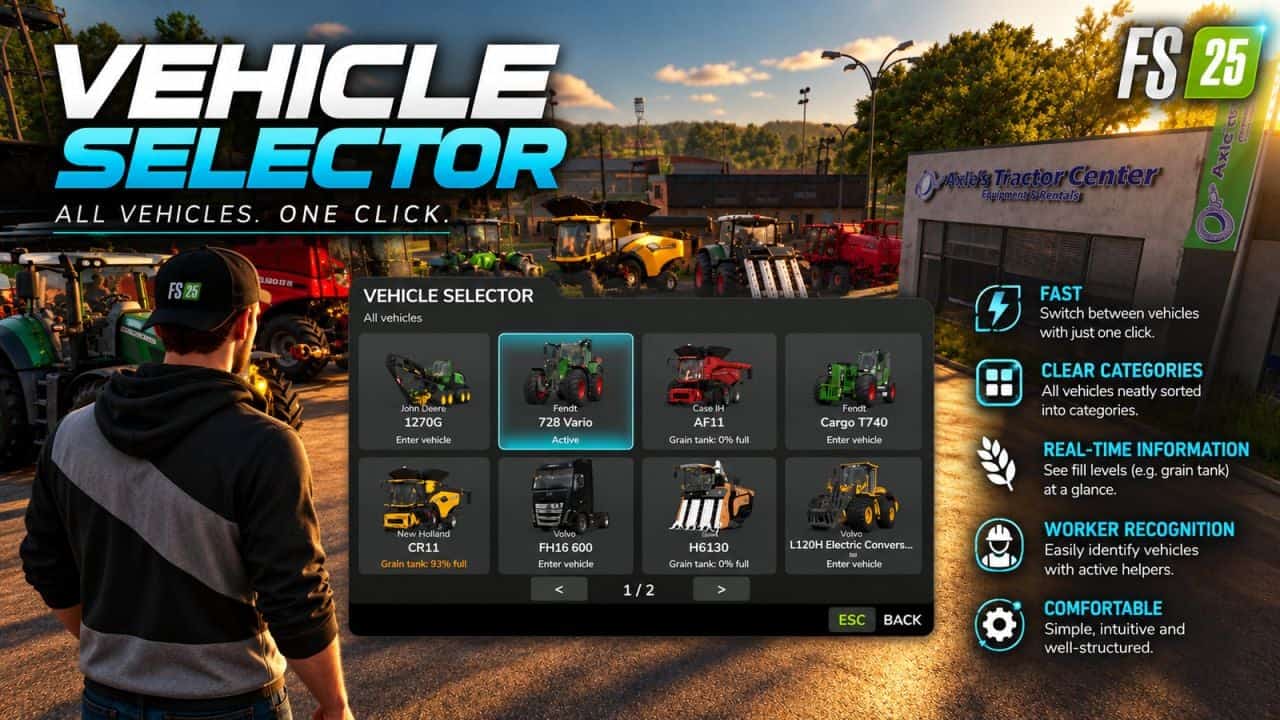
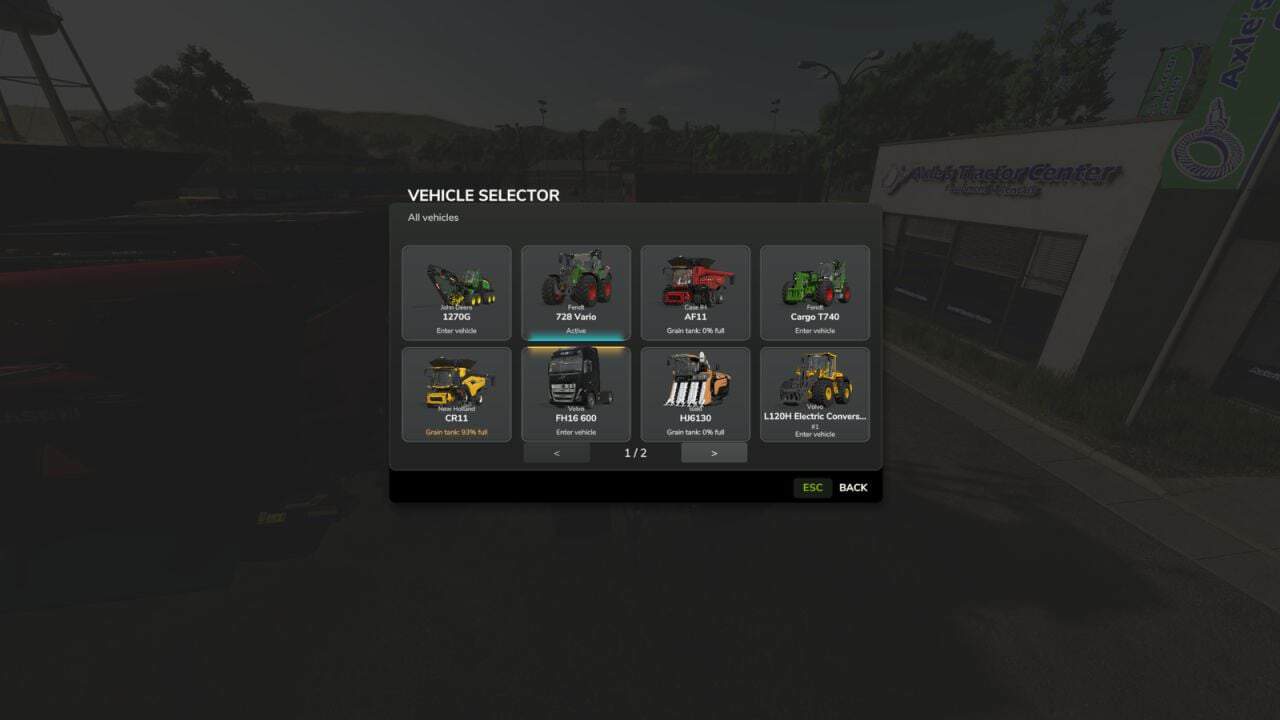
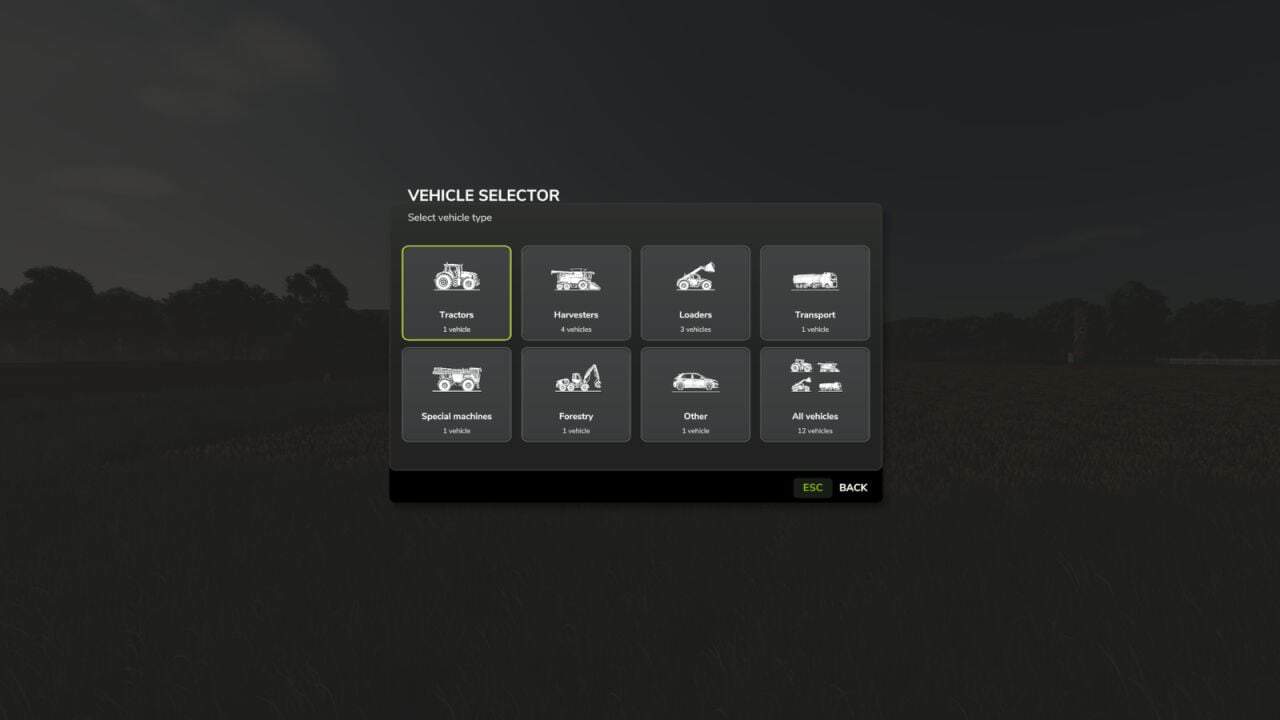
Vehicle Selector offers a quick and clear way to display all enterable vehicles on your farm and switch directly to the desired vehicle with a single click. Open the menu with Left Alt + V.
Features
- Click on a vehicle tile to close the menu and switch directly to the selected vehicle.
- The vehicles are automatically sorted into the categories Tractors, Harvesters, Loaders, Transport, Special Machines/Self-Propelled, Forestry and Other.
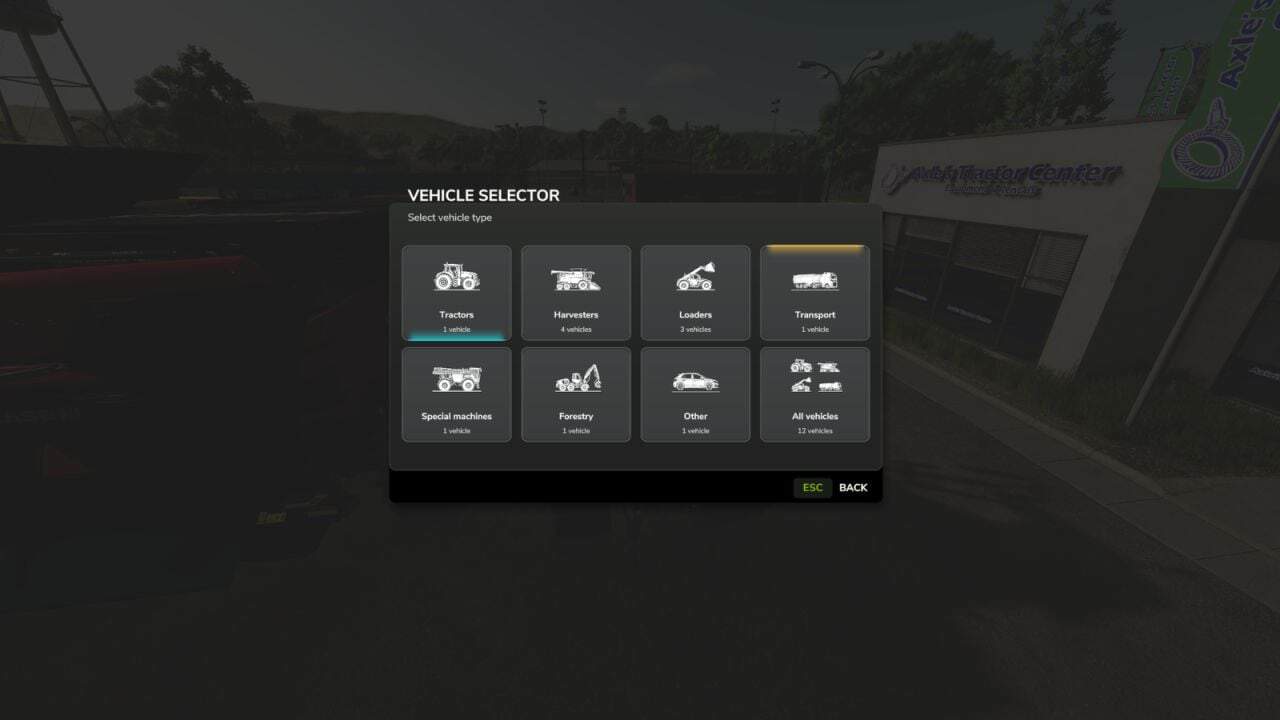
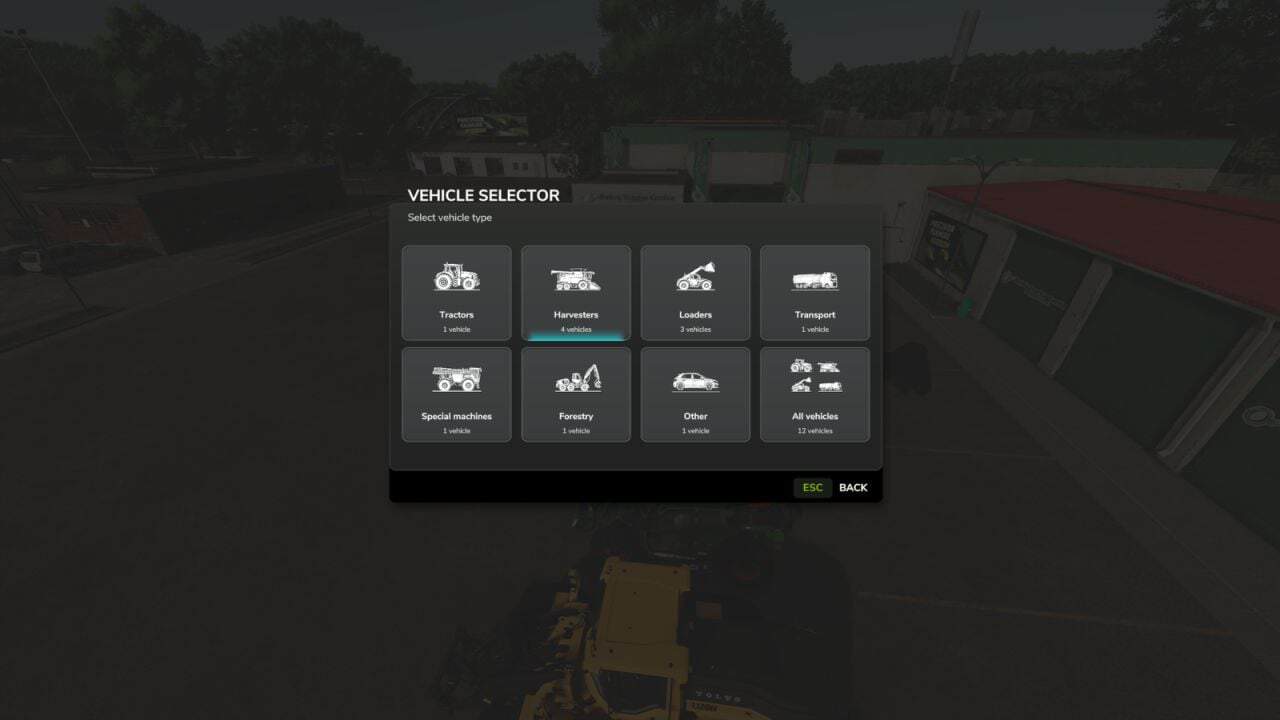
- The currently controlled vehicle is highlighted in cyan.
- Vehicles with an active AI worker are marked in yellow, so you can immediately see which machines are currently in use.
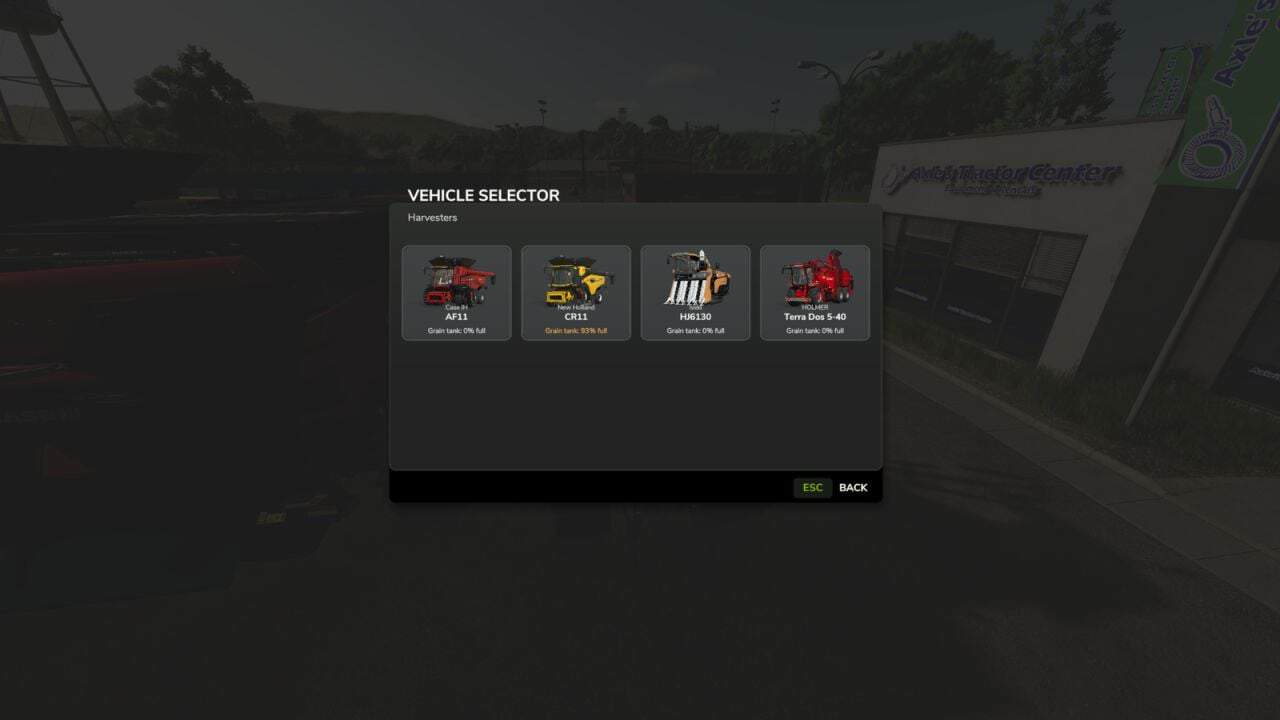
- Harvesters with a limited internal grain tank display the current fill level directly on the vehicle tile, including color-coded warnings as the fill level increases.
- The manufacturer and model are displayed on each tile.
- Larger vehicle fleets are automatically spread across multiple pages.
- For particularly quick access, Vehicle Selector can also be assigned to a mouse thumb button or any other freely assignable key.
- The standard method of switching vehicles with the TAB key remains unchanged.