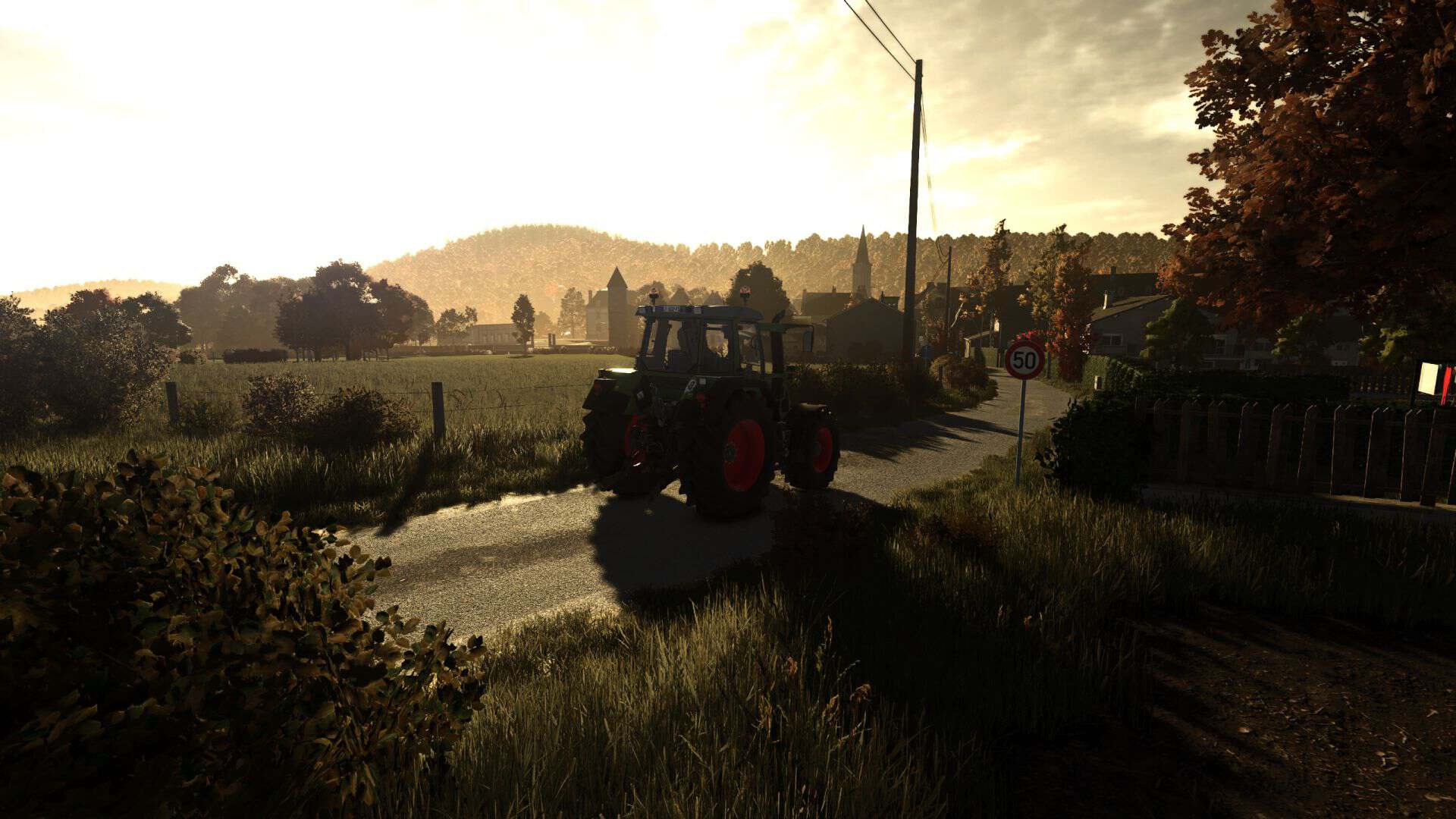
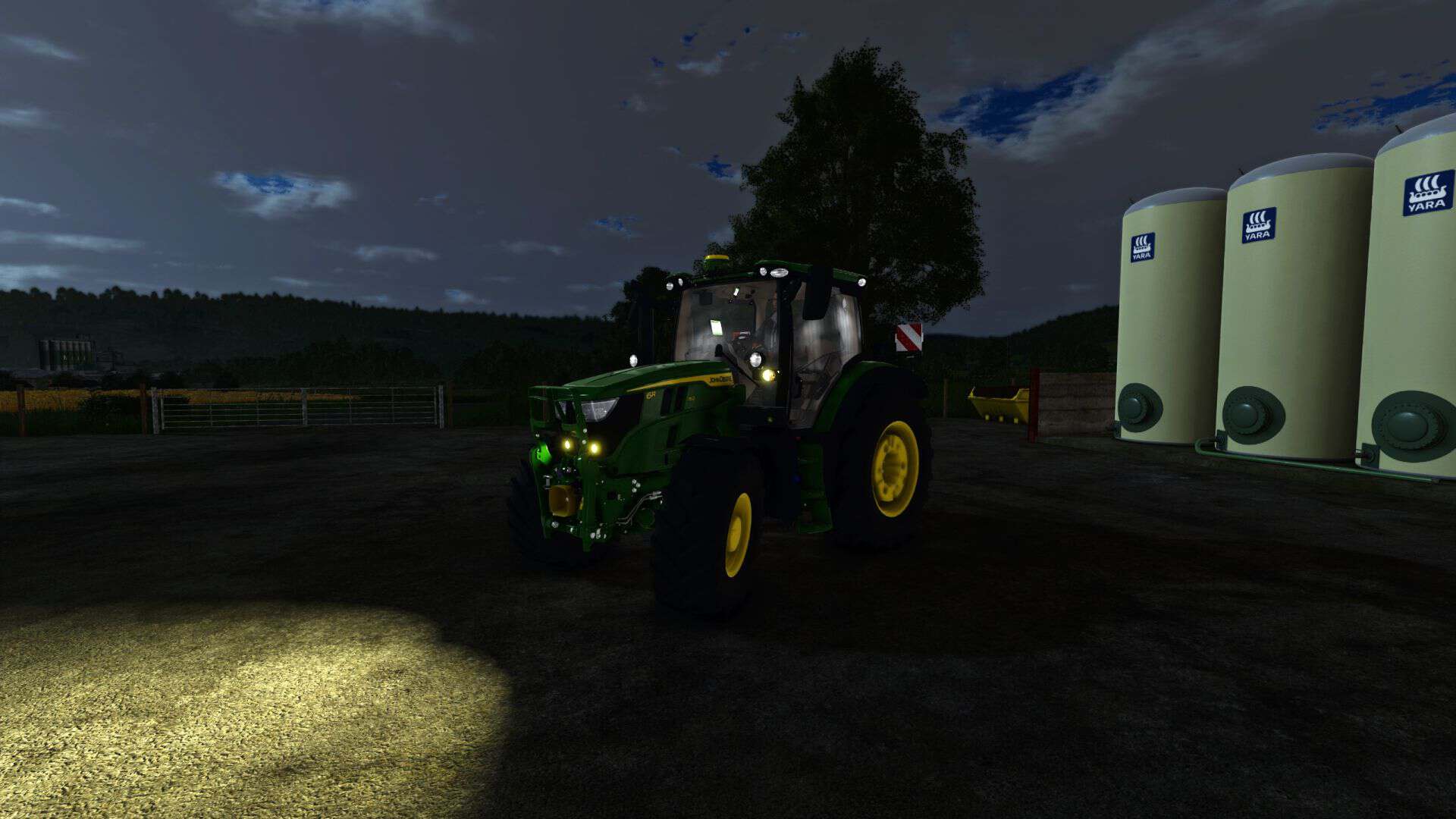
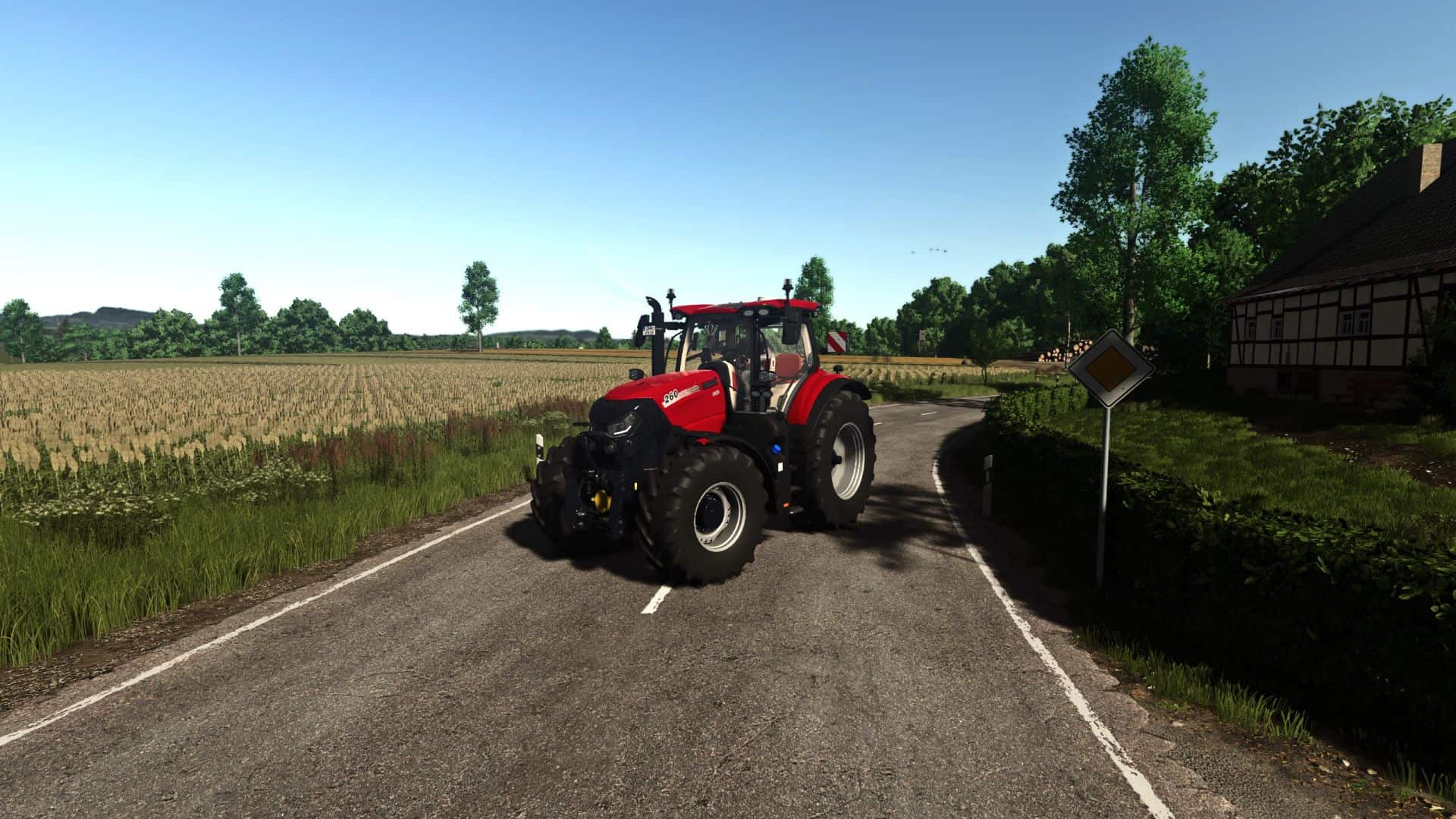
FS25 Thunder Warm Shader v1.0

FS15 Mods | FS17 Mods | FS19 Mods | FS22 Mods | FS25 Mods |
FS 25 Other

FS25 Thunder Warm Shader v1.0

Description:
– Simple warm tone realistic shader. Nothing special, just what I like and always run.

How to install:
1. Install the most recent version of Reshade
2. Download and unzip the “ThunderWarmShader.zip” file
3. Move .ini file into your “/Farming Simulator 25/x64” folder
4. Load into game and press “Home”
5. Select the “ThunderWarmShader.ini” preset
6. You should be set

Feedback:
– Please leave helpful feedback on changes I can make for future versions and if you have any problems please let me know. This is my first upload to KingMods and I am sort of new to the PC side of Farming Simulator so please be kind.


Author: ThunderFS
This content was uploaded by website visitors. If you notice any mistake, please let us know.


Finding a game interesting after investing 300 hours into it can become a bit challenging. But with mods as long as there is a new update is assured, you are guaranteed a few more hours of new exciting gameplay. FS 25 Other Mods are one of the greatest upgrades and can make your game unique. Downloading and adding FS25 Thunder Warm Shader v1.0 Mod to your game is not difficult at all - you simply need to save a file and run it.


You may also like...

Leave a Reply

Your email address will not be published. Required fields are marked *