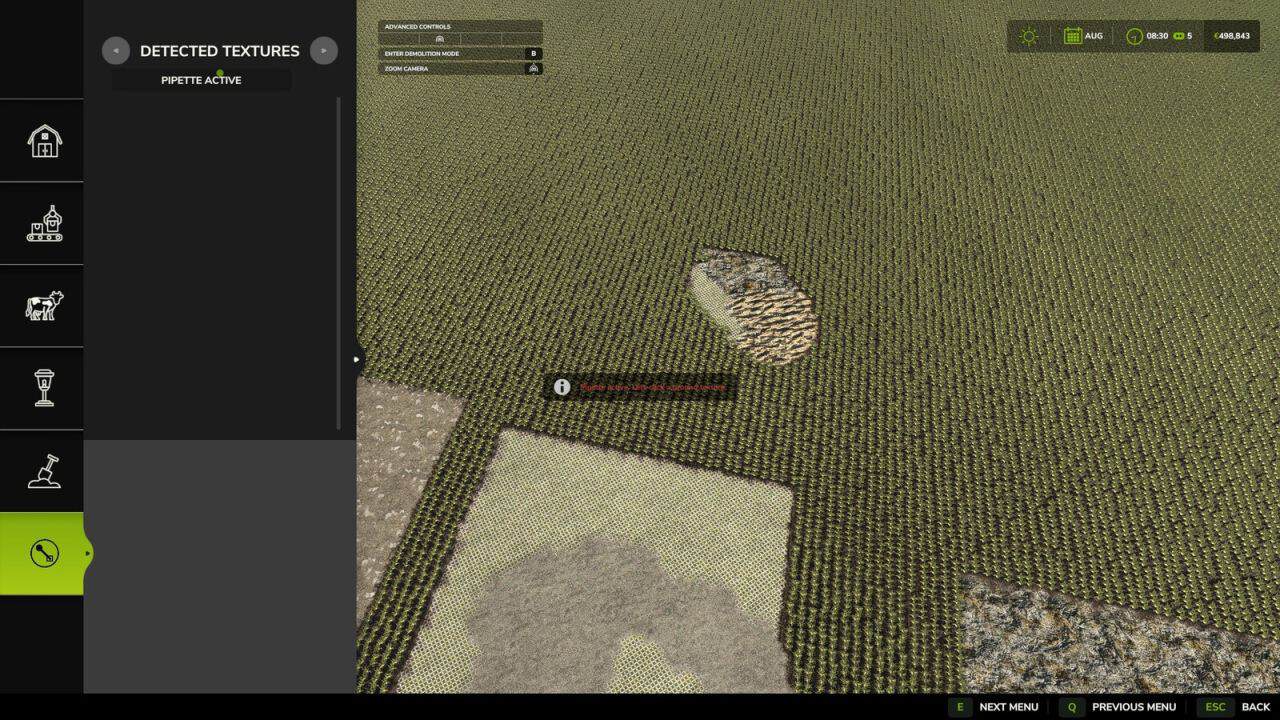
FS25 Texture Pipette v1.0
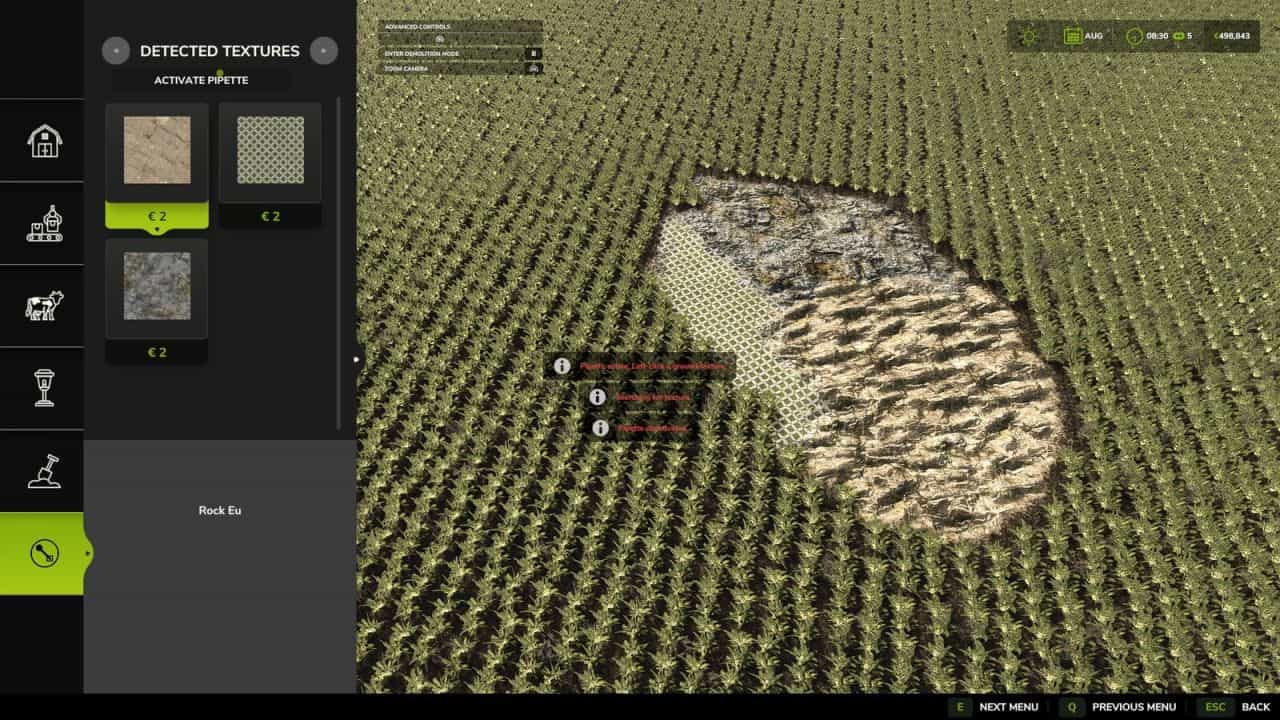
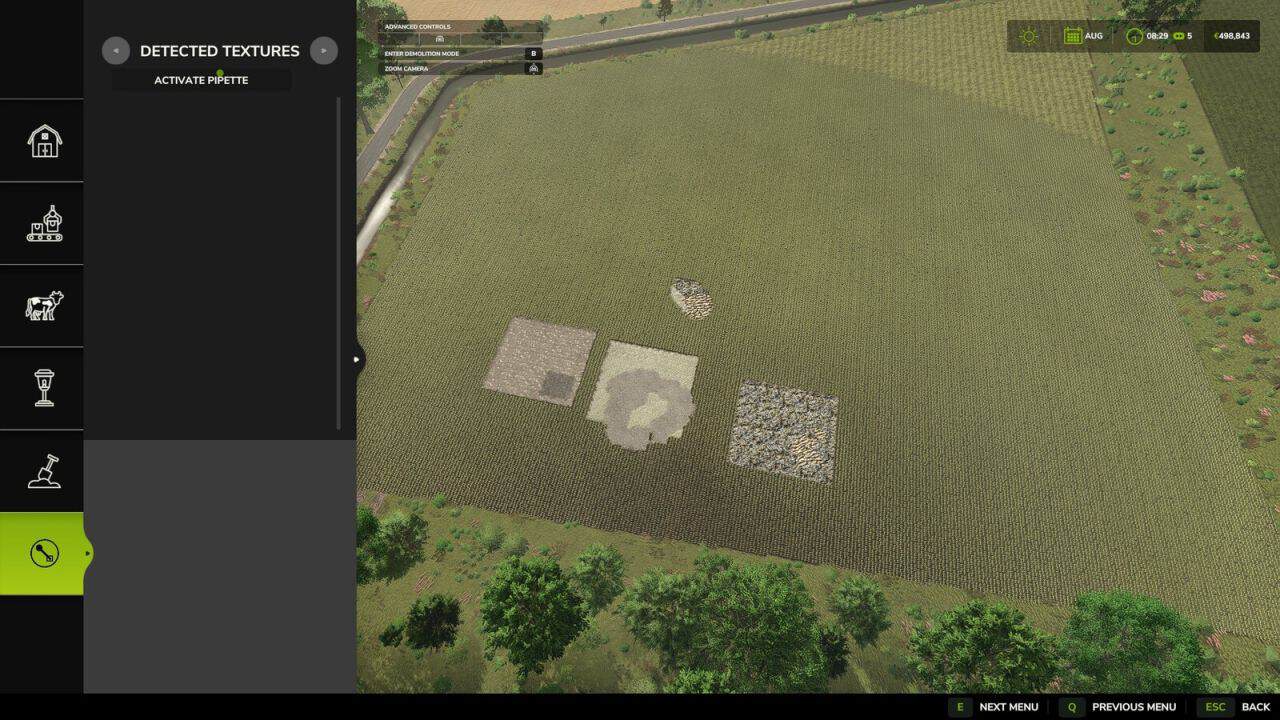
The Texture Pipette adds a practical pipette function for ground textures to the construction menu. It allows previously used paint textures to be picked directly from the map and found again more quickly in the construction menu. The mod searches for matching textures, prioritizes suitable results and, when needed, shows several possible candidates.
How to use:
1. Open the “Pipette” tab in the construction menu.
2. Press the “Activate pipette” button.
3. Click an already painted ground texture.
4. Confirm the found or desired texture in the construction menu.
5. Paint as usual.
After painting, cancel the action with ESC to avoid unintended further paint strokes. If needed, activate the pipette again and confirm the desired texture once more.
The mod also considers available ground textures of the current map so that suitable textures are available as completely as possible.
The Texture Pipette is intended as an expandable construction-menu tool. Additional useful functions for finding and taking over suitable content more quickly will be added in later versions.