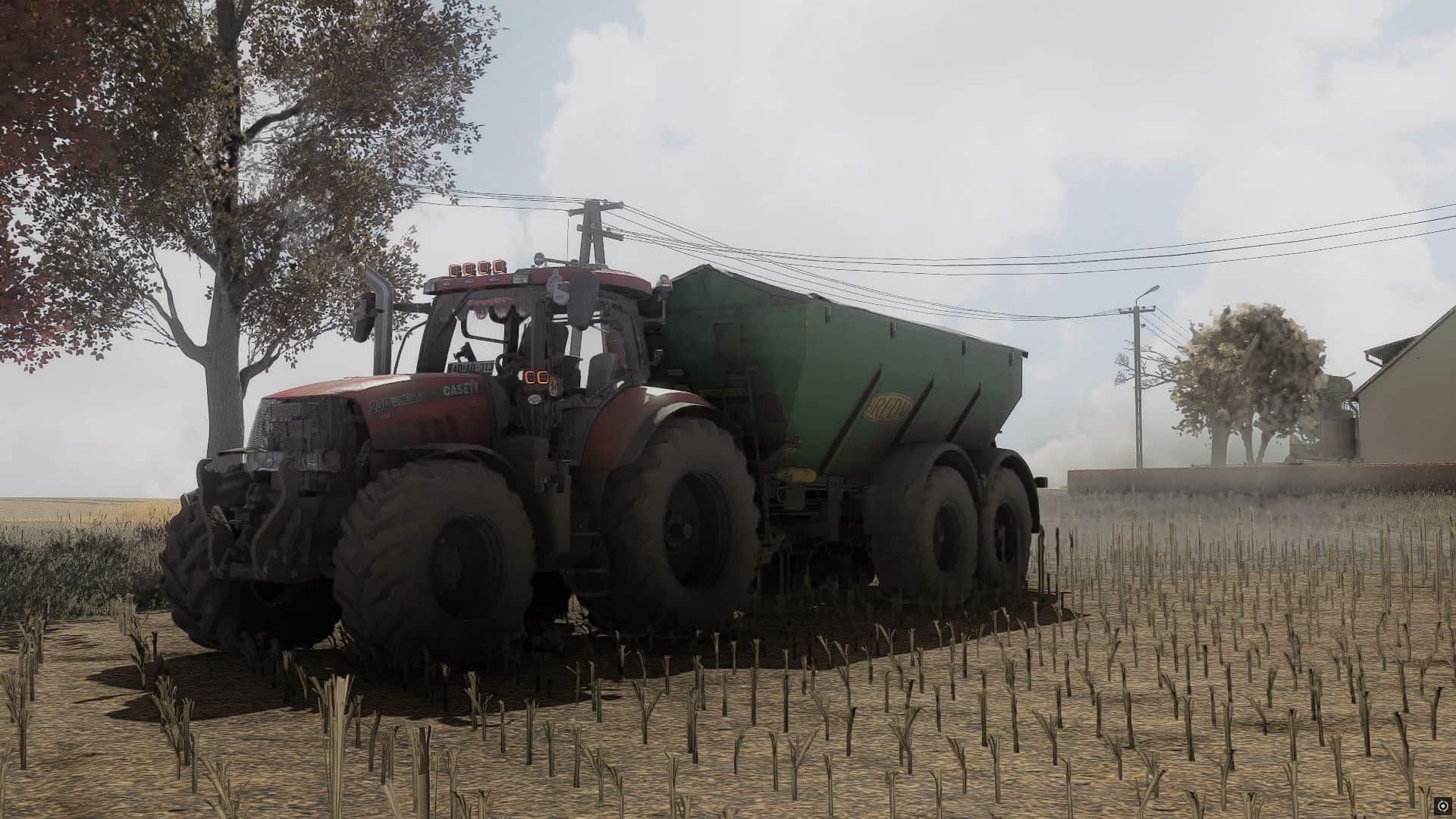
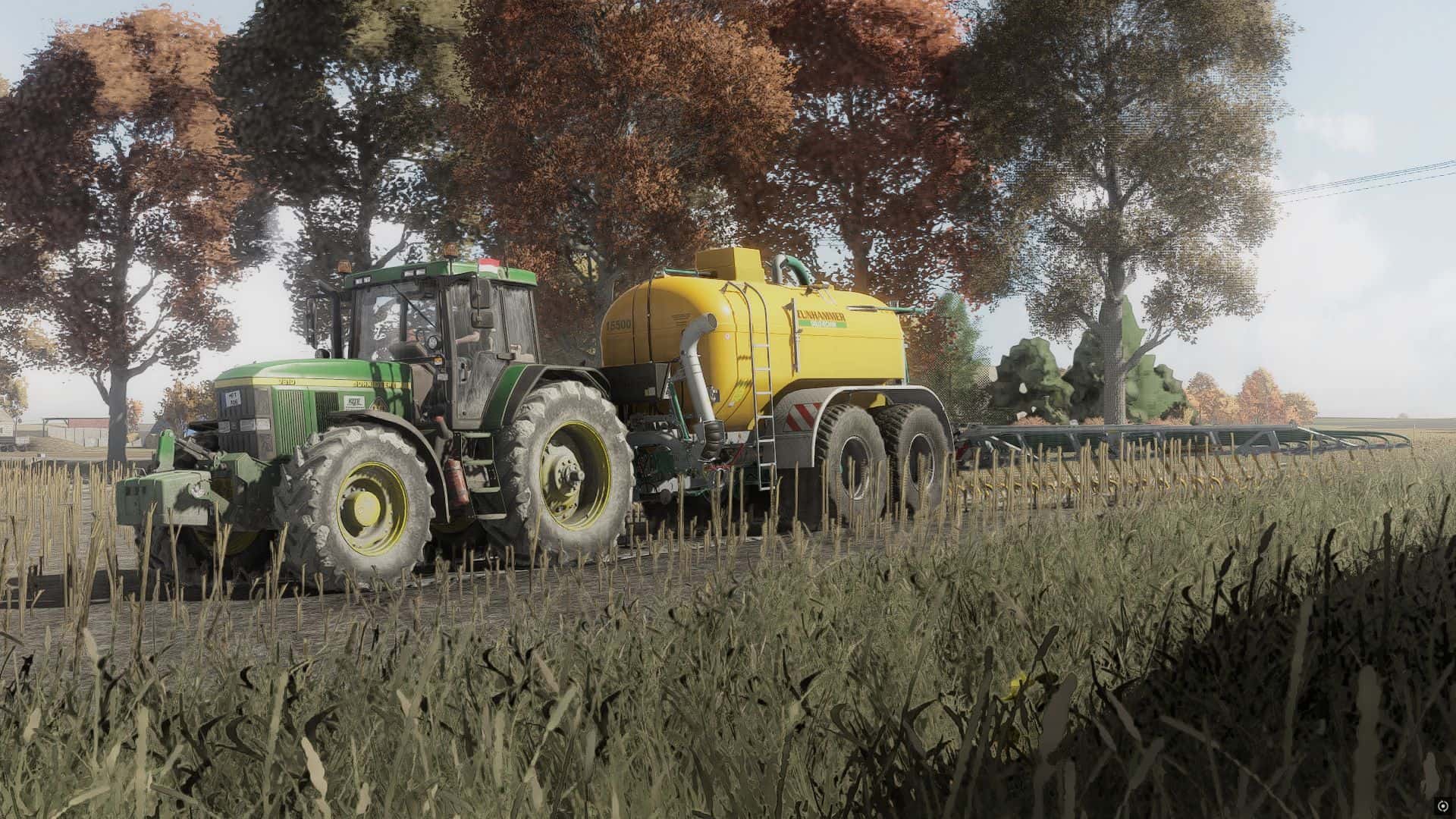
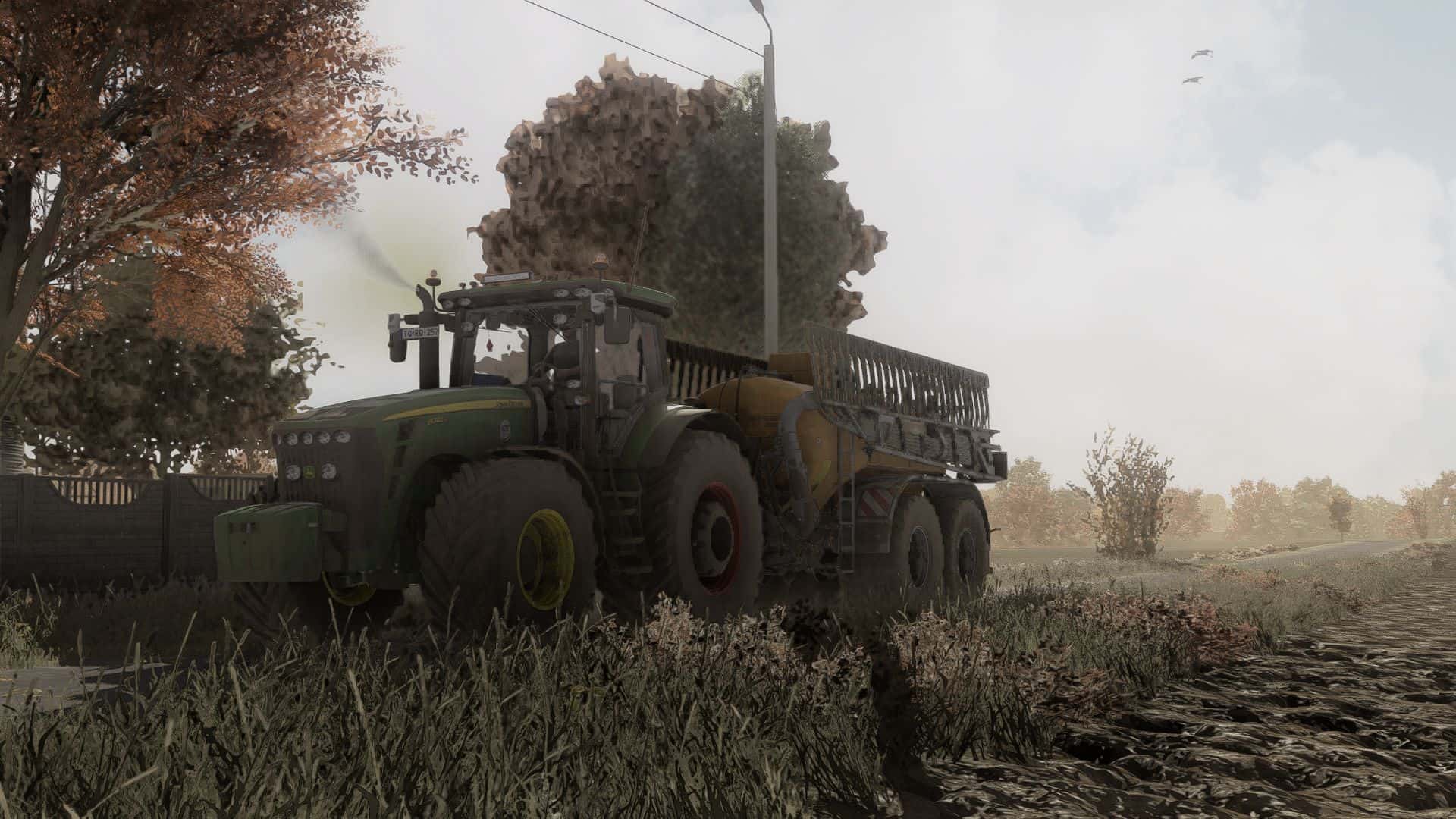
FS25 Shader KrisiV1 V1.0
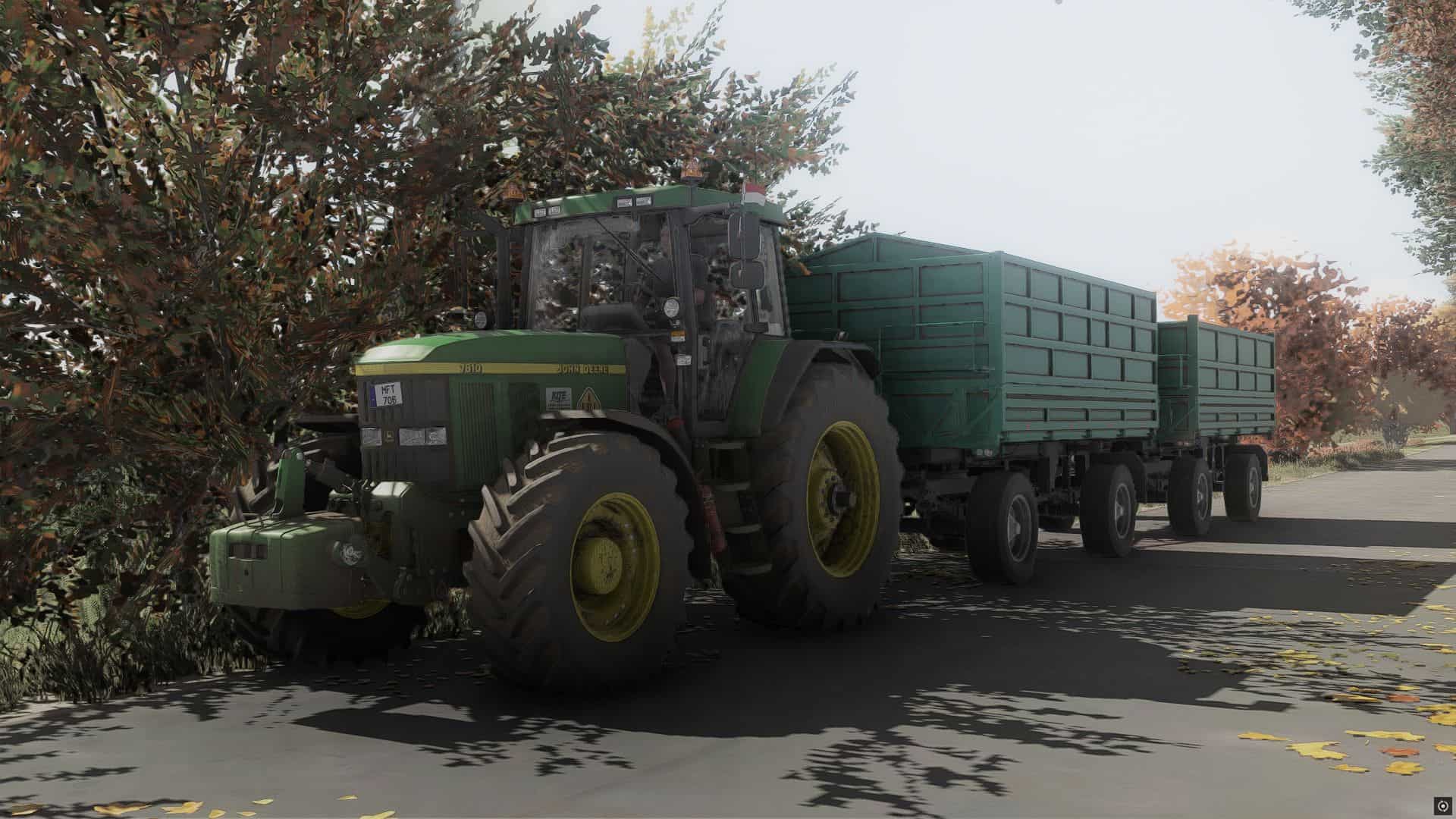
Shader_KrisiV1 is a custom shader for Farming Simulator 25, created to give the game a more realistic and immersive visual style. It enhances colors, lighting, contrast and overall atmosphere while keeping the visuals natural. Perfect for everyday gameplay, screenshots and cinematic videos.
Installation
1. Download and install **ReShade** for `FarmingSimulator2025.exe`. During the setup, select **DirectX 10/11/12** as the rendering API.
2. Extract the downloaded **Shader_KrisiV1** archive.
3. Move the included `.ini` file to the **`x64`** folder located in the same directory as `FarmingSimulator2025.exe`.
4. Copy the **`nextrealsim`** folder to:
`modSettings → additionalSetting → lighting`
5. Start Farming Simulator 25 and press **HOME** (or **POS1**) to open the ReShade interface.
6. Open the shader preset selection at the top, choose the **Shader_KrisiV1 `.ini`** file and select it.
7. Enjoy Shader_KrisiV1!