FS25 ScriptHub Modding construction category v1.0
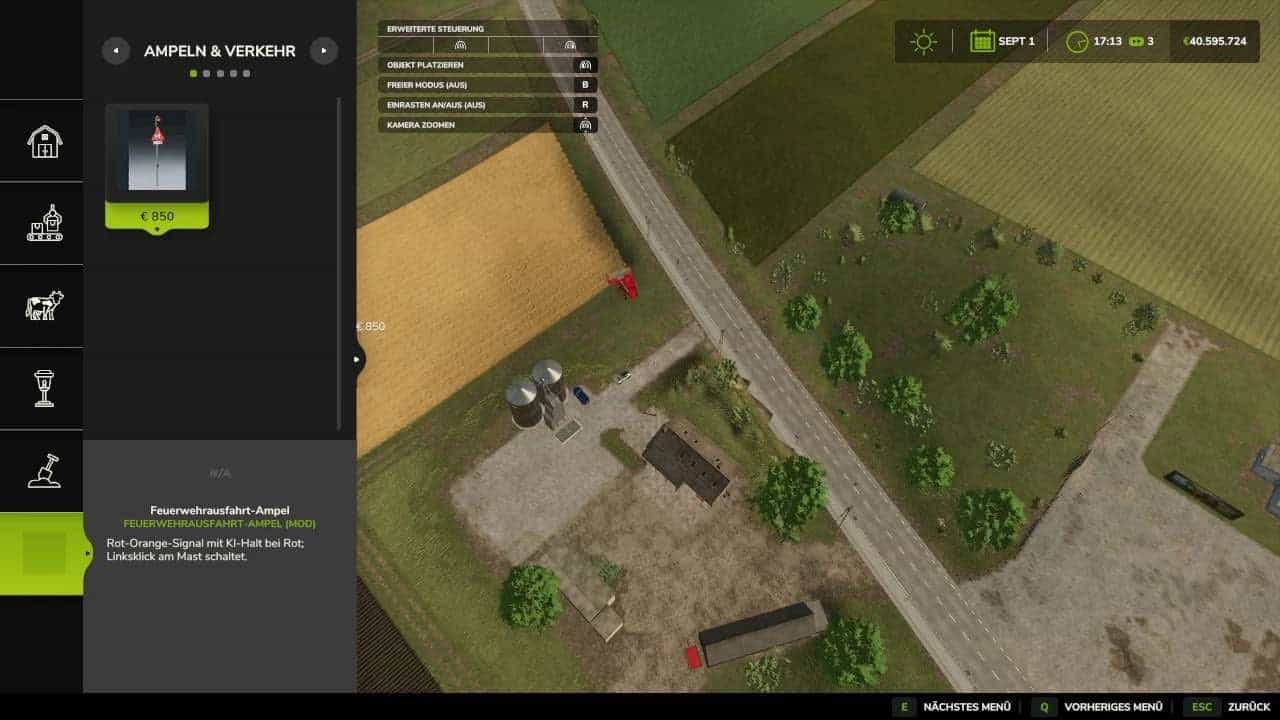
In Farming Simulator 25, this mod creates a separate main construction-menu category named “ScriptHub Modding”. Traffic lights, signs, and further construction objects are brought together in this central location.
Features
- The category contains five sections: Traffic Lights & Traffic, Decoration, Signs, Buildings, and Miscellaneous.
- Compatible mods are automatically detected based on the author (“ScriptHub Modding”) or the mod’s name.
- As an example, the traffic light called “Fire Station Exit” is automatically placed in the “Traffic Lights & Traffic” section.
- The included configuration file allows additional custom mods to be added.
- ScriptHub Modding’s logo and custom icons mark both the category and its subsections.
- Each individual object mod has to be installed separately and activated in your savegame.
Installation
- Place the ZIP file in your
modsfolder without unzipping it. - Activate the category together with the relevant object mods.
- Before installing, delete older versions of this construction category.
- For LS25 on PC and Mac.