FS25 Real Silage BETA 2
Silage production requires proper work. Compact the bunker silo gradually, cover it correctly and prevent the silage from spoiling. Real Silage turns the process into a realistic workflow in which every pass makes a difference.
Features
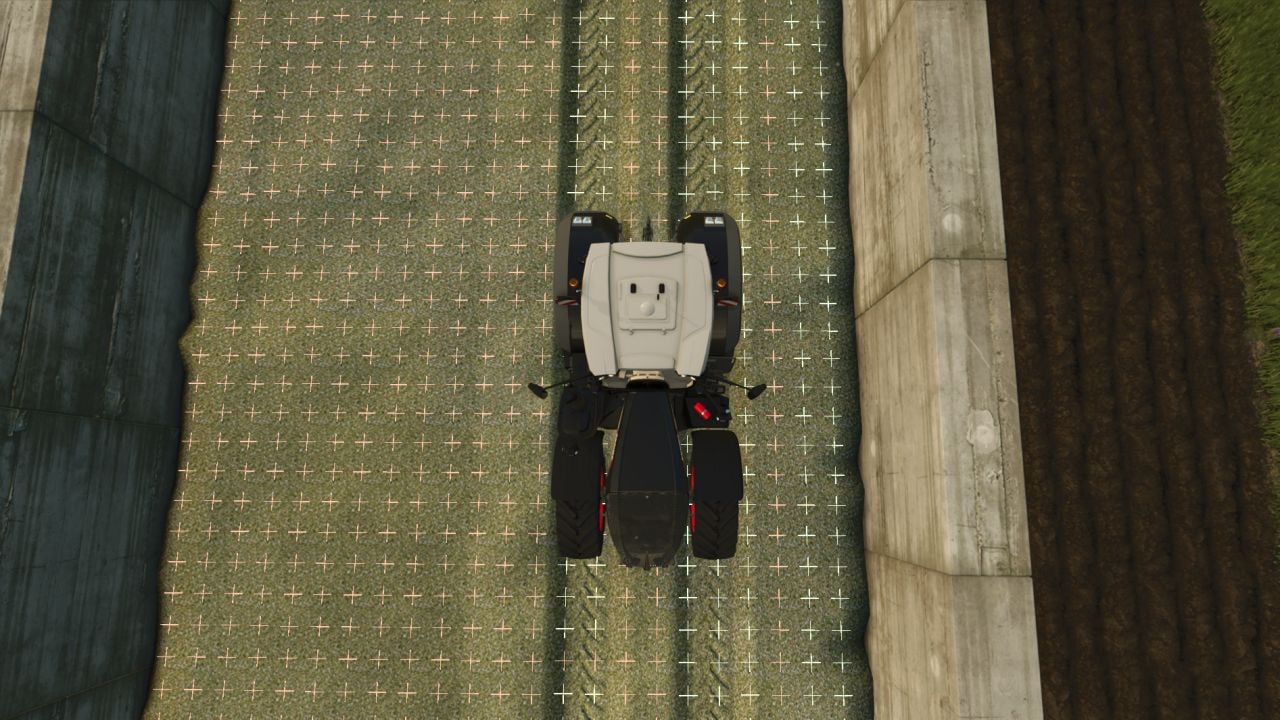
- Compacting: Each bunker silo has an individual compaction map that tracks the compaction level at every location. Coloured crosses display the current condition on the silage heap: Red = not compacted, Yellow = partly compacted, Green = fully compacted.
- Weight and silo roller: Vehicle weight and using a silo roller affect the compaction result. A heavy tractor equipped with a roller requires fewer passes than a light vehicle.
- Markers: The coloured crosses appear only during filling and only while the silo is open.
- Covering: The bunker silo size determines the required number of matching silo sacks. Covering also requires one roll of silo foil and one roll of underlay foil. Every required material can be purchased in the shop.
- Silo sacks: These are available on pallets.
- Silo foil: This is available on pallets.
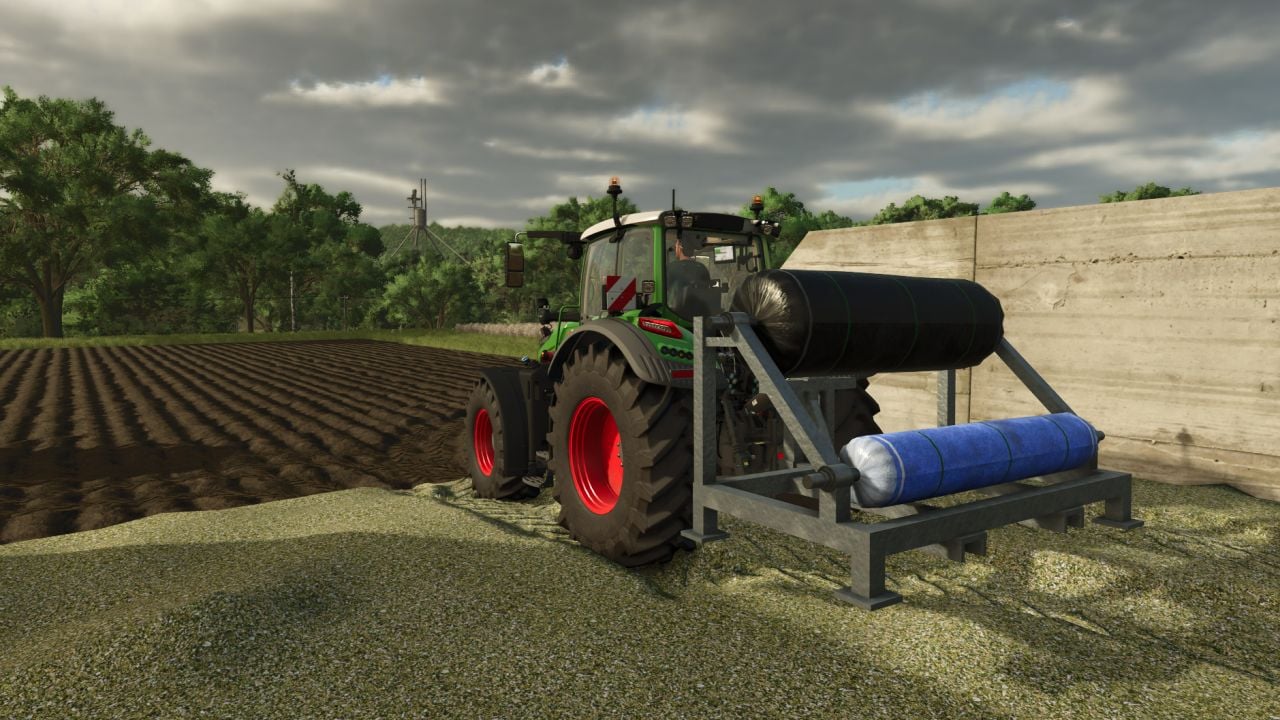
- Foil rack: Before covering the silo, place the rack at the bunker silo and load it with silo foil and underlay foil.
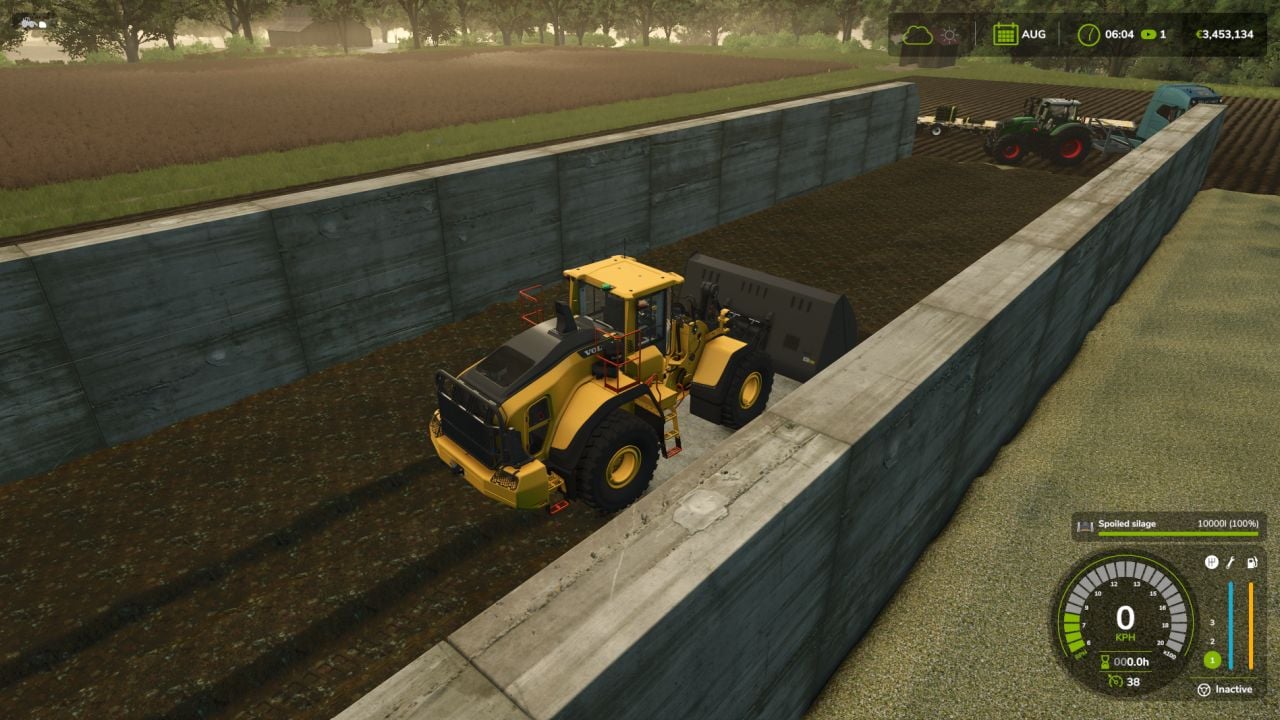
- Spoilage: Areas with insufficient compaction may spoil beneath the cover. The lower the compaction, the greater the risk.
- Visible mould: Opening the bunker silo makes the mould visible on the silage heap.
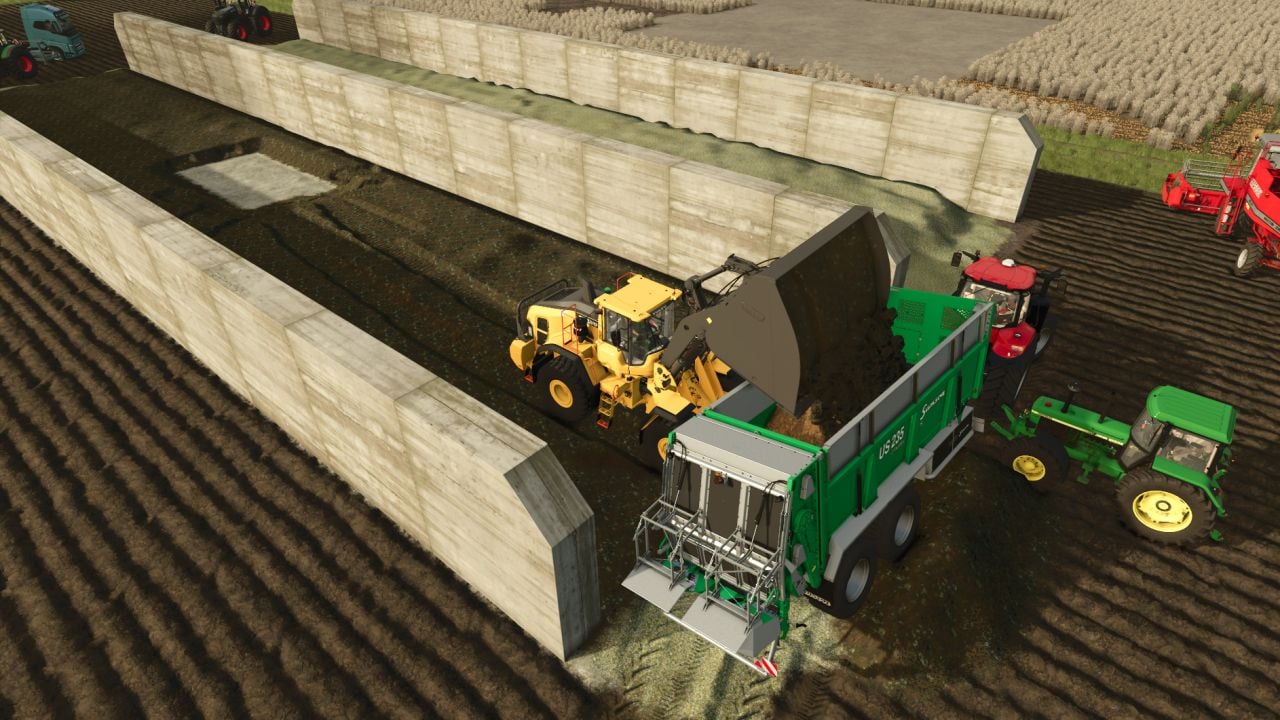
- Spoiled silage: Spoiled silage is a separate fill type. A shovel or fork can pick it up and load it into a manure spreader, where it turns into manure for your fields.
- This system replaces the game’s standard compaction mechanics.
- The console command
rsGridlets you turn the compaction markers on the heap on or off.
Changelog
- BETA 2
- Weighting system added, the silo must be covered with tires. You can disable it using
rsWeight. - Tire palette added.
- The version remains 1.0 for technical reasons.
- Weighting system added, the silo must be covered with tires. You can disable it using