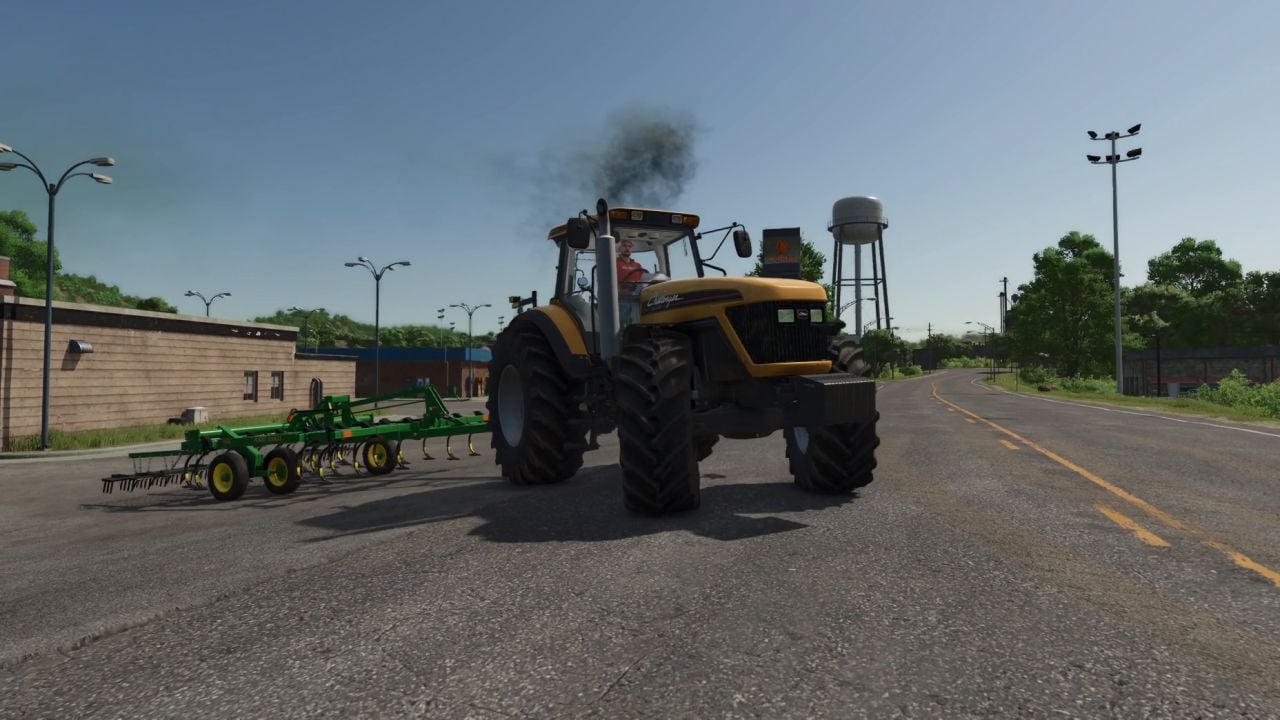
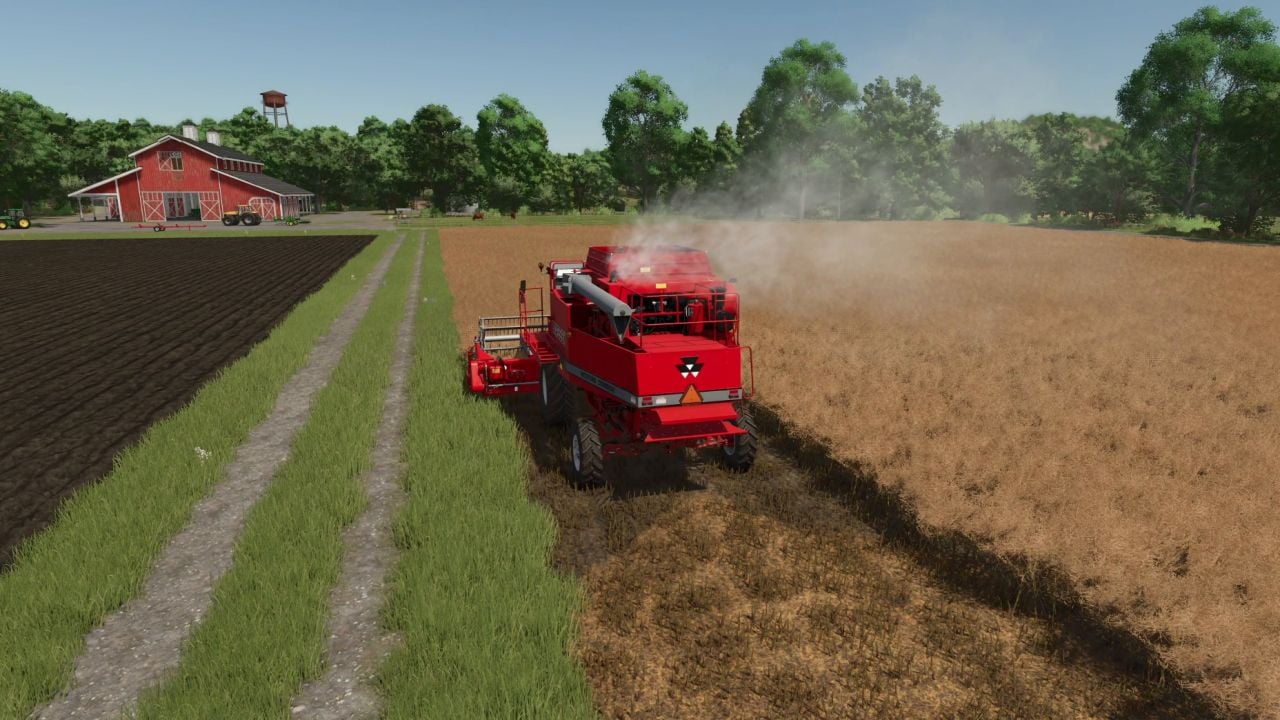
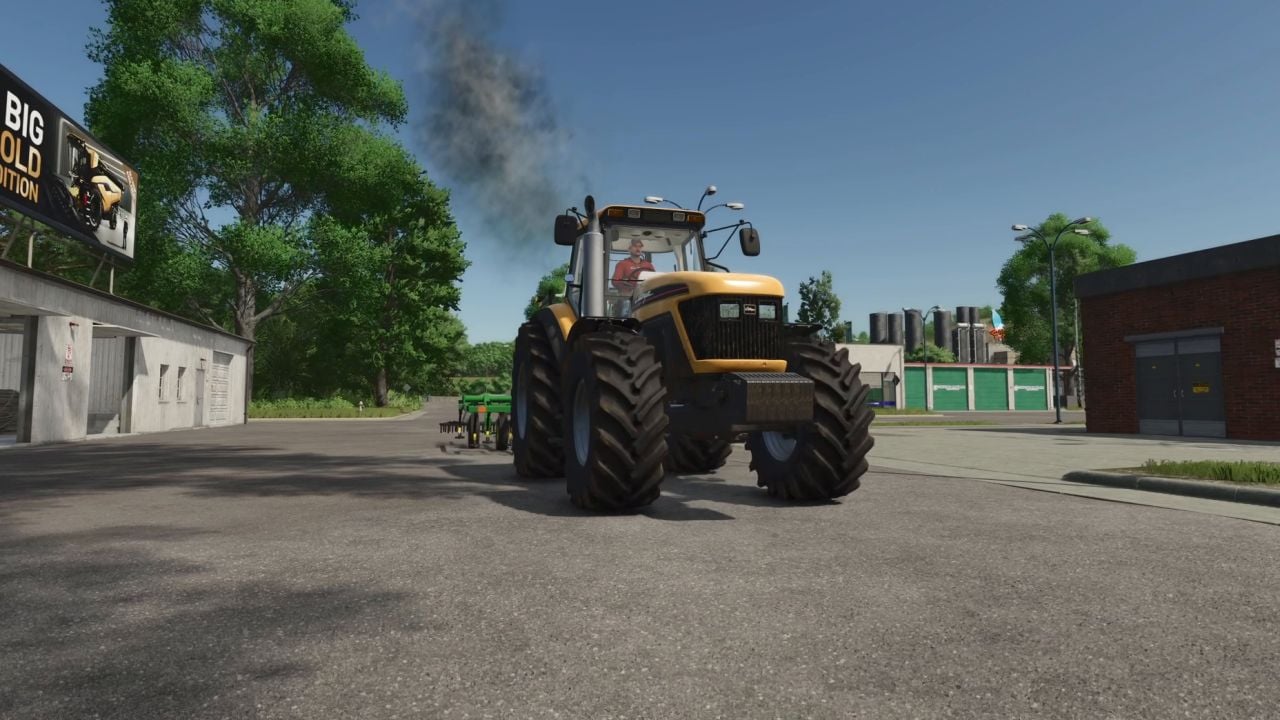
FS25 Real Exhaust Smoke BETA 3 v1.0
WORK IN PROGRESS
This mod is under heavy development. Expect rough edges, wrong engine data on some vehicles and changes between versions. Single player only. Back up your savegame before you try it. Bug reports and corrections in the comments are what this build is for.
Real Exhaust Smoke replaces the game’s exhaust effect with a simulated diesel engine that breathes, warms up, wears out and smokes the way a real one does. Every vehicle — base game, DLC and (most) mods — gets its own engine: displacement, cylinders, turbo, era and condition.
Features
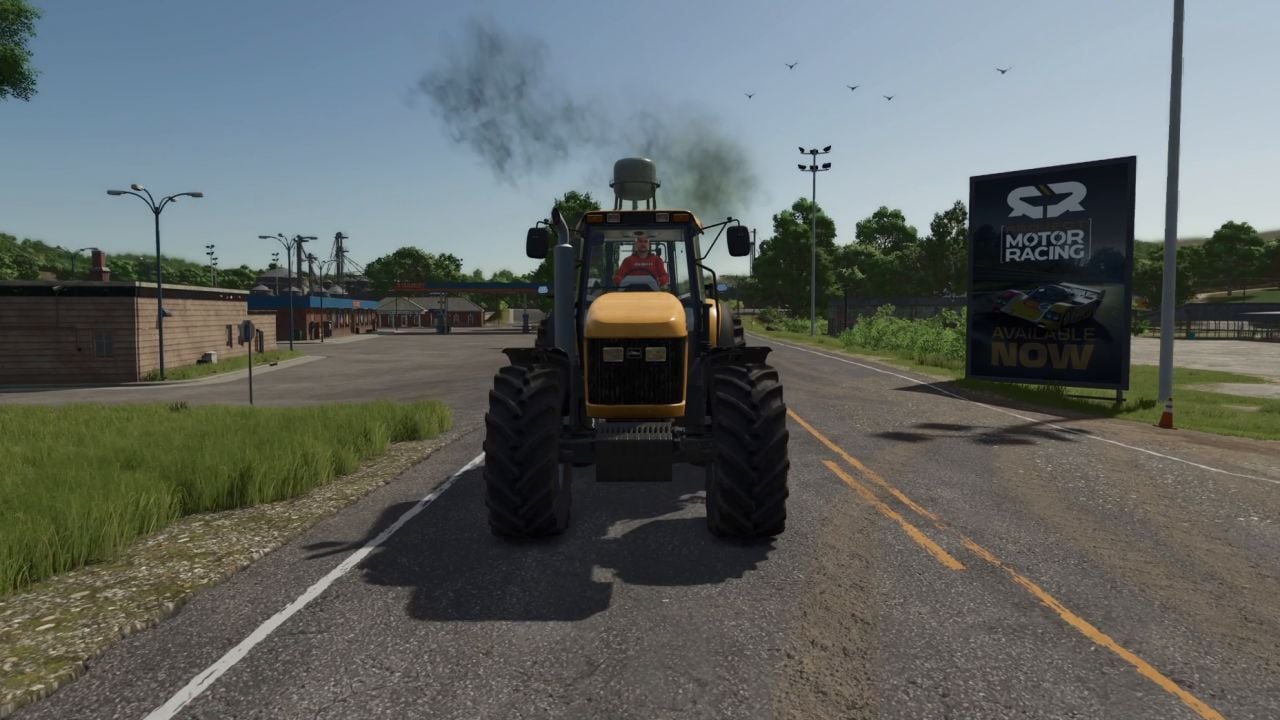
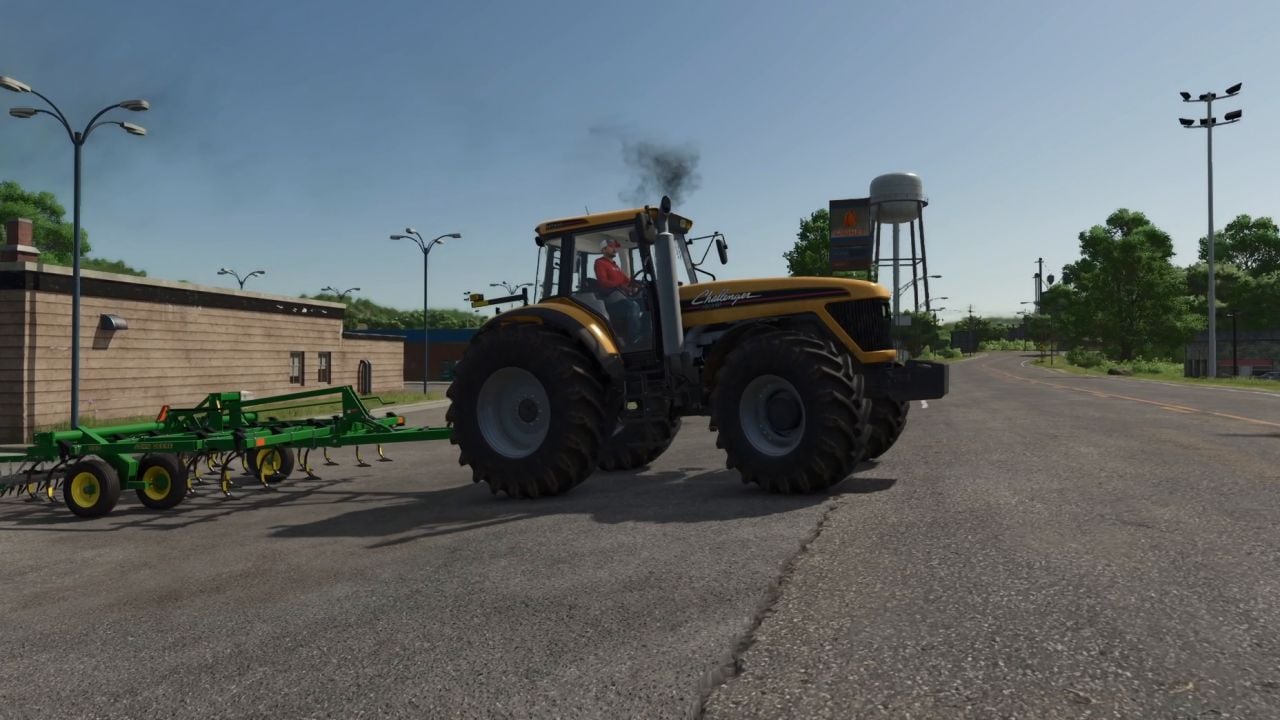
- Smoke that means something: black under load and turbo lag, white when the engine is cold, blue when the oil is overfilled or the rings are worn, and faint grey behind a DPF. A classic mechanical-pump tractor smokes on every pull-away; a modern engine with a smoke limiter, VGT and DPF barely does. The amount follows the engine’s size and the air it gets.
- A turbocharger you can hear, including spool, wastegate or variable vanes, surge on a hard downshift, a blow-off on lift-off and a whine that rises with shaft speed. The vehicle’s own turbo sample can be muted so the mod’s is heard.
- Temperatures for coolant, oil, block, manifold, exhaust and charge air, with a thermostat, viscous fan clutch, ram air, sun, wind and a coolant heater. Parked vehicles keep cooling while you are away, so a tractor left out overnight starts cold.
- Cold engines with glow-plug preheat, longer cranking, rough idle with clatter, white haze and less power until warm.
- Warm-up aids on keys: coolant heater (Webasto) Ctrl+Alt+R, high idle Ctrl+Alt+T, and plug-in block heater Alt+I on foot. The Webasto burns diesel and drains the battery.
- Electrical system with battery charge, alternator, regulator voltage, lights, beacons, wipers and the heater as loads. Leave the lights on and the engine will crank slowly — or not at all.
- Condition and maintenance for engine oil, coolant, filters, battery, injectors, turbo, rings, cooling system, DPF ash and glow plugs. These wear with hours and with abuse — lugging, cold hard use, overheating and hot shutdowns.
- Service components in the workshop using the Engine service button. The vehicle’s damage figure follows the engine’s condition — or switch Vehicle damage back to the game’s own wear; never both at once. A first-entry prompt offers to sync an older vehicle’s hour meter to the model.
- Check the dipstick on foot with Alt+O. Buy the oil can in the shop under hand tools and top up the sump — hold too long and the excess burns off as blue smoke.
- Optional engine feel with four levels. The engine’s own sound follows cold and rough running, the idle hunts, the high idle is audible, quicker rev-up is available if you want it, and a physical power level uses the air the engine actually gets as the power you drive with.
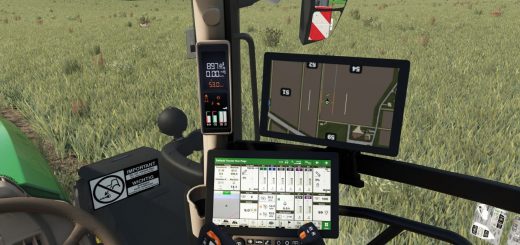
- HUD with compact or full engine readout, analog gauges for boost, water, oil pressure, EGT and ammeter, battery meter, speedometer icons, and the vehicle’s own temperature gauge driven by the model. A heat haze appears above a hot exhaust.
- Everything is optional and adjustable in the Ctrl+Alt+W window, globally and per vehicle.
- Vehicle configuration → Manual lets you set aspiration, cylinders, displacement, boost, turbo size, intercooler, era, boost control, smoke limiter, DPF and 12/24 V yourself.
- The mod ships engine data for every base-game vehicle, the Daimler Truck, Plains & Prairies, MacDon and World’s Fastest Tractor DLCs, and about 400 mod vehicles.
- Anything else is estimated from the game’s motor figures. On first entry, the mod offers the window pre-filled with its estimate. Corrections you make there are collected in
modSettings/RealExhaustSmoke_unknownVehicles.xml.
Keys
| Key | Where | Does |
|---|---|---|
| Ctrl+Alt+W | anywhere | settings window (in a vehicle: this vehicle’s rows too) |
| Ctrl+Alt+R | in the seat | coolant heater (Webasto) on/off |
| Ctrl+Alt+T | in the seat | high idle on/off |
| Alt+I | on foot, next to the vehicle | plug-in block heater |
| Alt+O | on foot | dipstick; with the oil can in hand: hold to pour |
Known limits
- Single player only. The engine state is not synchronised in multiplayer yet.
- Engine data for mod vehicles is a hand-maintained database; some rows are estimates and some are wrong. Set the vehicle to Manual and correct it — and leave a comment with the vehicle’s name and the right engine.
- The game’s own exhaust effect is muted; the mod’s particles replace it.
- Vehicles whose mod gives an unrealistic power/rpm combination are modelled as the air allows; the HUD says so.
Oil can model: “Oil Can” by Nitropunch (sketchfab.com), CC BY 4.0, converted for the mod.
Turbo whine cut from “Hot-Rod 496 Chev V8 turbocharged dyno run” by Ears68 (freesound.org, CC BY 3.0) and “Import car revs on *Chassis Dyno with Turbo” by editboy23 (freesound.org, CC0); blow-off derived from “Turbo flutter on a diesel” by spinopel (pixabay.com); whine bed from “Diesel Start-Idle-Revs MZ000004” by DAVESTALKER (freesound.org, CC0). All other sounds are synthesised.
Changelog
BETA 3
Major changes since 0.3.0.0
- A physical engine model (air, fuel, turbo, heat, electrics) replaces the load-driven smoke.
- Condition, maintenance and workshop service; oil level, dipstick and oil can.
- Cold running, engine feel and warm-up aids; sounds for the turbo, fan, clatter and heater.
- Vehicle database (base game, DLC, 400 mod vehicles), first-entry prompt and settings window.
- HUD readouts, analog gauges, dashboard icons and heat haze.