FS25 Pickup Plus V1.4.2.3
FS25 balers and forage wagons receive load-dependent blockages, wear and purchasable spare parts.
Features
- Knives, pickup tines and hold-down rollers wear during material pickup. The load rises with higher speed and greater material throughput. Once pickup capacity passes 70%, the machine becomes progressively slower. If a blockage occurs, material pickup remains stopped until it has been cleared.
- In the pause menu, open General Settings → Pickup Plus and choose the operating mode.
- Switching the mod functions off pauses them. The equipment then uses the standard FS25 functions.
- Simple Mode removes blockages for both players and helpers and clears blockages that already exist. Load, load limit, wear and spare-part maintenance continue to work.
- With this mode, every mod function is active. A blockage makes the field worker stop its task and report the cause. Once the blockage is cleared, restart the worker.
- The selected operating mode is stored in the savegame. In multiplayer, the host or server administrator determines it.
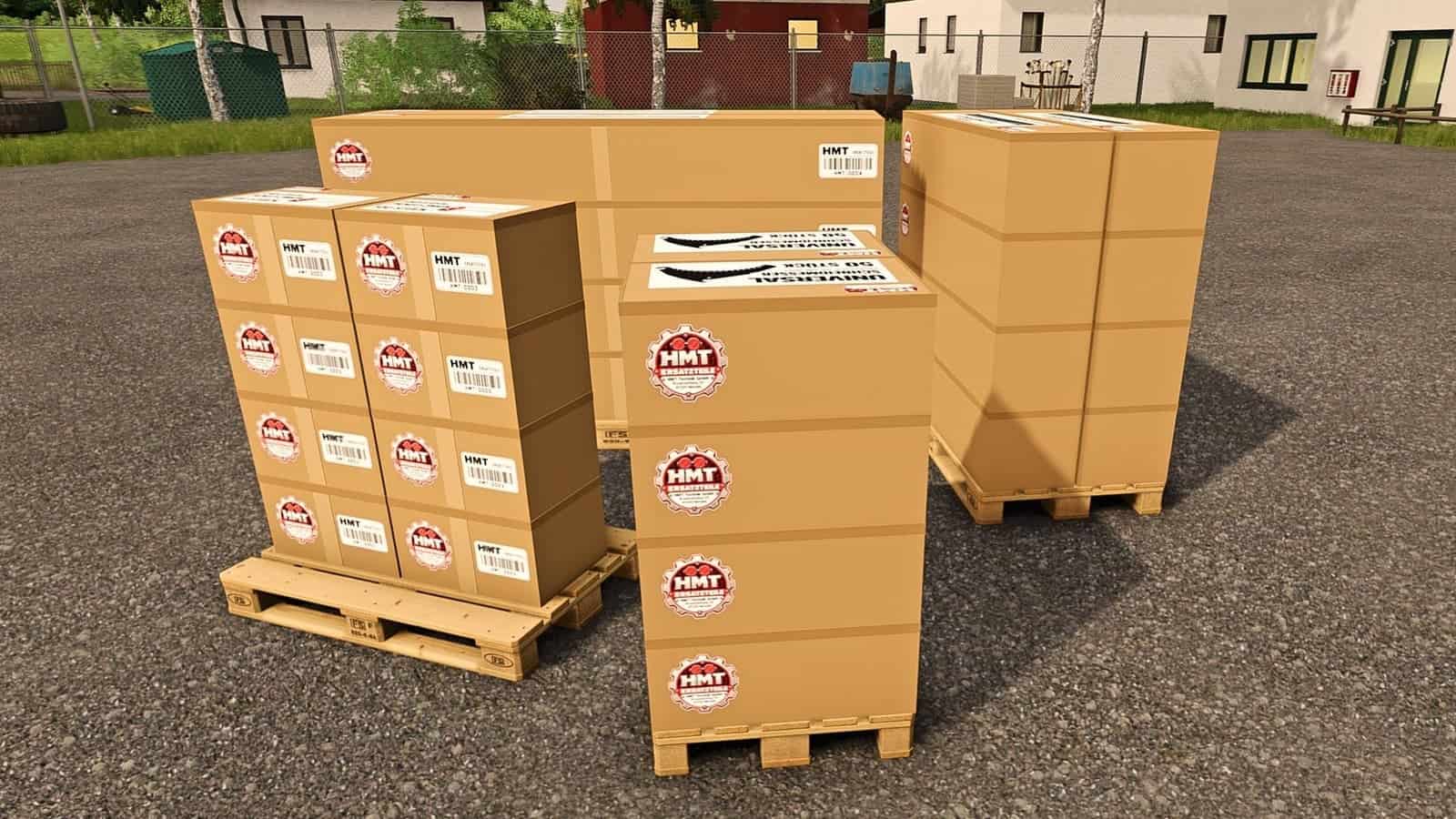
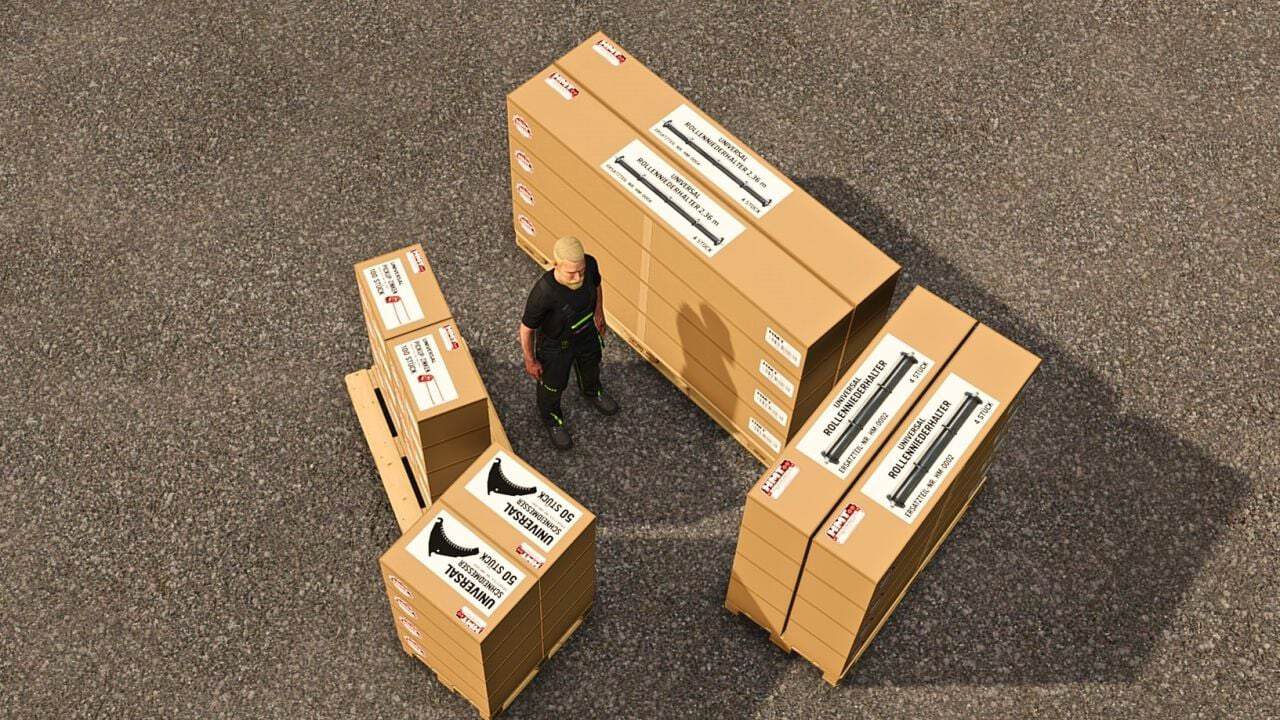
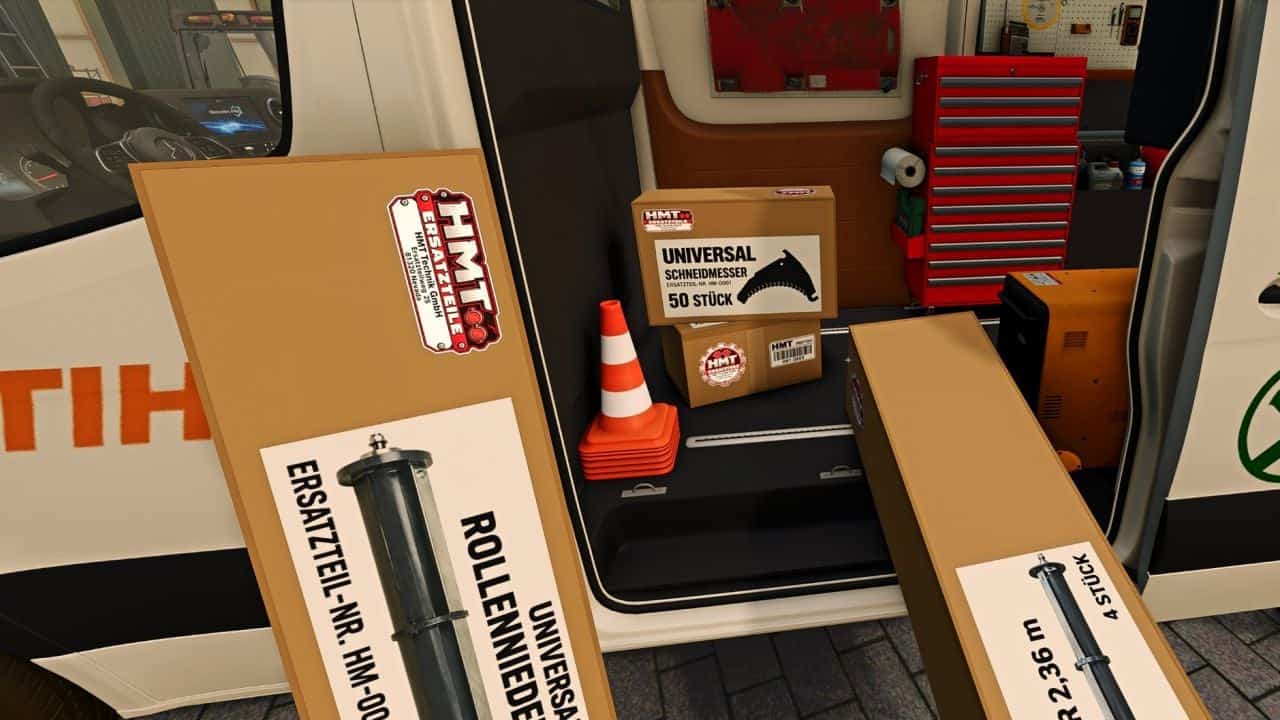
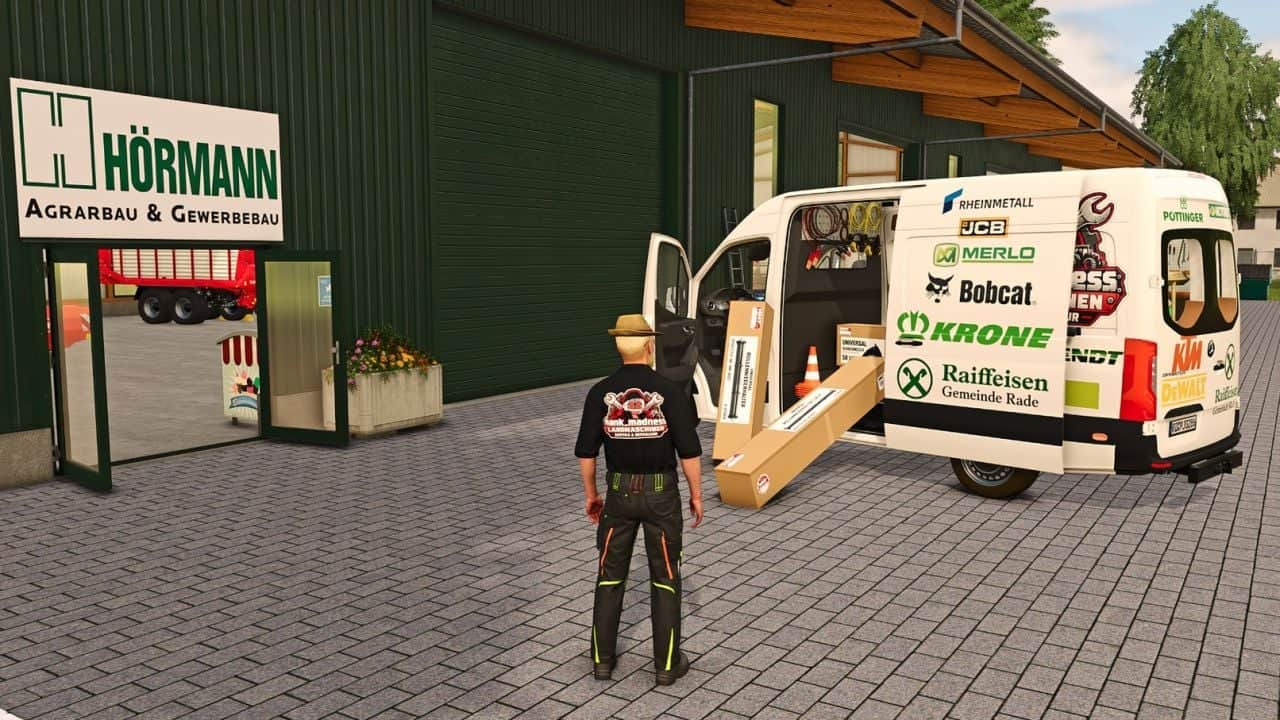
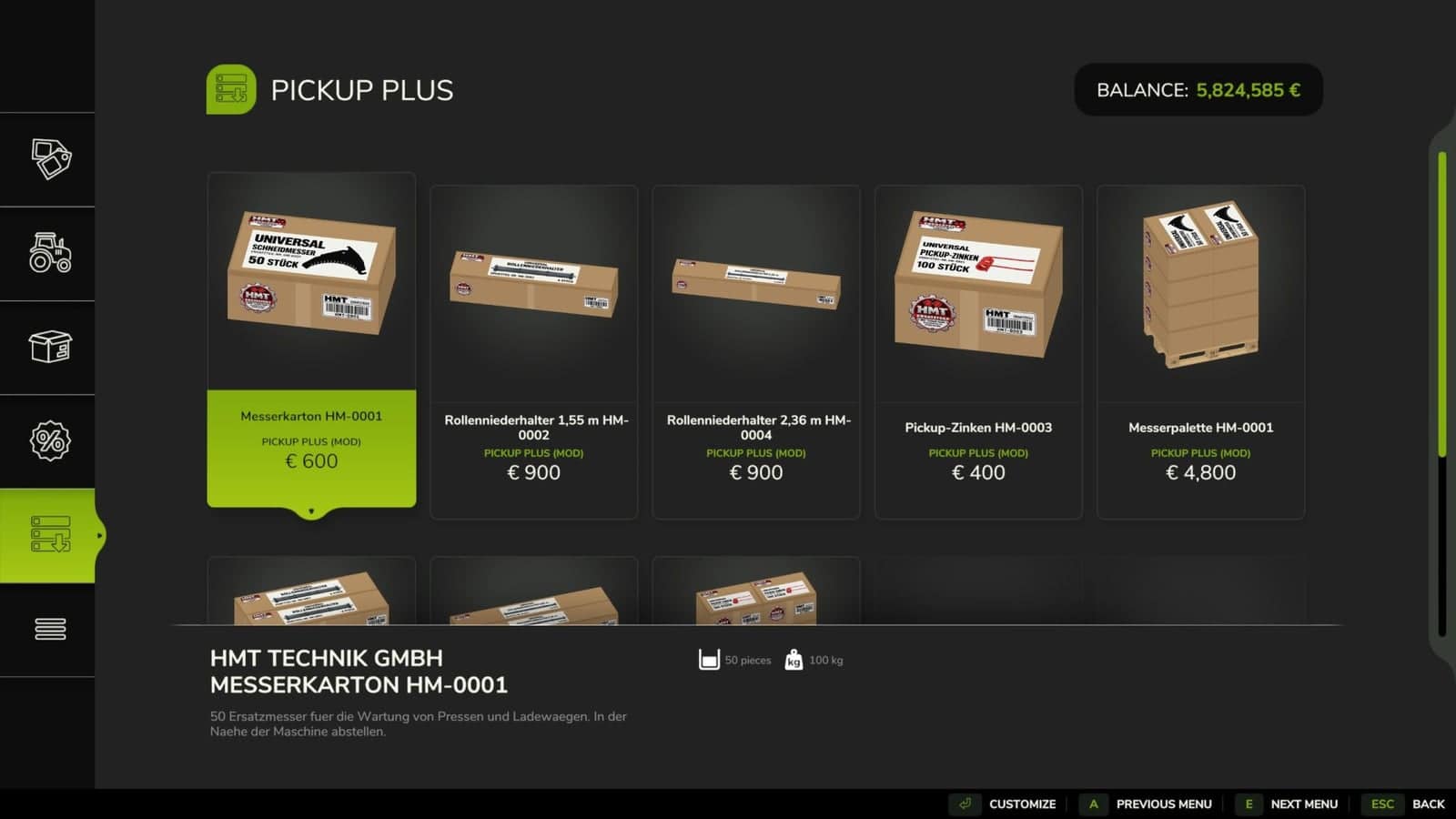
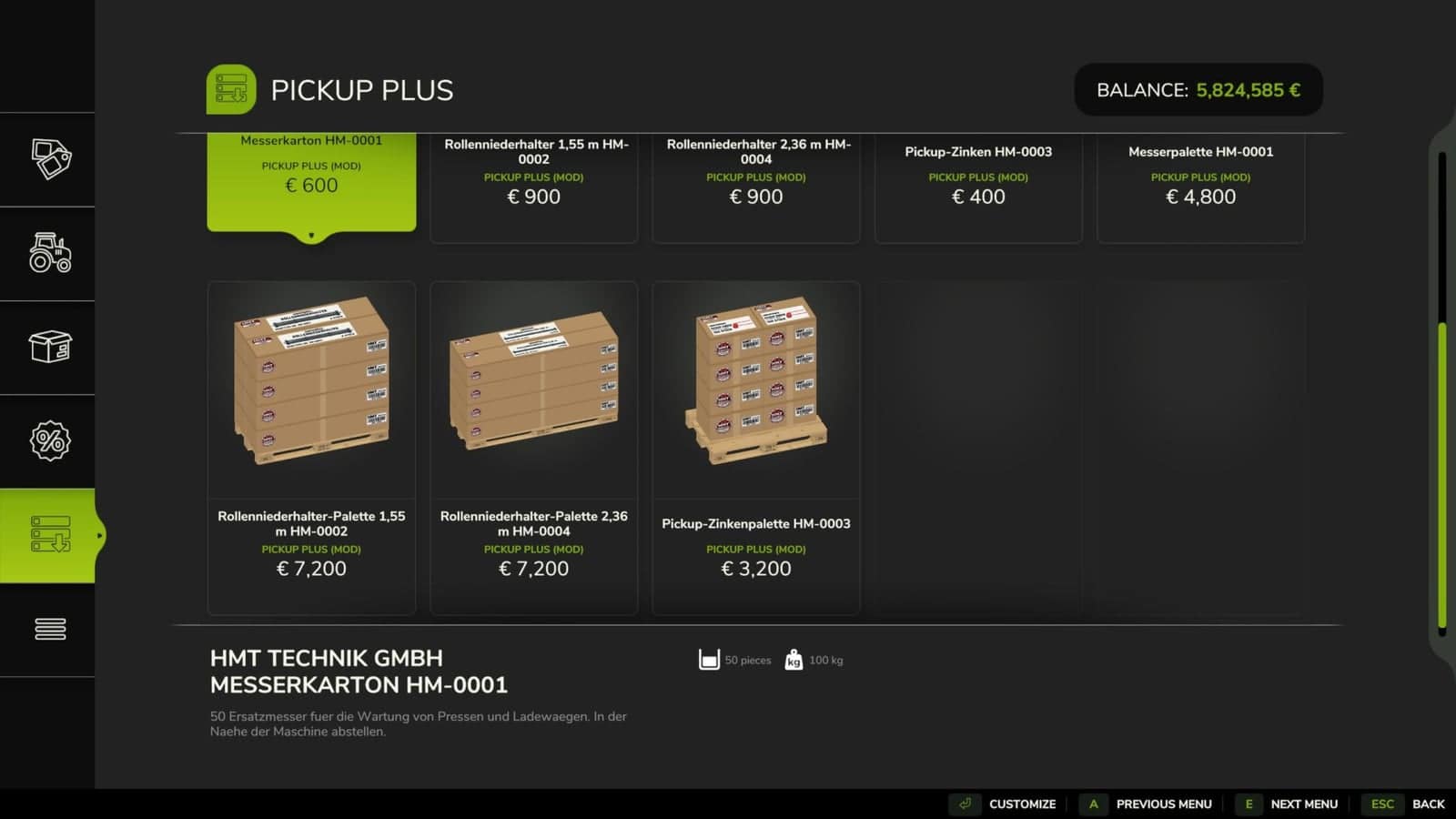
- Suitable spare parts are available under HMT Spare Parts. One box holds either 50 knives, 100 pickup tines or four roller clamps. Roller clamps come in two versions. Several boxes can be purchased together, while pallets are available for larger quantities.
- Stop the baler or forage wagon and switch it off. The tractor engine may keep running. By default, boxes or pallets from your farm must be placed within five metres.
- Partial maintenance starts when a suitable spare part is available. If ten parts are needed but only five are available, those five are installed. The final report states how many spare parts are still needed.
- Emptying the pallet takes eight seconds and uses no spare parts. Part replacement requires 20 seconds, and the parts are consumed once the process succeeds. Boxes and pallets that were only partly used keep their remaining contents.
- The HUD shows the workload and the component status. Its font size can be set to large or small for your personal HUD.
- Use Left Ctrl + left Alt + 3 to turn the HUD on or off.
- Left Ctrl + left Alt + 4 enables or disables repositioning mode. Hold the left mouse button while dragging the HUD. Camera and zoom inputs are locked while repositioning.
- Press Left Ctrl + left Alt + 5 to cycle the HUD size through 50, 25, 20 and 75% of the speedometer width.
- Ctrl + Alt + Caps Lock begins or ends maintenance when no custom maintenance key has been saved.
- The HUD actions and maintenance functions can be assigned freely under Options → Controls. When a keyboard or controller maintenance binding is saved, it replaces the default Caps Lock binding.