

FS25 Pickup Plus v1.4.1.5
Pickup Plus adds wear, damage caused by overloading, blockages, spare-part servicing, and a configurable HUD to balers and forage wagons.
Version 1.4.1.5
- GUI hooks now receive every argument and return value, then leave “move mode” in a clean manner.
- Maintenance bindings assigned to a custom key or controller have priority over the Caps Lock fallback.
- Pallet strap handling now considers the individual strap anchor point. After a strap is consumed, only the corresponding connection is released.
- Testing: 470 automated test groups passed, together with 18 combination test groups for the three actual HUD sources and 15 GUI test groups.
Features
- Balers and forage wagons are affected by ordinary wear and tear, overload damage, and blockages.
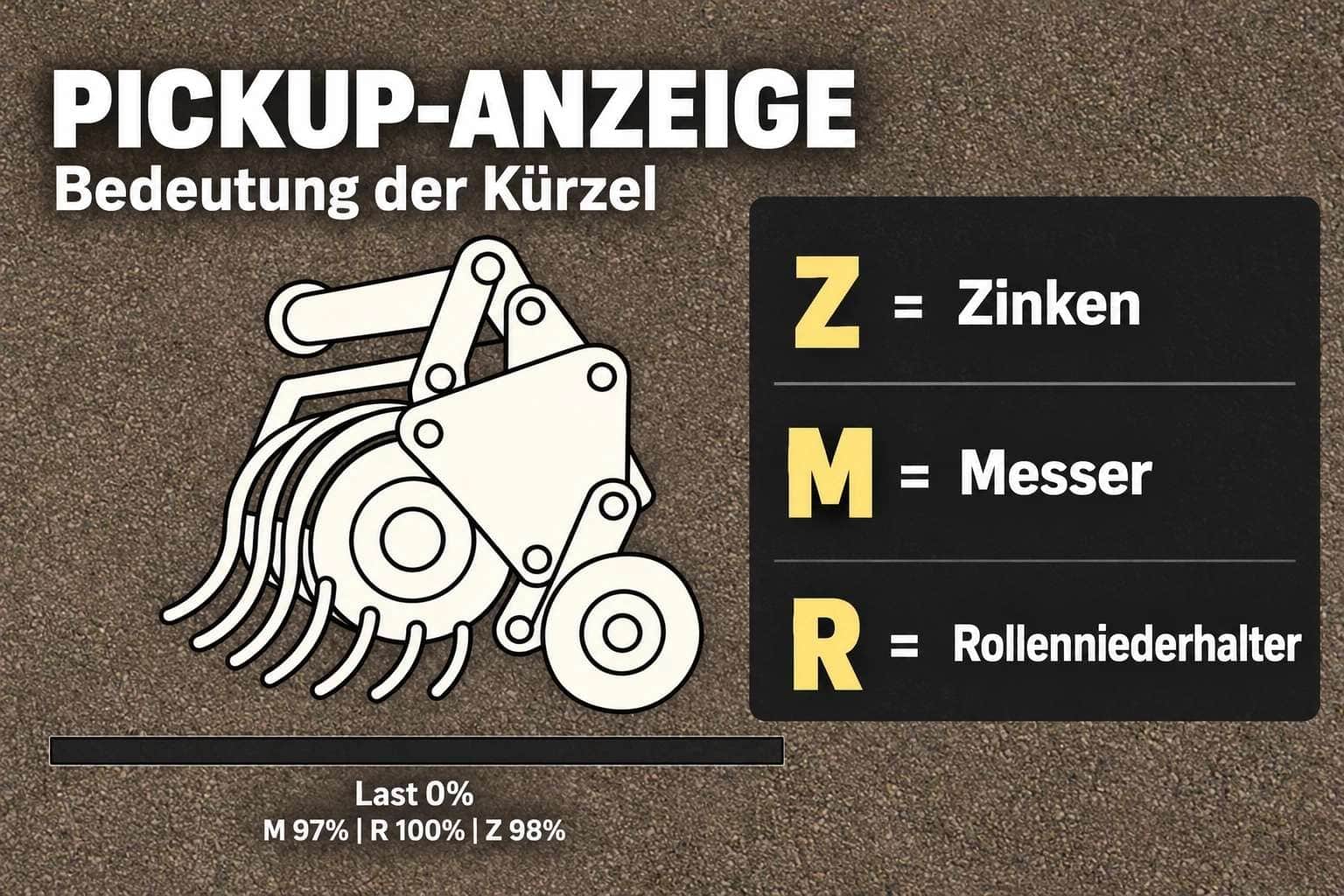
- During material intake, knives, pickup tines, and roller crop presses, also known as windrow press rollers, gradually wear down.
- Running at excessive speed or handling a high material throughput raises the chance of a blockage.
- The vehicle combination starts slowing down when the intake load reaches 70%.
- If a blockage occurs, material intake remains stopped until the machine has been cleared.
- A HUD shows the load levels and the condition of the components.
- You can move the HUD, hide it, and choose between four different sizes.
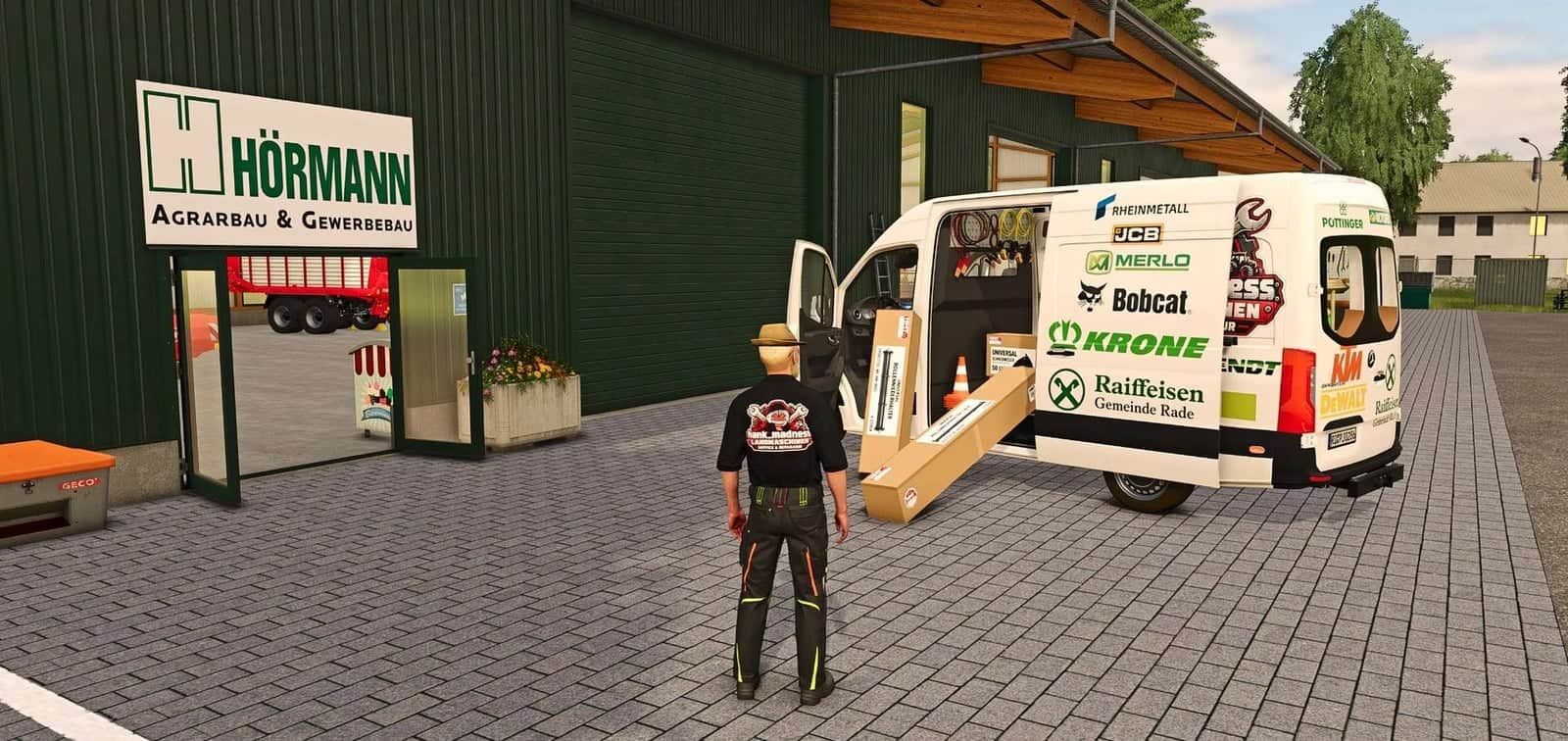
- Spare-parts boxes are available in the dedicated “HMT Spare Parts” shop category.
- The boxes hold either 50 knives, 100 tines, or 4 roller crop press components.
- The roller crop press comes with two visual variants.
- Between 1 and 5 boxes can be purchased at a time.
- Maintenance and blockage clearing use Ctrl + Alt + Caps Lock.
- The mod is intended for single-player use.
Controls, as of version 1.4.1.4: Use the operation while driving a vehicle combination that has a compatible baler or forage wagon equipped. The selected compatible implement receives priority. If none is selected, the first suitable machine found is used. The operation cannot be used on foot. Close all open menus before continuing.
HUD controls
Default Key Bindings, HUD: Press Left Ctrl + Left Alt + 3 to show or hide the HUD. Press Left Ctrl + Left Alt + 4 to switch repositioning mode on or off; while holding the left mouse button, drag the visible HUD to move it. Camera and zoom controls do not work during this mode. Repositioning mode ends when the HUD is hidden, a menu is opened, the vehicle is changed, or the map is changed.
Default Key Bindings, HUD Size: Left Ctrl + Left Alt + 5 cycles through the HUD sizes, 50% → 25% → 20% → 75% of the speedometer width.
Maintenance
Default Key Bindings, Maintenance, always active: Use Ctrl + Alt + Caps Lock to begin maintenance, or to cancel maintenance already in progress without consuming parts. The combination works with either the left or right Ctrl and Alt keys. Maintenance remains possible while the HUD is hidden.
Stop the vehicle and switch off the implement before starting maintenance. The tractor engine can continue running. For parts to be replaced, suitable spare-part boxes or pallets from the same farm must be within five meters of the machine and must contain enough stock. Several boxes or pallets may be combined.
Any blockage is dealt with first. Clearing it takes eight seconds and uses no spare parts. Afterward, the most worn component group that can be serviced with the available spare parts is replaced during a 20-second period. Further groups may be serviced afterward. Blades and tines are used according to their wear level. A worn roller-type crop press uses one spare part.
Parts are consumed only after the process finishes successfully. Pressing the key again, moving the vehicle, or switching it on cancels maintenance. When parts are being replaced, the required replacement components are also lost in that case. Merely changing the selection or changing to another vehicle does not automatically stop an ongoing maintenance procedure.
For maintenance, park the machine, switch it off, and put the spare-part boxes near it. Knives and tines are used proportionally to their wear. Parts left over remain inside the box, while empty boxes disappear.
Customizable key bindings
Under Options → Controls, the three HUD actions can be assigned freely. Maintenance also has a separate customizable action, although it has no default key binding. User-defined key bindings that already exist are kept. The fixed Ctrl + Alt + Caps Lock combination continues to work independently of these settings.
CVT Note: The reported issue is still open and has not yet been reproducible. Should it happen again, please send the complete log.txt file together with a short description of the situation.





