

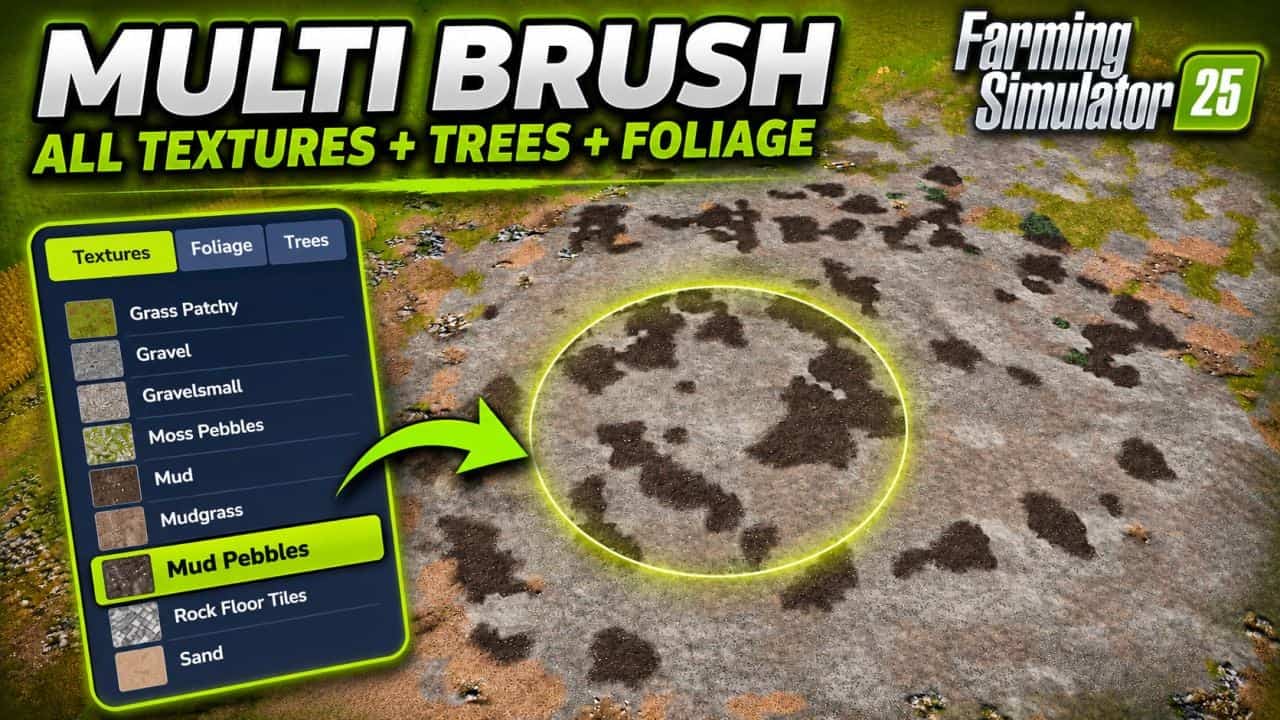
FS25 Multi Brush Select V1.0.0.0
Paint several textures, foliage types and trees together by selecting them for a single brush.
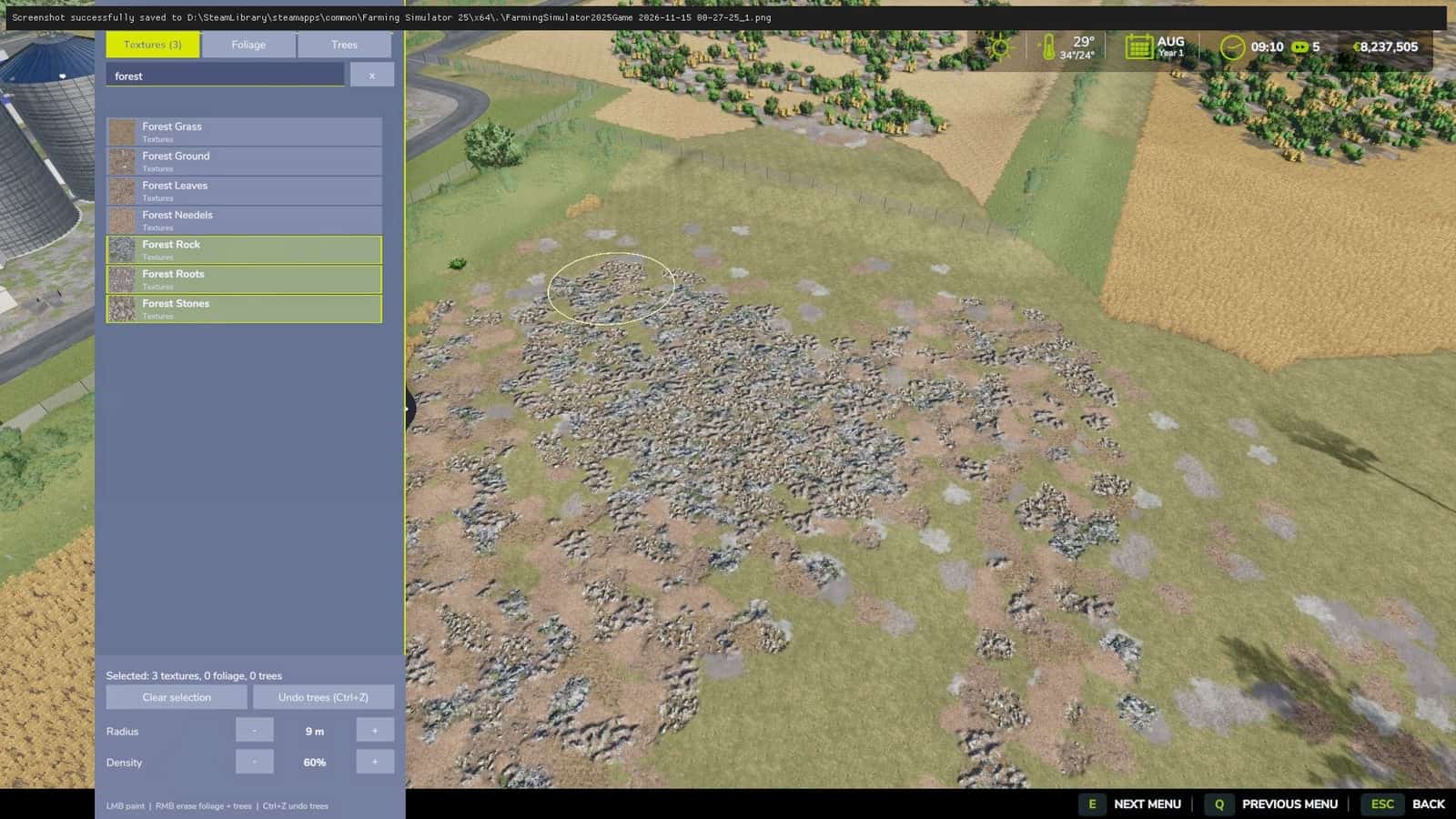
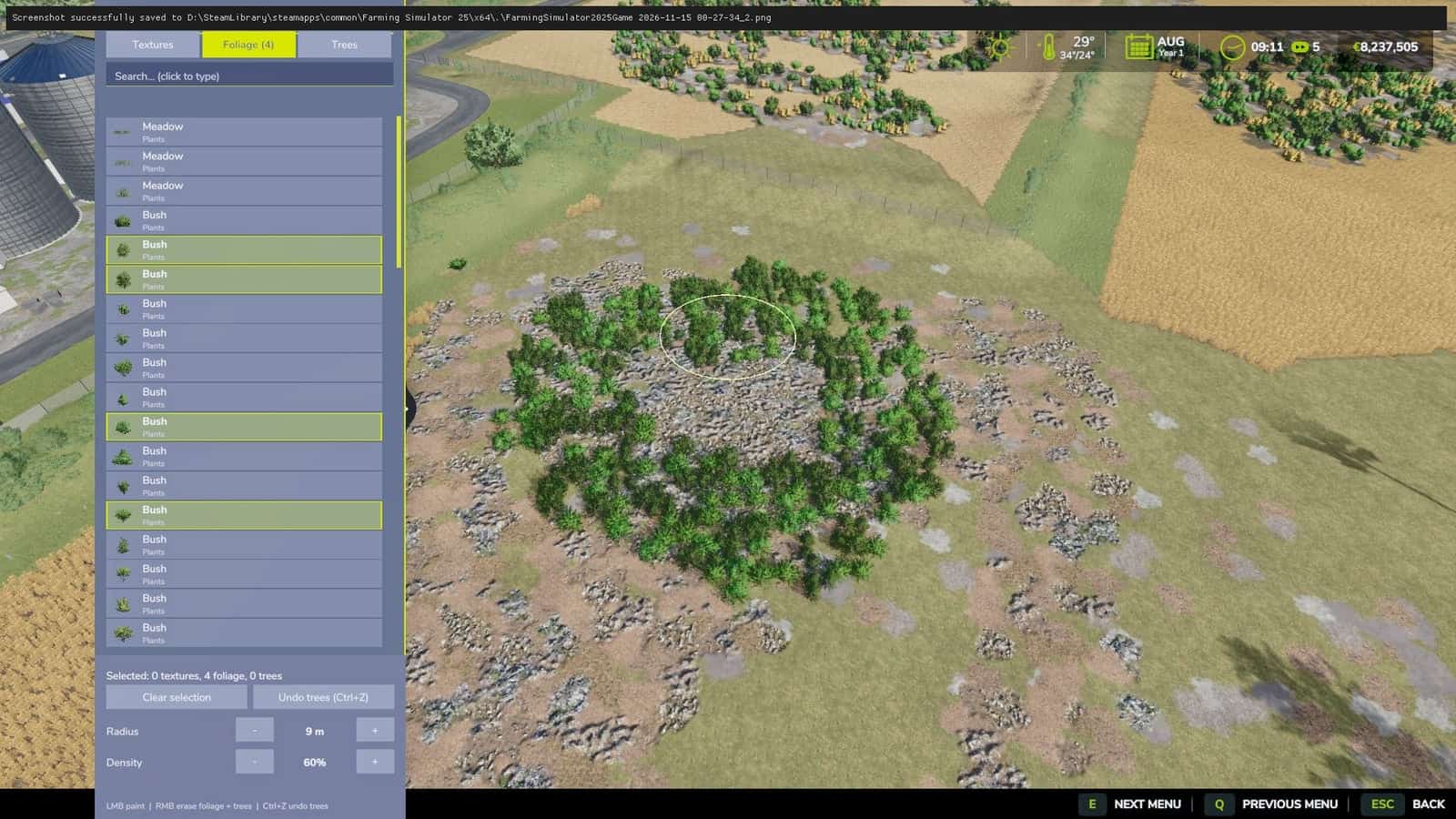
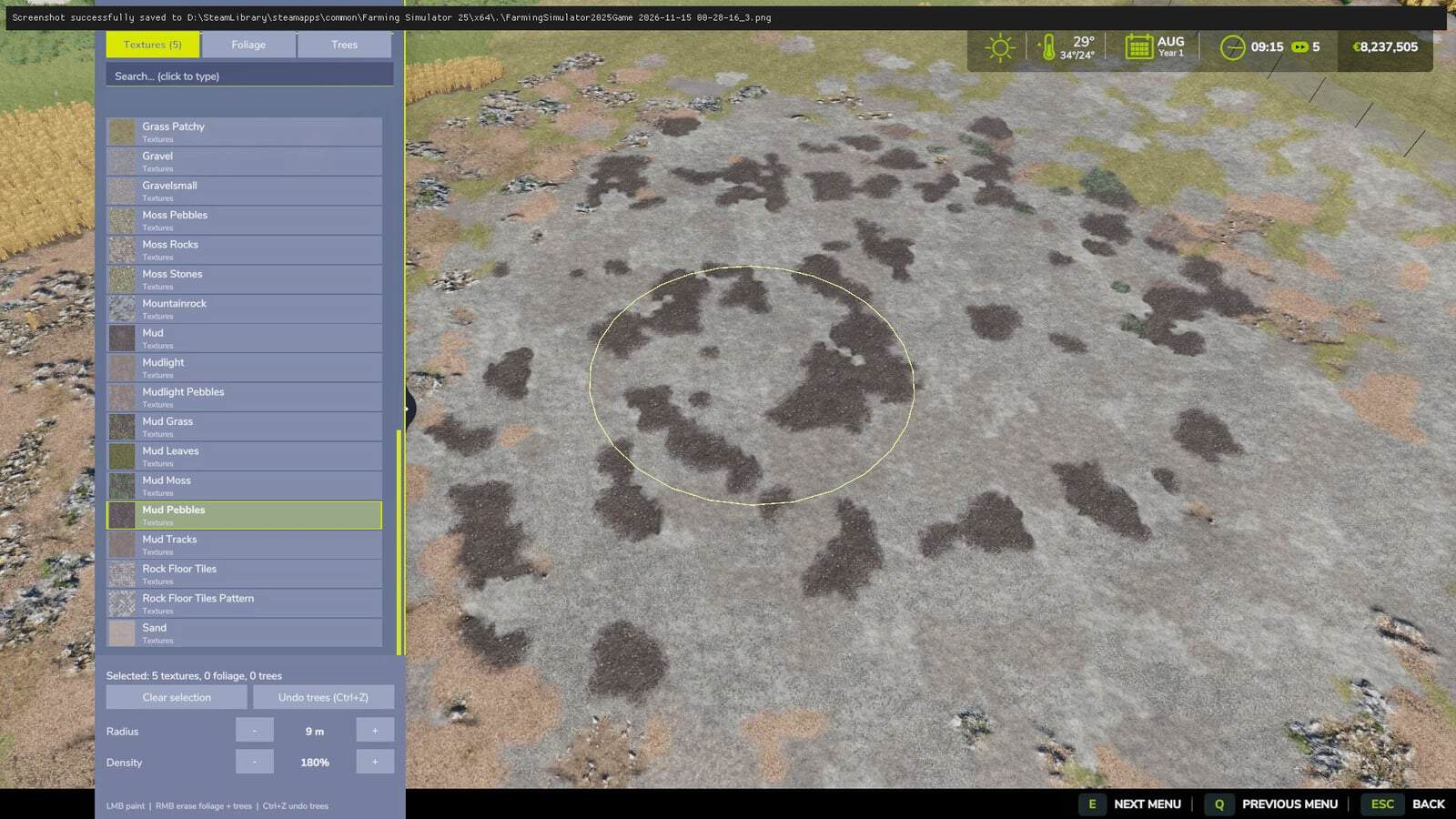
Open the Multi Brush panel in game with Ctrl+O. This separate FS25-style window lists every ground texture, foliage item, including grass, weeds and flowers, and tree available in your game. That includes base game, DLC and mod content, as well as every tree size and model. Select any number of items with a click, then hold the left mouse button over the terrain. All selected items are painted and planted at the same time with a natural mix. Trees are positioned sparsely, keeping their crowns from touching.
The list has search and category filters, while radius and density can be changed. Use the right mouse button to erase. Trees you have planted can be undone with Ctrl+Z.
The brush is also available through the default construction menu, opened with Shift+P. Hold Ctrl while clicking several items. If at least 2 trees are selected, the brush changes into a seed brush and scatters random trees from your selection within the brush circle.
Features
- Multi-select panel with every texture, foliage and tree, opened using
Ctrl+O - Search field, category filters and an icon for each item
- One stroke can combine textures, grass, weeds and trees
- Trees are placed sparsely without touching one another
- Foliage and trees inside the brush circle are erased with the right mouse button
- Planted trees can be undone with
Ctrl+Z - Radius and density can be adjusted
- Normal prices, with singleplayer and multiplayer support
Controls
Ctrl+O– open / close the Multi Brush panel- Left mouse button – paint / plant all selected items
- Right mouse button – erase foliage and trees
Ctrl+Z– undo planted treesShift+P– default construction menu (Ctrl+ click to multi-select)
Notes
- DLC and mod content is shown only when you own / have loaded it. The mod has no DLC dependency.
- The loaded map provides the textures and foliage layers, so layers from other maps appear only on that map.
- Tree erase and undo are available in singleplayer and to the multiplayer host.





