FS25 Market Dynamics V1.4.0.0
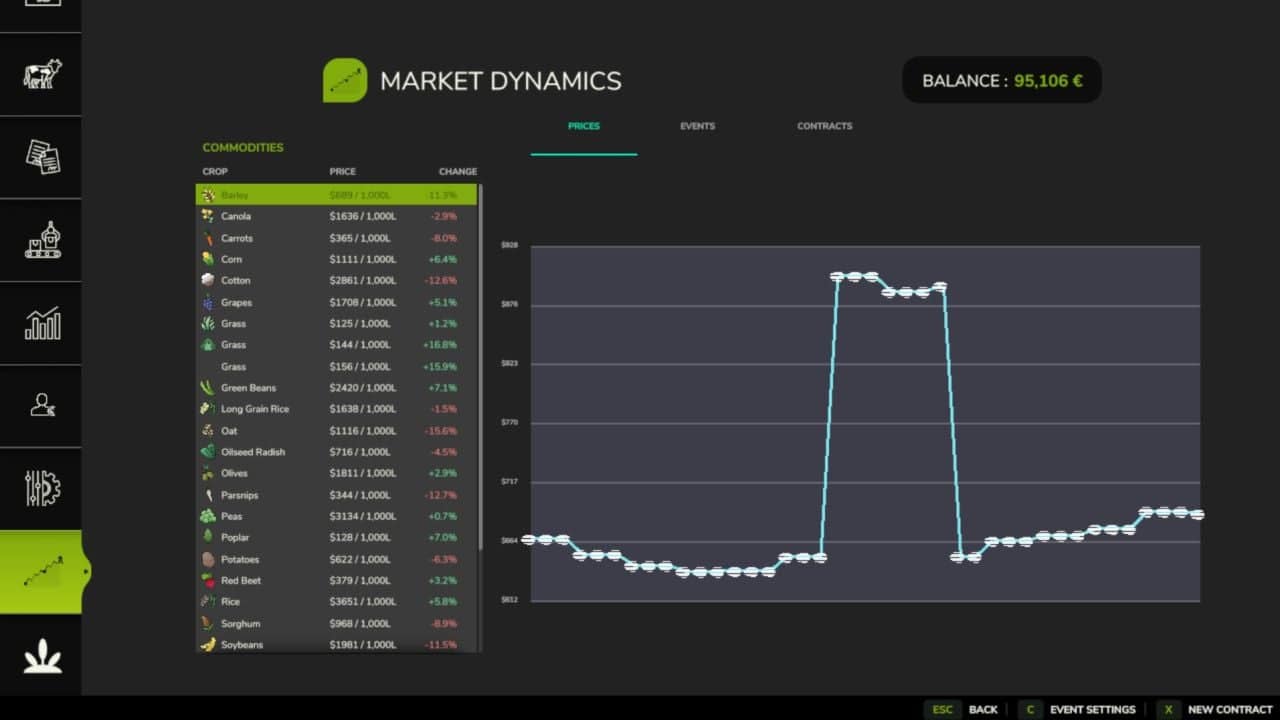
FS25 Market Dynamics provides dynamic crop pricing for Farming Simulator 25. Prices rise and fall daily and intraday based on world events, supply, and demand, with prices clamped between 50% and 200% of base.
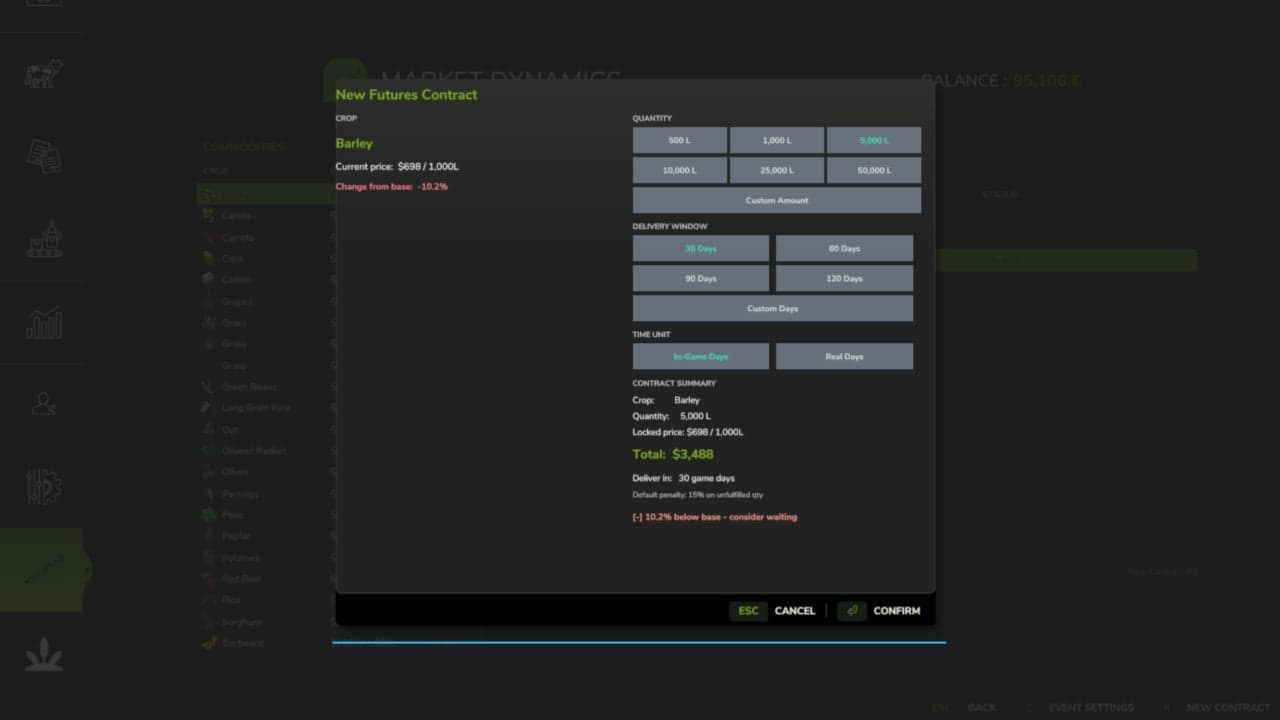
Lock in futures contracts, respond to market shocks, and monitor prices on the live market screen.
Features
- Dynamic Pricing Engine
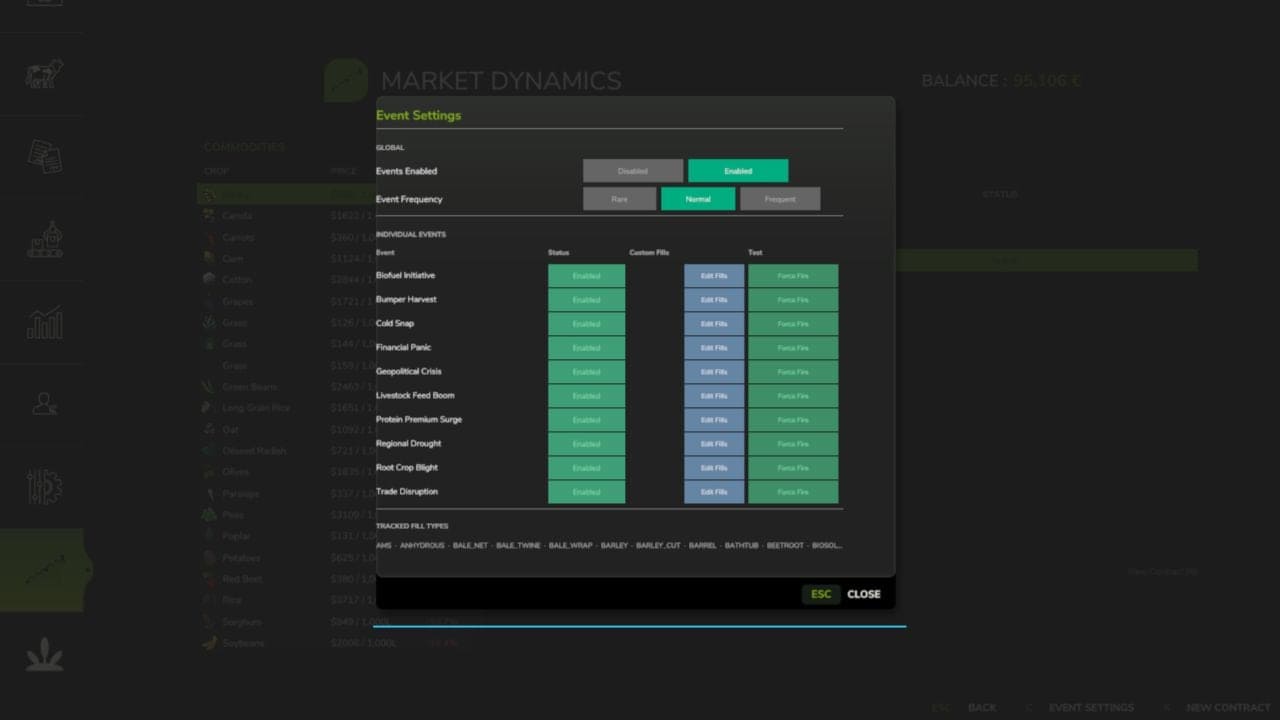
- Ten World Events
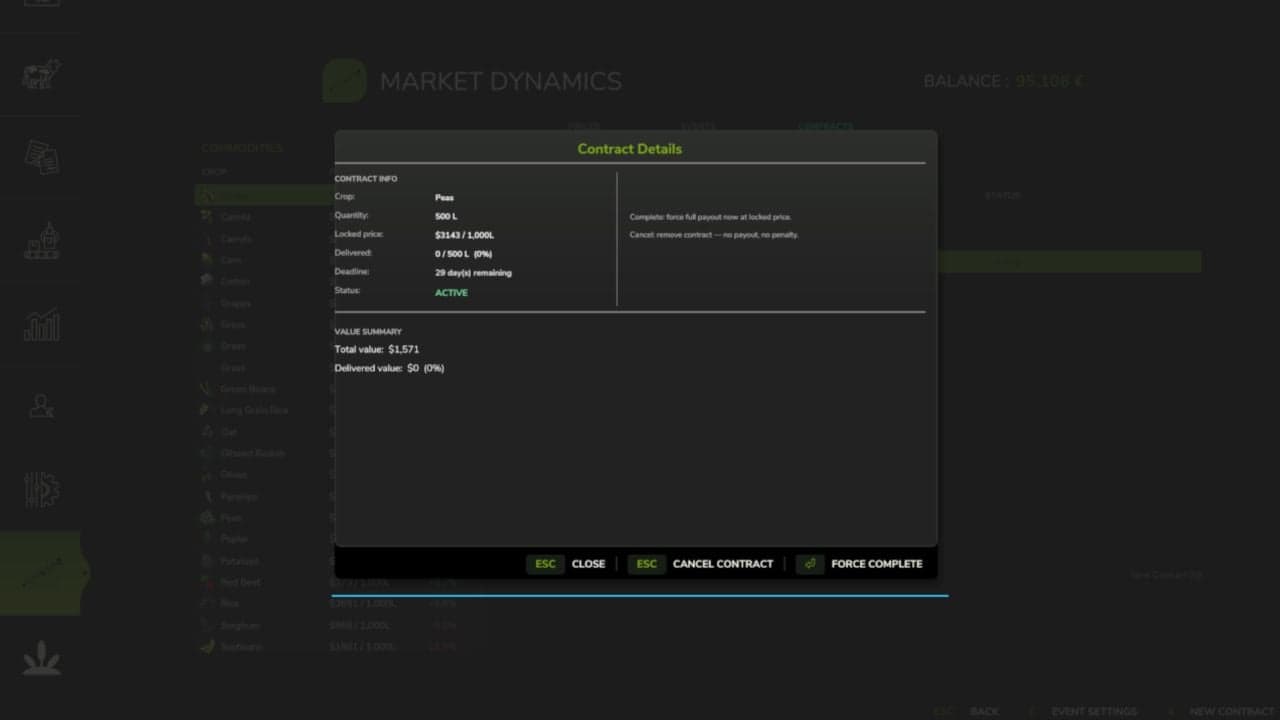
- Futures Contracts
- Live Market Screen
- Configurable Events
- Multiplayer Sync
- Mod Integrations
- 26 Languages
Controls
- Open New Contract dialog: N, or click “New Contract” on the Market screen
Everything is server-authoritative in multiplayer. You can safely remove the mod mid-save; it simply ignores its data on the next load.
Works with FS25_FuturesMission and FS25_UsedPlus. Integrations activate automatically when detected.
FuturesMission: https://github.com/Mmtrx/FS25_FuturesMission
Required mods: Better Contracts
Changelog
- V1.4.0.0
Changed, market prices move with the in-game calendar: quotes step once per farming hour and history is kept per day, so prices behave the same at any time speed. World events and supply spikes expire on the same clock. With Time Guard installed and Experimental Systems on, the calendar economy follows Time Guard’s shared clock. Random World Events’ price changes now come through Market Dynamics. The Market Dynamics Esc page has more room for the price graph, event settings and New Contract are on the glance page, and the old “Open full Market” link is gone. Market actions have keyboard defaults, Right Shift, that do not collide with other suite mods.
Fixed, saved prices and futures contracts are restored by product name, so adding or removing a mod that registers fill types no longer moves a price history or a contract onto the wrong product. In multiplayer, market history reaches joining and seated players. The aggregated median line no longer mixes livestock prices per head with crop prices per litre. The market graph samples once every 20 seconds and reuses its numbers, so it costs less frame time. Translations: the Esc pages fall back to English instead of showing raw keys, the Korean “Field Detail” label is fixed, the page legend shows a plain dot between page names, and the English description reads correctly in the mod manager. - V1.3.1.0
What’s fixed, price history no longer disappears from the market graph when you rejoin a multiplayer session. The market graph axis labels no longer overlap, so prices stay readable. The create-contract hint now shows the key you actually have bound, instead of a fixed label. No save migration needed. Drop-in replacement for v1.3.0.56. - V1.3.0.0
This release adds the release gate, the mechanism that lets new systems ship locked until deliberately released. New in this version: release gate. Market Dynamics now carries a lock registry that keeps experimental systems off until they are deliberately released, as an explicit opt-in that is independent of the difficulty setting. New setting: Experimental Systems. Under the mod’s settings, default off, stable only. Turn it on to use experimental systems at your own risk. Nothing gated yet. This release wires the mechanism in so future experimental systems can ship locked. Today there are no locked systems, so the mod behaves exactly as it did in v1.2.0.9. Everything else works exactly as before. Prices, world events, contracts, and the settings panel are untouched.