FS25 Lights Symbol HUD V1.2.2.4
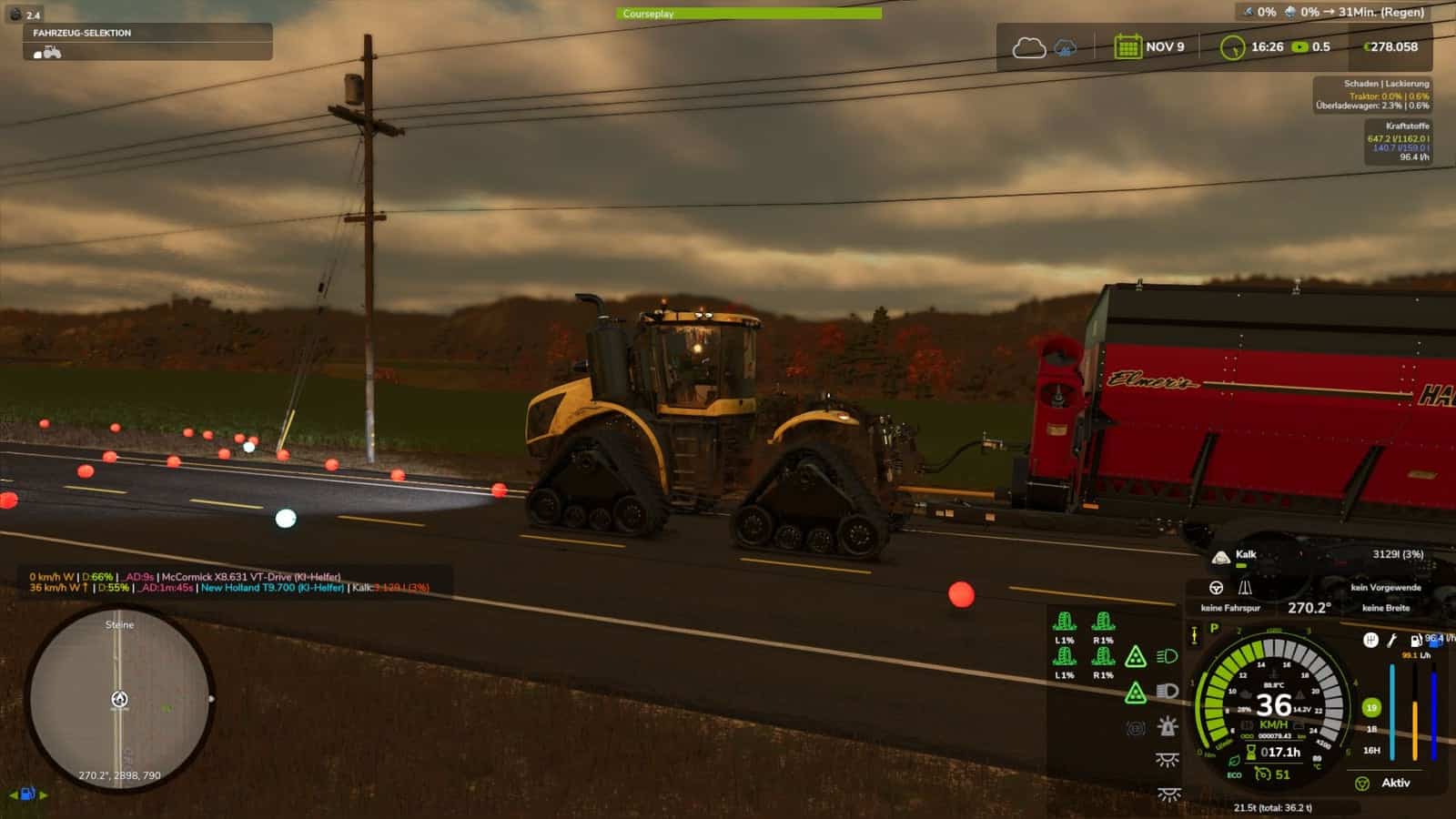
The Lights Symbol HUD displays the vehicle’s most important lighting and chassis information clearly in a separate HUD.
Features
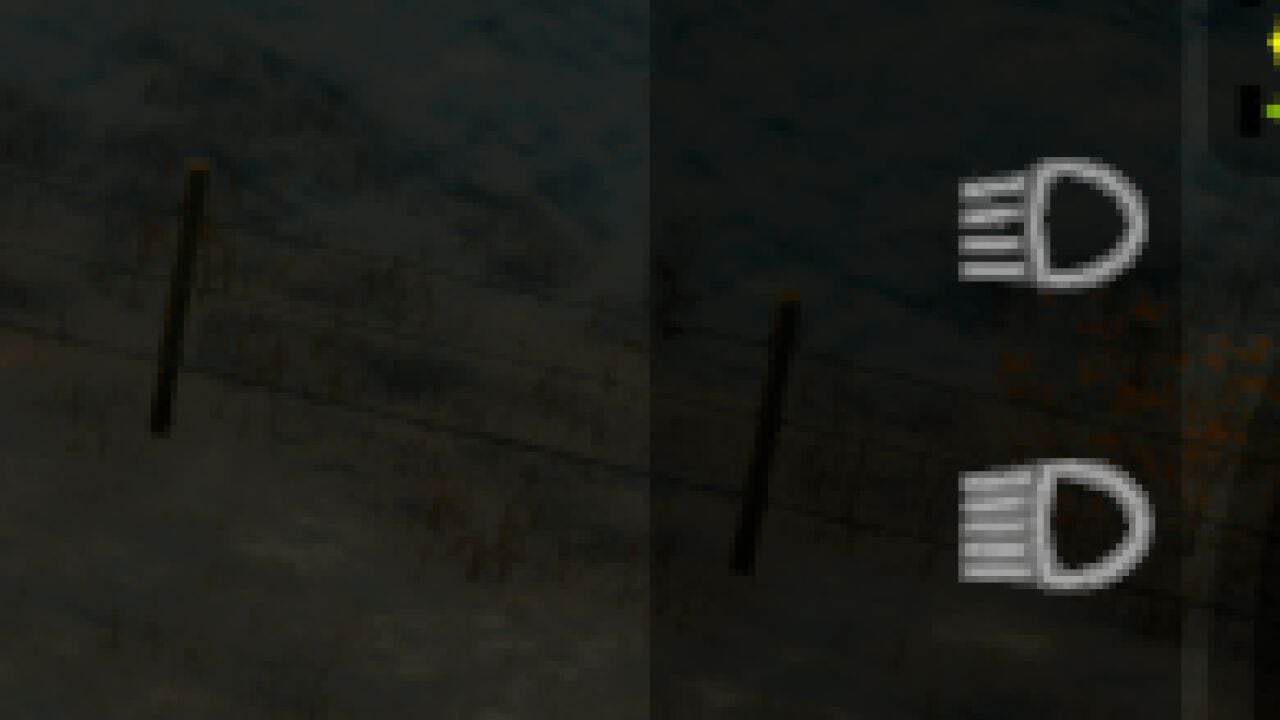
- Low beam, high beam and work lights
- Beacon light
- Left/right indicators and hazard warning lights
- Indicator arrows follow the active indicator rhythm
- Slip indicator for driven axles and wheels
- Automatic chassis and axle detection, even with complex multi-unit, belt and tracked undercarriages
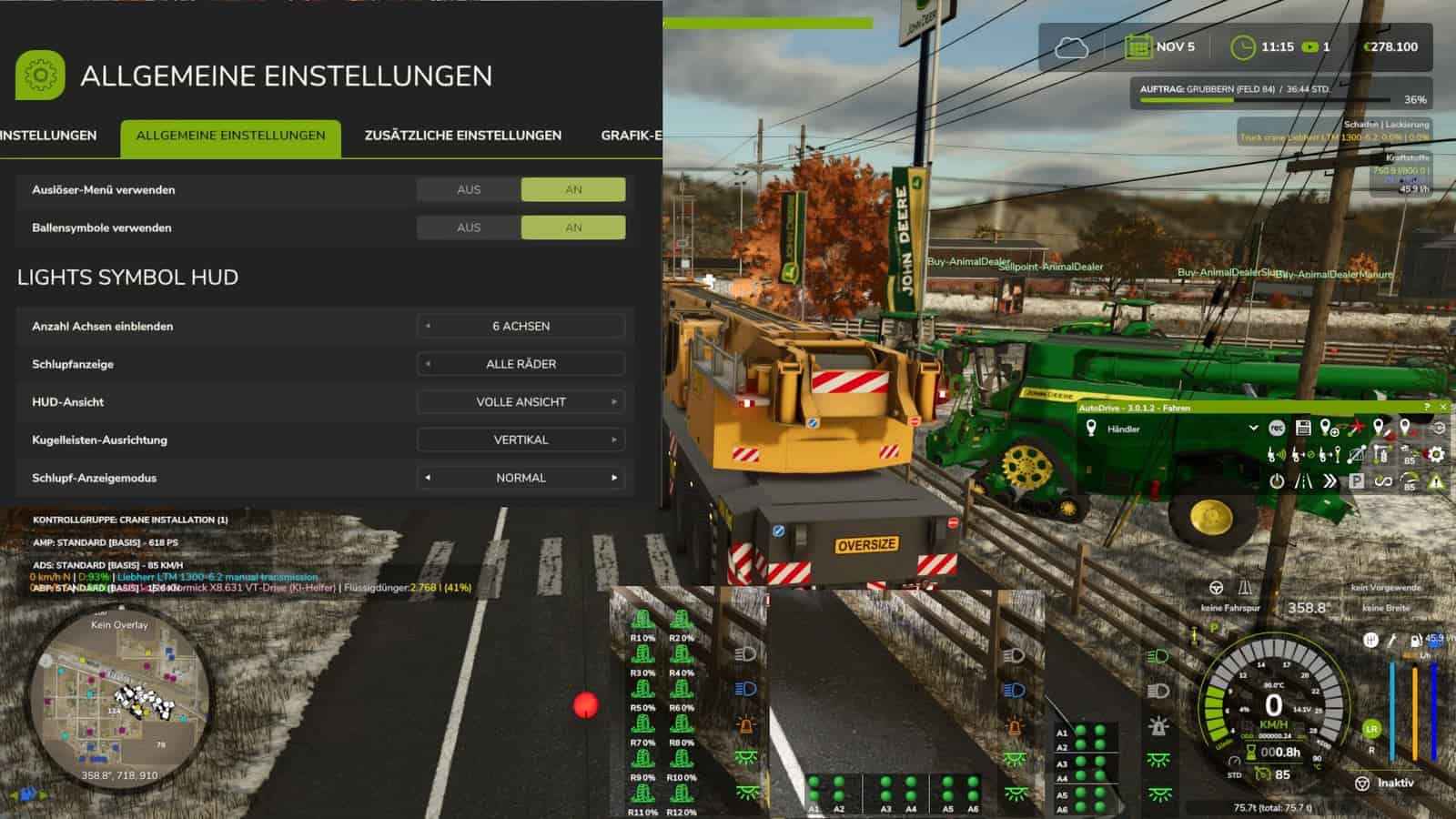
- Dynamic display of up to 6 driven axles
- Selectable axle pairs or individual driven wheels
- Three HUD views: Full view, Compact view and Minimal view
- Minimal view optionally with a vertical or horizontal dot-light bar
- Dot-light bar with separate slip states and a clear axle assignment
- Adjustable slip display: Direct, Normal or Reduced
- Adjustable number of displayed axles: 0, 2, 4 or 6
- Separate black background for the minimal dot-light bar
- Displays for the Tire Wear mod implemented
https://github.com/duesterelegende/LS25_Real_Physik_Reifenverschleiss/releases/tag/LS25
The mod is not strictly required, but is recommended and can be completely hidden in-game.
Other publications on external sites that have not been expressly permitted or made by me are not allowed. I also provide no support for third-party uploads.
Changelog
- V1.2.2.4
New engine torque display as a live bar, toggle in the settings to show/hide.
Torque display on the speedometer as a live bar, with an option in the settings to turn it on/off. - V1.2.2.3
Further optimizations for axle displays and detection of motorcycles and trikes. - V1.2.0.1
Integration for the Real Physics Tire Wear MOD.
Various displays added for tire wear, belts and tracked vehicles, trailers, etc.
Display options.