FS25 Inventory Backpack V1.0.0.1
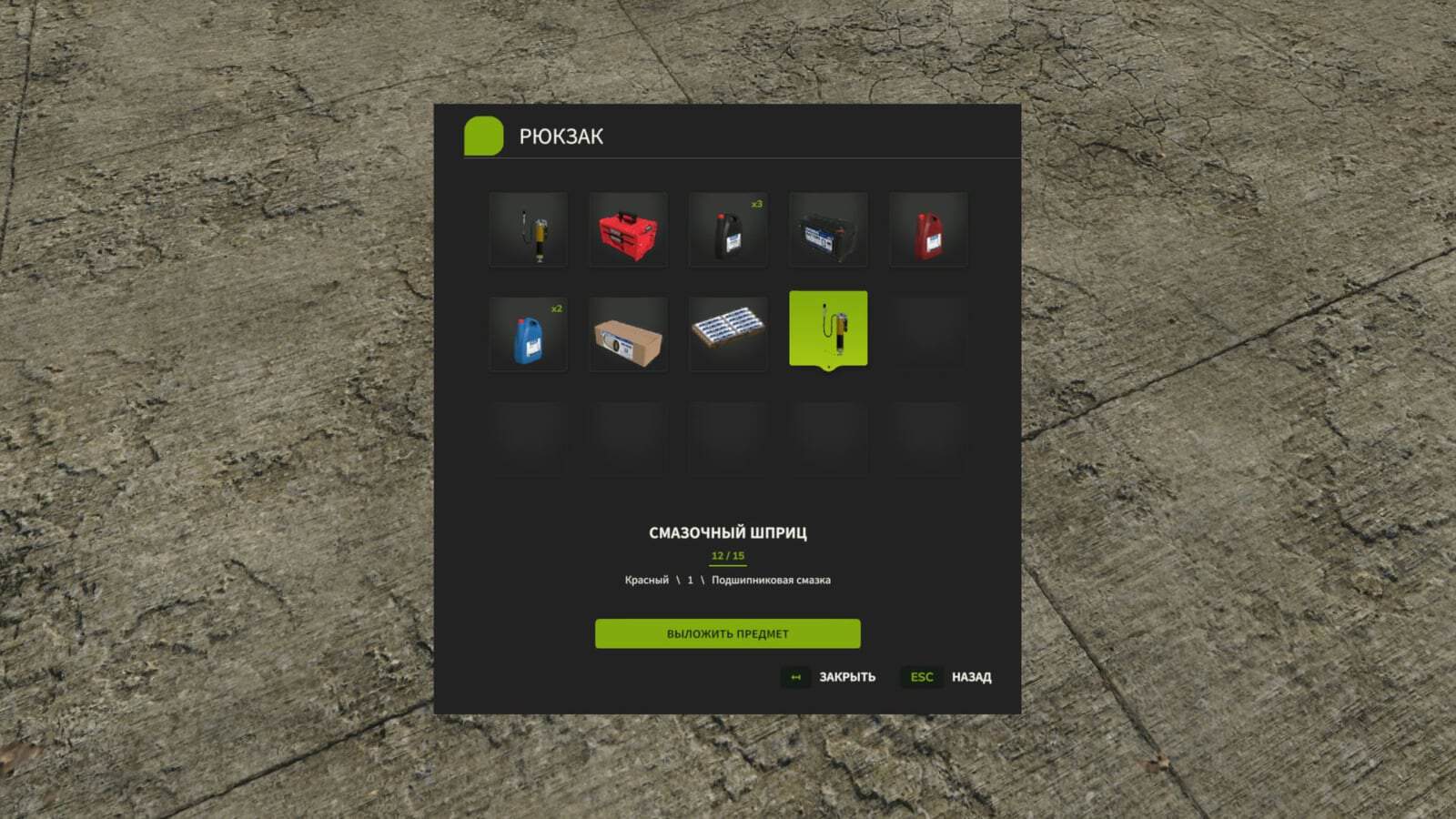
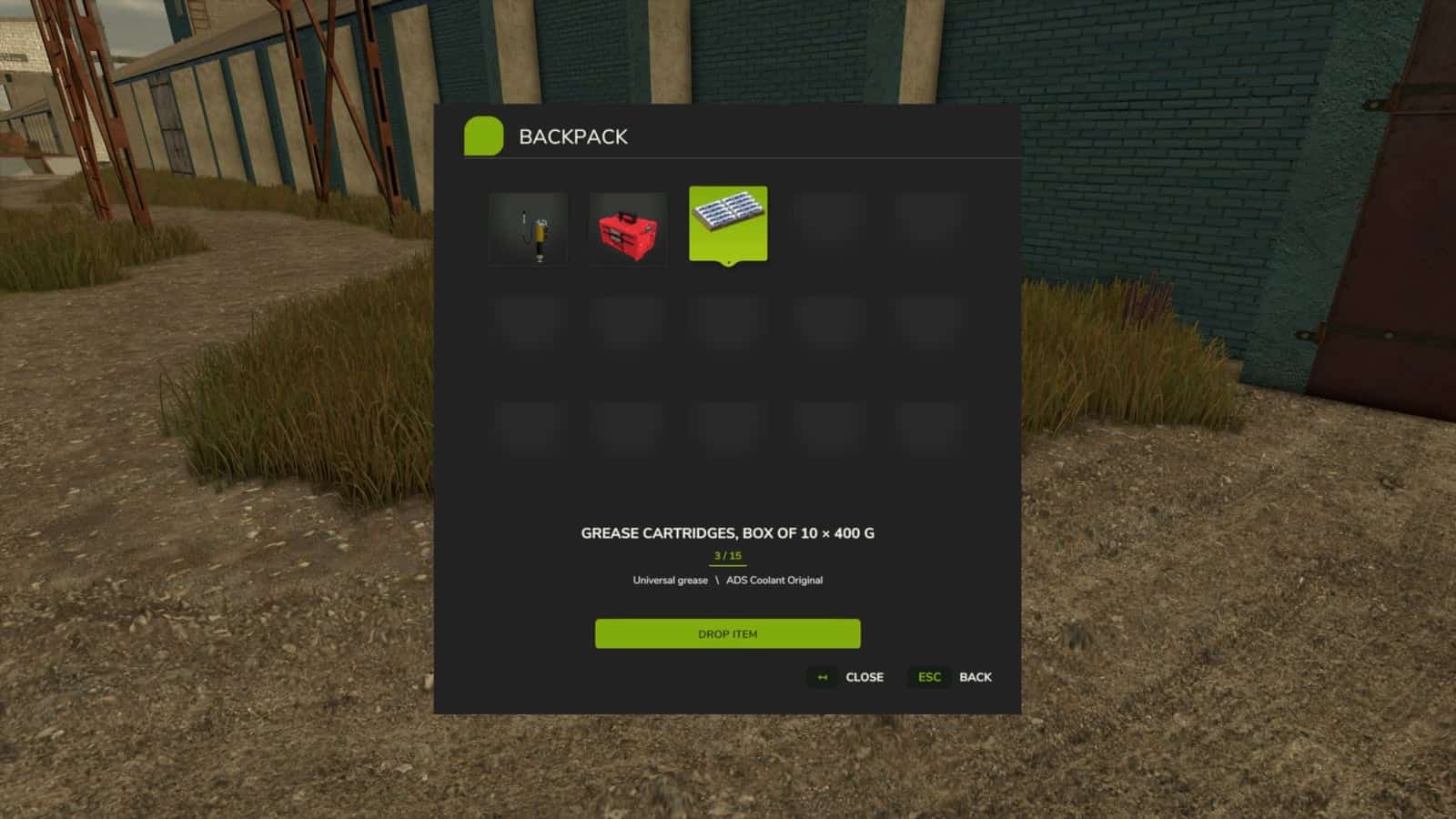
Inventory BackPack adds a personal inventory system with 15 slots to Farming Simulator 25, allowing players to collect, store, carry, and retrieve compatible items.
The mod supports single-player, multiplayer, and dedicated servers.
Features
- 15 inventory slots for carrying multiple items at once.
- Each player has their own unique inventory.
- Multiplayer support for single-player, co-op gameplay, and dedicated servers.
- Each player’s inventory is saved individually within every save game.
- Interface displaying item icons, names, and configurations.
- Identical items are grouped together, with the quantity clearly shown.
- Items can be selected using a mouse or keyboard.
- Compatible carryable objects from third-party modifications can be stored.
- Tractors, trucks, and large pieces of equipment cannot be stored in the backpack.
- New languages added in version 1.0.0.1. The interface automatically switches between Russian, English, and German based on the game’s language settings.
- Key bindings for I and Y were adjusted to minimize conflicts with vehicle controls.
- Vehicle controls take priority while inside a machine, and backpack functions are restored after leaving it.
- Additional multiplayer control improvements.
Controls
- I, open or close the backpack on foot.
- Y, place an item into the backpack.
- Mouse or arrow keys, select an item.
- Enter, remove the selected item.
- Esc, close the menu.
Supported Languages
- Russian
- English
- German
The interface language is determined automatically based on the game settings.
Inventory BackPack is a standalone mod. It does not require the Advanced Damage System or any other additional mod to function.
Compatibility with specific third-party items may vary. Work on object physics and key bindings for dedicated servers is ongoing. The updated control system is currently undergoing testing on dedicated servers.
Installation
- Download
FS25_InventoryBackPack_for_Multiplayer.zipfrom the “Assets” section below. - Place the ZIP archive into the Farming Simulator 25
modsfolder. - Activate the mod in your savegame.
- For multiplayer, ensure the same version is installed on both the server and all players’ computers.
Changelog
- V1.0.0.1
Added localization in three languages: English, German, and Russian.
Fixed occasional keyboard control conflicts on dedicated multiplayer servers.
Improved the stability of the backpack keys, I and Y.
Fixed cases where the keys stopped responding to presses in multiplayer games.