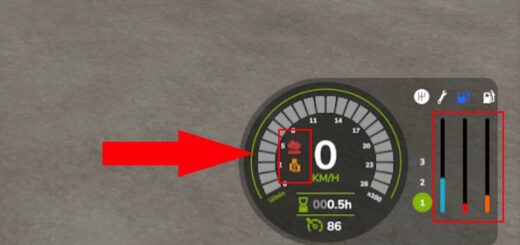

FS25 Interactive Control Descriptions V1.0.0.1
Interactive Control shows the description of the chosen interaction beside its icon and also in the F1 help panel.
Features
- Polish, English and German are supported, with the language selected automatically based on the game language.
- DESCRIPTIONS IN CAPITAL LETTERS are shown without Polish characters.
- Standard IC functions are recognized, including the engine, lights, hitches, unloading, radio and others.
- Descriptions are included for automatic driving, as well as baler and wrapper functions.
- Typical animations for doors, windows, hoods, tarps and other elements are recognized.
- Interactions inside and outside the vehicle are supported.
- No extra keyboard shortcuts are added.
The available recognized descriptions depend on the way the vehicle was prepared. If a description is unusual and missing from the dictionary, the language provided by the vehicle author remains in use.
Requirements: Interactive Control for FS25 by Vertex Dezign and a vehicle supporting IC. The add-on does not support SimpleIC.
To install it, put the ZIP file into the mods folder without unpacking it. Then activate the add-on and Interactive Control in the savegame mod selection.
Version: 1.0.0.0
Platform: PC/Mac
YOU NEED: Interactive Control
Changelog
- V1.0.0.1
This fix eliminates the cause of the warning about an uncompressed texture appearing in the game log.