FS25 Hydraulic Suspension System V2.0.0.0
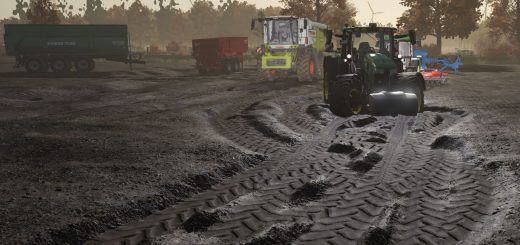
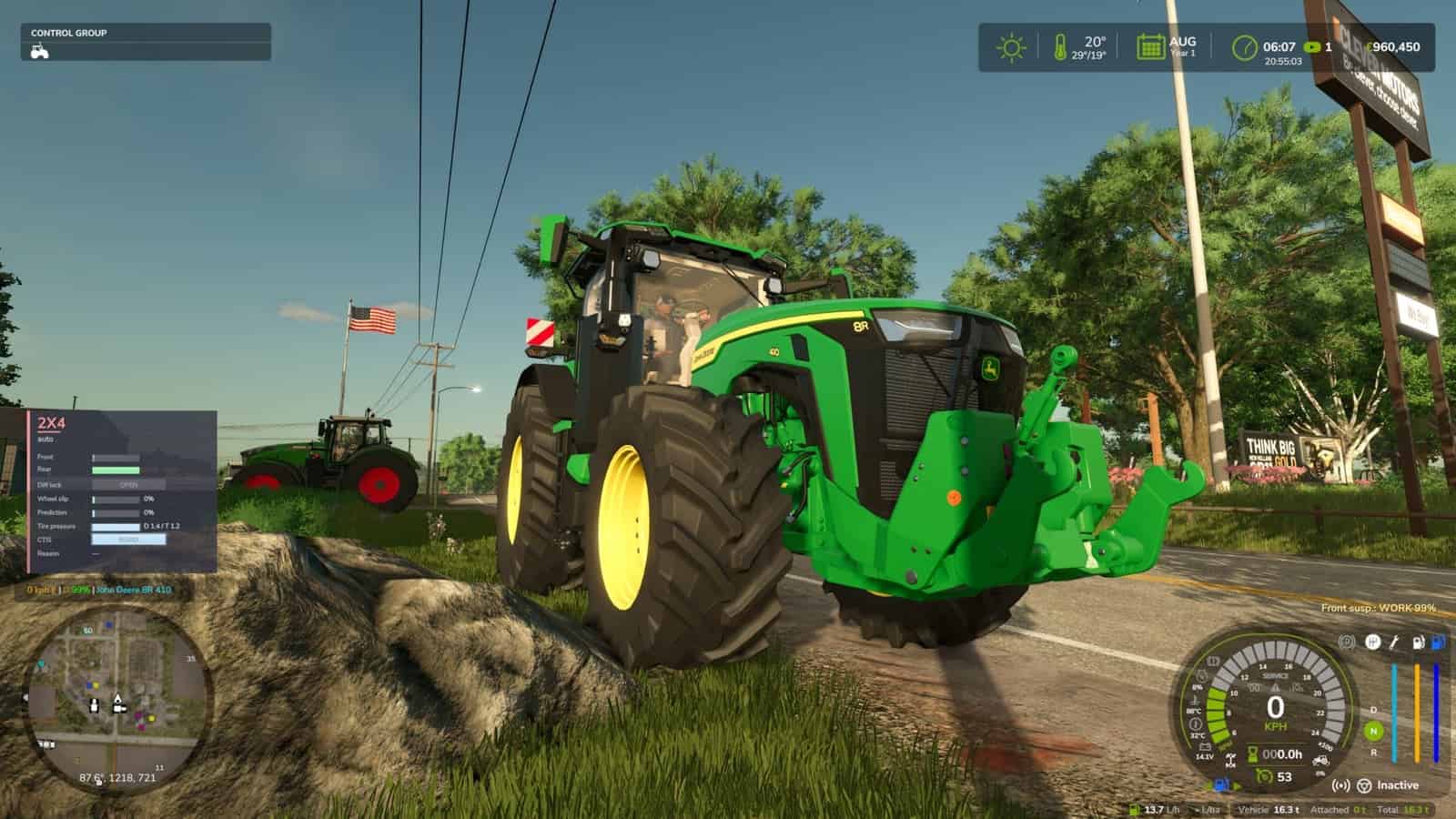
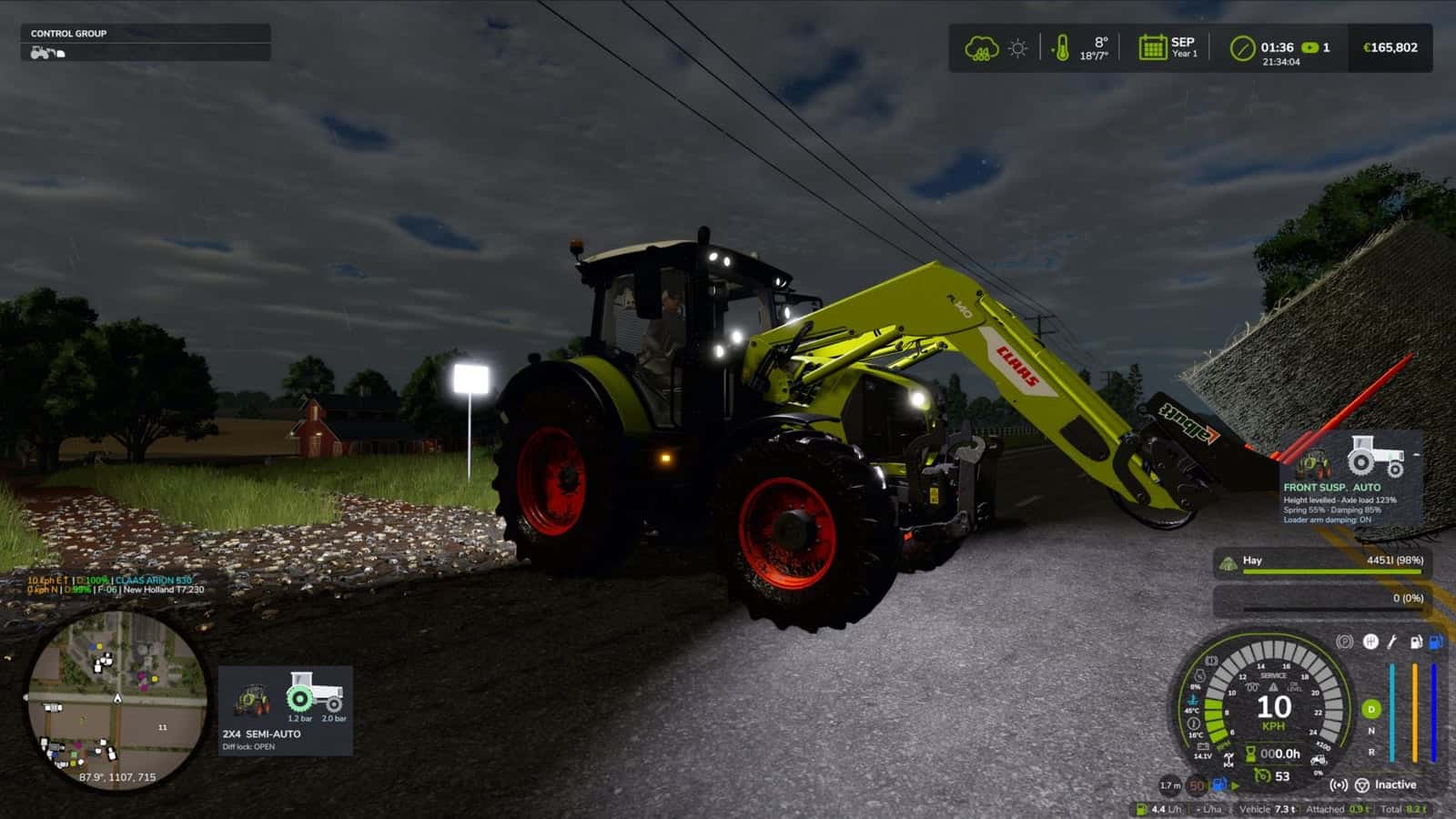
Hydraulic front suspension is added by this mod to tractors that use such a system in real life. It responds to bumps and rocks, levels itself when weights or implements are attached, and supports different systems for the brands listed below.
This is a beta release that is still being tested, particularly in multiplayer. When you encounter an issue, send the log.txt file. For multiplayer problems, the logs from both the host and the player who joined are required.
Features
- The suspension functions on the move: over bumps and rocks, the wheel travels up and down, and the links, cylinders and shaft move with it.
- Automatic leveling brings the front back to its correct height on its own within a few seconds after front weights or a heavy implement are added.
- Brand-specific systems are included for John Deere ILS and TLS, Fendt, Claas PROACTIV, Terraglide (Case IH / New Holland / Steyr), MF Quadlink, Valtra, Deutz-Fahr and McCormick. Their behavior is not identical, since some systems are softer and others firmer.
- Four driving modes are available. AUTO levels automatically. WORK becomes firmer during field work or when the front begins to bounce. LOCKED creates a stiff axle for front-loader use or heavy transport. MANUAL lets you raise and lower the front yourself. As in real life, MANUAL is available only on JD ILS and Fendt.
- Use
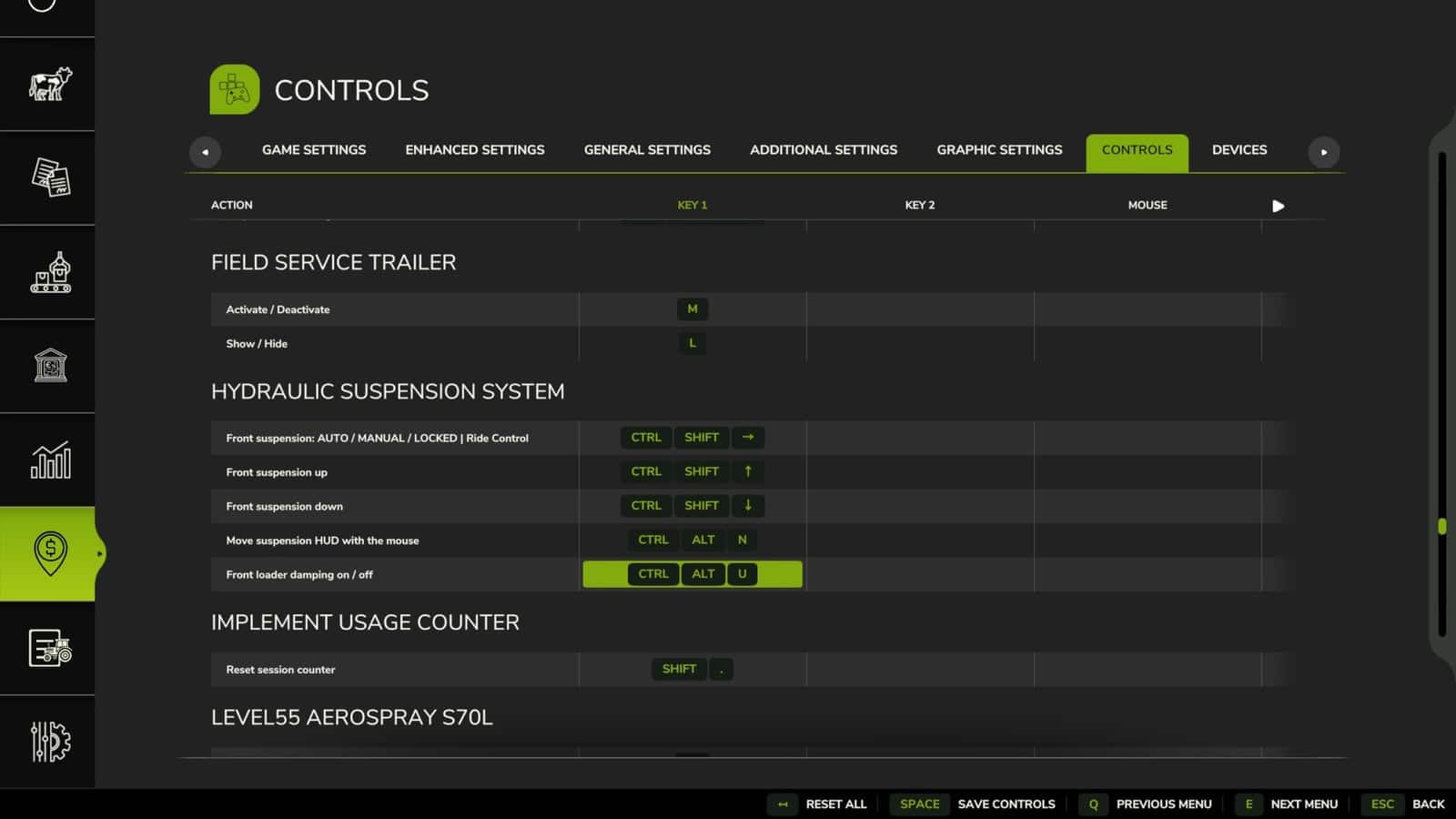
Ctrl+Alt+Uto change the mode. In manual mode,Ctrl+Alt+↑ / ↓raises or lowers the front. These controls may be changed in the control options. - Support is limited to tractors that have this system in real life, including medium and large tractors from the listed brands. Small tractors and crawlers remain unchanged.
Changelog
V2.0.0.0
- Opening the suspension window with
Left Alt + Ushows the system, mode, height, front-loader stabiliser and live state. It also displays axle load, weight on the front, cylinders, spring, damping and warnings, together with a side view of the axle. - The settings and panel have been transferred out of the game’s menu and into the suspension window.
- Trucks now receive rear air suspension with levelling, called ECAS, for up to 3 axles. Ride height remains unchanged whether the truck is empty or loaded. Manual height can be used at loading docks and while coupling, then the system returns automatically to ride height above 30 km/h. 8×4 tippers and bigger retain their leaf springs. The system may be switched off.
- Levelling is restricted to tractors that use it in real life, determined by brand, weight and minimum power, with 120 hp as the default. Small or simple tractors receive a swinging pendulum front axle without suspension rather than the game’s soft suspension. Tracked tractors are left alone.
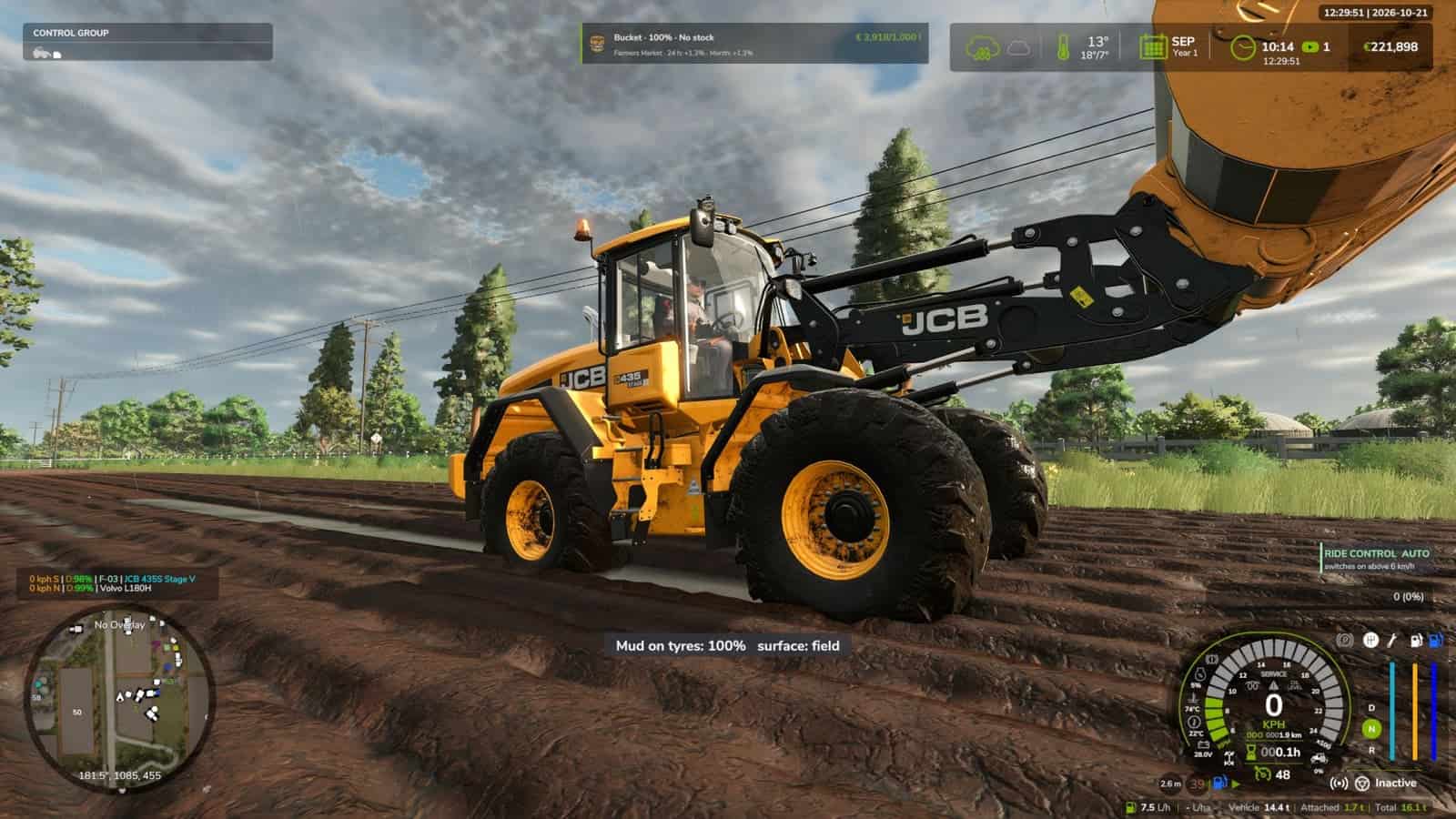
- On wheel loaders and telehandlers, Ride Control suspends the boom with an accumulator above 6 km/h. Below that speed it stays rigid for precise work.
Ctrl + Uswitches between AUTO and OFF. - With a tractor front loader, the load follows the movement of the arm tip. This behavior can be turned on or off in the window.
- Above 30 km/h on the road, the damping becomes firmer.
- Rear self-levelling suspension is added to the JCB Fastrac.
- A sound for a hydraulic valve is now included.
- Rigid front axles, such as the one on the John Deere 7030, move and tilt as one complete piece.
- Independent suspension no longer shakes, including JD 8R ILS, and switching tractors no longer causes little hops.
- The panel warns about “end stop” and “front too light – add ballast” and also shows the name of the tractor’s system. The panel can be disabled. It is hidden while the window is open and while Zasty HUD is active.
- Cars, combines and other vehicles remain unchanged. The shop category is checked.
- With the keys,
Ctrl + Uchanges the mode,Ctrl + Alt + Up / Downchanges manual height while held, andAlt + Uopens the window.Ctrl + Alt + LandCtrl + Shift + Uwere removed and are now available in the window. - A fix ensures that default keys are assigned on a new installation.
- The default keys are
Left Ctrl + Ufor Suspension mode, or Ride Control on wheel loaders;Left Alt + Ufor the Suspension window; andLeft Ctrl + Left Alt + Up / Down arrowfor manual height while held. - These remain the default keys. If the game or another mod already uses one, open Options > Controls and choose a preferred key to prevent conflicts.
V1.1.0.0
- The behavior of every machine is now almost like that of the real machine.
- For tractor classes, automatic levelling is restricted to tractors that have it in real life. Small and simple tractors use a pendulum front axle without suspension.
- Ride Control gives wheel loaders and telehandlers boom suspension. Above 6 km/h, the load floats over bumps, while below that speed the arm remains rigid.
Ctrl+Alt+Uchanges between AUTO and OFF. The control can also be set in the key bindings.- Front loader damping follows the arm tip and does not react to smooth hills. It has a separate switch,
Ctrl+Alt+L. - Road damping becomes firmer above 30 km/h.
- The JCB Fastrac receives a self-levelling rear axle.
- HUD warnings show an end stop and a front that is too light, give the instruction to add ballast, and display the tractor’s system name.
- A hydraulic valve sound is played during levelling.
- Operation is smoother: the JD 8R ILS does not shake, and tractors no longer hop when you switch between them.
- New control-menu options were added in all 25 languages.
- Tracked tractors are left alone.
V1.0.0.1
- Ride Control now operates a bit more smoothly.
- For a rigid front axle model whose two front wheels hang from the same axle, such as the John Deere 7030 Series, the entire axle now moves up or down and tilts with the wheels. Previously, the axle stayed still while the hubs moved independently. Reported by Cris669.
- On rough ground, such as a ploughed field, the physics rebuilt the front wheels almost every frame, which affected performance and bouncing. They are now rebuilt only when the axle moves 2 mm or more, and no more often than every 100 ms.
- HUD textures were compressed, so the log no longer shows “raw format” warnings. Reported by Patrik Vendelberger.
- Game start is faster because the settings menu section is now created only the first time Settings is opened. Previously, it delayed the start by ~4 s.
- In the log, the front loader line no longer incorrectly lists rear implements.
- Only the tractor driven by a player uses the hydraulic suspension. Parked tractors and AI helpers retain the game’s original suspension. Leaving the tractor or hiring a helper restores the original suspension.
- Thanks go to Cris669 and Patrik Vendelberger for their reports.