FS25 Hide Player And Vehicle Positions V1.1.0.0
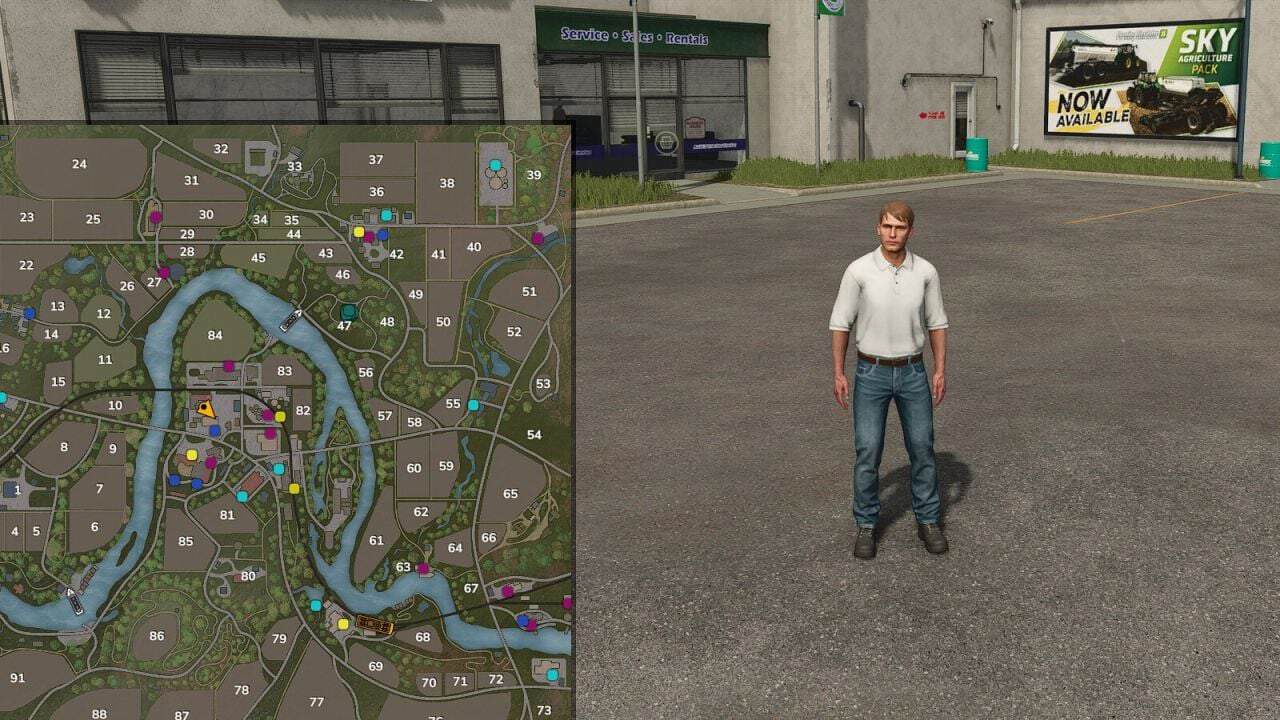
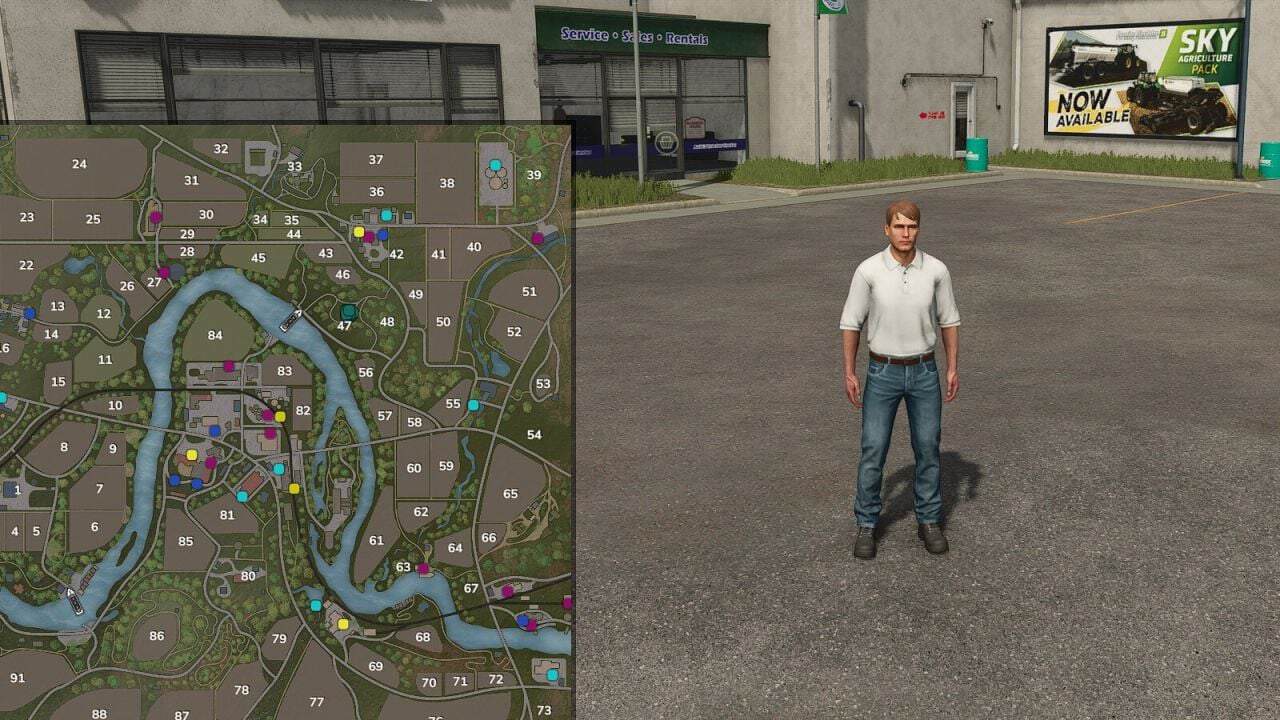
This mod removes the positions of other players and individual vehicles from the minimap and world map.
Features
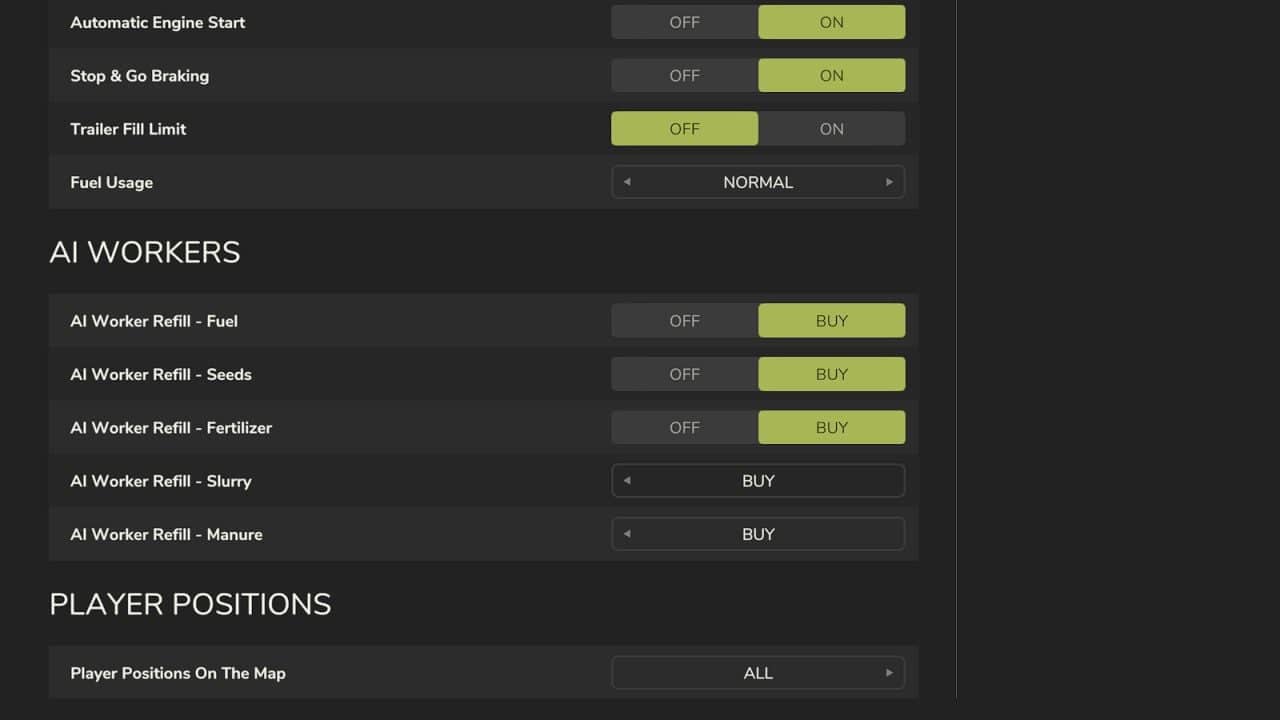
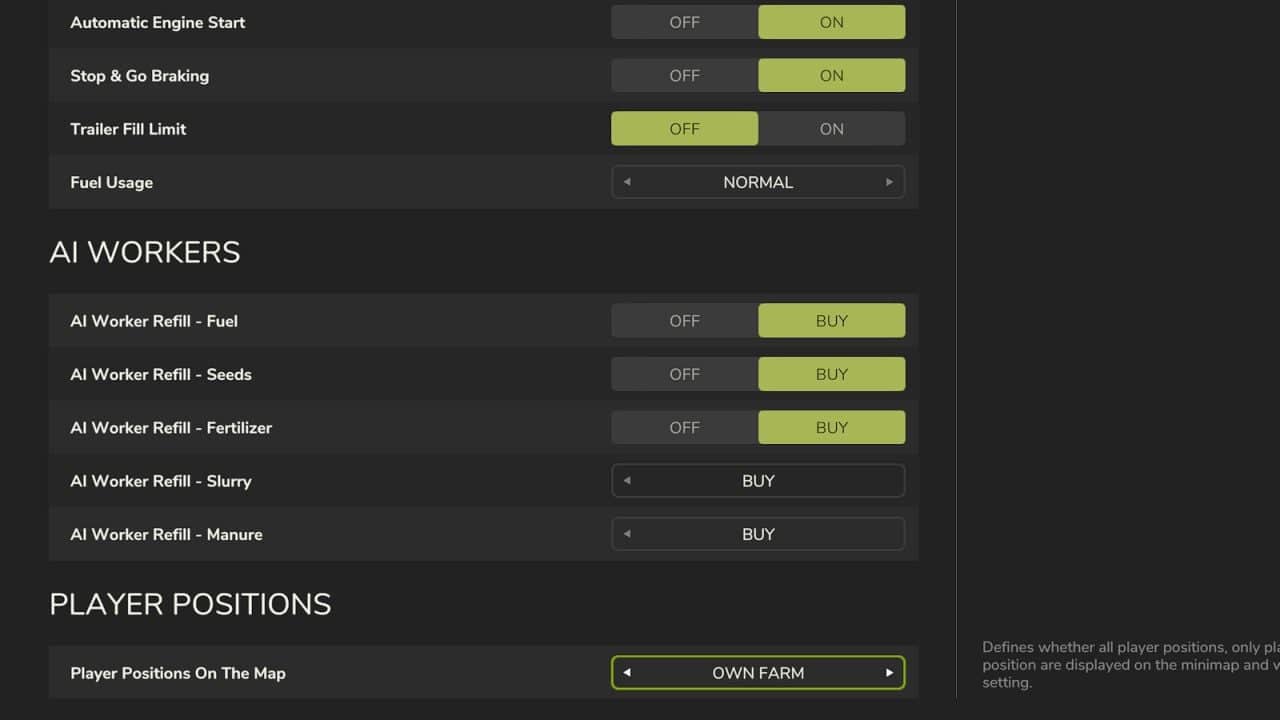
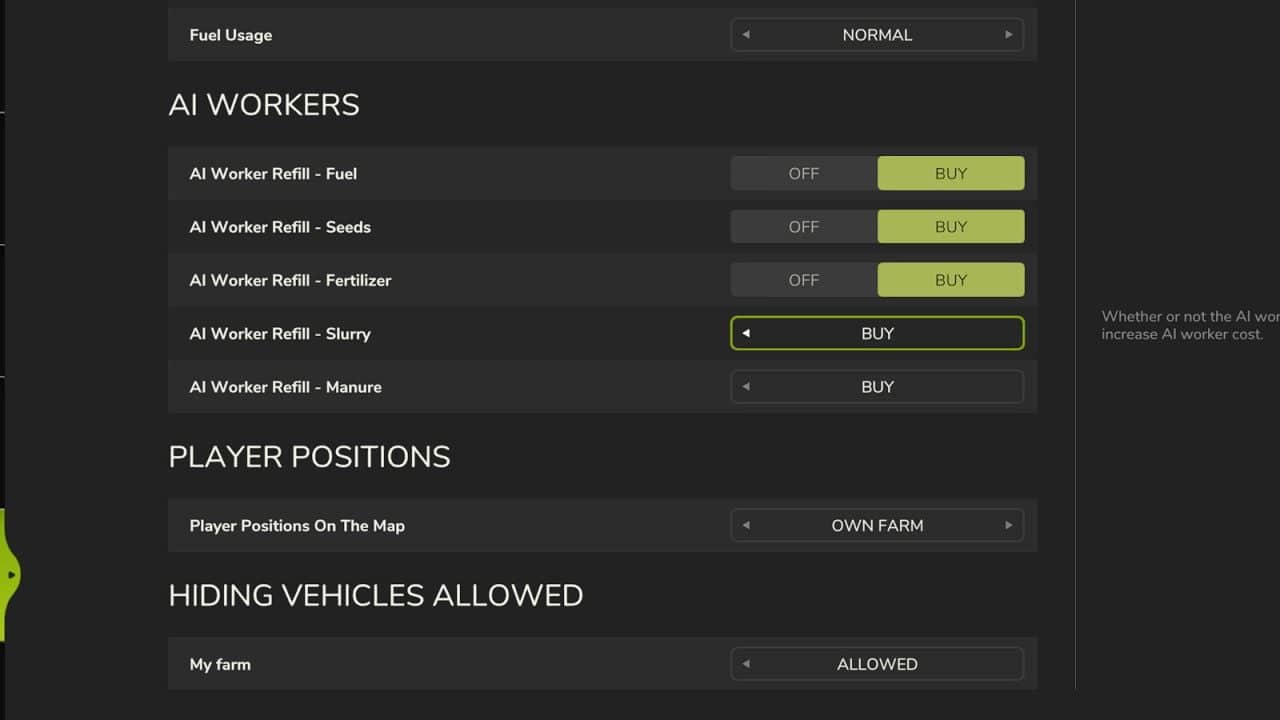
- Game Settings let you choose how player positions are displayed.
- All is the default behavior, so everyone sees everyone.
- Own Farm shows only the members of your own farm.
- Own Position Only means that everyone sees only their own position.
- To conceal a vehicle, sit inside it and press Alt + H. The key can be changed in the controls settings.
- Other farms cannot see the vehicle on the map, even if nobody is sitting in it. Your own farm can still see it.
- Game Settings → “Hiding Vehicles Allowed” contains one row for each farm, marked “Allowed” or “Not Allowed”, for example to enable only police and rescue services.
- By default, new farms are not allowed.
- A farm that is allowed to use the feature can hide only its own vehicles.
- Administrators can hide or show every vehicle at any time.
- Only administrators may change these settings.
- Changes take effect immediately on every map, synchronize to all connected players, and are saved permanently in the savegame. They remain after a server restart.
Changelog
V1.1.0.0
- New: With Alt + H, individual vehicles can now be hidden from other farms on the map.
- New: Each farm has a setting that controls whether the vehicle feature may be used.
- The settings page is no longer rebuilt continuously, and the map is resorted only after changes.
- The server now performs a stricter admin check.
- New mod icon.