FS25 Forester v1.0
– Forester for FS25 – a complete forest editing tool.
– Please save your game before using this tool.
– Press Ctrl + T to open the editor.
MODES
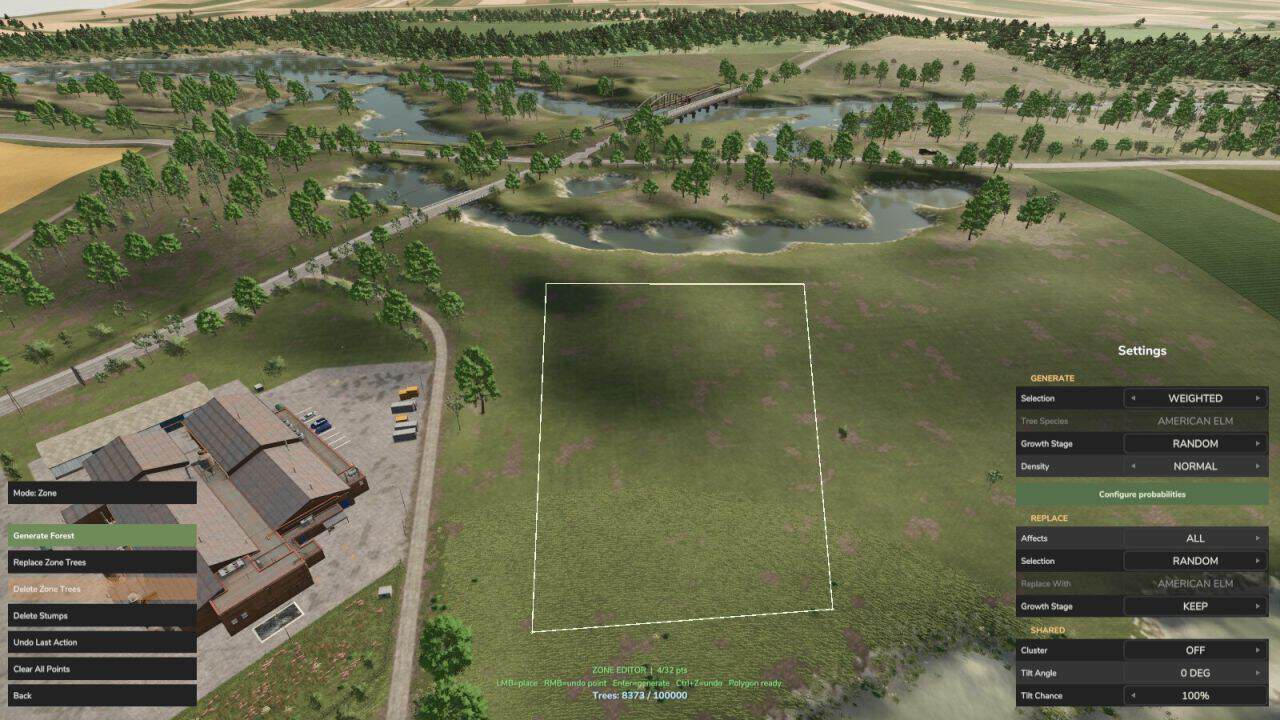
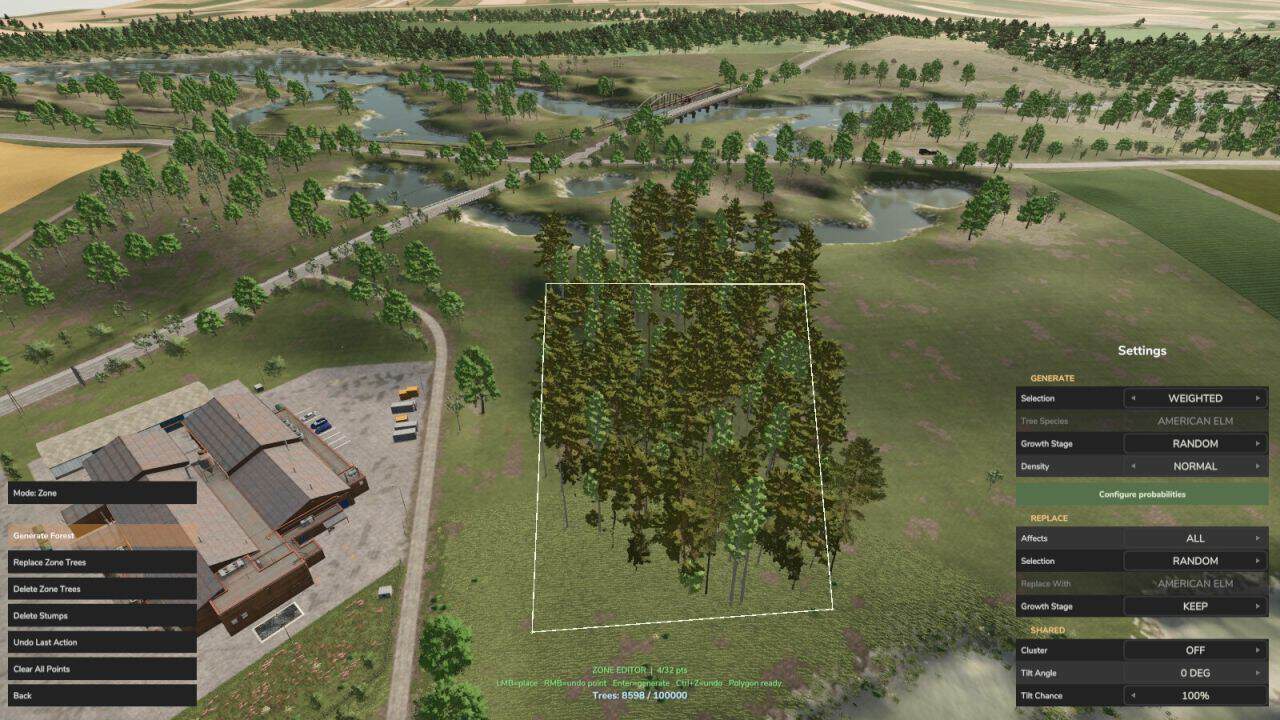
– Zone: draw a polygon on the terrain and generate, replace, or delete trees inside it.
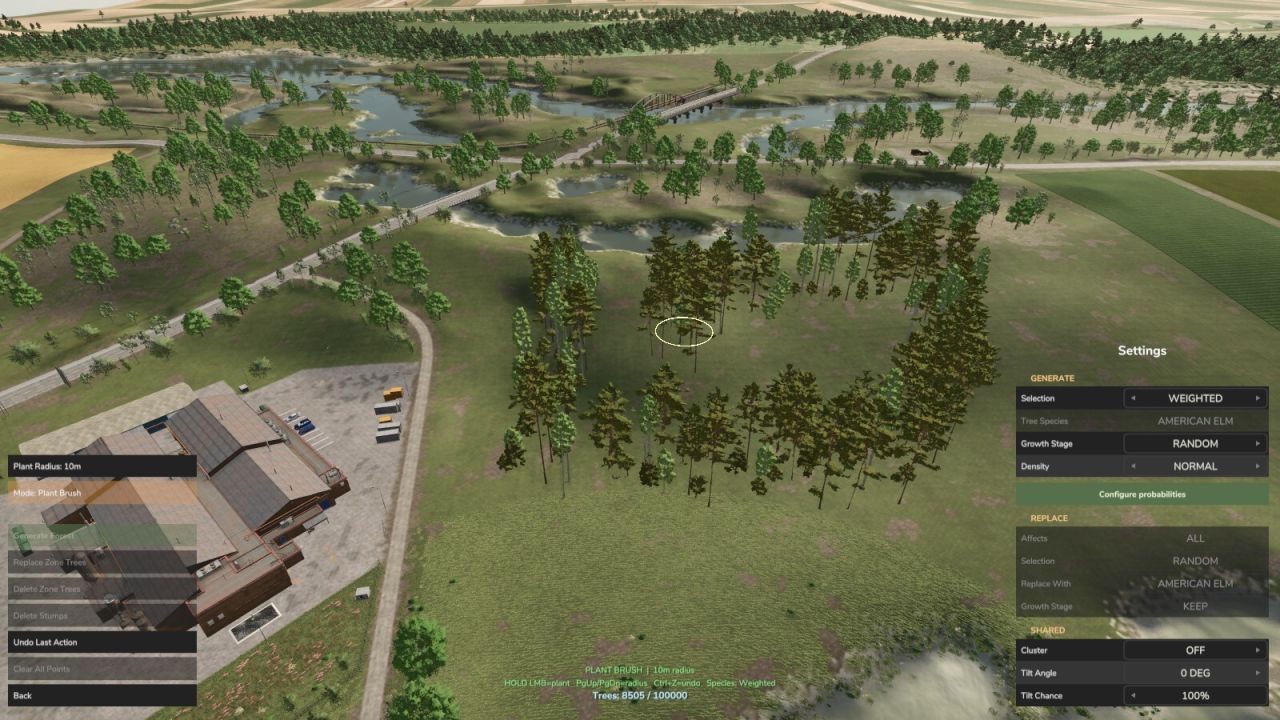
– Plant brush: paint new trees within the brush radius.
– Replace brush: swap existing trees for another species within the brush radius.
– Delete brush: remove trees within the brush radius.
FEATURES
– Choose a specific species, weighted-random, or uniform-random selection.
– Configure per-species probabilities for weighted selection.
– Control density, growth stage, clustering, and trunk tilt.
– Delete stumps (Only in Zone mode).
– Live tree counter with an optional map-wide tree limit.
– Undo the last editor action.
– Multiplayer supported (Only available to Admins).
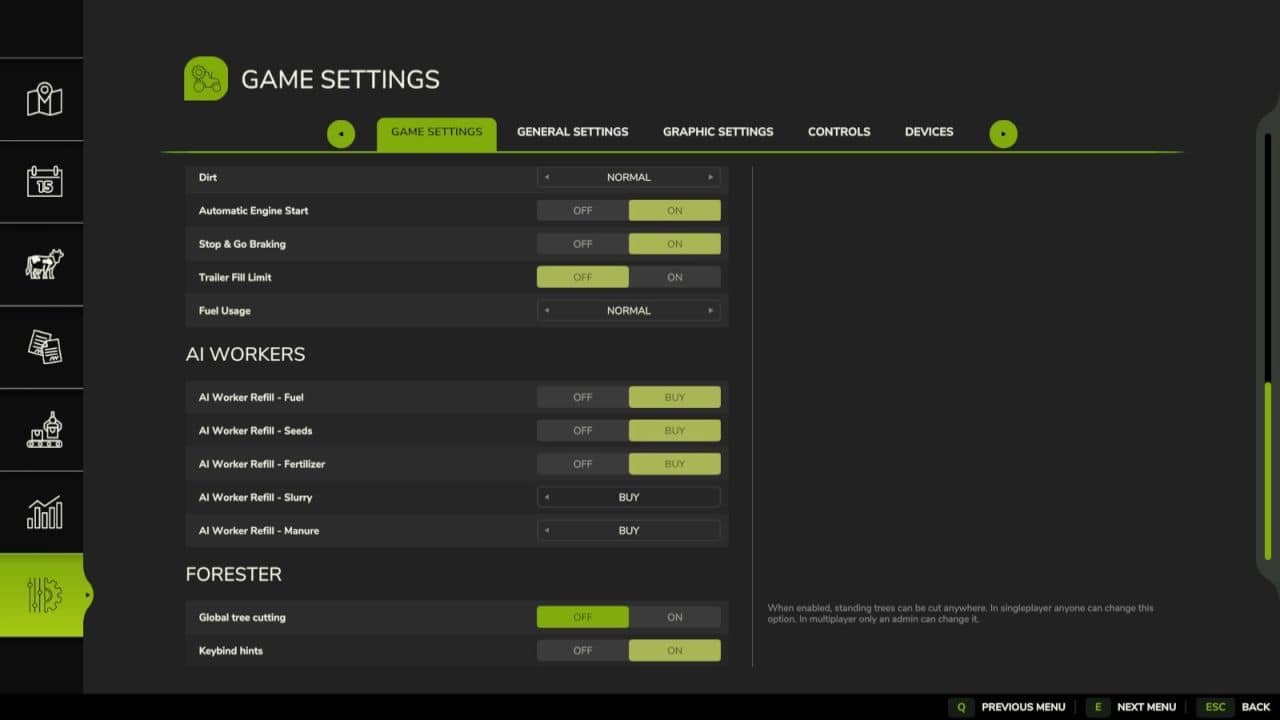
– Global tree cutting for Chainsaws and machinery (Needs to be activated by admins online).
ZONE EDITOR
– Left-click terrain to place polygon points (up to 32).
– Right-click to remove the last point.
– Full species, density, appearance and placement controls in the side panel.
NOTES
– Restart the game to reset tree LOD after large edits.
– Zone Mode cannot plant on fields.
– Replacing or deleting trees before Deadwood missions spawn can in some cases break the mission.
V2.0.0.0
– Major rewrite. Adds the full zone editor, plant / replace / delete brushes, a native settings panel, per-species probability configuration, growth-stage and clustering controls.
– Removed the separate delete-brush toggle keybind; the delete brush is selected from the Forester menu.
– Renamed the open-menu keybind to “Open Forester Menu”.
– Added an options toggle to show or hide the Forester keybind hints in the on-screen help.