FS25 First Person Player Body V1.2.2.0
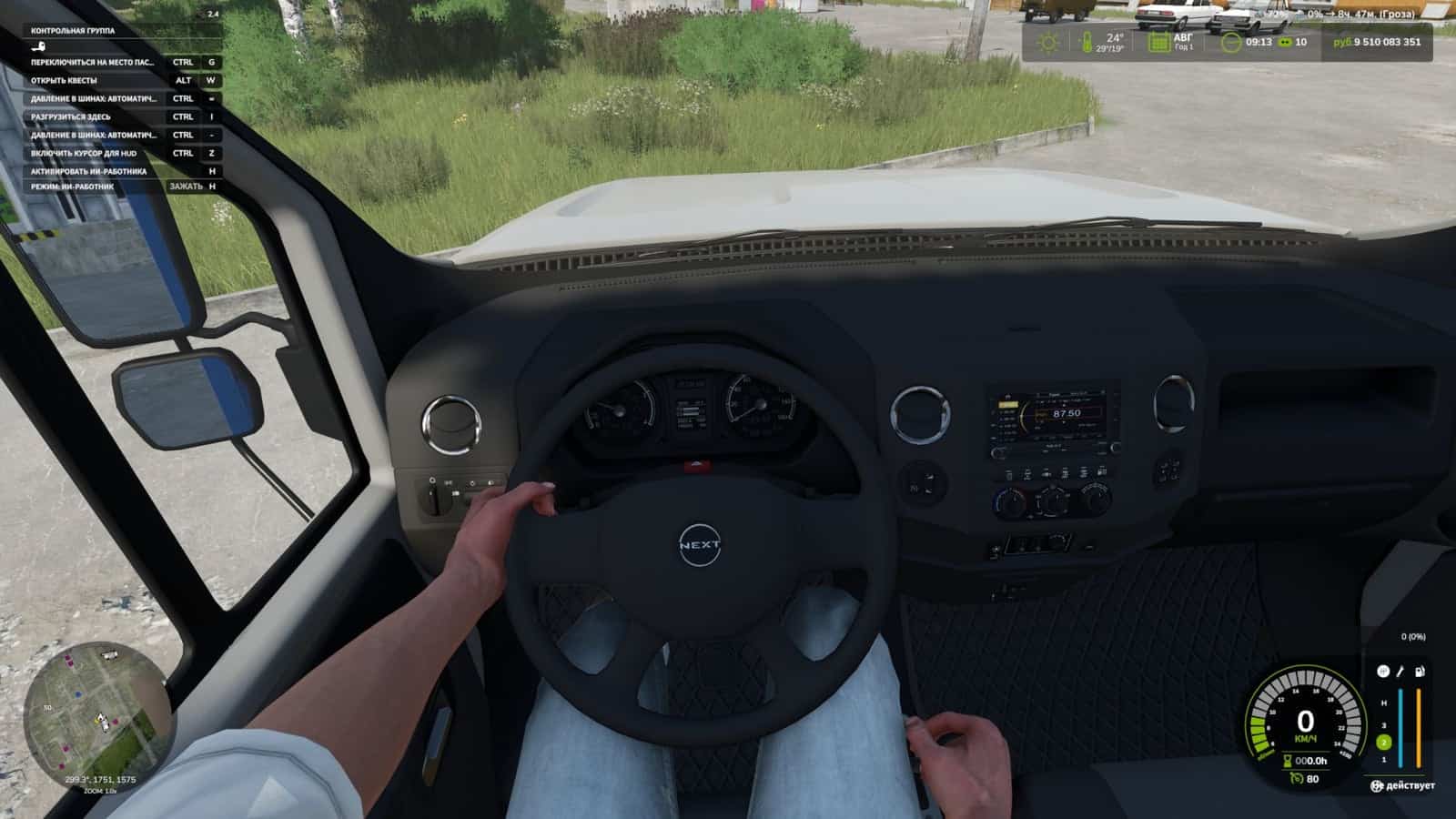
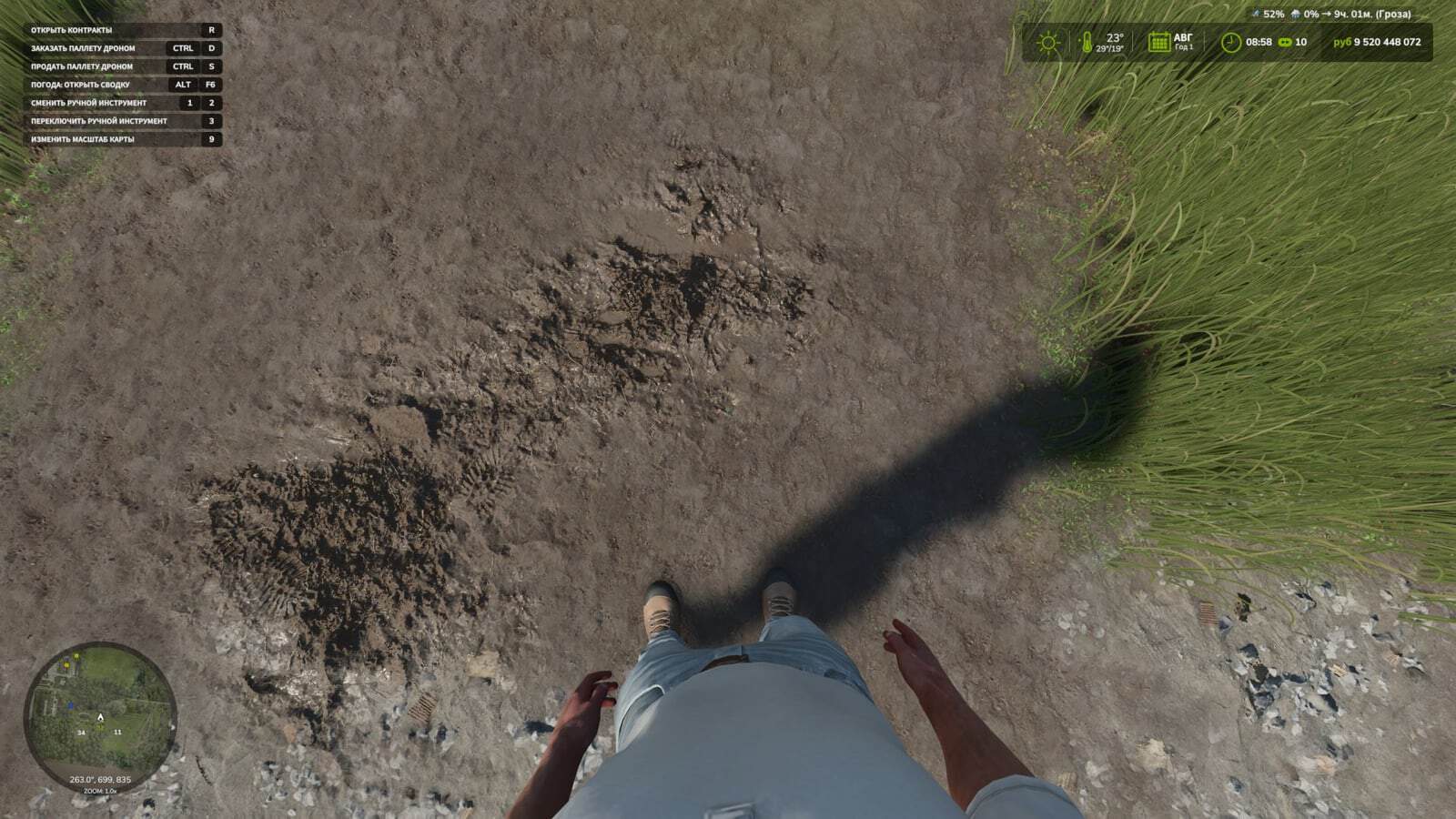
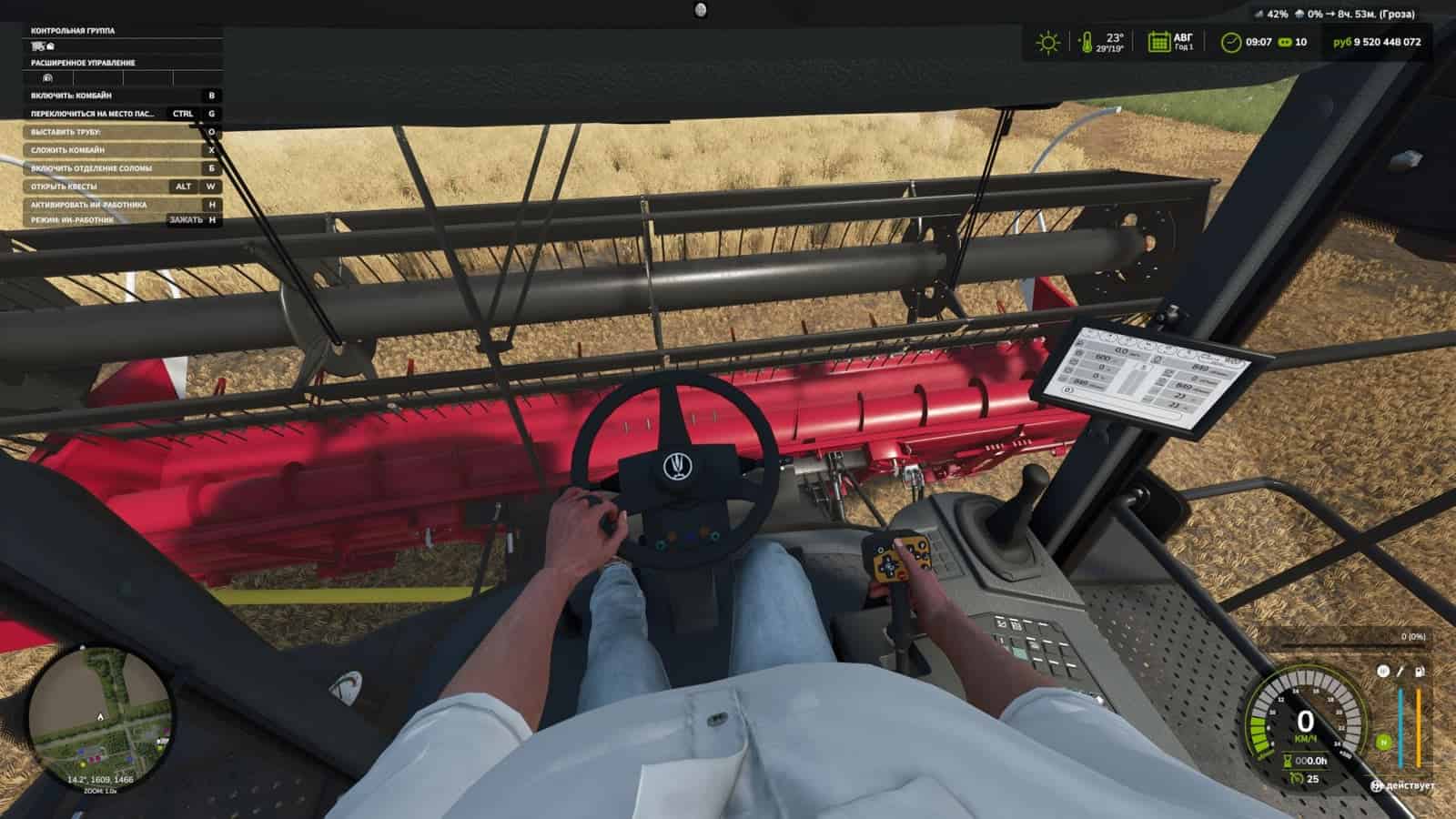
With First-Person Player Body, Farming Simulator 25 shows a “full” character in first-person mode. Look down and you can see the animated body, including the legs and arms. The character’s movements are displayed correctly along with the camera.
The head stays behind the camera, meaning it does not block the view, while still helping create the shadow. First-person vehicle views are also improved: when the interior camera is active, the standard seated driver model is shown.
Features
- On foot
- Visibility of the player body.
- Side-to-side movement of the camera.
- In vehicles
- Visibility of the driver body.
- Camera position, either standard or eye level.
- The camera follows the driver’s animation.
- The camera can follow the seated character’s eye animation and movements.
Use these controls to move the camera in standard mode, or the whole character in eye-level mode:
Rctrl + Arrow keysRAlt + Arrow keys
Rctrl + h changes the hand position on the steering wheel.
Changelog
- V1.2.2.0
- The ability to look out of the window has been added. Use
RCtrl + ←to look left andRCtrl + →to look right. These keys can be changed in the control settings. If other mods with similar functions are used, they are used at your own risk. - The settings now include an option to enable and adjust the steering wheel rotation angle in third-person view (
outdoorRotation="xx"). - The character’s head is now visible in the mirrors through its reflection.
- Unnecessary debug lines have been removed from the log.
- The ability to look out of the window has been added. Use
- V1.2.1.0
- The setting for disabling control-element tracking in vehicles has been restored. This disables the player jerking and lifting toward control nodes.
- A walking-style choice has been added, and it also changes walking speed. There are 3 options: Slow – Casual – Brisk.
- The settings items in the game settings have been rearranged. (General settings)
- Various minor file adjustments have been made.
- V1.2.0.0
- In vehicles, pressing
RCtrl + H, which can be changed in the settings, lets you adjust the steering-wheel hand position as desired by controlling the arm bones.
- In vehicles, pressing