FS25 Financial Dashboard V2.1.0.0
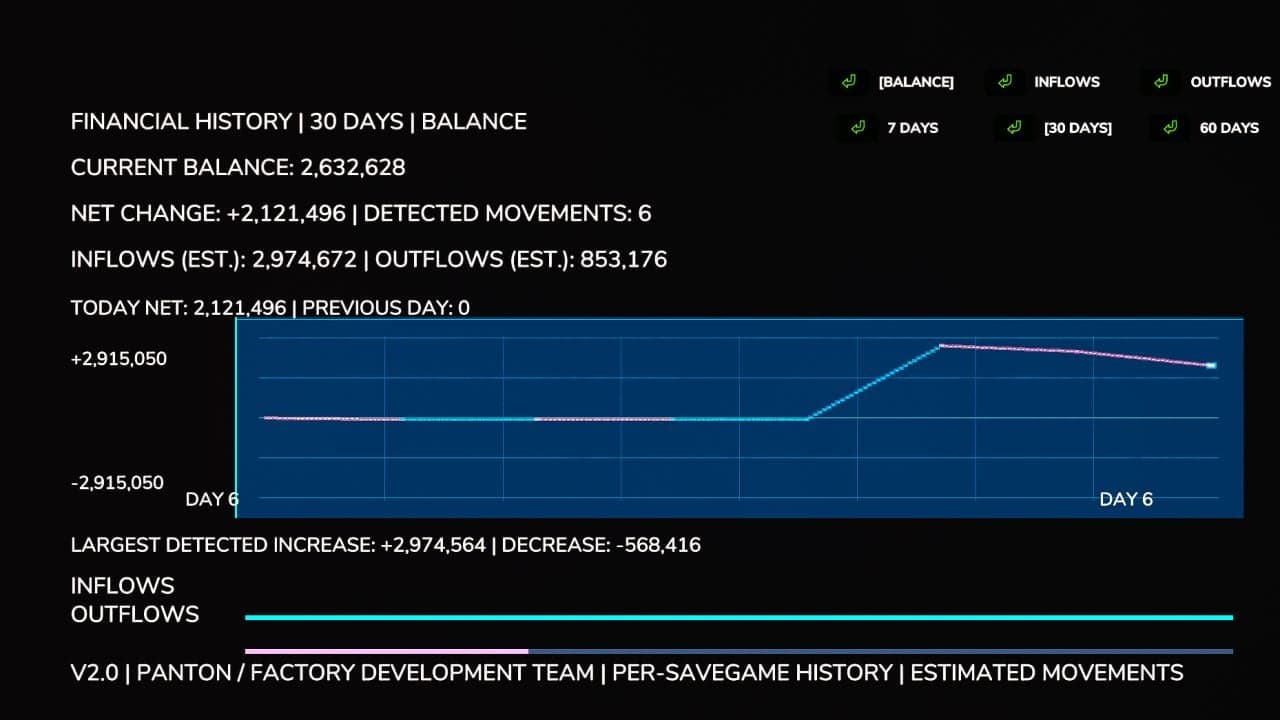
Financial Dashboard adds a dedicated financial overview to the Farming Simulator 25 in-game menu. Its clean, readable interface lets you follow your farm’s financial performance and see how your available money changes over time.
Features
- Live Financial Graph: A visual graph follows movements in your farm’s balance as gains and losses occur.
- Zero-Centered Tracking: The balance you had at the start becomes the baseline, preventing existing money from being treated as profit.
- Color-Coded Performance: Positive financial movements appear in cyan/green, while negative movements are shown in pink/red.
- 7-30/60-Day Views: Choose between two available history windows.
- Current Balance: The dashboard displays the funds currently available to your farm.
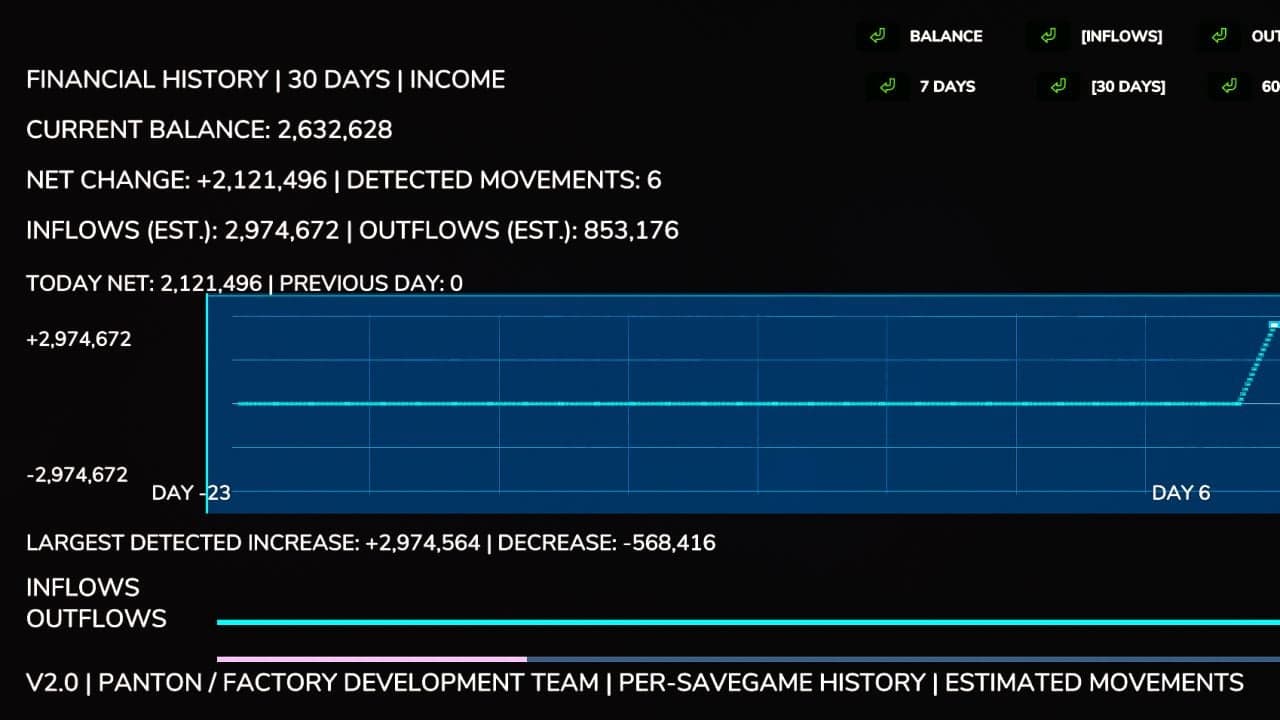
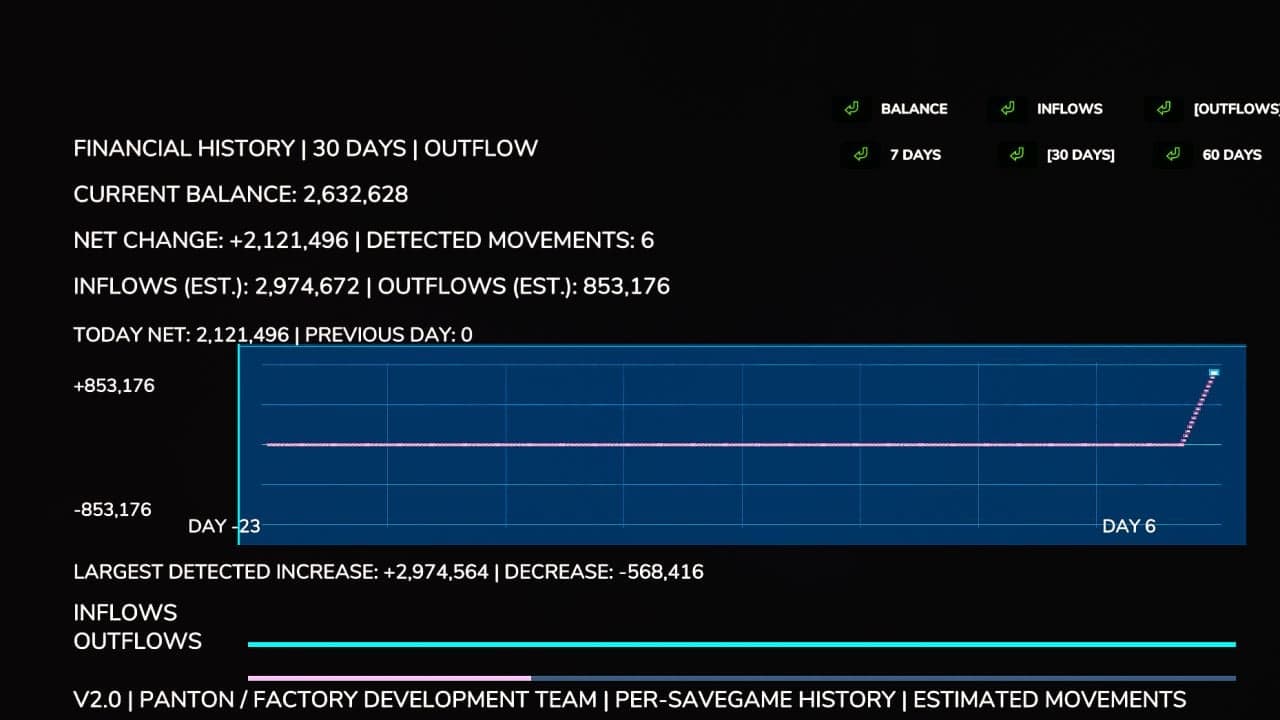
- Estimated Inflows and Outflows: Keep track of detected money coming in and going out.
- Largest Transactions: Review the biggest detected increases and decreases in your balance.
- Integrated Menu: Open the dashboard from its own tab in the FS25 pause menu.
Important Information
Balance changes are tracked throughout the current gameplay session by Financial Dashboard. Graph history is not saved when moving between game sessions.
Rather than sorting individual transactions into categories, the dashboard records changes to your farm’s balance. The inflow and outflow values are estimates calculated from detected balance movements.
The first time you open the dashboard, it establishes the initial financial baseline.
Compatibility: Farming Simulator 25, PC. Designed and tested for single-player use. Multiplayer and dedicated server compatibility have not been verified.
Multiplayer compatible.
© 2026 Panton (Factory Development Team). All rights reserved.
Financial Dashboard 2.0 is an independently developed mod for Farming Simulator 25.
Changelog
- V2.1.0.0
Thelicense.txtfile was added (Copyright / takedown’s).
Applied a small patch fixing issue’s related to the menu.
Future update’s include New Icon, Redefined Line’s & Text. - V2.0.0.0
Persistent financial history was added. Financial records are now saved separately for every savegame and restored after the game is restarted.
Financial tracking now starts automatically when a savegame loads, so the dashboard does not need to be opened first.
Separate graph modes were added for Balance, Inflows, and Outflows.
A 7-day history view was added together with the existing 30-day and 60-day views.
Daily net financial change statistics were added, including comparisons against the previous in-game day.
Estimated total inflows and outflows were added using detected balance changes.
The largest detected financial increase and decrease are now tracked.
Balance changes caused by compatible external mods, including money trainers, can now be detected.
The graph was improved with a modern blue financial-terminal appearance.
Graph readability was improved through refined gridlines, clearer trend lines, and highlighted endpoints.
Graph scaling was improved so positive and negative financial movements can both be displayed.
Inflow and outflow indicators were redesigned with thinner bars and less intrusive colors.
Graph labels, text sizing, and spacing were improved to stop information from overlapping.
Financial history management was improved with automatic cleanup of older records.
Live financial tracking was improved so new balance changes appear without waiting for the next in-game day.
Fixed the loss of financial history when Farming Simulator 25 was closed or restarted.
Fixed financial history failing to load correctly because of farm ID handling.
Savegame persistence issues were fixed by connecting financial history saving to the game’s save process.
Graph layout problems involving overlapping labels and statistics were fixed.
Visual inconsistencies introduced by the graph redesign were fixed.
Compatibility with the existing ESC menu, sidebar navigation, and Save/Quit functionality was preserved.
The mod version was updated from 1.0.0.0 to 2.0.0.0.
The mod description and documentation were updated to cover the new financial tracking features.
Financial history is now saved in a dedicatedfinancialDashboard.xmlfile inside each savegame.