FS25 Farmland Splitter V1.0.0.0
Farmland Splitter lets you redefine, remove, or create farmlands in-game, as long as the available ID limits are respected. All changes are saved in the savegame folder, while the original map files remain unchanged.
Features
- Single Player, Pc Only.
- Farmlands and field boundaries can be created, edited, or deleted dynamically.
- Clear menu with self-explanatory controls.
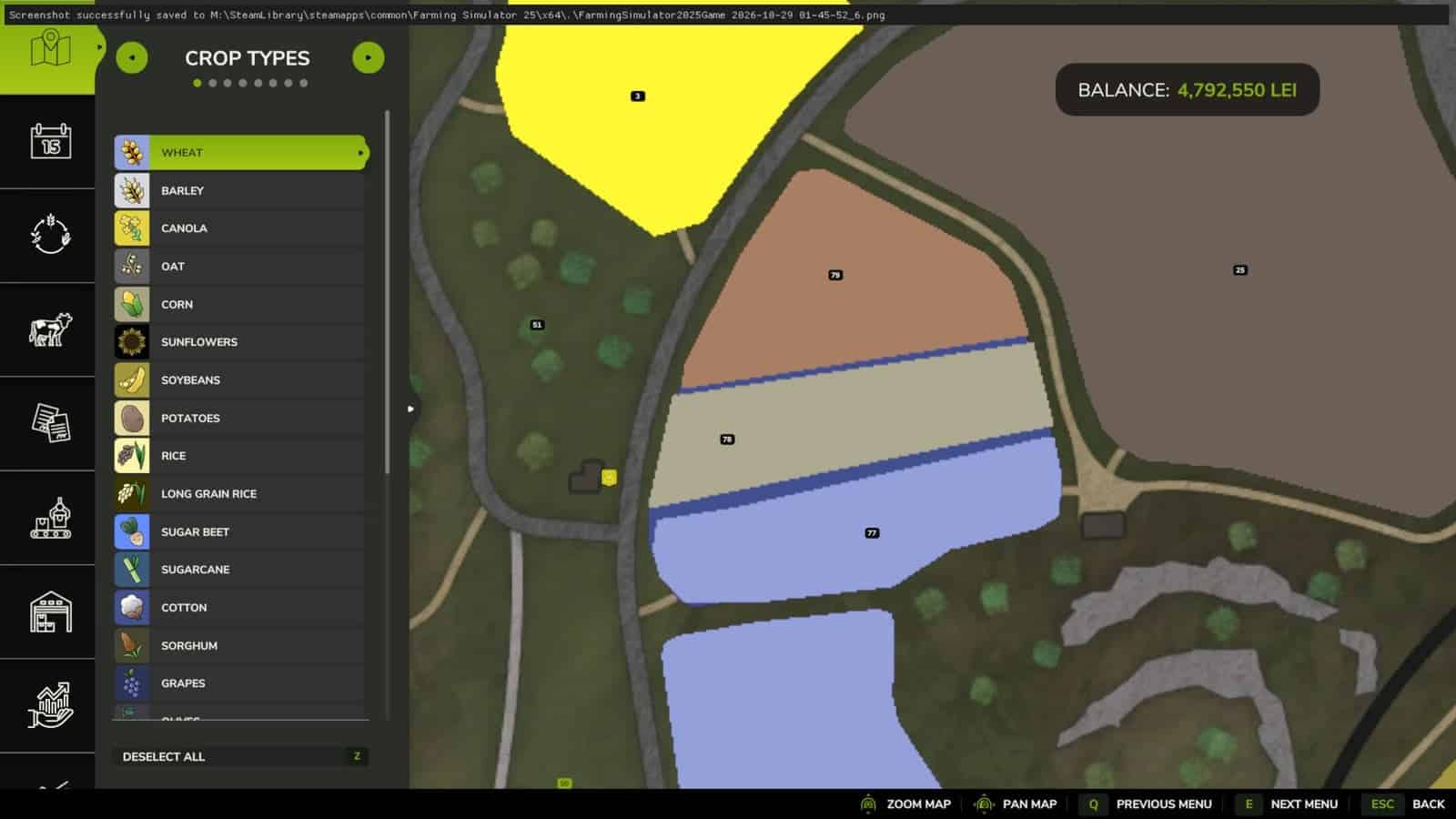
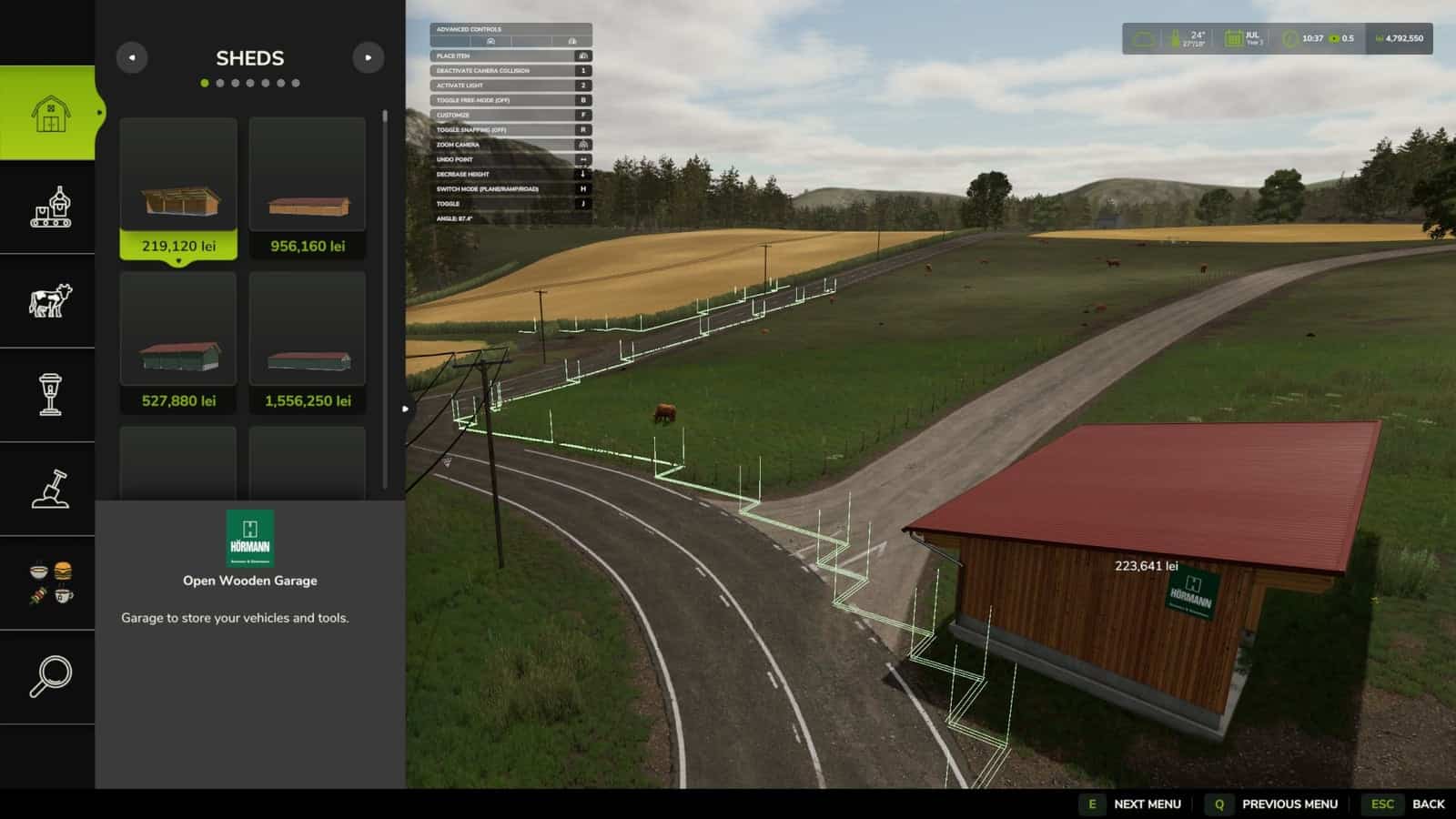
- Purchased farmland boundaries, including adjoining lands that have been combined and merged, are shown directly in the construction menu.
- Suitable for custom map projects and individually tailored career saves.
- Blank maps can be adapted with FS25’s placeables library and terrain editing tools.
How to Use
- Press Right Shift + Right Ctrl + F12 to open the menu.
- From the left menu, press the number key assigned to the task you want to use.
- Adjust the farmlands with the controls shown on screen.
- Press the F key to apply the changes. A modification takes effect only after the F key has been pressed.
- Leave the menu with Esc.
What’s Coming Next? (In Development)
This mod belongs to a larger toolkit designed for creating maps in-game. The following additions are currently being developed:
- In-game Pedestrian & Traffic Spline Creator
- Savegame-to-Map Compiler, a lightweight standalone tool that automatically transfers saved game edits directly into a publishable map file.
With the existing placeable systems and terrain tools, creating a complete map without leaving the game is almost possible.
Changelog
- V1.0.0.0
Minor Tweaks & Bug Fixes
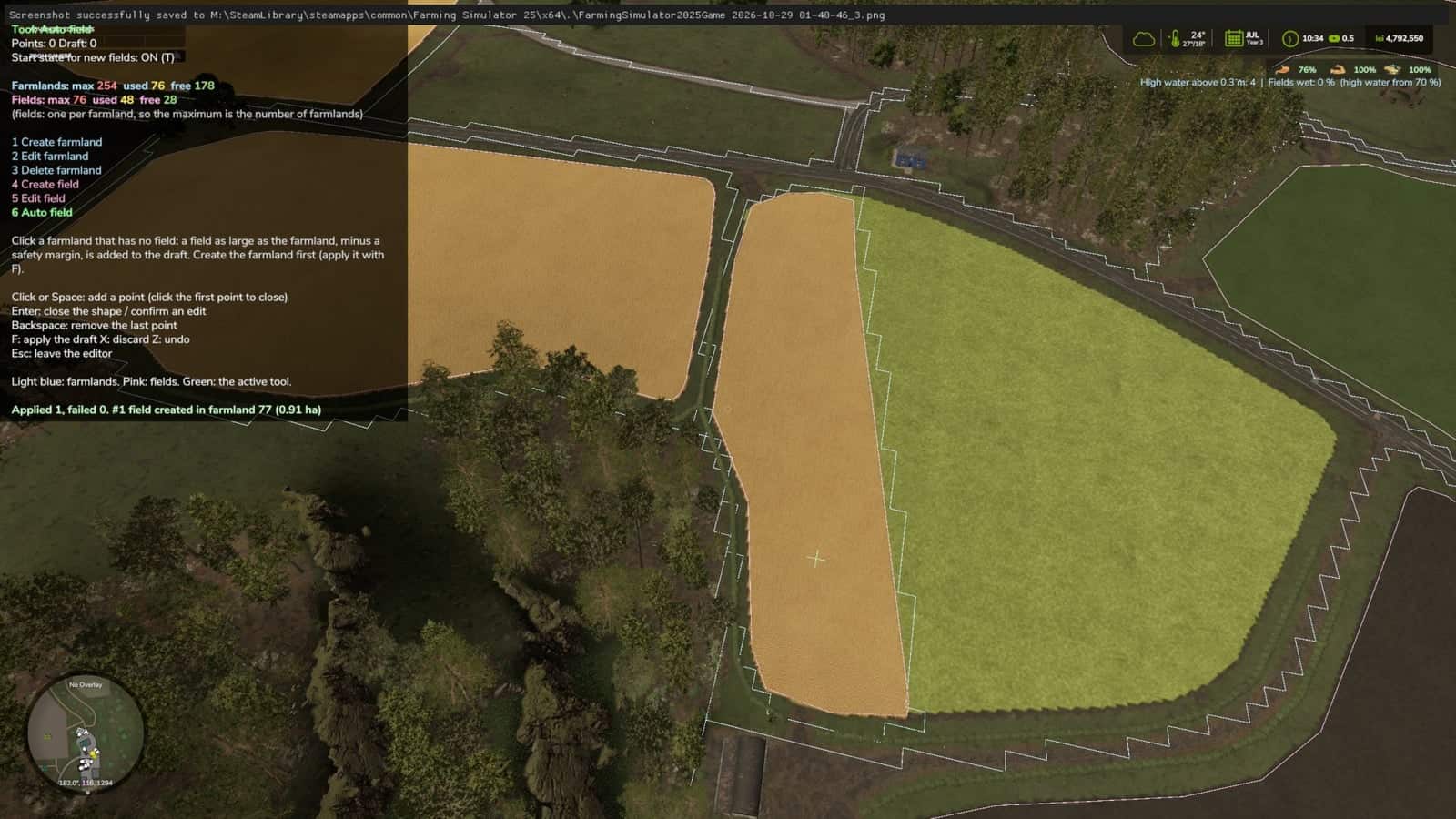
Auto-Create Fields: Added automatic field creation inside a farmland, while respecting the safety margins required by the game engine.
Bonus Feature: Purchased farmland boundaries, or the boundaries of combined and merged adjoining lands, are displayed directly in the build menu. - BETA 2
Beta 0.0.6.0
What’s Changed
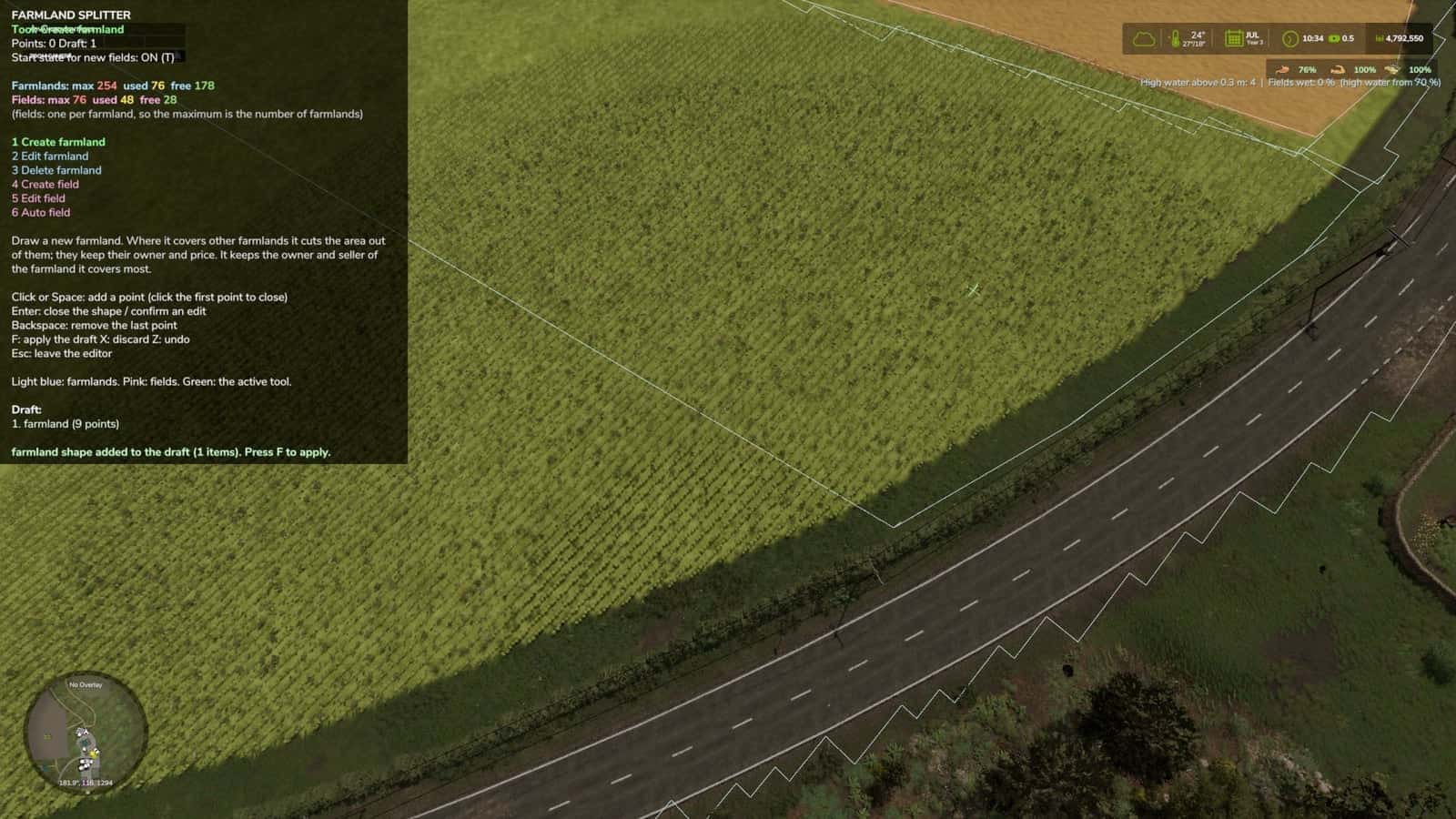
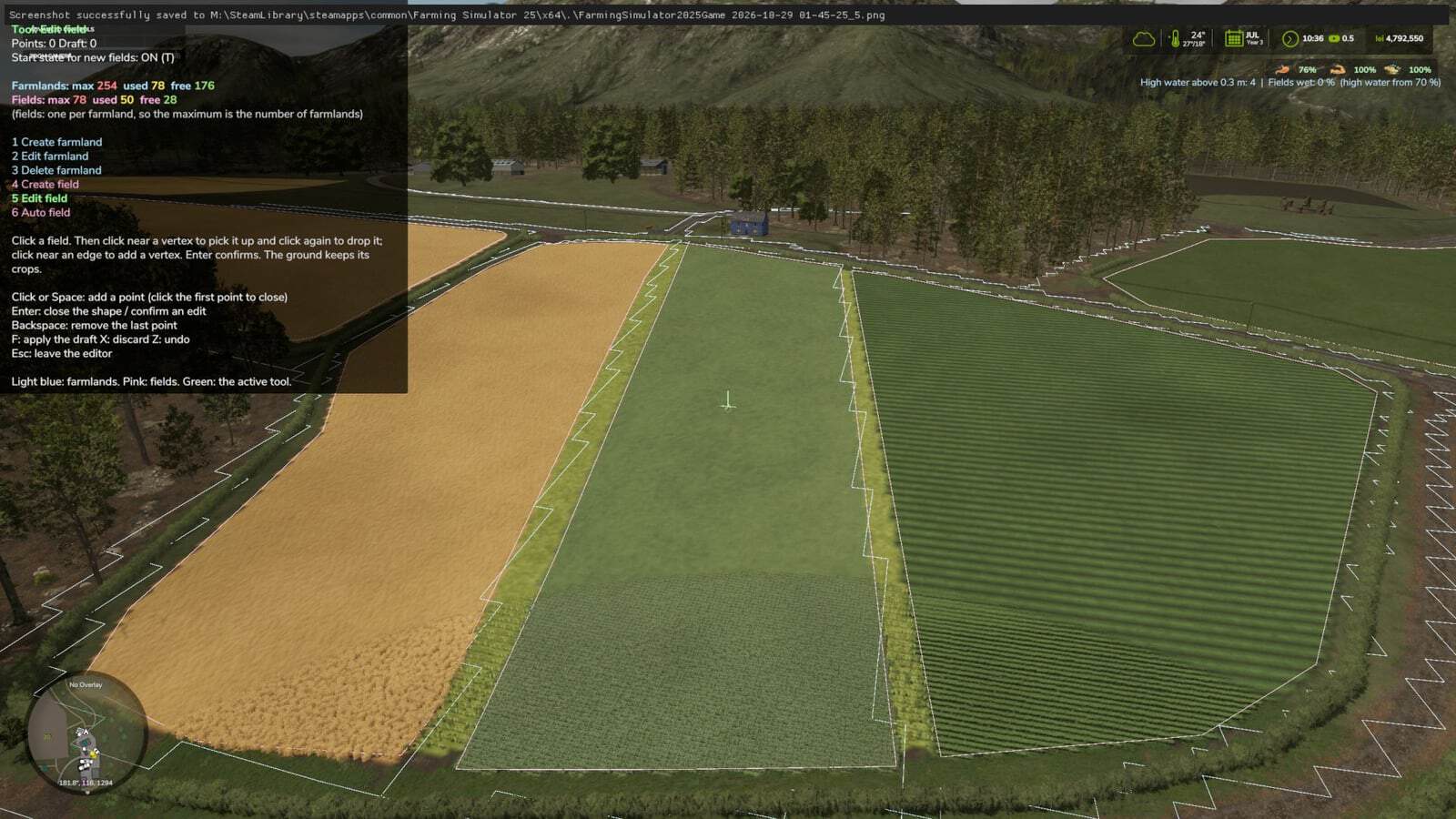
Tools & Keybindings (Keys 1 – 5)
1. Create farmland
2. Edit farmland
3. Delete farmland
4. Create field
5. Edit field
Cutting and extending are no longer available, and the separate “delete field” option has been removed. A field can now be deleted only together with its parent farmland.Colors
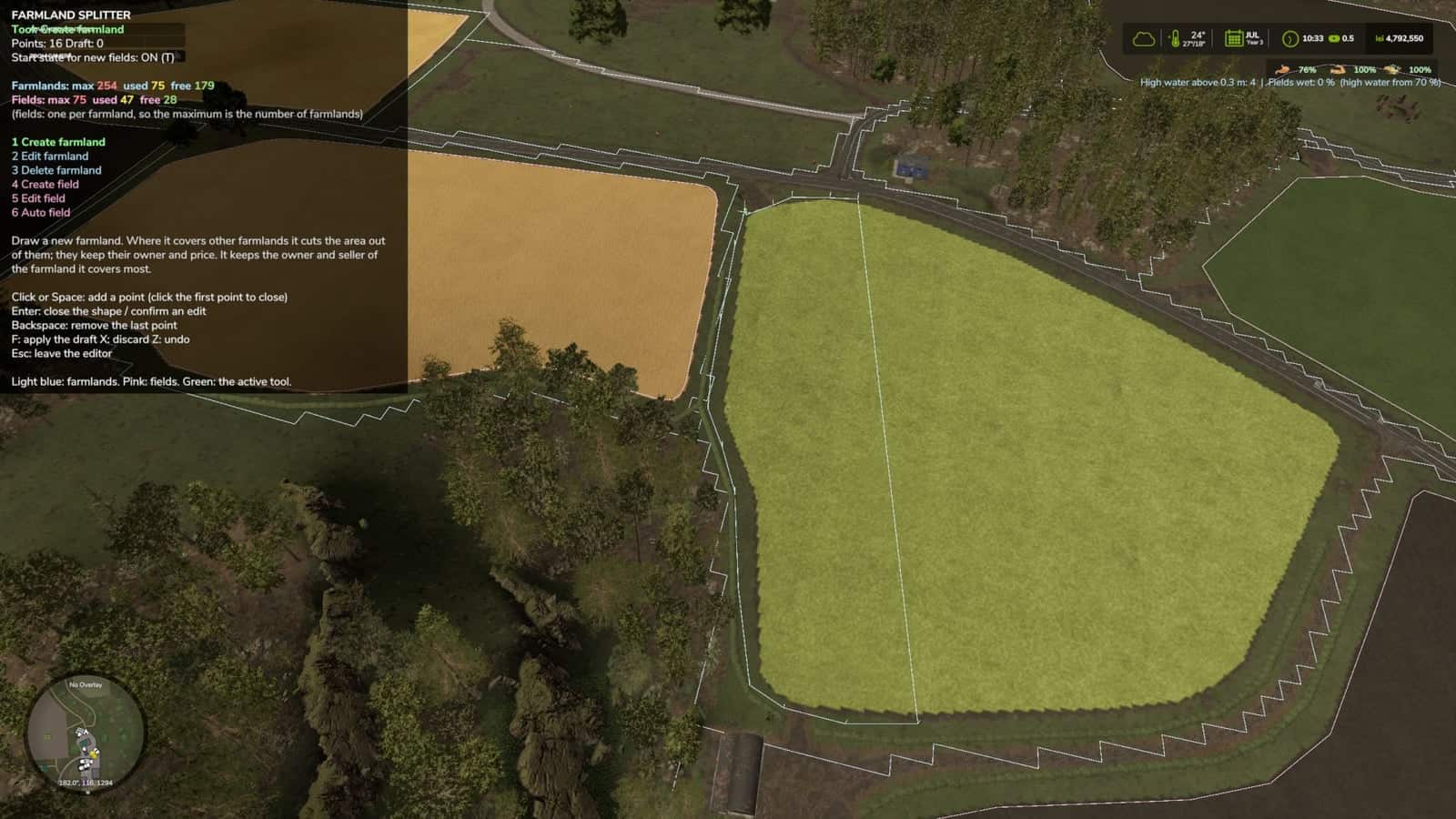
Farmland: All farmland-related elements, including boundaries, drawn shapes, and deletion markers, use light blue.
Fields: All field-related elements use pink.
Active Tool & Cursor: Shown in green.Counter UI
Farmlands: The display uses Farmlands: max [MAX] used [USED] free [FREE], for example, max 254 in red, used 244 in yellow, and free 10 in green.
Fields: The identical format is used. Its maximum matches the farmland count, because you can have at most one field per farmland.