FS25 Enhanced Mod / Cheat Menu V3.0.0.0
For Farming Simulator 25, this modification provides an Enhanced Mod and cheat menu with dozens of functions and a wide range of uses.
The modification is currently still in early BETA.
Features
General Menu Features:
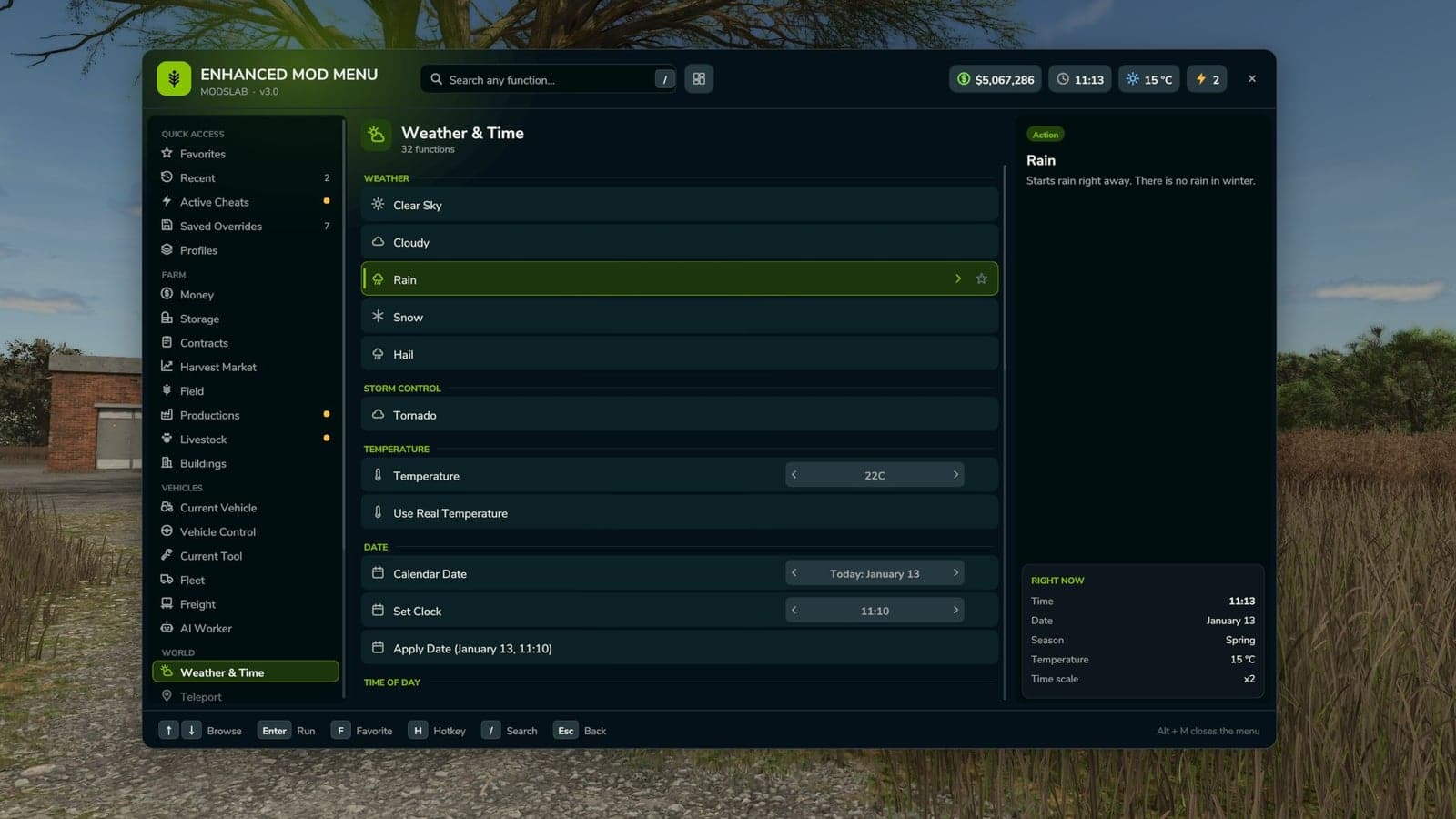
- Open the complete in-game Enhanced Mod Menu for Farming Simulator 25 with Left Alt + M;
- Use Favorites to reach frequently used functions quickly;
- View recent actions in a separate section;
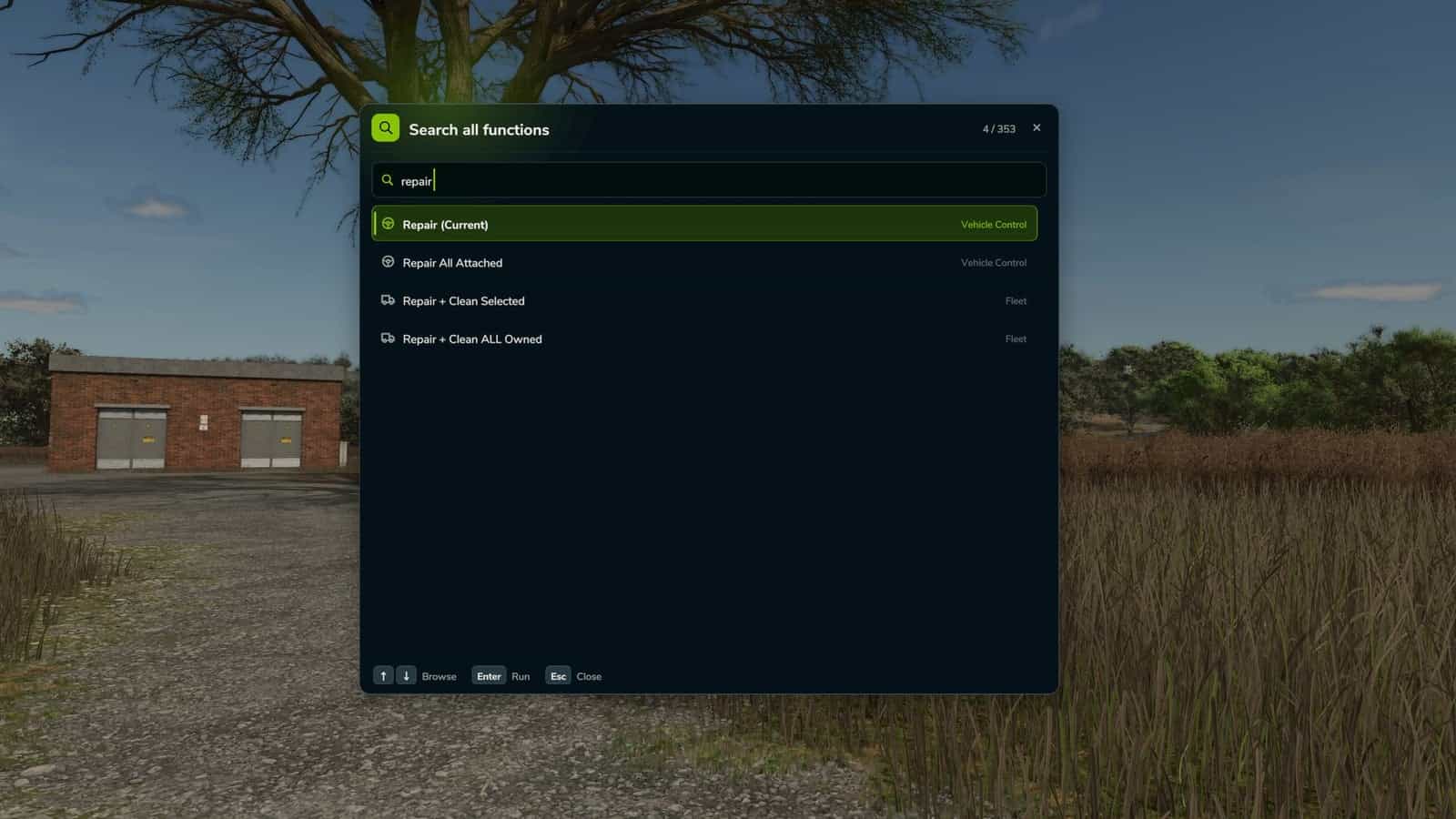
- Search functions and display the matching results;
- Check which cheats are active;
- Undo the most recent action;
- Use the reset button to return supported changes to their default values;
Money And Economy:
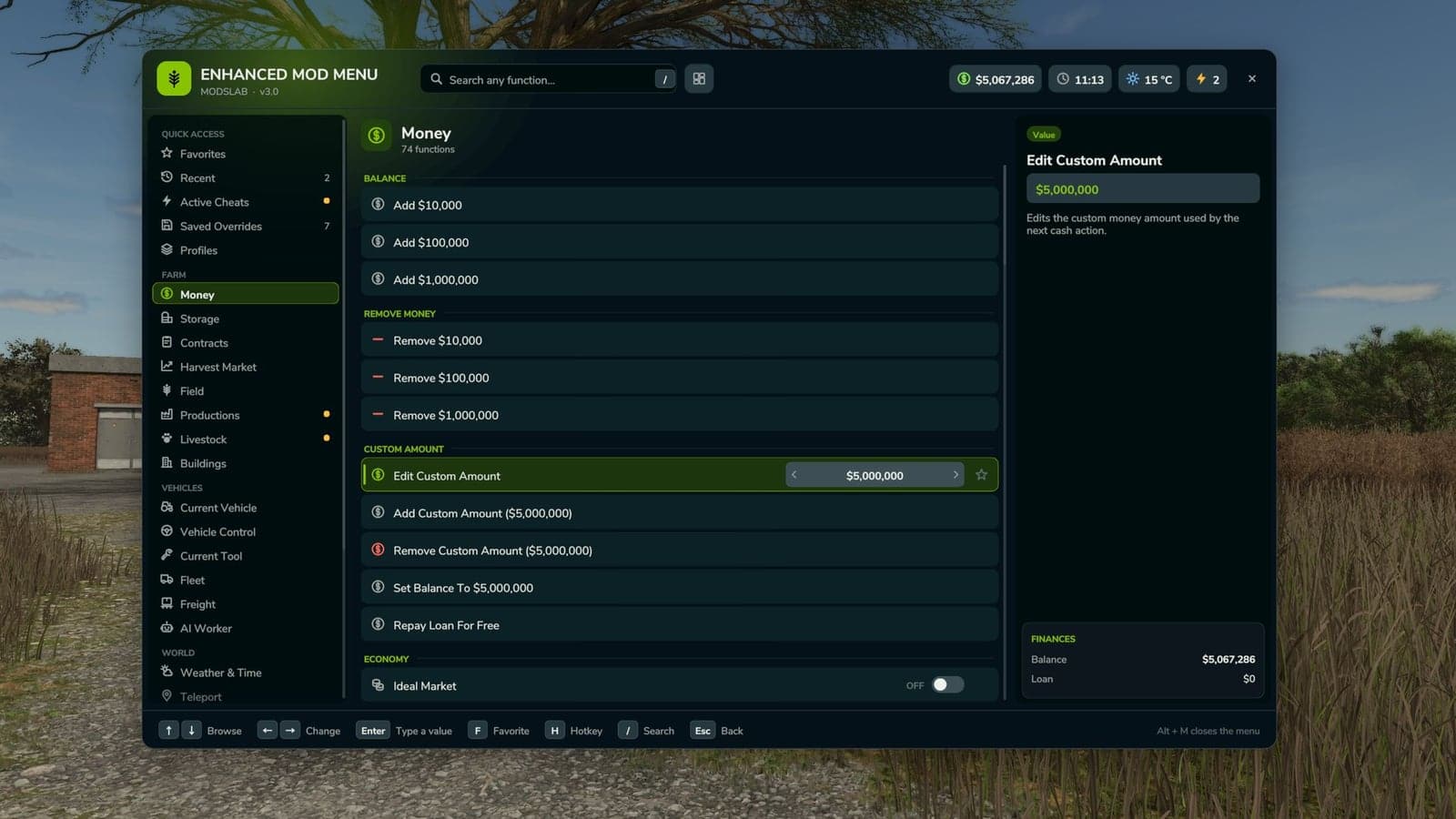
- Choose preset money changes of $10,000, $100,000, or $1,000,000 to add or remove;
- Edit money manually by adding, removing, or setting a custom balance;
- Ideal Market option;
- Dynamic Difficulty Breaker option;
- Refund All Costs;
- Free Purchases;
- Free Buildings;
- Toggle daily costs;
- Instant Production Payback;
- Select from multiple currencies with the currency selector;
- Create a custom currency by editing its code, name, symbol, and exchange rate;
Contracts:
- Infinite Contracts;
- Set a custom multiplier for contract rewards;
- Complete every contract instantly;
- Refresh the contract board;
Time, Weather And Seasons:
- Control weather with clear sky, rain, snow, and tornado;
- Edit the temperature;
- Select the calendar date;
- Set and edit the clock and time;
- Use quick presets for dawn, morning, noon, evening, and night;
- Skip 1 day, 2 days, 7 days, 1 month, 3 months, 6 months, or 1 year;
- Edit the time scale;
- Freeze Time option;
- Switch between spring, summer, autumn, and winter;
- Override field requirements;
- Override the impact of weather;
- Always Ideal Conditions mode;
Player Tools:
- No Clip mode;
- Flight Mode;
- Super Strength;
- Player Invisible mode;
- Toggle the default HUD;
- Edit the player’s running speed;
- Edit the player’s jump height;
World Cleanup And Markers:
- Toggle traffic;
- Toggle pedestrians;
- Clean up owned pallets;
- Clean up owned bales;
- Clean up loose owned freight;
- Show tracking markers for owned pallets and bales;
- Remove freight markers;
Vehicle Tools:
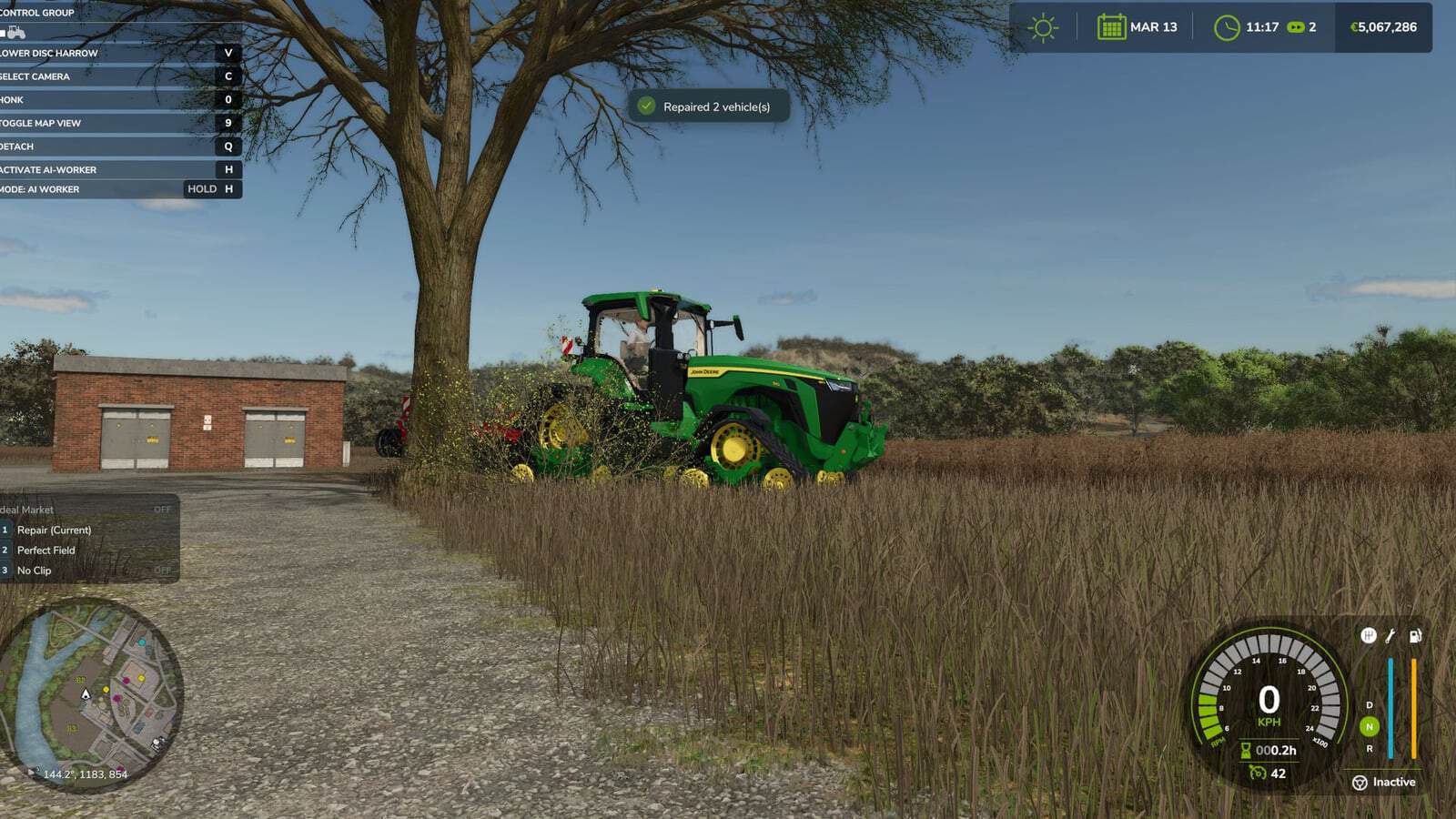
- Repair the vehicle;
- Refill fuel;
- Refill every vehicle tank fully;
- Wash the vehicle;
- Vehicle dirt option;
- Remove paint wear;
- Add paint wear;
- Restore the vehicle’s full appearance;
- Clone the vehicle;
- Sell the current vehicle;
- Delete the current vehicle;
- Prevent Vehicle Flips mode;
- Teleport the vehicle to the map marker;
- Repair all attached implements;
- Refill the full tank of the attached vehicle/tool chain;
- Lift every attached implement;
- Lower every attached implement;
Vehicle Editing:
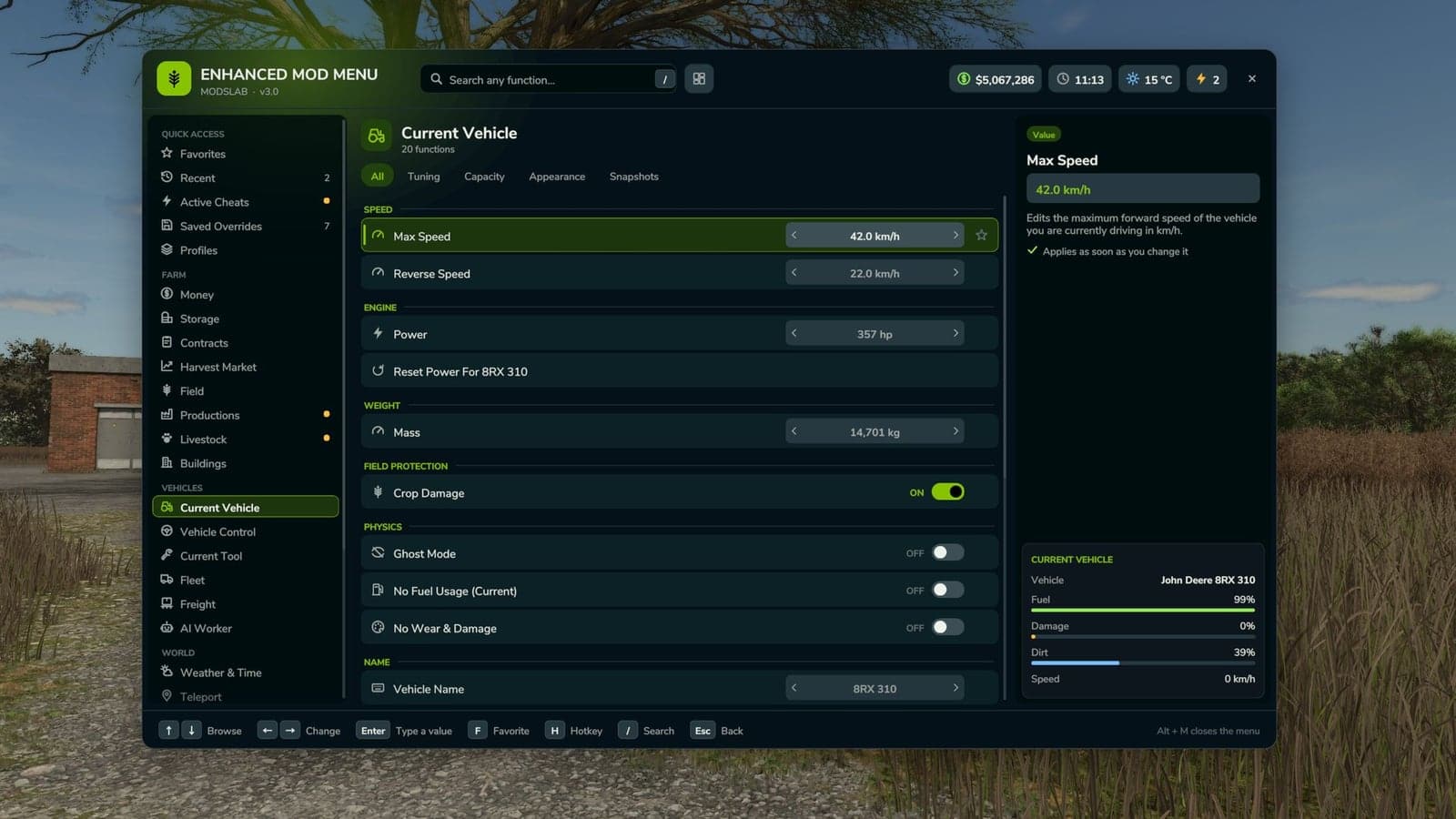
- Edit the current vehicle’s maximum speed;
- Edit the current vehicle’s reverse speed;
- Edit the current vehicle’s power;
- Power reset option;
- Edit the current vehicle’s mass;
- Toggle crop damage for the current vehicle;
- Ghost Mode for the current vehicle;
- Edit the vehicle name;
- Browse vehicle configurations;
- Switch vehicle configuration options;
- Apply the selected vehicle configuration;
- Display vehicle configuration information;
Tool Editing:
- Select the current tool target;
- Edit the tool’s working width;
- Edit the tool’s working speed;
- Edit the power required by tools;
- Clone the current tool;
Teleportation:
- Filter teleport destinations;
- Select a destination;
- Teleport to the selected destination;
Spawner:
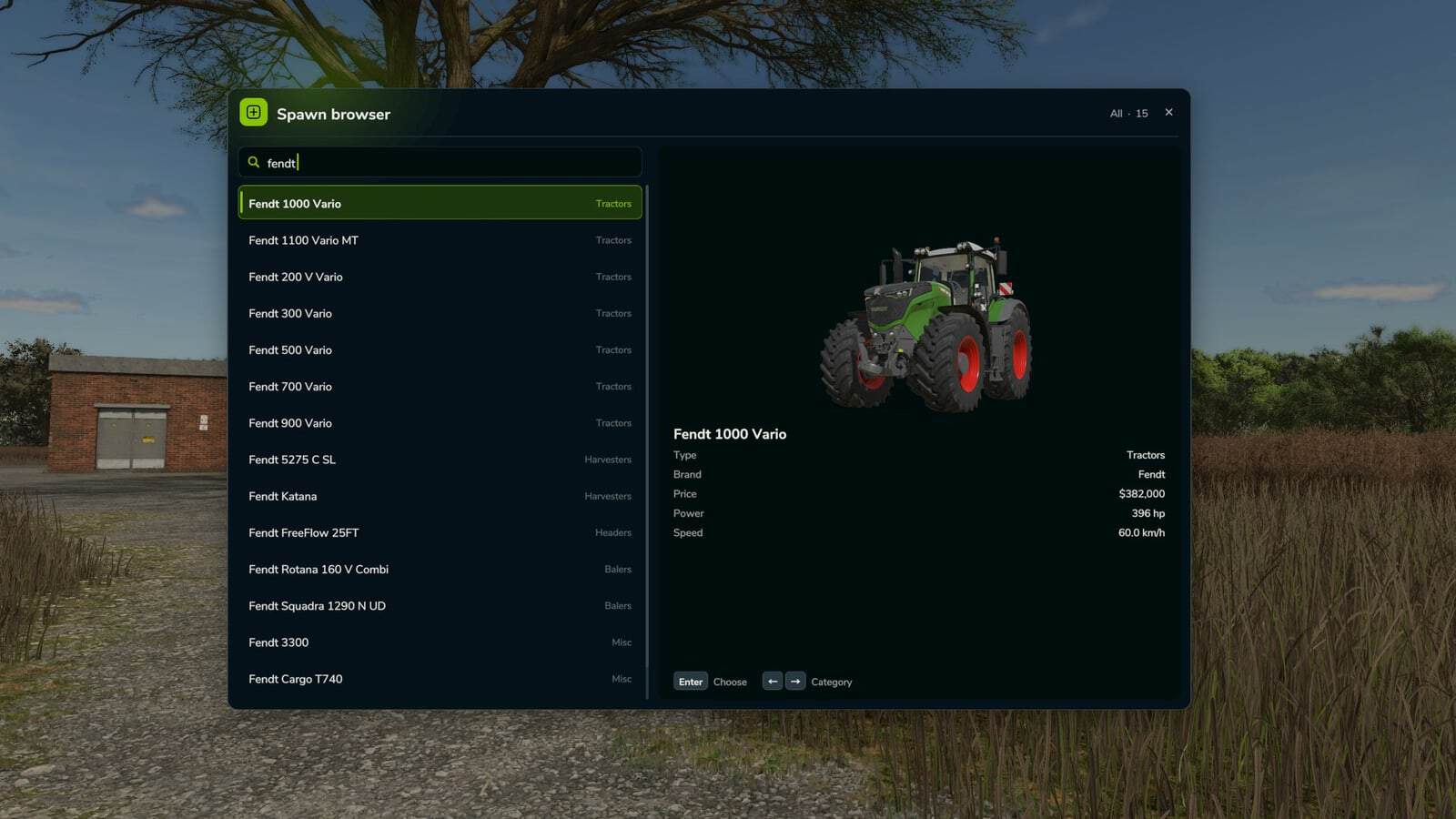
- Open the spawner menu and select a category;
- Spawn the selected item;
- Select pile material;
- Edit the custom pile amount;
- Spawn a pile;
Forestry:
- Select a tree;
- Select the tree growth stage;
- Plant one tree in front of the player;
- Plant five trees in front of the player;
- Chainsaw Crosshair;
- Switch chainsaw speed;
- Remove living trees within 15 meters;
- Remove cut stumps within 25 meters;
- Remove the nearest cut stump;
- Clear cut logs within 25 meters;
AI Helpers:
- Free Helpers;
- Finish all AI workers;
- Teleport to an active helper;
Traffic Control:
- Clean up traffic around the player within 50 meters;
- Freeze Traffic;
- Respawn traffic;
Market And Crop Prices:
- Insider Trading for the harvest market;
- View Peak Forecast information;
- Auto Trader;
- Set a custom harvest sales multiplier;
- Reset the sales multiplier;
- Emergency restoration of every crop price;
- Select a crop;
- Edit the selected crop’s price;
- Set the selected crop to its maximum price;
- Restore the selected crop to the normal market price;
Field And Crop Tools:
- Perfect Field;
- Edit growth values;
- Instant Grow;
- Instant Harvest;
- Select the crop for field planting;
- Plant the selected crop;
- Auto Remove Weeds;
- Disable Stones;
- Cycle soil states;
- Plow instantly;
- Cultivate instantly;
- Sow instantly;
- Fertilize instantly;
- Roll instantly;
Field Ownership And Field State:
- Switch the selected field;
- Select a field by number;
- Select the field beneath the player;
- Purchase the selected field for free;
- Sell the selected field;
- Make every field player-owned;
- Reset ownership for every field;
- Control field states: lime, mulched, plowed, and rolled;
- Control field fertilizer at 0%, 50%, and 100%;
- Remove weeds from the selected field;
- Remove stones from the selected field;
Custom Map Markers:
- Create custom map markers;
- Edit a marker name;
- Edit a marker description;
- Place a marker at the player’s position;
- Select a marker;
- Teleport to selected markers;
- Delete a marker;
- Delete all custom markers.
Conflicts:
- Grow now (thanks CollapsingVoid for test)
- Other scripts that interact with the same code/functions as the Mod Menu.
The video presents an older mod version. Its interface is therefore outdated, and many features shown there are not available.