


FS25 Dynamic PTO speed V1.1.3.3
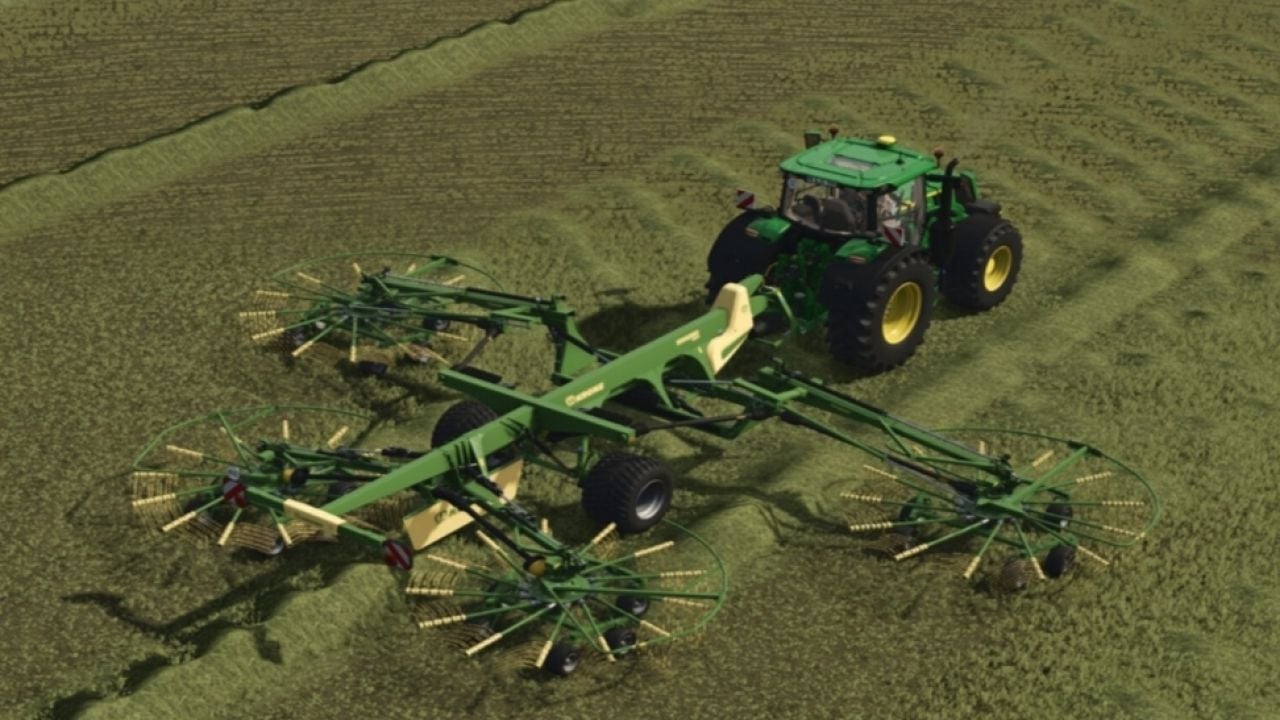
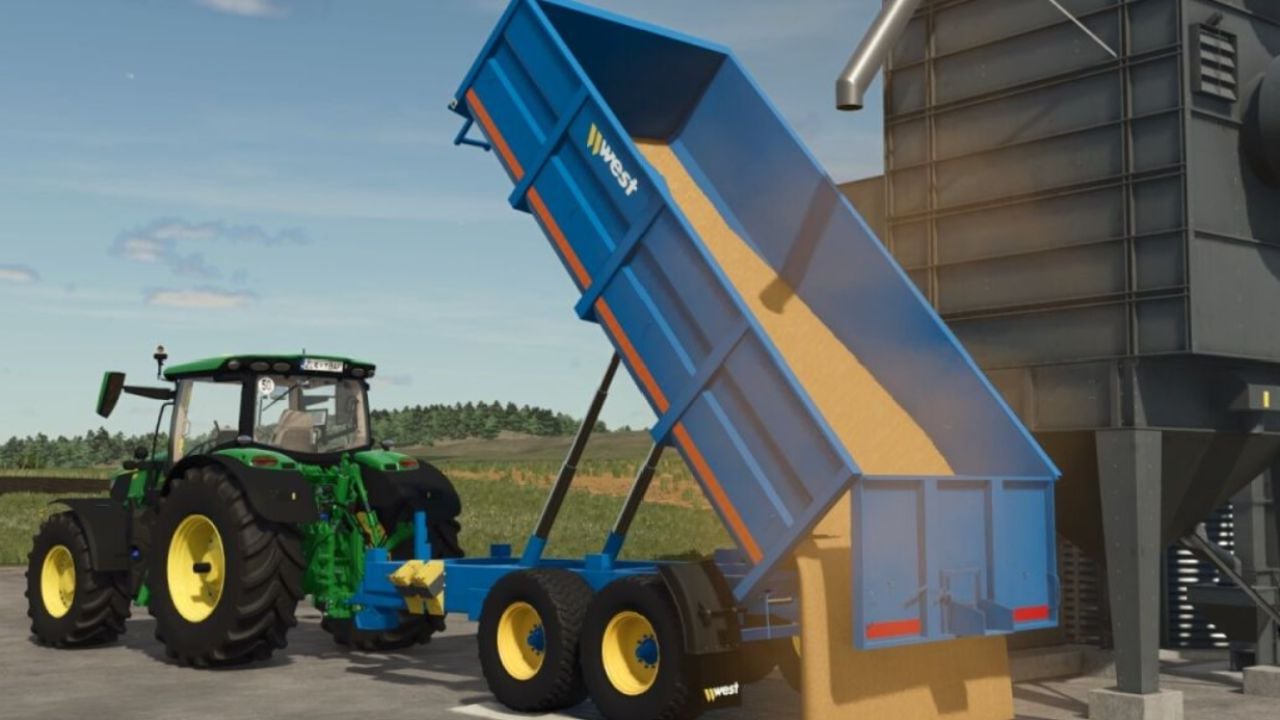
Dynamic PTO Speed gives tractors realistic PTO behaviour by linking implement working speed directly to engine speed. It provides dynamic PTO operation, hand throttle control, HUD functions, multiplayer synchronisation and LS25 compatibility.
Features
- Live calculation: Current engine speed and tractor gearing are used to calculate PTO speed continuously.
- Precise hand throttle: The engine does not automatically increase to maximum revolutions. The settings 540, 540E, 1000, 1000E and AUTO define the target. Use
Ctrl + Up / Downto adjust engine speed precisely, with the setting saved when leaving. - Real manufacturer data: A database identifies the appropriate speed automatically, for example 1000 RPM for large balers and mower combinations, or 540 RPM for round balers and tedders.
- Front and rear PTO: Front and rear PTOs are detected independently and can be switched smoothly with
Ctrl + Alt + E. - Mowers and choppers respond directly to throttle input and achieve maximum throughput at high engine speed.
- Balers and forage wagons work in proportion to engine speed. For balers, an integrated overload and stalling system adds further realism.
- Conveyor belts and overload wagons move material based on engine speed.
- Smart display: The compact cab HUD presents engine speed, PTO RPM, mode and status. It is shown only with an attached implement and hides automatically in menus.
- Mouse control: Open the control panel with a key and choose modes directly. After closing it, the mouse is released immediately.
- Customizable HUD: Move the HUD with
Ctrl + Por hide it usingAlt + H. Its positions are saved automatically. - Full LS25 compatibility and multiplayer readiness, including synchronisation.
- German and English are available.
- Compatible with AutoDrive, Courseplay, QuickVehicleSelect and Realistic Harvesting.
- The F1 help changes dynamically.
- Included are the mod structure with
modDesc.xmland Lua scripts, a sample implement XML and a HUD overlay.
Changelog
- V1.1.3.3
The German version received bug fixes, along with stability improvements. A major update containing new features will follow soon. - V1.1.3.2
General improvements and bug fixes. The German translation now includes the previously missingpto_warm_low_titleinl10n_de.xmland missingpto_warm_lowinl10n_de.xml. - V1.1.3.1
This release provides a cleaner cab display, PTO warnings that react more quickly and important fixes for dedicated servers in Dynamic PTO RPM.New features:
Redesigned Cab Panel
Intelligent PTO Warning SystemOn-Screen Warning Messages
When required, clear warnings are displayed in the centre of the screen:Warnings stay on screen until PTO speed is back within the correct operating range, allowing you to monitor equipment while working.Dedicated Server and Multiplayer SyncFixes and Improvements
- The HUD is smaller and cleaner, with a dark background and a green Dynamic PTO RPM header.
- Engine status, PTO gear, operating status and road mode now have new icons.
- Live RPM, selected gear, operating status and rev bar continue to work fully.
- A warning triangle is shown when something is not correct.
- The system detects PTO speed that is too low or too high, baler overload, tractor stall and insufficient horsepower.
- When a warning is active, the RPM display changes colour so problems are easier to recognise.
- PTO TOO LOW
- PTO TOO HIGH
- BALER OVERLOAD
- TRACTOR STALLED
- NOT ENOUGH HP
- Hand throttle synchronisation between players now works correctly.
- Behaviour settings are synchronised throughout multiplayer.
- Players who join an existing session receive the current RPM and settings rather than outdated starting values.
- Engine-Off RPM Fix: When the engine is switched off, RPM now falls correctly to 0 instead of remaining at the idle reading, such as 386 RPM.
- Low-Speed PTO Detection: Starting the PTO while the shaft is stopped or turning too slowly now produces the appropriate warning.
- Improved Gear-Speed Detection: The low-speed warning stays active until the PTO reaches the speed required by the selected gear.





