
FS25 Dynamic PTO speed V1.1.0.0
This mod dynamically links PTO speed and implement behavior to the tractor’s current engine speed. The mod is fully compatible with LS25.
Features
- The PTO speed is calculated live from the engine speed.
- Implements react differently to low, medium and high engine speeds.
- A multiplier for each implement allows individual settings.
- Low engine speed results in slower operation.
- Medium engine speed results in normal operation.
- High engine speed results in faster operation.
- Custom scripts link engine speed, PTO speed and implement behavior.
- Animations, effects and working speed are adjusted dynamically.
- Vehicles and implements are enhanced through hooks in their update functions.
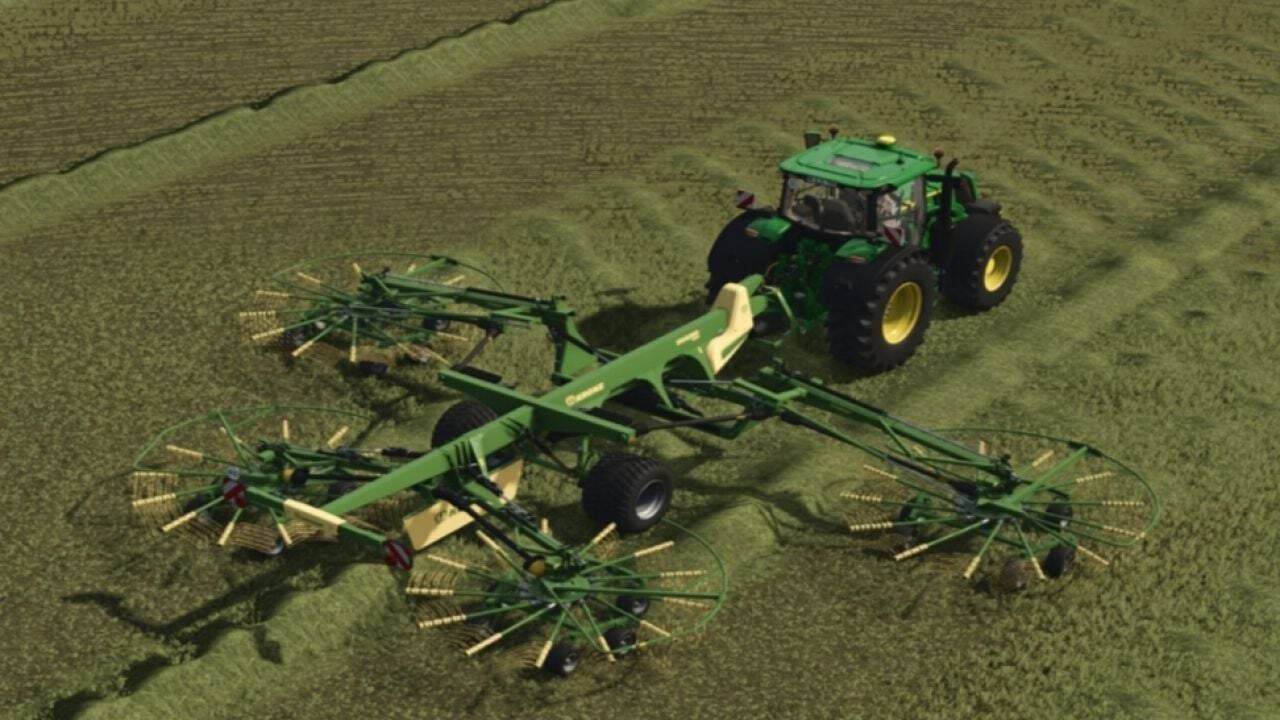
- Mowers spin faster and respond more directly to throttle input.
- Forage harvesters operate more powerfully at high engine speeds.
- Balers work more quickly and process material faster.
- Conveyor belts transport material depending on the engine speed.
- Each implement can be adjusted using its own factor.
- Complete mod structure with
modDescand Lua scripts. - Example implement XML with dynamic PTO configuration.
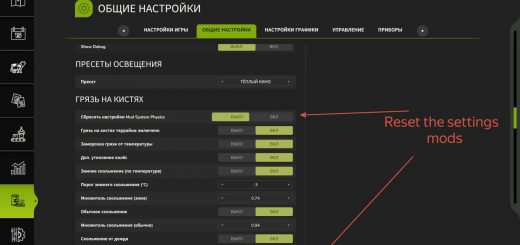
- Optional overlay displaying the current PTO RPM.
The mod is currently not multiplayer-compatible. We are working on a version that can also be used in multiplayer.
Changelog
- V1.1.0.0
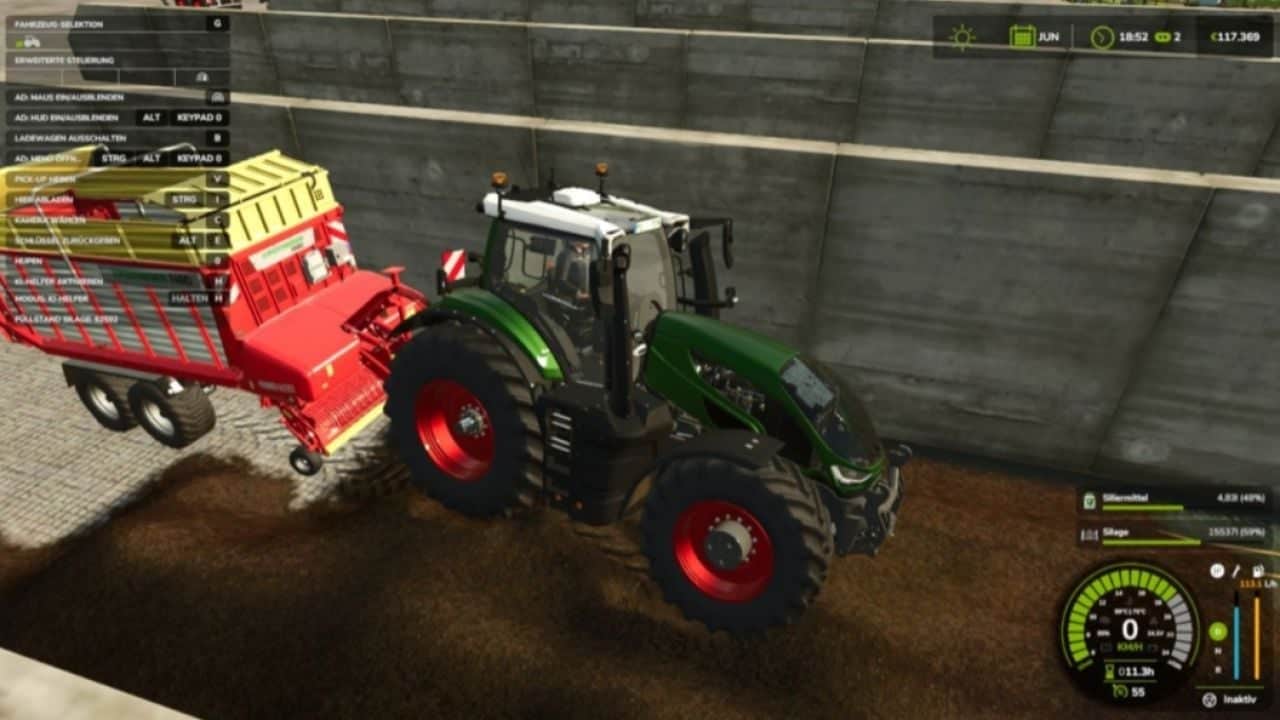
Added Automatic 540 / 540 ECO / 1000 / 1000 ECO selection based on the attached implement. Front and rear PTO implement detection. Dynamic PTO RPM based on engine speed and the tractor’s original PTO ratio. New in-cab PTO HUD with RPM, PTO speed and status. Selectable AUTO / 540 / 540E / 1000 / 1000E modes. HUD only appears when the attached implement actually requires PTO. Alt + H to show/hide the HUD. New OPEN button for PTO controls. Mouse control is only enabled while the PTO button panel is open. CLOSE button to close the panel and release the mouse. HUD and F1 controls now update when PTO keybinds are changed. Dual PTO support with FRONT / REAR follow selection. Ctrl + Alt + E to switch between FRONT and REAR. New Dynamic PTO RPM settings for: Auto PTO Show HUD Attach popups Safety warnings Dynamic output Baler overload Debug log ECO ratio 1000 RPM power threshold Minimum / maximum output HUD position reset PTO attach notifications and safety warnings. Baler overload and stall detection. Implement database based on real manufacturer PTO specifications. Improved 1000 RPM detection for large square balers, triple mowers, large loader wagons, power harrows, chippers and chasers. Improved 540 RPM detection for round balers, small square balers, tedders, rakes and alpine wagons. English and German language support. Multiplayer synchronization for PTO mode, AUTO and FRONT / REAR selection. Updated F1 help controls. Fixed Dedicated servers no longer display the HUD or settings overlays. 1000 RPM implements are no longer incorrectly forced to 540 RPM by Giants XML values. PTO detection now follows real manufacturer specifications when XML ptoRpm values are below 750. Fixed Case IH LB436 HD being detected as 540 RPM instead of 1000 RPM. Fixed Kuhn GMD 8730 / GMD 3123 F being detected as generic 540 RPM mowers. Fixed Samasz KDD 941 being detected as 540 RPM instead of 1000 RPM. Fixed large square balers being forced to 540 RPM by generic baler detection. Fixed the PTO HUD not opening correctly. Fixed Ctrl + P hiding the HUD when opening the controls. Fixed the HUD button row disappearing during mouse control. Fixed false PTO conflicts between front and rear equipment. Fixed two PTO implements locking out PTO control. FRONT / REAR follow can now be selected. Fixed settings showing OFF when saved as ON. Fixed HUD reset not working correctly and taking control of the mouse in the pause menu. Fixed the HUD disappearing behind the F1 / driving HUD. Fixed F1 keybinds not updating after changing controls. Fixed the mouse remaining active while the compact HUD is displayed. CLOSE and the PTO HUD key now correctly release mouse control. - V1.0.0.0
Added • Automatic 540, 540E, 1000 and 1000E selection • Live PTO RPM based on engine RPM and the tractor’s PTO ratio • New compact PTO HUD showing RPM, mode and status • Clickable PTO mode buttons • Moveable HUD with Ctrl + P • Alt + H to show/hide the HUD • HUD only appears when PTO equipment is attached • New Dynamic PTO settings • PTO warnings and attach notifications • Dynamic implement work speed • Baler overload and stall system • Improved detection for balers, BiG Pack, Quadrant and chaser bins • English and German language support • Multiplayer sync for PTO mode and Auto mode • New PTO keybinds Changed • ECO mode works as a target without changing the original PTO ratio • Unknown implements keep the normal FS25 behaviour • Default HUD position moved next to the speedometer • HUD stays visible while driving and with the F1 menu open • HUD hides in shops, maps, construction and pause • Settings and HUD position are saved automatically Fixed • Settings showing the wrong ON/OFF state • Incorrect Dynamic PTO tooltips • HUD reset not working correctly • HUD disappearing and not coming back • HUD issues with menus and the F1 help list • Incorrect 540/1000 PTO detection • Dynamic output affecting vehicle and pickup speeds • Square balers and chaser bins being detected as 540 instead of 1000 Coming Soon More Dynamic PTO features and improvements are already in development.