FS25 Dealer Stock (New & Used) V1.0.0.0
This mod adds limited new-equipment stock and a used equipment lot to the dealership. New stock is restocked monthly in-game, while used machines can be inspected on foot before purchase.
Features
- New equipment is available in limited stock.
- Each month, only a selection of models is available, roughly 35% per store category, with at least one model per category included.
- Each model in stock has a limited quantity, ranging from 1 to 3 units. Machines costing over €250,000 have half the available quantity, with a minimum of 1.
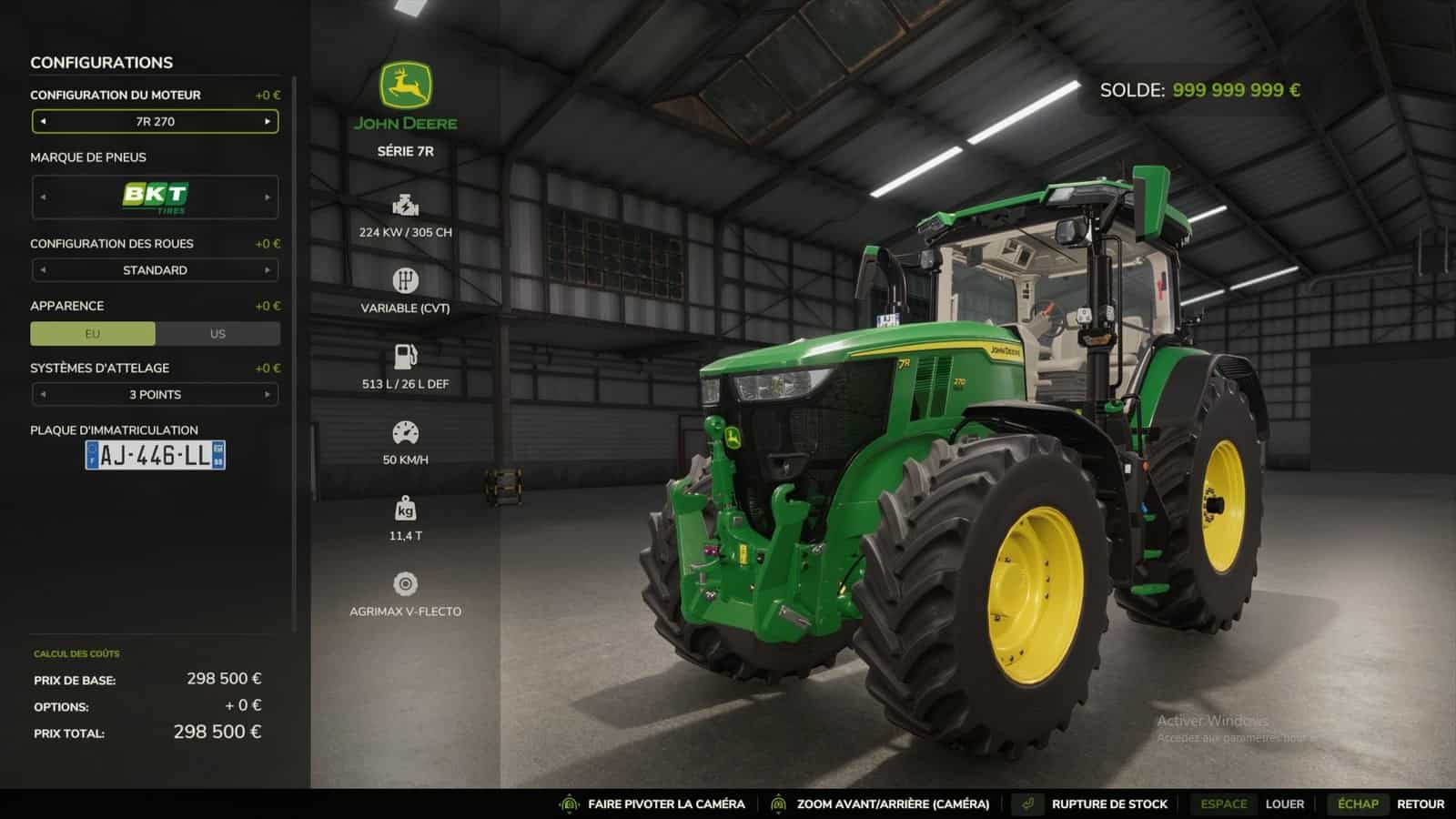
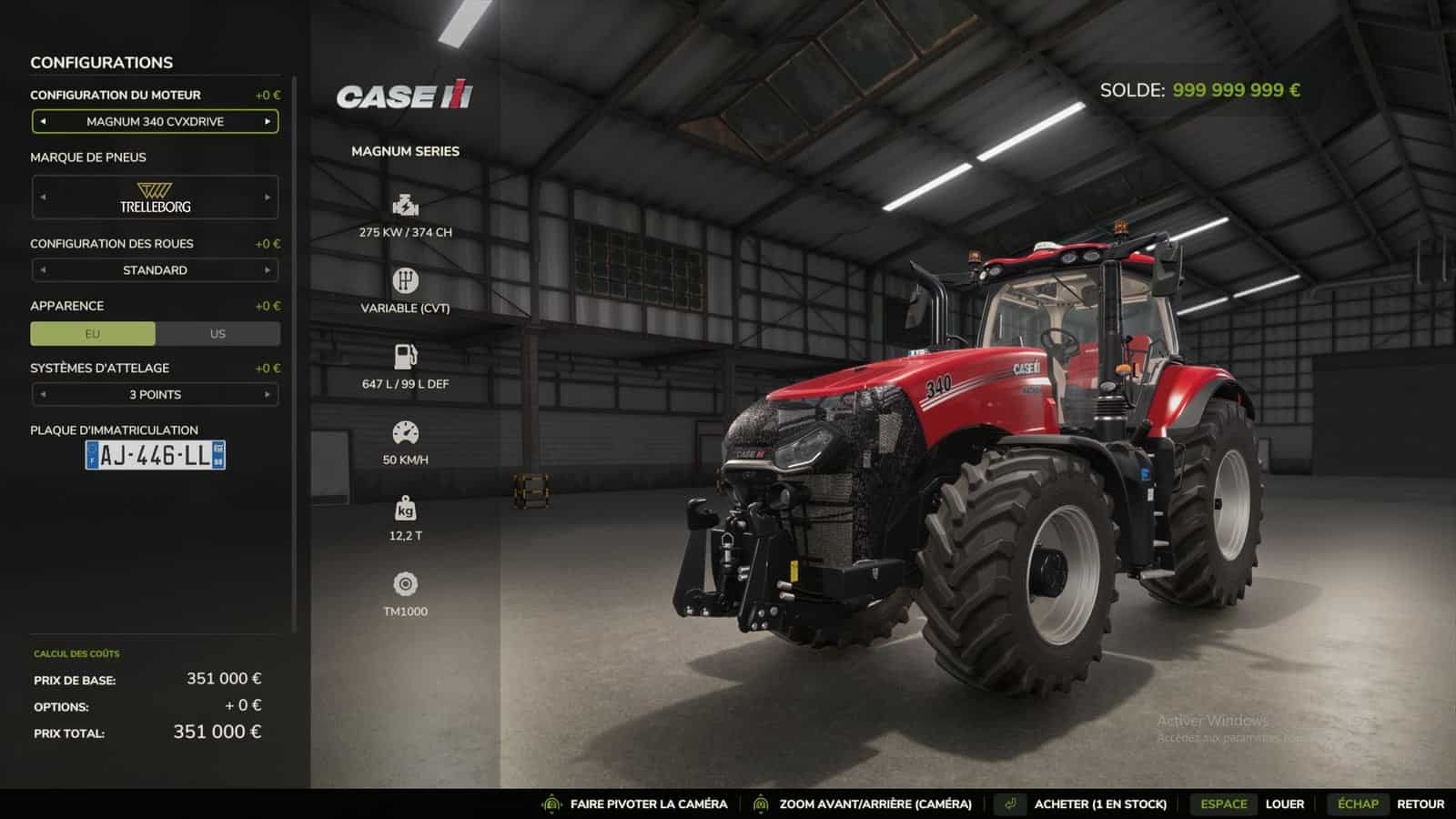
- Stock levels are visible in the store. In the list, each item displays “In stock (x2)” or “Out of stock”. The purchase button indicates “Buy (2 in stock).”
- A model that is sold out or not currently in stock displays “Out of stock”. It cannot be purchased or leased until the following month.
- With every delivery, the stock decreases, and a notification indicates how many units remain or if the last one was just sold.
- Failed purchases incur no cost. If delivery fails due to a lack of space or funds, the stock remains intact.
- Vehicles added by other mods are handled automatically, just like base-game vehicles.
- Unsold used machines are locked. You cannot board them, attach them to other equipment, or cycle to them using the Tab key until they have been purchased.
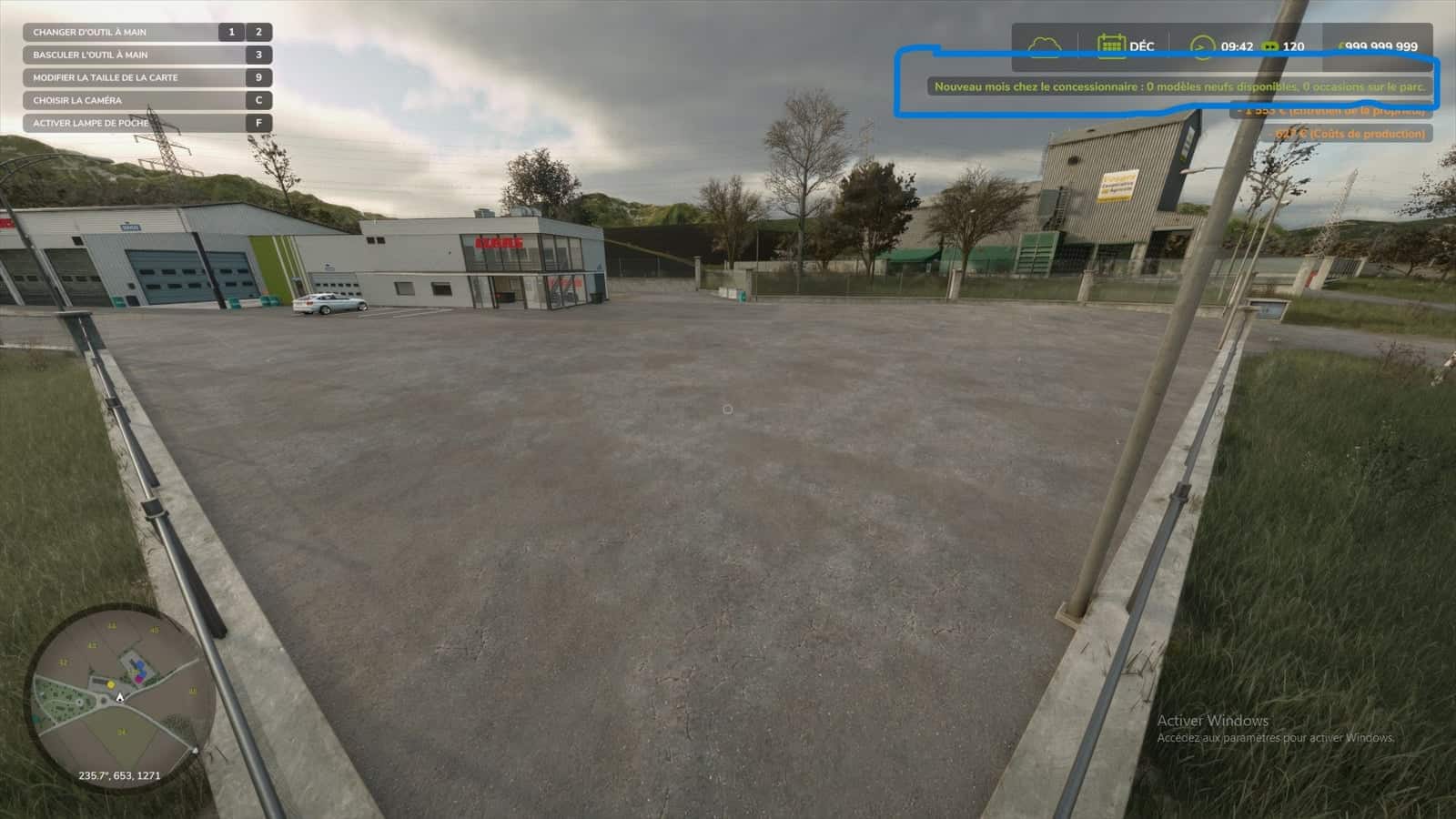
- At the start of each new month, unsold items leave the lot and are replaced by a new batch.
Supported categories: tractors and vehicles, harvesters, trailers, loaders, tillage, seeding, haymaking, baling, forestry, sugar beet and potato equipment, vegetables, special crops, vineyards and olives, and precision farming.
Unsupported categories: objects, pallets, bales, animals, hand tools, weights and miscellaneous accessories, and buildings. These are always freely available.
Specifications
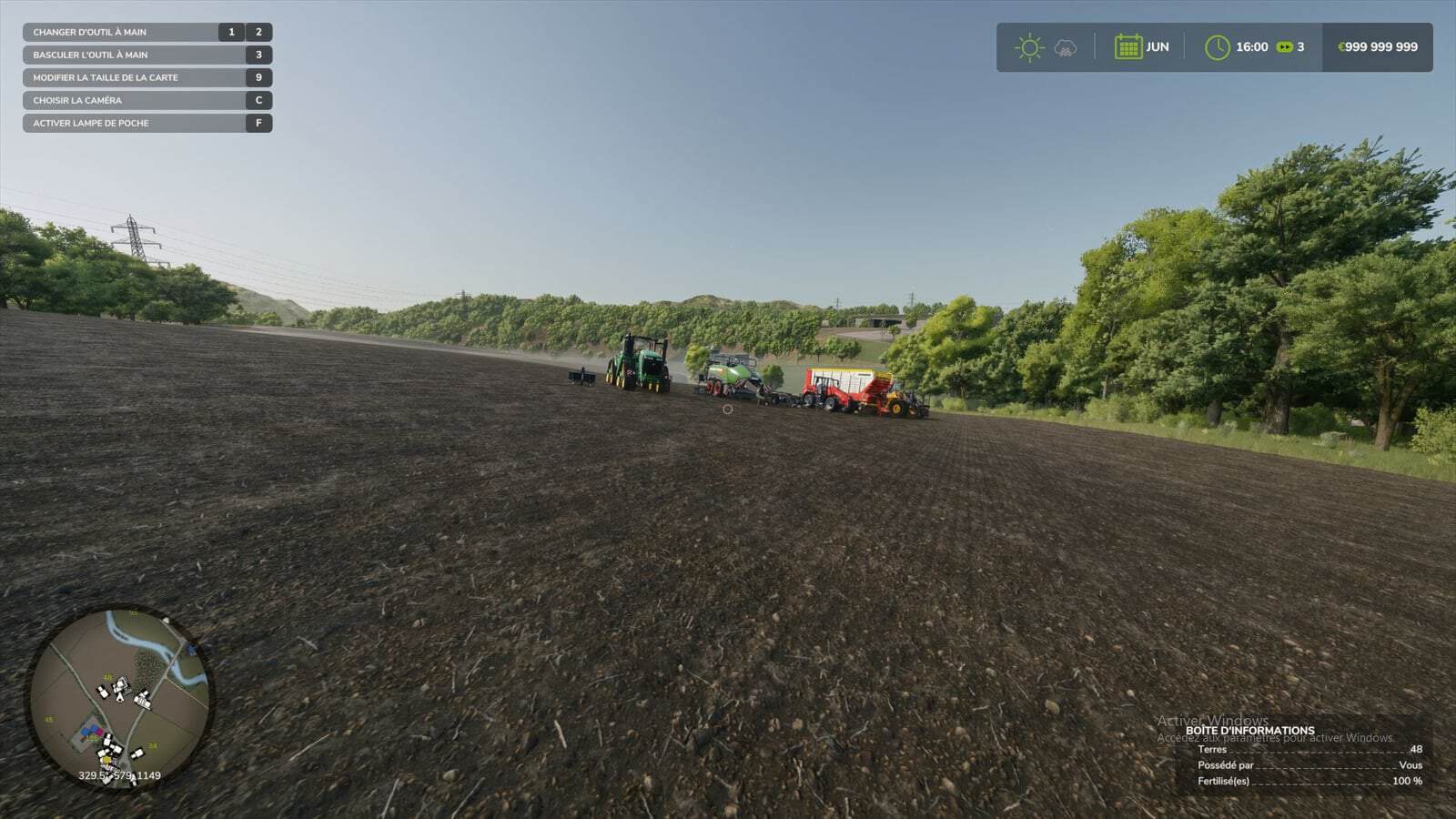
- Every month, eight used machines are physically parked on the dealership lot, including tractors, implements, trailers, and other equipment.
- Each used item has an age ranging from 1 to 15 years.
- Operating hours are consistent with the machine’s age and type.
- Mechanical wear is visible in the vehicle’s condition.
- Paint scratches and dirt are visible on the 3D model.
- The older the machine, the more wear it shows.
- The price is calculated using the game’s resale formula, based on age, hours, and condition, plus a 20% dealer margin.
- The final price falls between 10% and 85% of the new price.
Used equipment lot
- To make a purchase, walk up to a machine. Its name and price will appear.
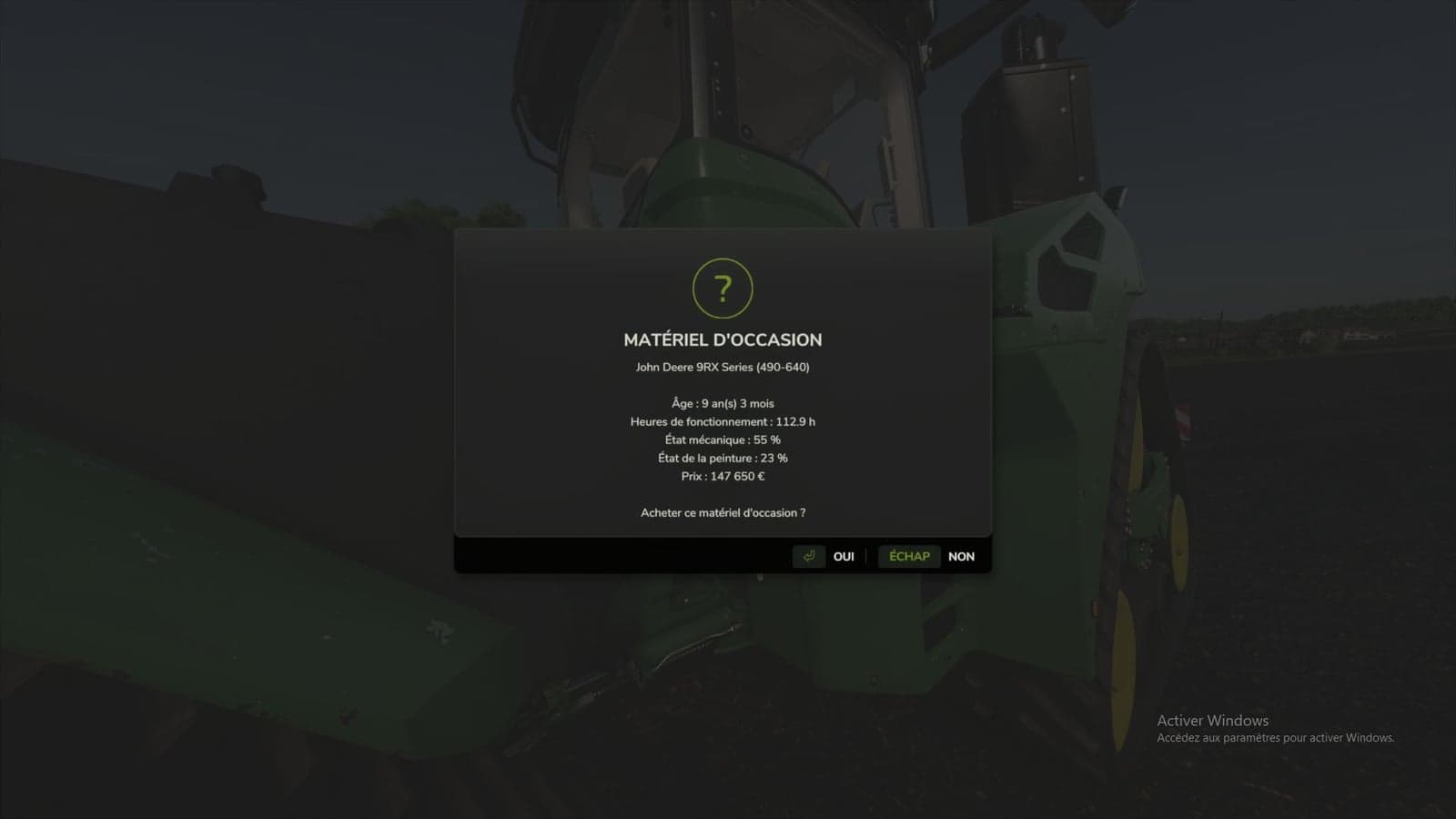
- A detailed info sheet displays the age, hours, mechanical condition, paint condition, and price.
- Once you confirm, the amount is deducted, and the machine is yours.
Placing the used equipment lot
- Walk to your chosen location, stand at the front-left corner, face the area where the lot will be, and press Alt + L.
- The machines will align to your right in 40-meter rows.
- Until a lot is defined, used machines will appear in the shop’s delivery zone. Be sure to set up your lot early on to avoid interfering with new equipment deliveries.
Controls
| Key | Action |
|---|---|
| Alt + L | Set the used vehicle lot location, multiplayer administrator only |
| Alt + K | Show monthly stock summary and list of used vehicles with prices |
| Game action key | Near a used vehicle: open purchase details |
The Alt + L and Alt + K key bindings can be changed in the game’s control settings.
Multiplayer
- The server handles everything: monthly generation, stock, purchases, and saving.
- Players receive the stock automatically, including those who join mid-game.
- Stock is shared by everyone. If a player buys the last unit, none remain for anyone else.
- Each used vehicle purchase is charged to the buying player’s farm.
- If two players target the same machine, the first one to buy it wins.
- Only the administrator can move the used vehicle lot.
Saving
Everything is saved with the game session: new stock and remaining quantities, used vehicles currently on the lot, including their condition, and the lot location.
Settings
Upon first launch, the mod creates the file Documents/My Games/FarmingSimulator2025/modSettings/FS25_DealerStock.xml. In multiplayer, the server’s file is the one that counts.