FS25 Cinematic Cam V1.0
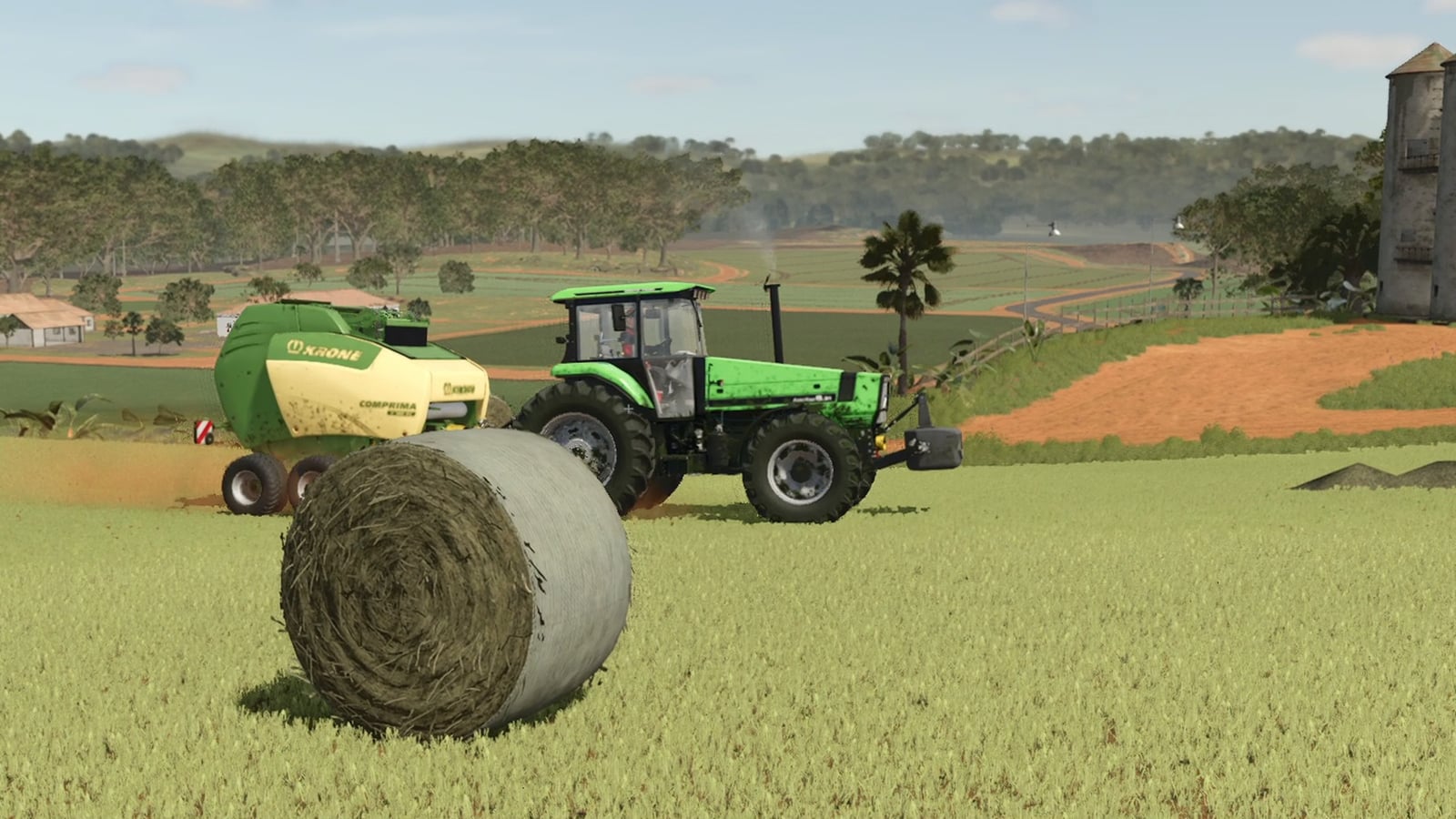
Bring a film crew to your farm. Cinematic Cam controls the camera in Farming Simulator 25 and switches between film-style shots while you or your hired workers get on with the work. Record the result with OBS, ShadowPlay or any recorder, then keep the best moments.
Features
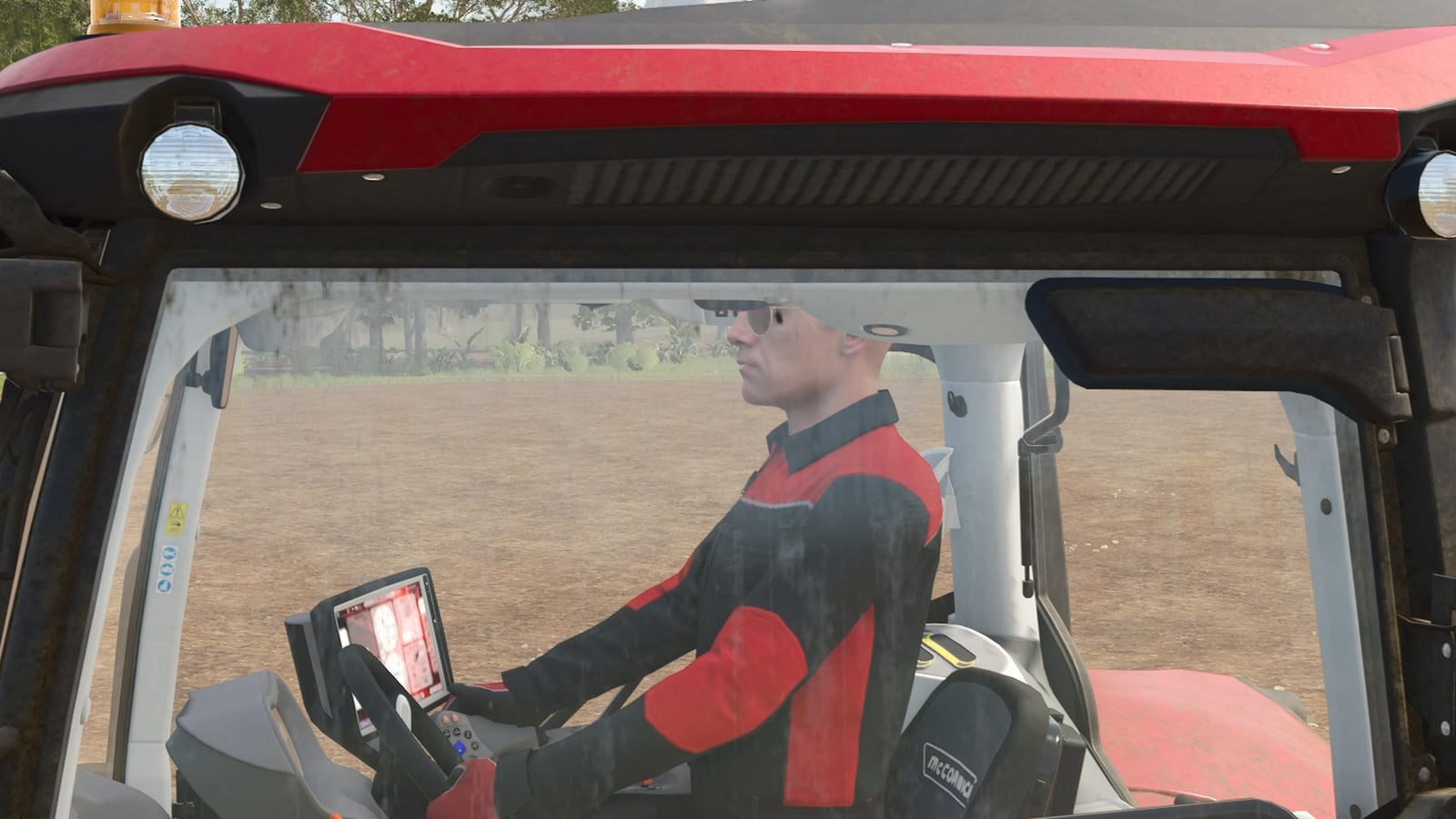
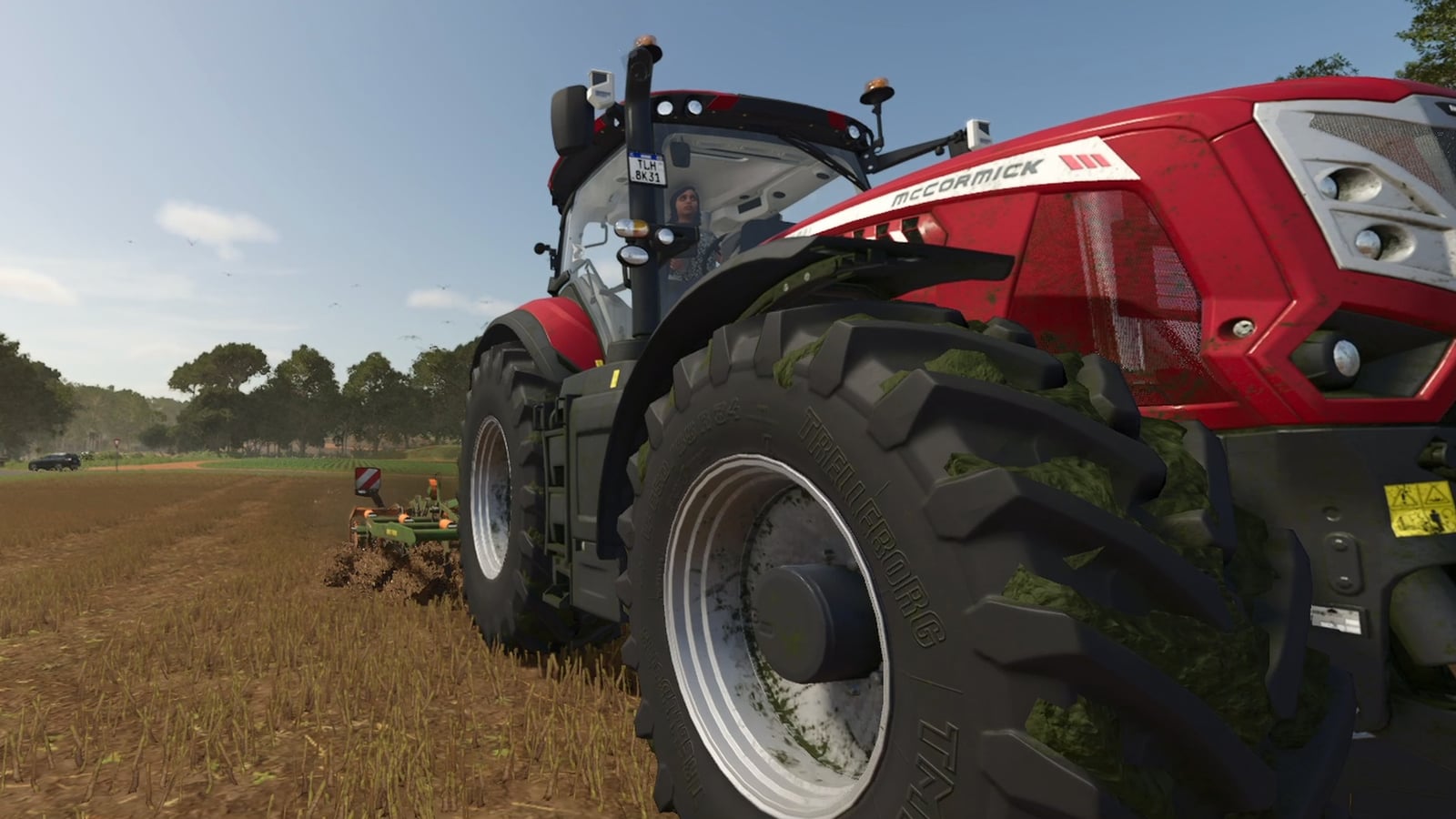
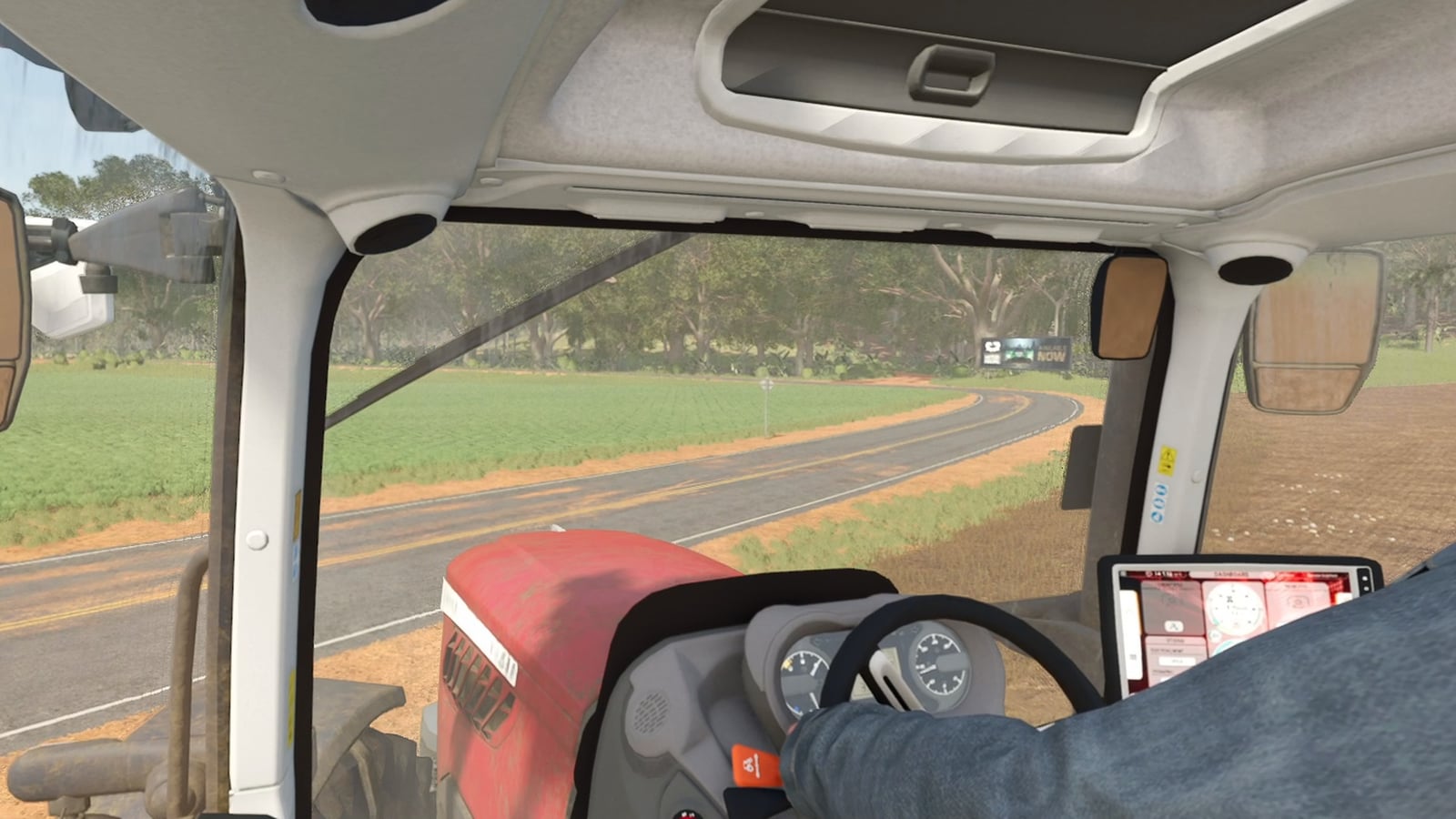
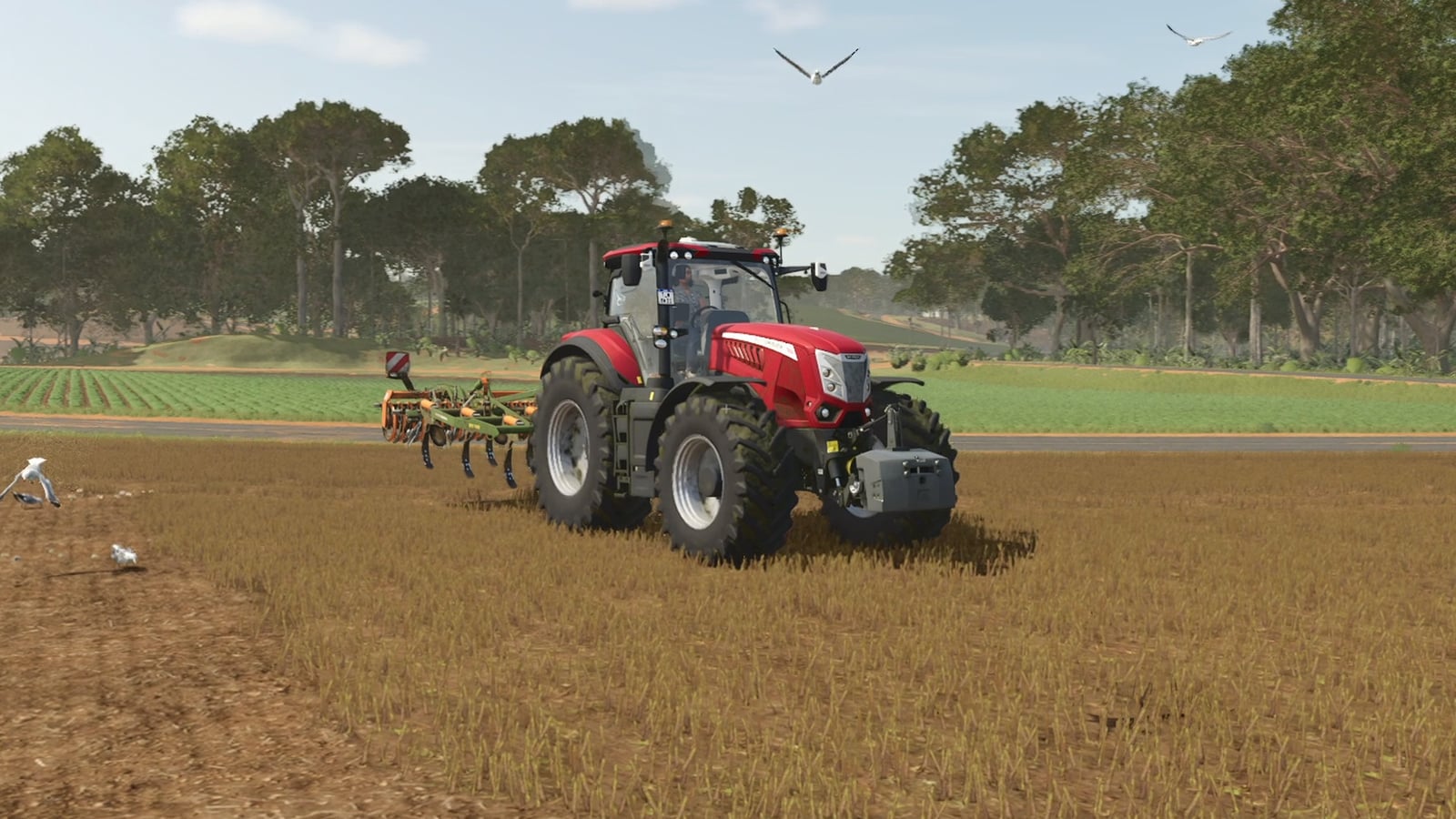
- Three ways to film: The work gives you 93 shots of yourself or your workers. Drone movements include rocket, helix, dronie, boomerang, dive, barrel roll, orbits, fly-bys and an FPV pass under the tractor. You can also choose a dozen cab views, on-board cameras aimed at the mirror, roof, bonnet, cab step, hitch and end of the implement, views from underneath with the rig driving directly over the camera, close-ups and cinematic movements such as dolly zoom, crash zoom, whip pan, arcs, a mast rising at the field edge and handheld shots.
- This field films the field where you are standing for about 2 minutes, using 26 moves.
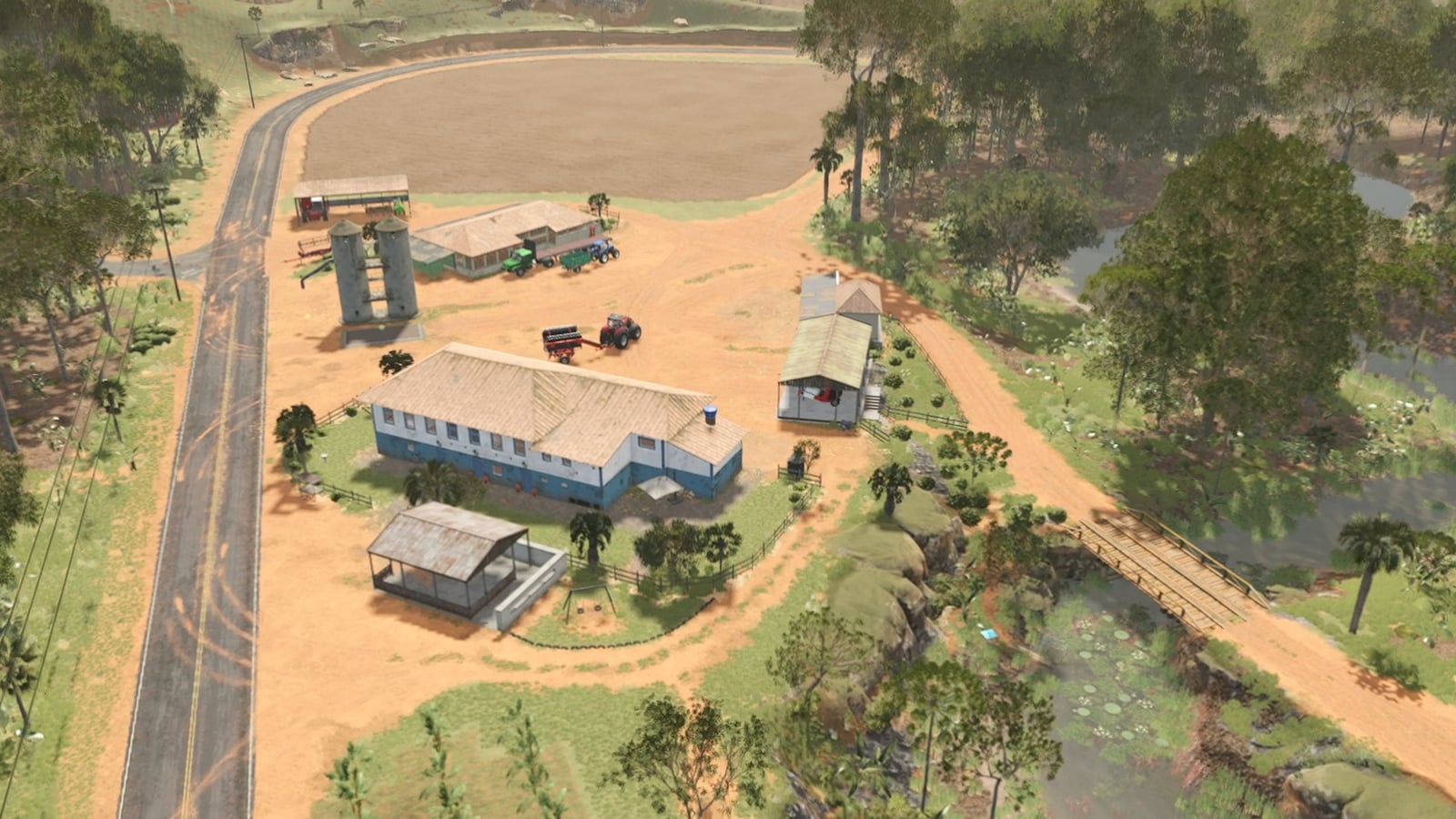
- This land covers about 2 minutes of the entire plot you are on, including the farmyard, woods and meadow, with the camera flying above the trees.
- Clean shots: Filming maintains a steady frame rate. Close-ups follow the tractor, while line-of-sight checks prevent trees and buildings from blocking the view. Cameras remain over the field and above tall crops. The HUD is hidden, and letterbox bars can be enabled. Once filming ends, your own graphics settings return.
- Menu and controls: Open the Cinematic Cam menu with
Ctrl+Shift+C. It contains choices for who to film, the shot set to use, including all, drones, inside the cab, driver, underneath, action, slow and calm, wide and scenic, and camera moves, as well as seconds per shot, letterbox and HUD, plus start/stop, film this field or film this land. - All remaining actions, including next shot, hold this shot, who to film, letterbox and save a camera spot, are found under Controls without a key assigned. You can set those keys yourself.
- Settings: Under Settings > General > Cinematic Cam, you can find seconds per shot, field and land film length, letterbox, hide HUD, 30 fps lock, detail on zoom, sharper shadows and on-screen messages.
- The mod changes only your own camera, making it safe in multiplayer, and it has been tested on a dedicated server.
- English and German.
Installation
Download FS25_CinematicCam.zip, leave it zipped, and place it in DocumentsMy GamesFarmingSimulator2025mods. When loading your save, tick it in the mod list.