FS25 Britax Aerolite 420mm (Prefab) V1.0.0.0
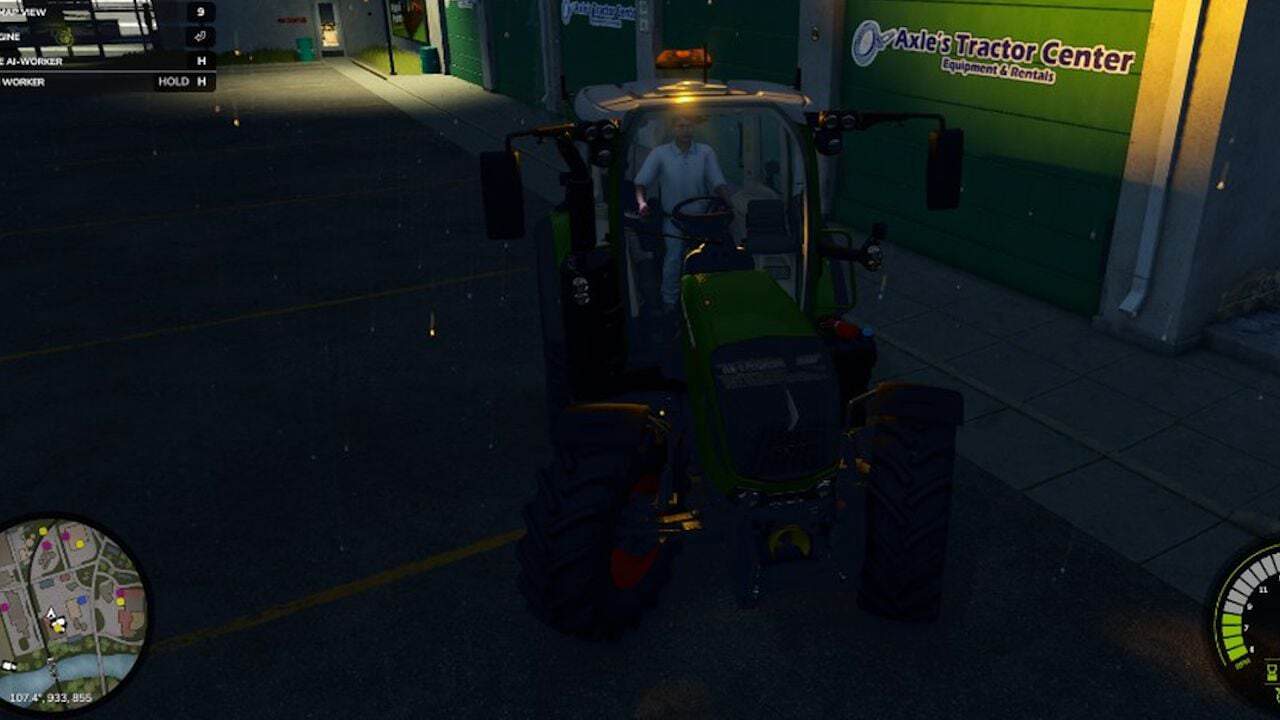
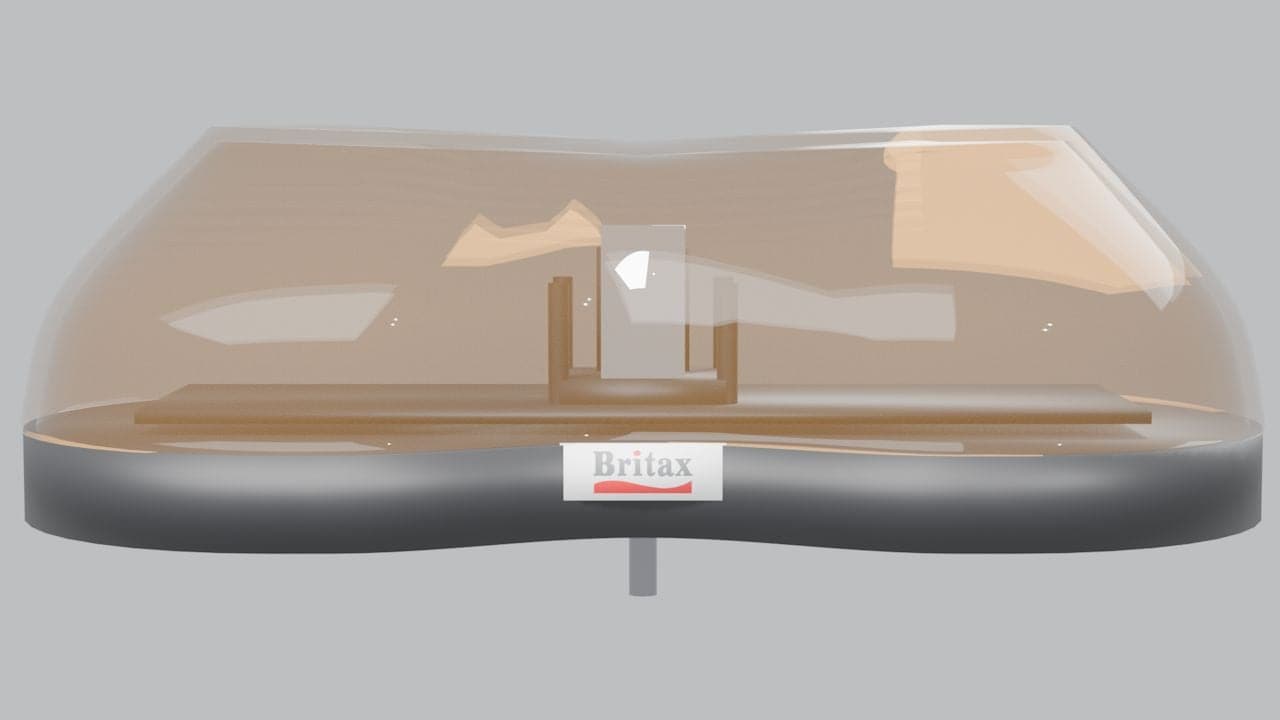
Designed for Farming Simulator 25 vehicle modders, the LM Modding Britax 420 Light Bar is a compact, mini-style amber warning lightbar measuring 420 mm. It is made for adding to existing vehicle projects through Farming Simulator 25’s native beacon lighting system.
Features
- Mini-style lightbar with a compact 420 mm design
- Clear, glass-like appearance with a continuous amber housing
- Twin rotating reflector dishes in chrome
- Native FS25 ROTATE beacon configuration
- Badge detailing inspired by Britax
- Surface-mount construction
- Dedicated DDS textures
- Included vehicle XML integration snippet
- English installation guide included,
README_EN.txt - The XML helper is included to make it easy for you.
Specifications
- Width: 420 mm
Installation Requirements
IMPORTANT: Modders can use this download as a prefab, but it is not a standalone vehicle or an in-game shop item.
The lightbar will not become available in-game if the ZIP file is placed directly into your Mods folder.
You need Farming Simulator 25, GIANTS Editor 10 and an editable vehicle mod compatible with the standard FS25 Lights specialization for installation. Basic knowledge of vehicle XML configuration and Index Paths is also recommended.
Quick Installation Guide
To begin, copy the aerolite420 folder into your vehicle mod at this directory location:
YOUR_MOD/beaconLights/britaxAerolite/aerolite420/
In GIANTS Editor, open the vehicle and set up the required mounting structure:
aerolite420Mount
├── aerolite420RotL
└── aerolite420RotR
Take the three beaconLight entries from vehicle_beacon_snippet.xml, merge them into the vehicle XML, and adjust the Index Paths to fit the vehicle’s node structure.
After loading the modified vehicle into Farming Simulator 25, use the standard beacon-light control to activate the warning lights. Home is the default keyboard binding, depending on your control configuration.
The package contains the complete installation instructions in README_EN.txt.