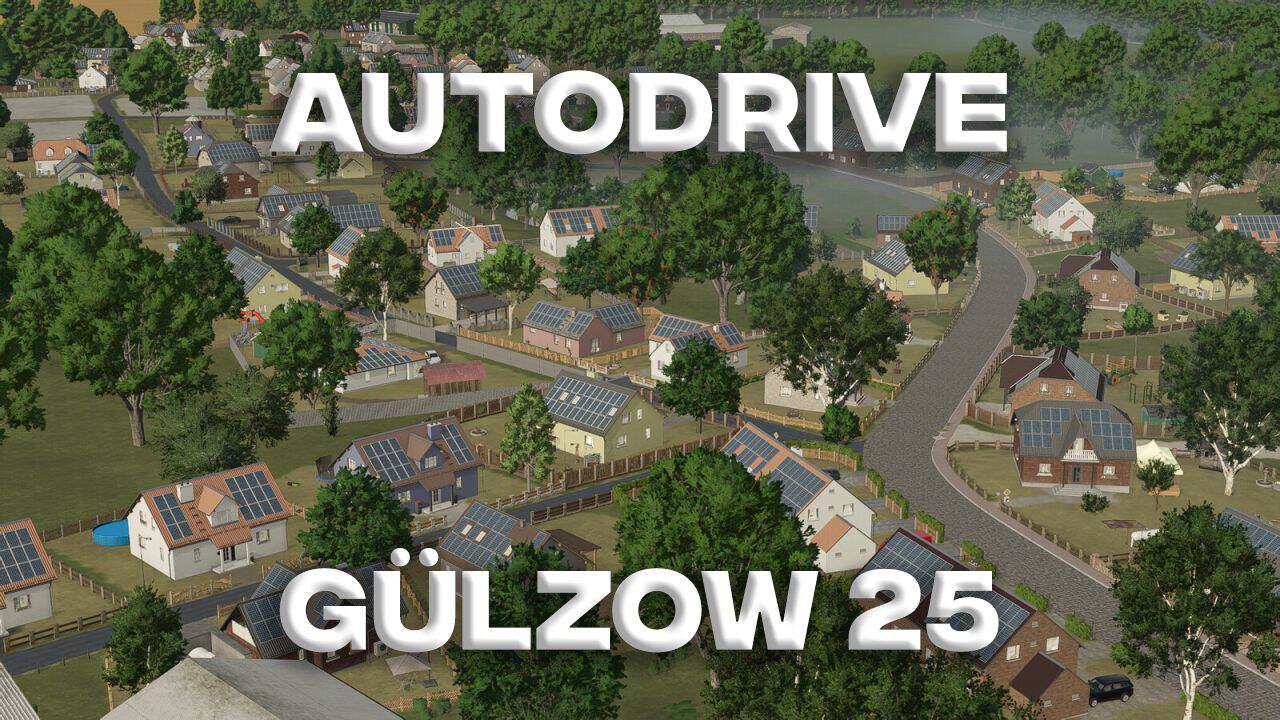
FS25 AutoDrive Gülzow v1.0
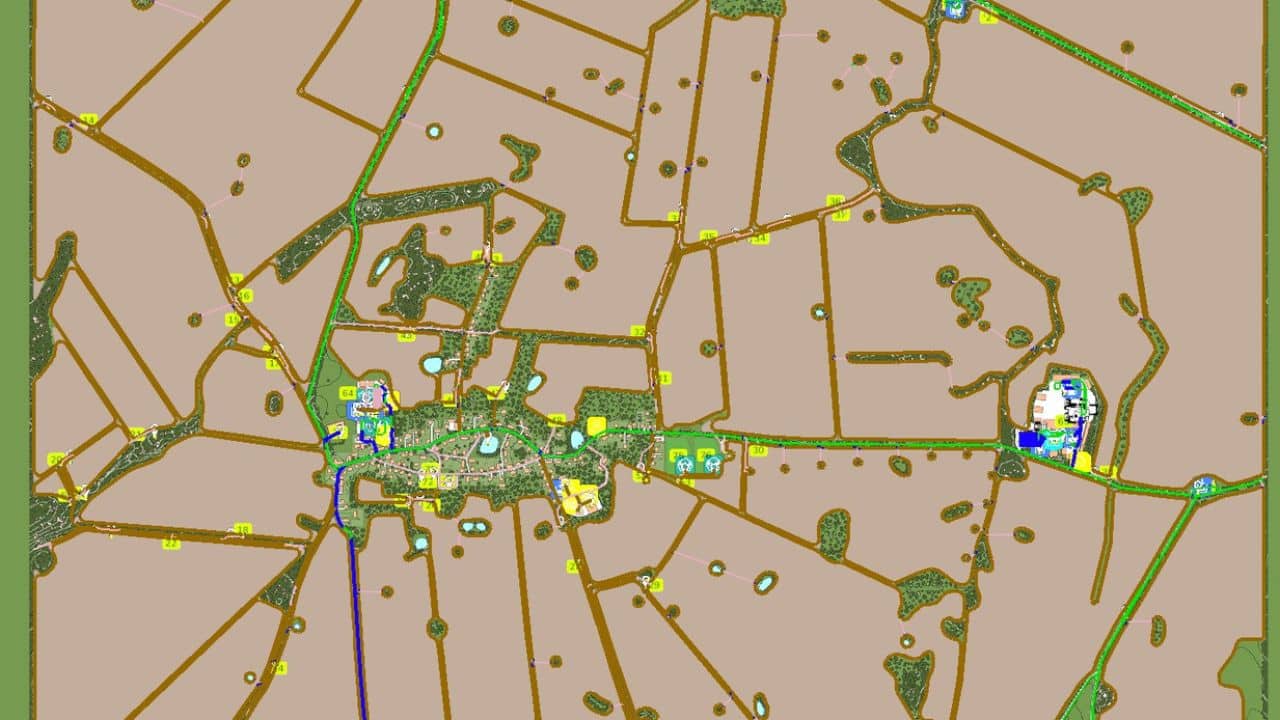
– All fields/meadows are marked with capture lines.
– Field entry and exit points are also included.
– The areas for the foresters are present as well.
– All buying/selling stations are connected and accessible.
– At the agricultural trade, the rapeseed box must be unloaded manually. An entry point is provided.
– And YES… my capture lines are brown.
– This makes the PDA clearer for me, and you’re not overwhelmed by all the blue lines.
– And it still works.
– Just trying to silence the naysayers…
– The “ALDI” unloading point can only be accessed with smaller equipment, as it’s quite narrow and cramped in places.
– At the biogas plant (BGA), I drove the two silos directly into the building.
– Filling the silos works without any problems.
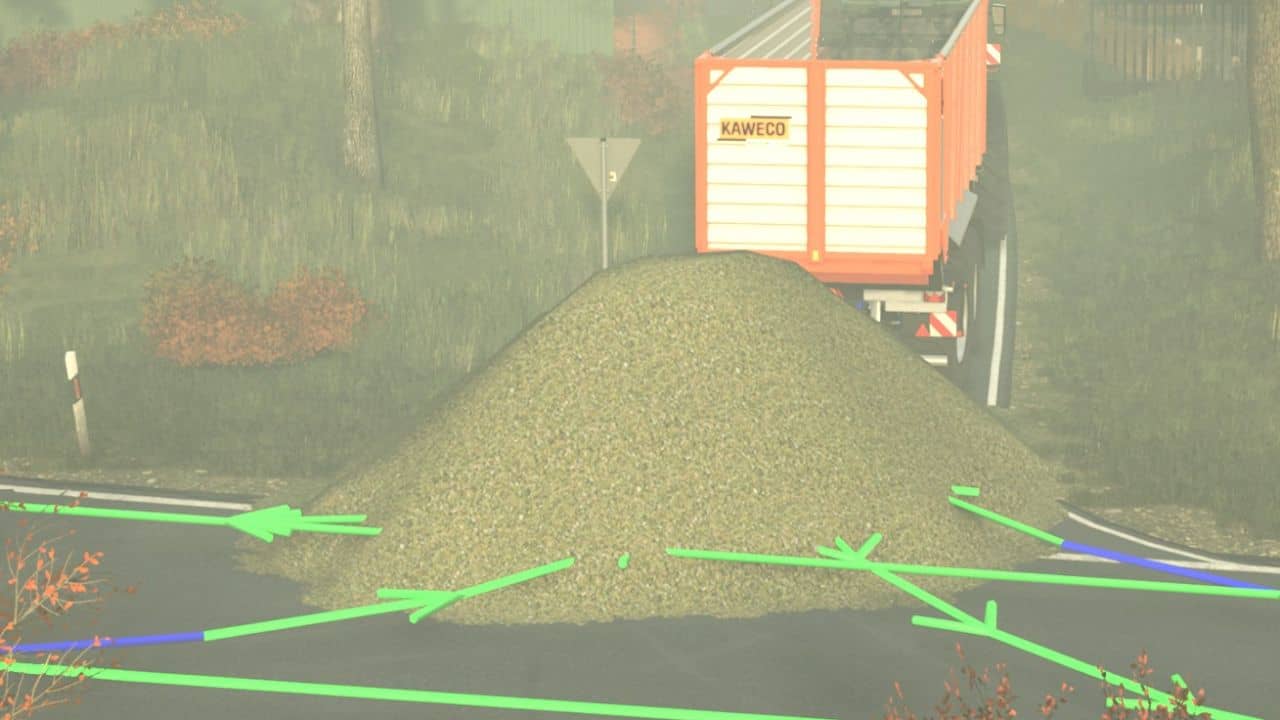
– What’s currently causing issues is driving to the BGA with the AD (Automatic Harvester).
– AD detects a trigger just before I reach the loading area, stops, and opens the trailer door.
– If you’re not paying attention, the entrance to the BGA will be filled with chopped material.
– If AD detects the trigger on the main road, stop AD, wait a moment, and then restart it.
– Then it works normally, and the trailer is emptied into the silo.
– I re-mapped the splines in the village itself because the regular combines with collision detection enabled
were sometimes getting stuck on the walls or hedges.
– This way they can drive freely. However, they should ideally NOT meet, as space is generally limited there.
– Tractors and trucks can pass each other without any problems.
– I also added passing bays in a few places. That works too.
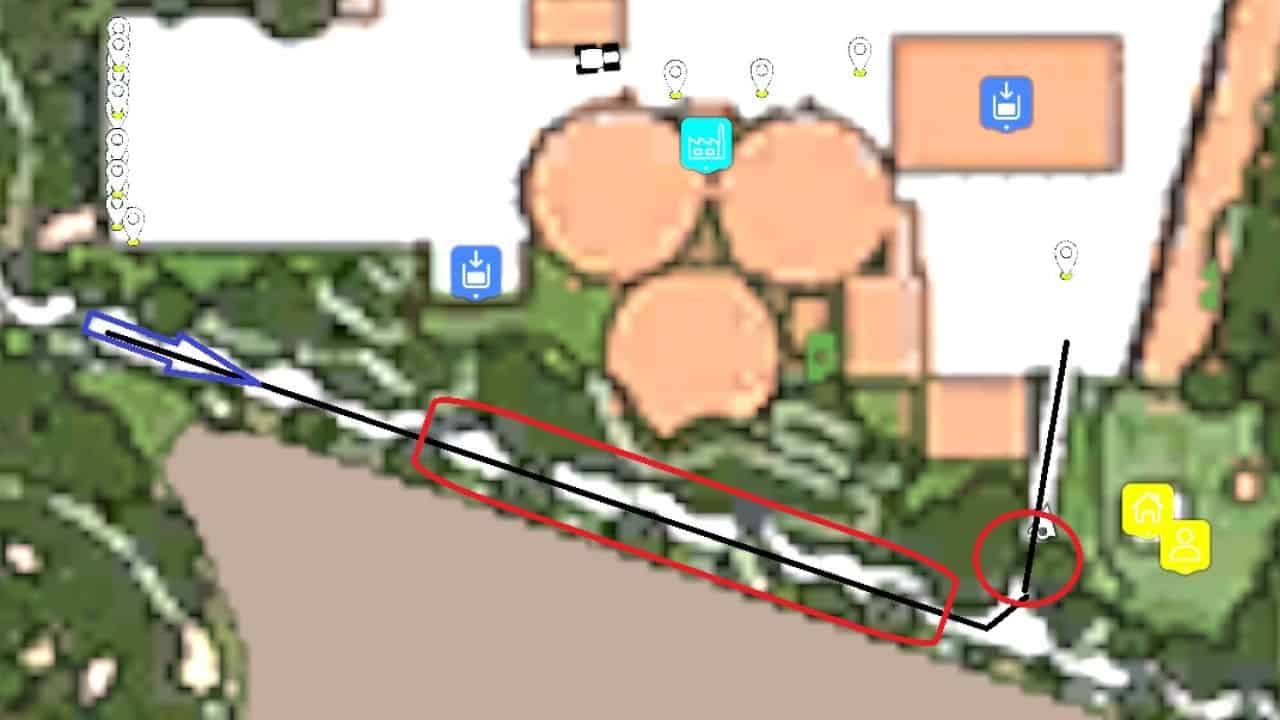
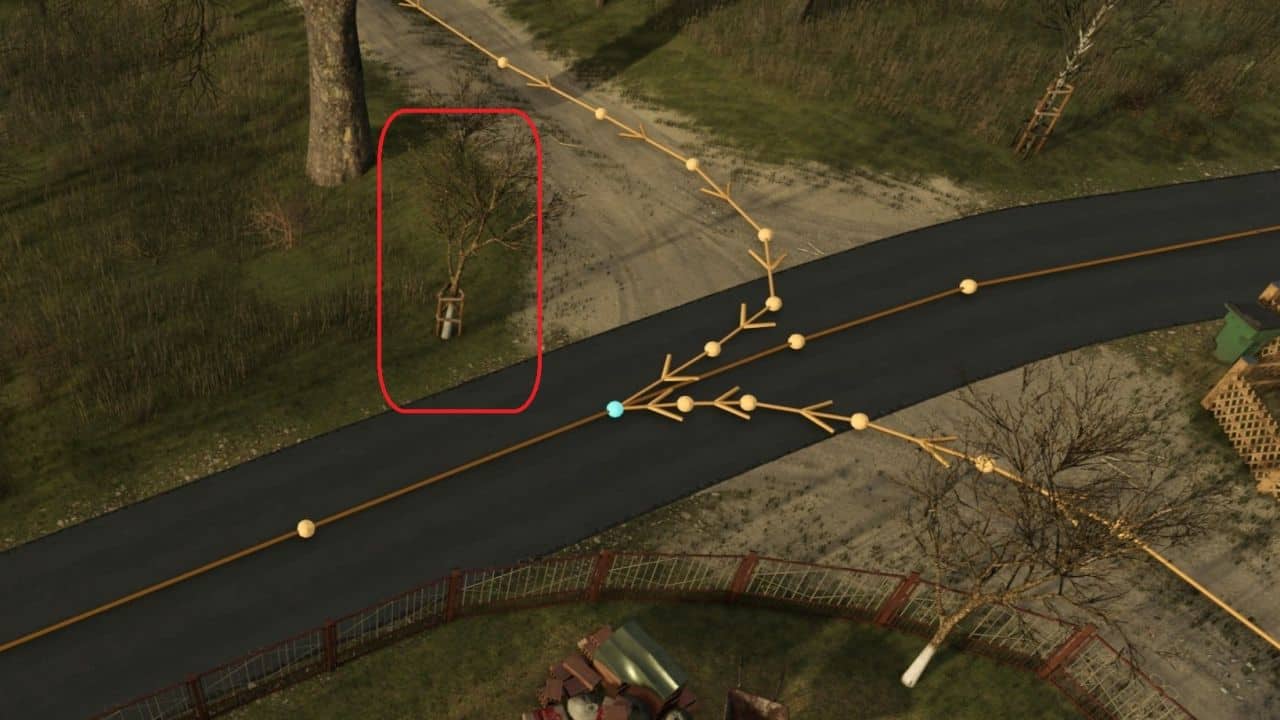
– Unfortunately, almost everything gets stuck in one corner (see screenshot).
– I will remove this apple tree myself using the Map Objects Hider.
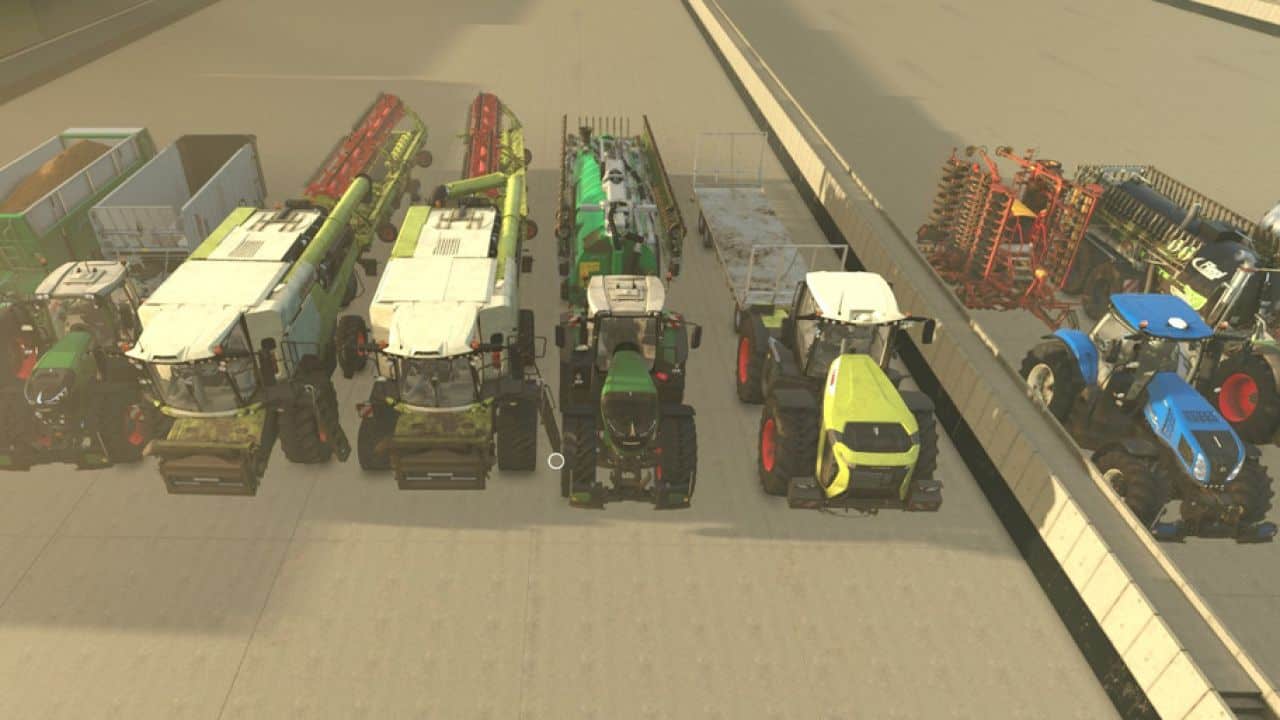
– Everything was tested and run in using standard vehicles and equipment.
– NO MODIFIED VEHICLES.
– You can see my test vehicles in the picture.
Duration:
– Break-in period: approx. 60 hours
– Testing: approx. 28 hours
– The appropriate vehicle settings have already been stored as defaults in the configuration.
You can transfer them to existing vehicles using the “Restore” button.
Or:
– Activate folder
– Collision height above ground to 0.75m
– Collision detection “Yes”
– Max. silo spacing of 25m
– Field exit nearest
– max. detour of 200m