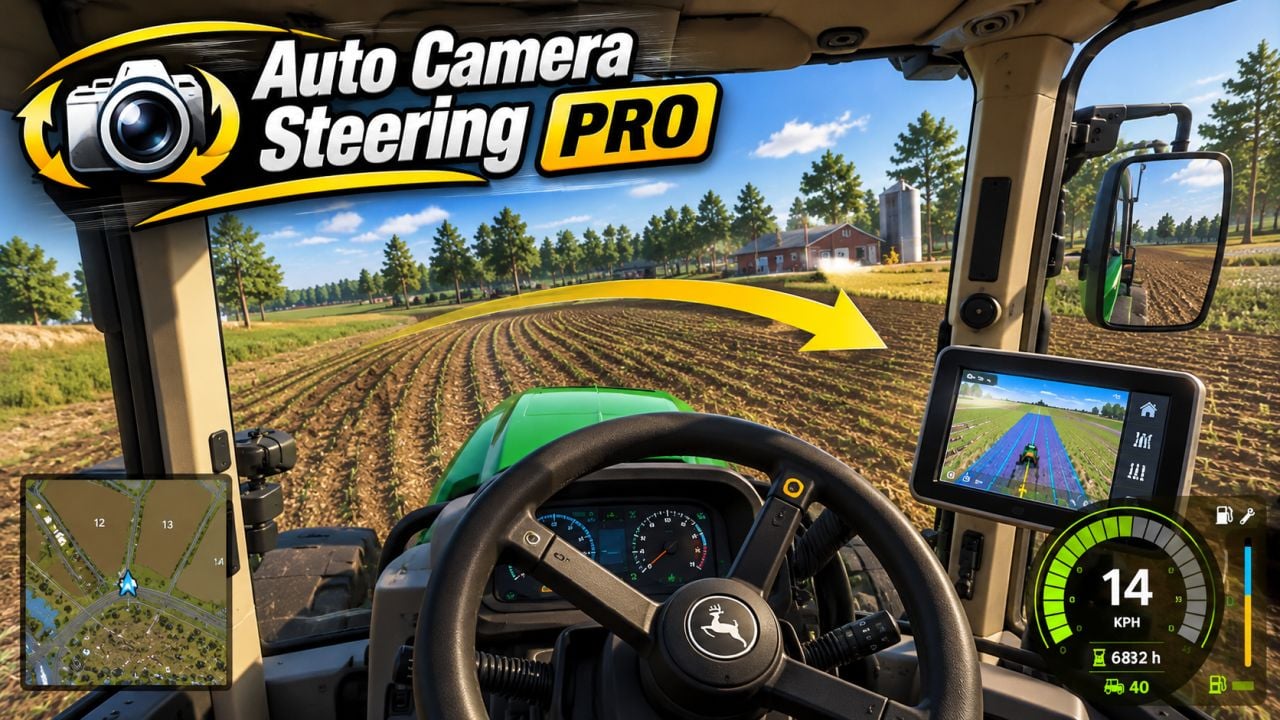
FS25 Auto Camera Steering PRO V1.2.0.0
Auto Camera Steering moves the interior camera into the corner as you steer, similar to the head movement of a real driver. It is designed for comfortable cabin play with every device, whether you use a wheel, gamepad or keyboard.
Features
- Steering controls the camera: the interior view follows your steering direction with a smooth turn. This also works while standing still and at any speed.
- Input profiles are available for Wheel, Gamepad or Keyboard. Every profile uses its own dead zone and smoothing, allowing precise camera movement with a wheel and calmer movement on the A/D keys.
- Choose from 7 sensitivity levels and set the maximum turn angle to 25°, 45°, 90° or 120°.
- Reverse flip: once the vehicle is genuinely moving backwards, the camera turns behind you and the steering direction is mirrored. Selecting reverse gear or giving a small nudge is not enough; the vehicle must move backwards at about 2 km/h for a short moment. The same condition is used when moving forward again.
- Auto-centering brings the camera smoothly back to the front while driving forward after you have looked around with the mouse. Delay, 1-5 s, return speed and movement threshold can be adjusted. Manual looking around is never interrupted.
- Straight ahead on entry: when entering a vehicle, the camera always faces the actual driving direction, including vehicles with a default camera pointed to the side.
- Quick glance lets you look back, left or right while holding a key. Releasing the key smoothly returns the camera. It works both while driving forward and in reverse.
- Use the mouse wheel to zoom the interior camera, with a separate reset key. The zoom function can be disabled in the settings.
- Hotkeys can be edited in the controls menu. Right Ctrl + / turns the mod on or off, while Right Ctrl + , pauses or continues auto-centering for free look.
- Look back, look left, look right and reset zoom have no default assignments. Set your preferred keys in the controls menu under the Auto Camera section.
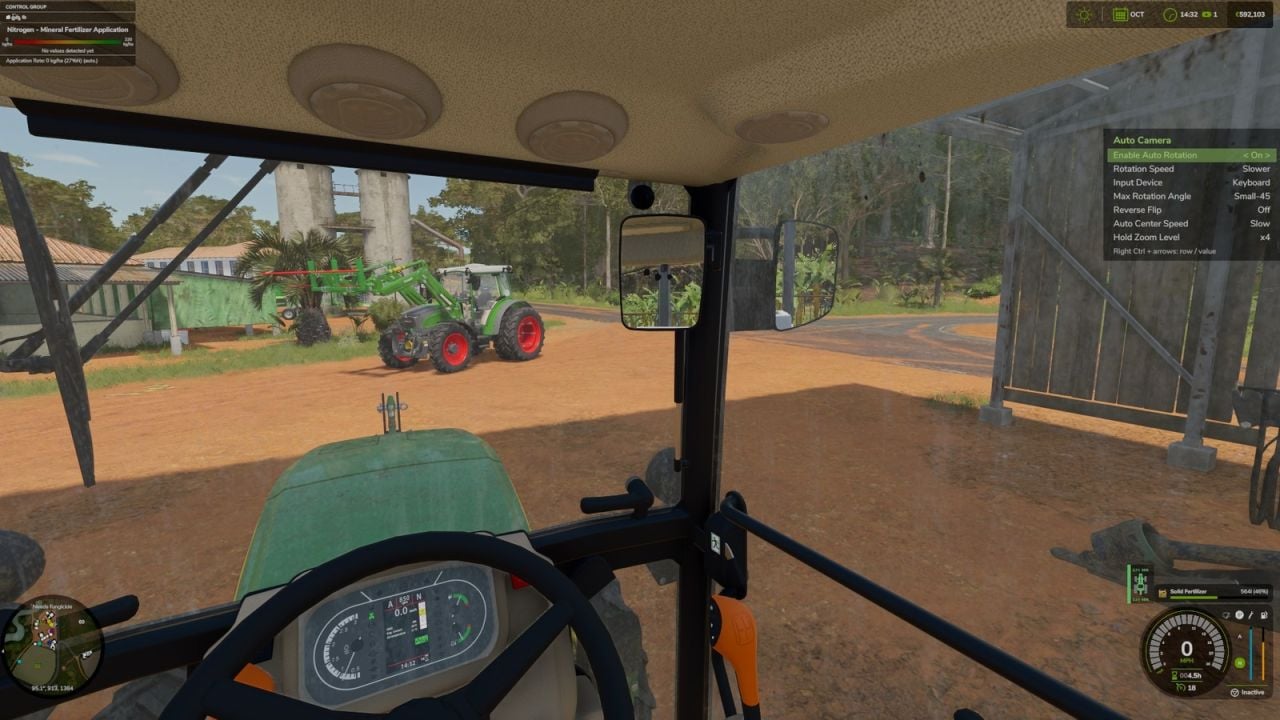
- The game settings menu contains all options, and they are saved automatically.
- Multiplayer use is purely visual and client-side, so only your own camera is affected.
Notes:
Works with interior, cabin, cameras. Mouse look always has priority over the automatic movement.
Changelog
- V1.2.0.0
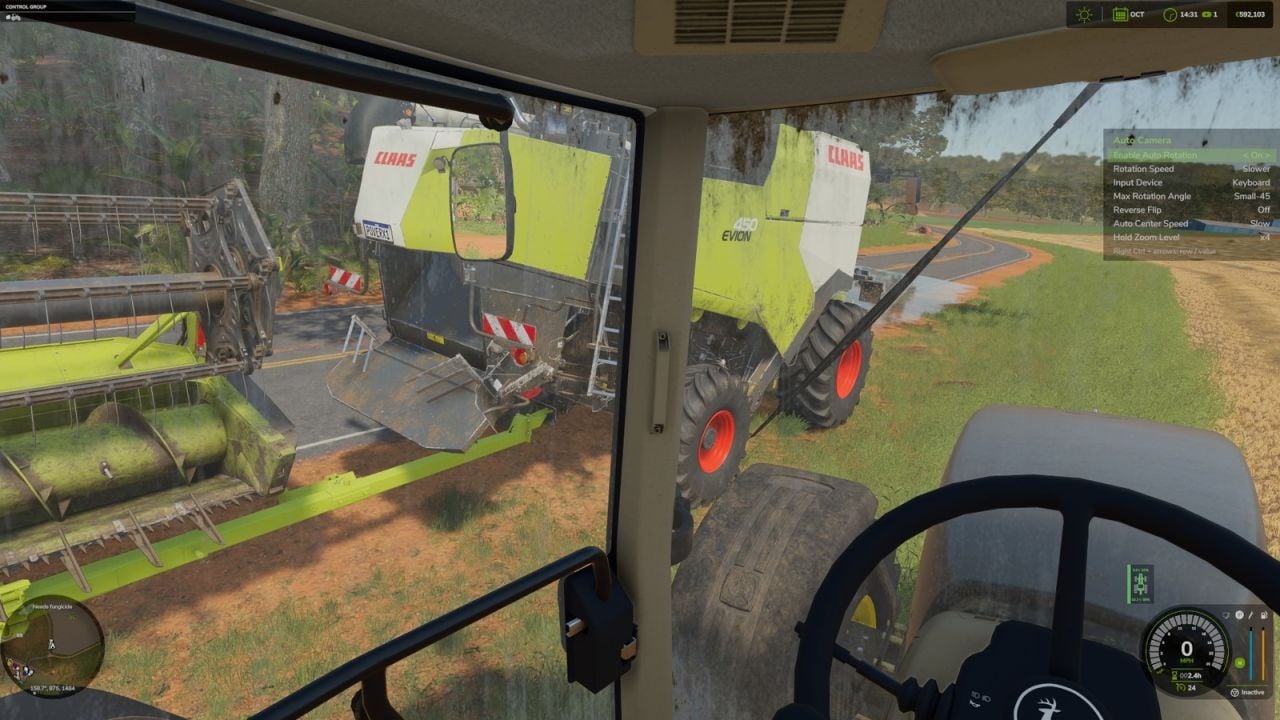
New: on-screen settings panel, Right Ctrl + Z.
New: zoom level setting in the game menu, x1.5, x2, x3, x4.
New: zoom on hold.
Added look back, quick glance left/right and mouse wheel zoom.
Fixed camera bugs when entering and leaving a vehicle.