FS25 Additional Inputs V1.2.1.1
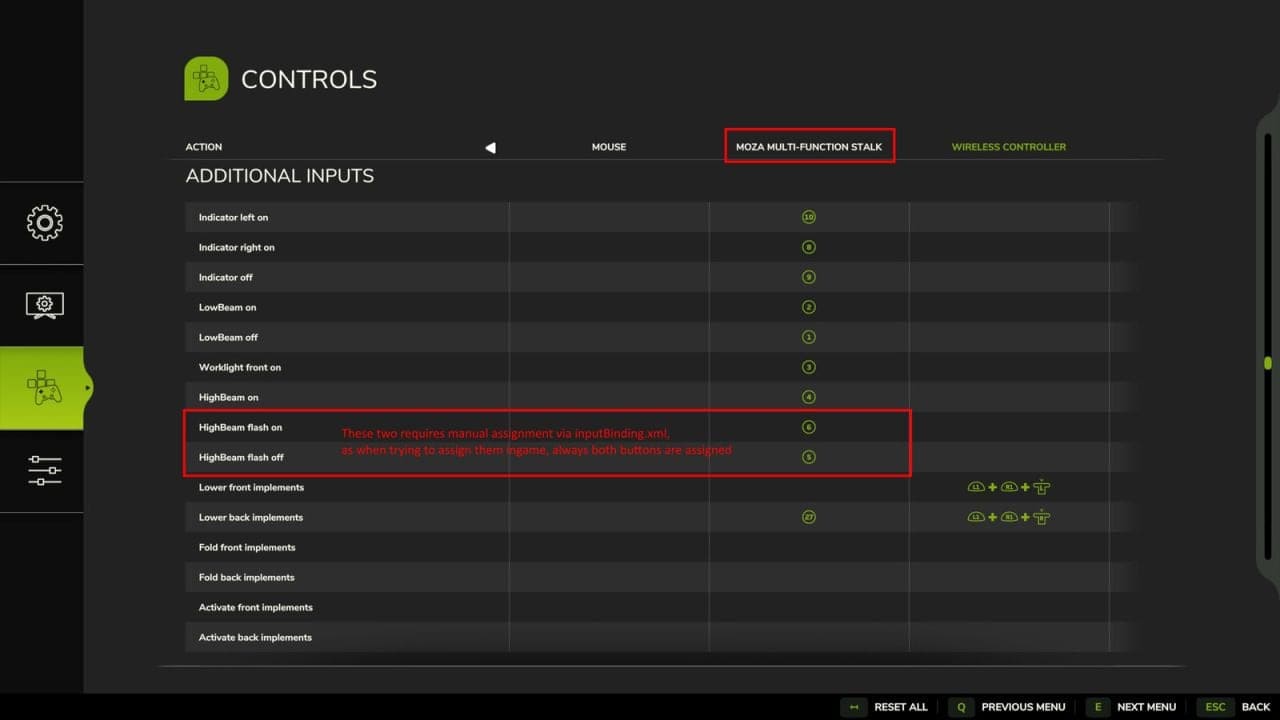
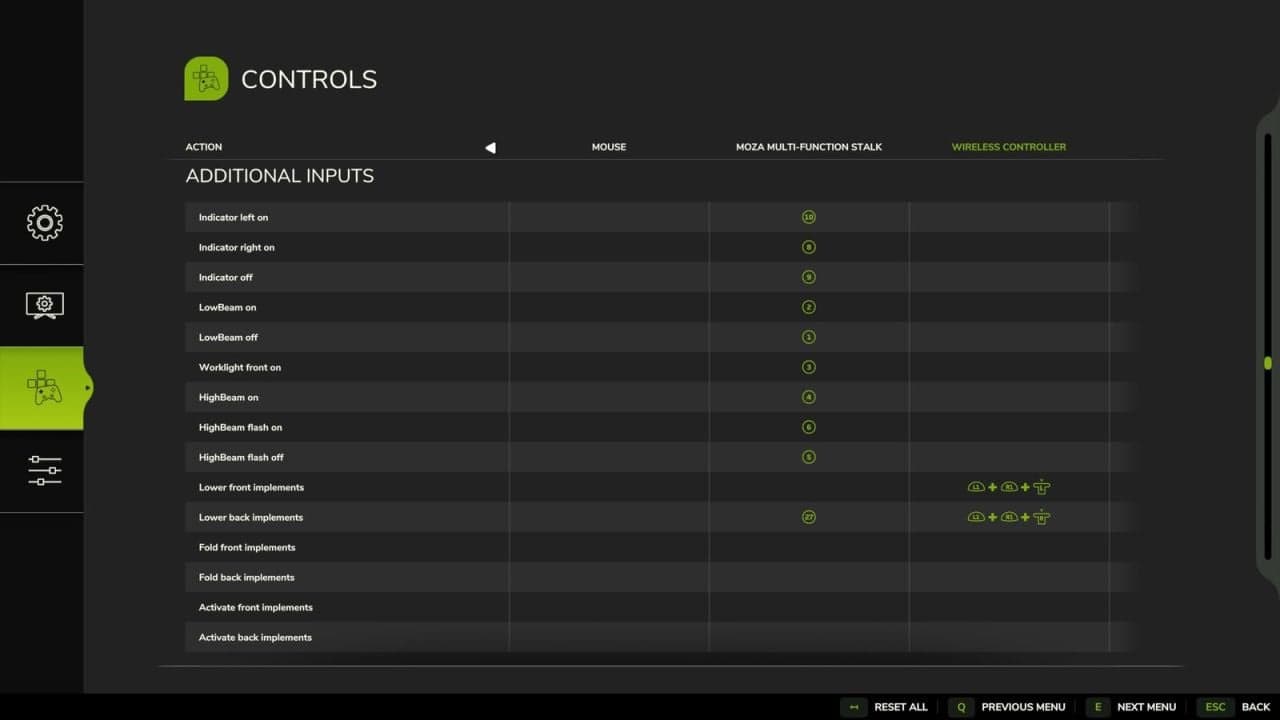
Additional Inputs enhances vehicle control in FS25 with explicit keybindings for realistic hardware setups, such as the Moza Multi-function Stalks. It adds turn signal logic with comfort blinking, discrete controls for headlight and worklight stages, and dedicated inputs to fold, lower, and activate implements independently based on their front or back position without selecting them first.
Features
- Indicators / TurnSignal: Adds explicit inputs for indicating left, indicating right, and turning the indicators off, similar to an indicator lever in a car.
- Comfort blinking: If an off signal follows the on signal within 500ms, the tip blink is activated. If the hazard light is on, it has priority. These added inputs cannot turn off the hazard lights.
- Lights: Adds controls for turning the normal front lights on and off, plus a control for turning the front worklight on. The front light on action also turns off the front worklight. This works best with the Moza Multi-function Stalks.
- Translation from Moza Stalk lever turn to FS25:
- OFF -> Front lights OFF
- parking light -> Front lights ON
- Front light -> Worklight Front ON
- High Beam: Adds three inputs, one to turn the high beam on, one to trigger the high beam flash and also turn off the high beam if it was turned on before, and one to release the flash.
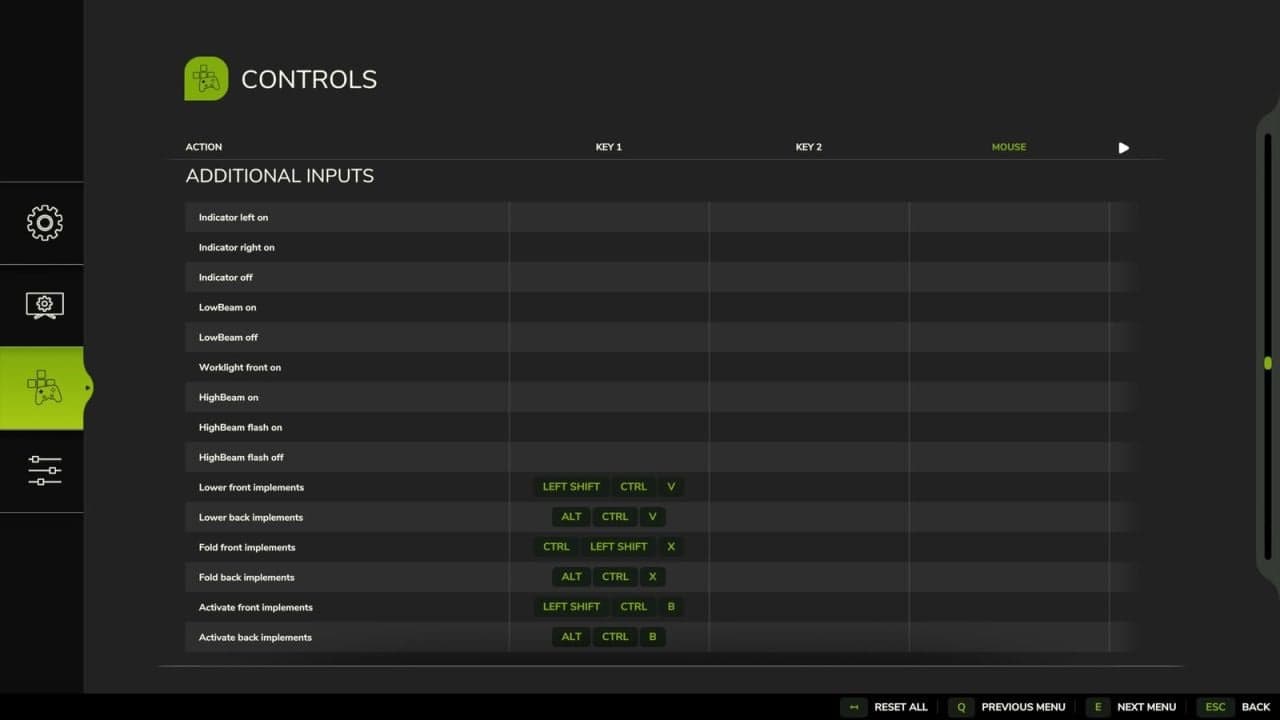
- Implements: Adds Fold, Lower, and Activate inputs for implements attached at the front or back. They are not bound to the current selected part of the vehicle.
More information regarding setup with Moza Stalks can be found on Github. A detailed table describing each input is also available there. Please report feedback or issues on Github.
GitHub link: https://github.com/VertexDezign/AdditionalInputs
Changelog
- V1.2.1.1
Bump moddesc version for release on Modhub