FS25 Rabbit Hutch V1.0
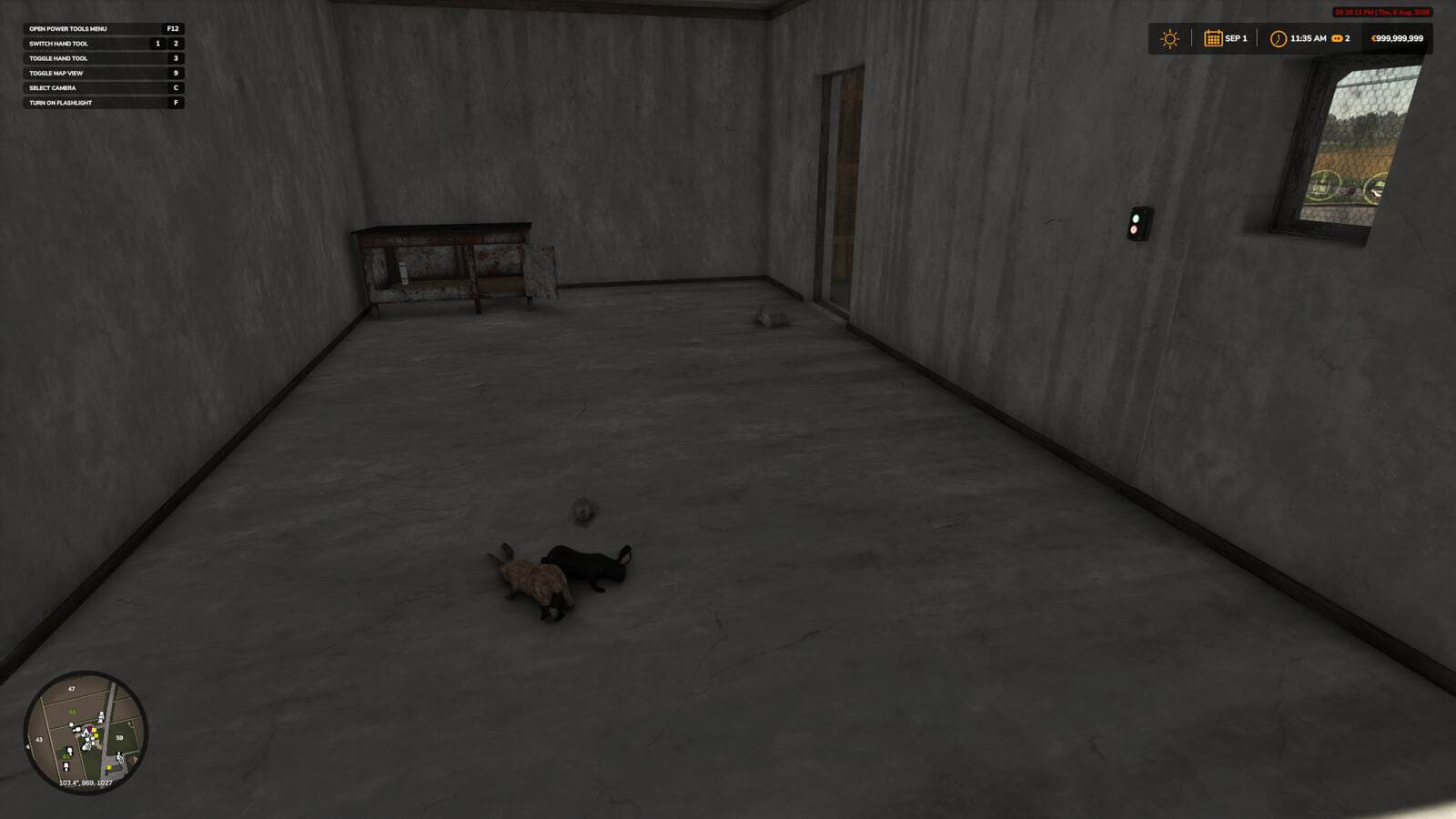
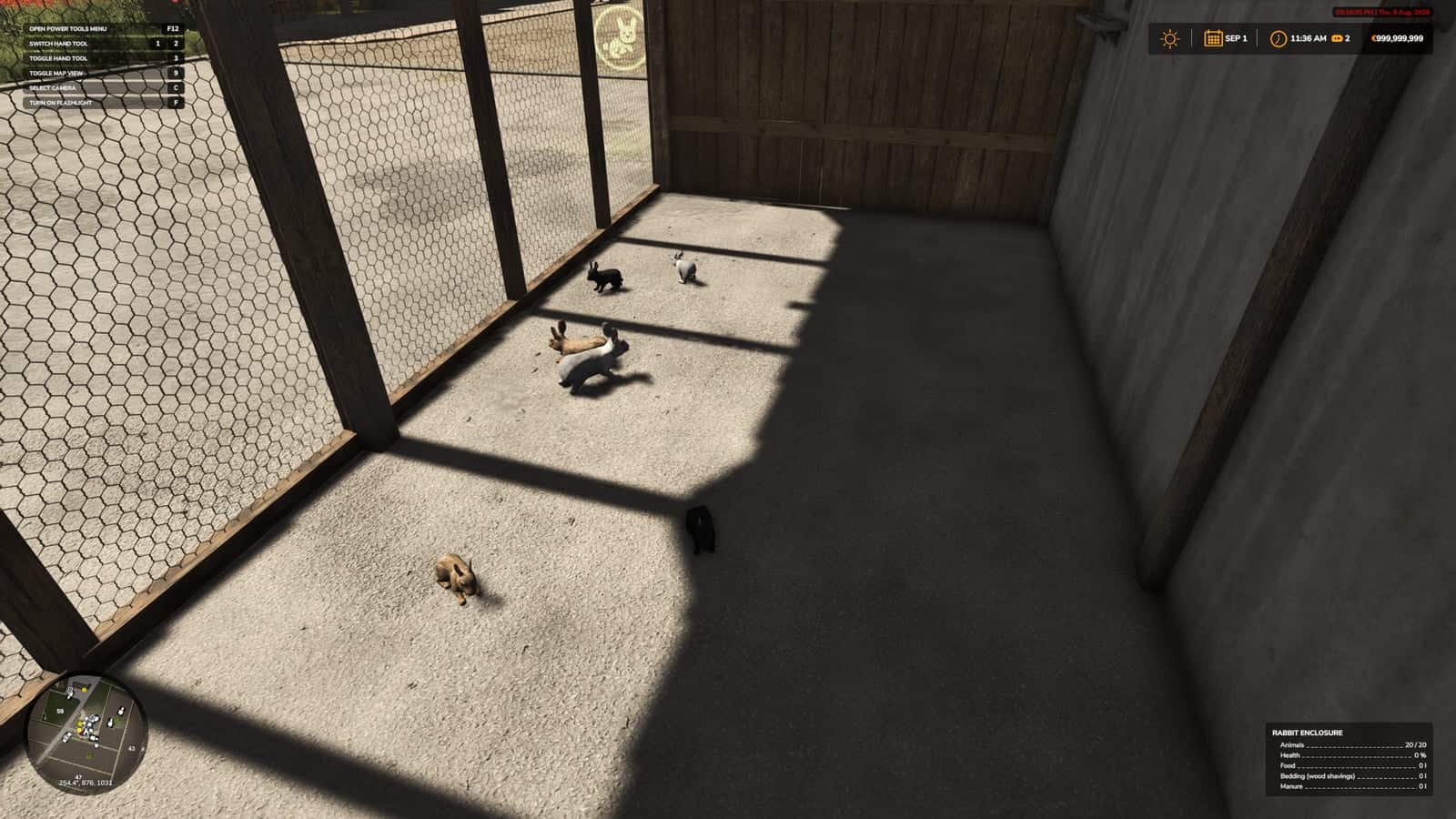
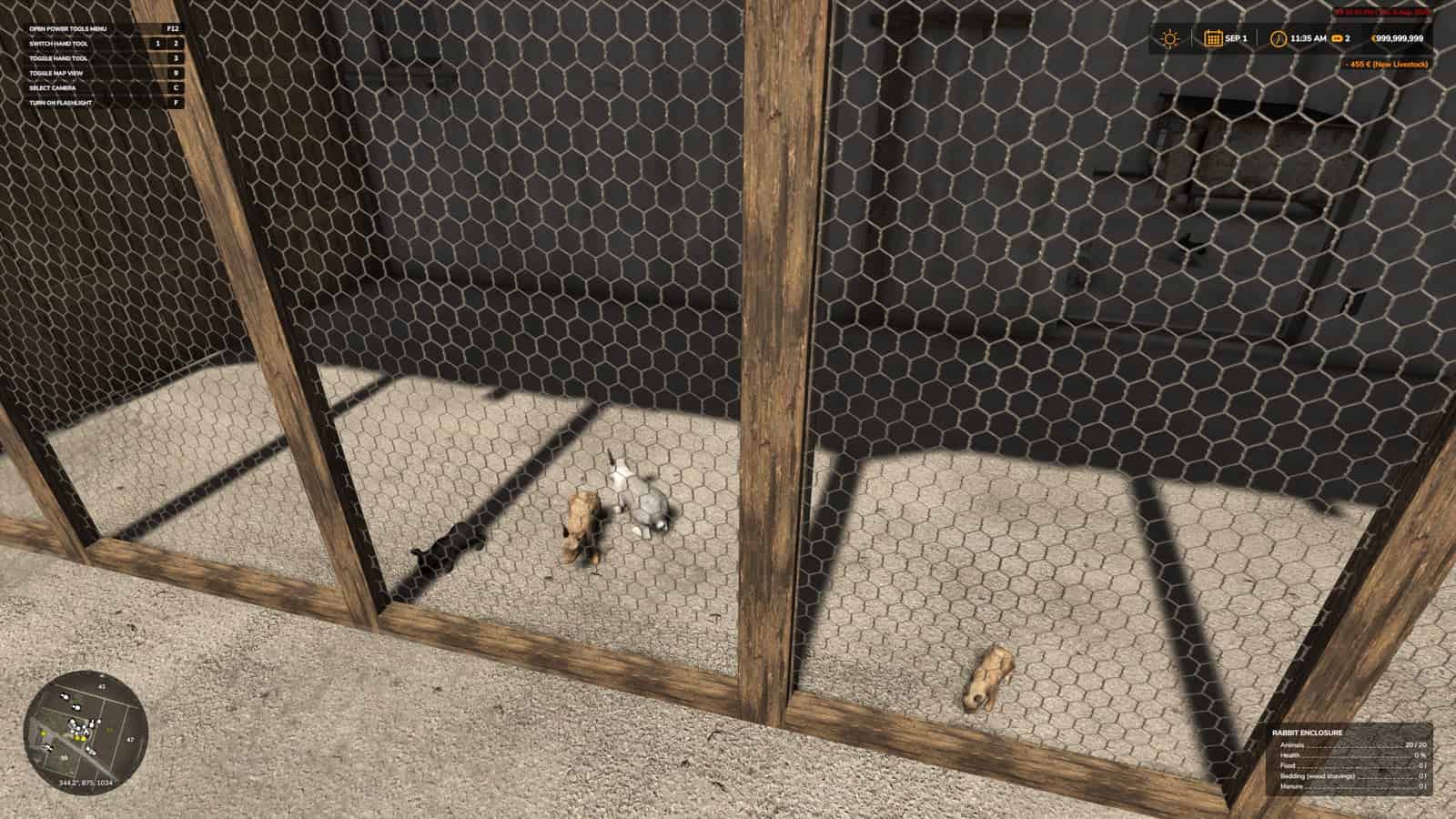
HB Rabbit Hutch is a standalone HofBergmann rabbit hutch for Farming Simulator 25, with rabbits, hay and vegetable feeding, automatic water, and wood-shavings bedding.
Features
- Adds a standalone rabbit enclosure placeable for up to 20 rabbits.
- Supports hay feeding plus lettuce and carrot vegetable feeding.
- Includes automatic water.
- Includes wood-shavings bedding.
- Includes visible rabbits and a small-animal care workflow.
Hay and Vegetable Feeding Workflow
Place or enable the mod, watch the animal area during feeding, and confirm that outputs, food, bedding, and markers still behave normally after a reload. It is best tested on an animal-focused save where feeding routines, visible animals, care triggers, and output areas can be watched across more than one in-game hour.
Use the same map, save, vehicle, field state, and time of day so the change from HB Rabbit Hutch is easy to see.
Installation and Setup
- Use the Download ZIP button and download the ZIP from the linked external file source for this release.
- Keep the package name unchanged before placing it in the FS25 mods folder.
- Keep
FS25_HB_RabbitHutch.zippacked as a ZIP. - Place
FS25_HB_RabbitHutch.zipinDocuments/My Games/FarmingSimulator2025/mods. - Enable HB Rabbit Hutch from the savegame mod list.
- Load a copied save before using it on the farm you care about.
- For terrain, animal, or vehicle behavior scripts, test on a backup save first.
No separate required-mod list is shown for HB Rabbit Hutch. Install FS25_HB_RabbitHutch.zip by itself and then test it with the rest of the active mod folder.
Compatibility Notes
This animal-care script should be tested carefully with other livestock, feeding, dirt, barn, pasture, and husbandry mods, because two systems can sometimes update the same animal area or daily routine.
Check the animal menu, the placeable trigger, visible animals, feed levels, water, straw, manure, slurry, pallets, and any special food type the mod adds.
The active gameplay logic is written in Lua, the scripting language Farming Simulator 25 uses for script mods. Lua is chosen because the game loads it directly through modDesc.xml, and using one main scripting language keeps the mod lighter, easier to update, and safer beside other scripts.
For HB Rabbit Hutch, the first minute after loading is not enough; the mod should still behave after saving, quitting, and loading again.
Testing Notes
- Load the animal area.
- Feed or bed the rabbits where relevant.
- Wait through normal time.
- Check outputs or markers.
- Save and reload the same placeable.
- Change one thing at a time.
- Write down the map name, game version, mod version, and the other active mods that touch animal-care routines.
- After the first successful test, save, quit to the menu, load the same save again, and repeat the feature once more.
If the same action works before and after reload, HB Rabbit Hutch has passed a more useful test than a quick menu check.
If an animal marker, feed plane, food type, pallet, manure area, or visible animal does not appear, test with only this mod and the map enabled before blaming the save. If something is wrong, test with only the map, this ZIP, and required animal files before adding other livestock mods back into the folder.
Changelog
HB Rabbit Hutch current public version is v1.0.0.0.
The public file name is FS25_HB_RabbitHutch.zip. Keep only one copy of FS25_HB_RabbitHutch.zip in your active Farming Simulator 25 mods folder.
Multiplayer: Supported.